AI-Powered Asset Libraries: Smarter Visuals for Your Decks
AI-Powered Asset Libraries: Smarter Visuals for Your Decks
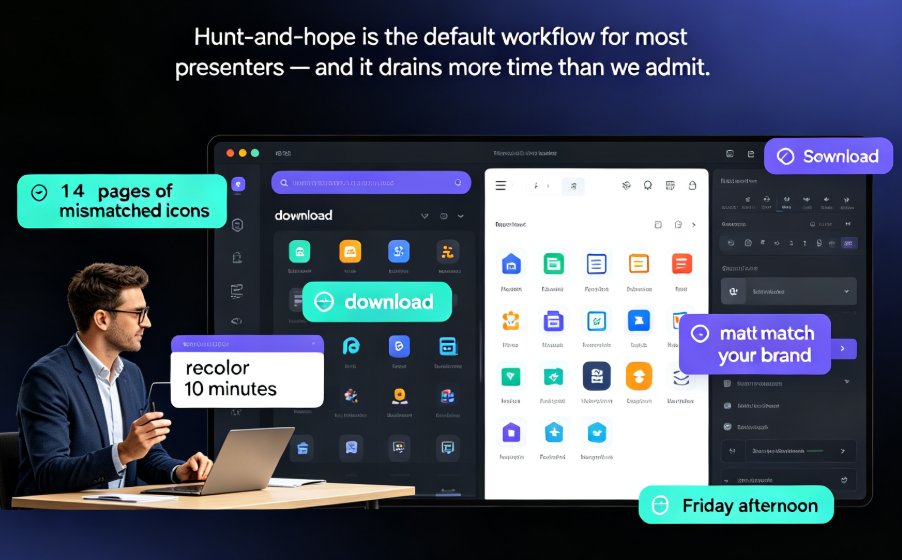
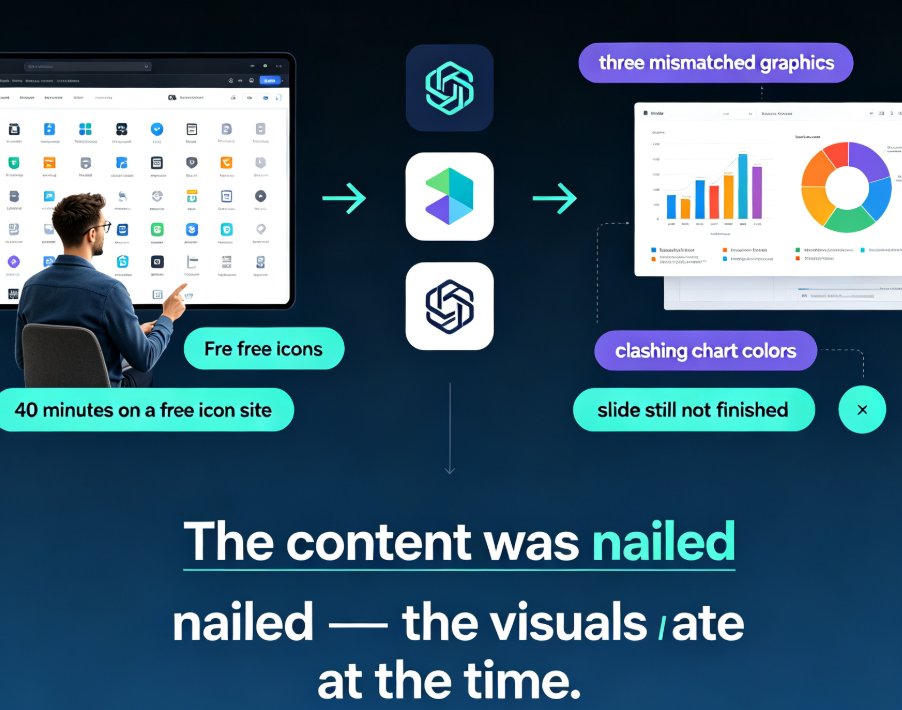
You know the feeling. You're building a deck, you need one icon — just one — to make a point land. Forty minutes later you're still scrolling through thousands of clip-art results, and the icon you finally pick is... fine. Not great. Fine.
That hunt is exactly what AI-powered asset libraries are designed to kill. Instead of making you search, they read your content and hand you the visuals that fit. Let's dig into how this works, why it matters, and how Zendeck puts it to work.
01 What an AI Asset Library Actually Is
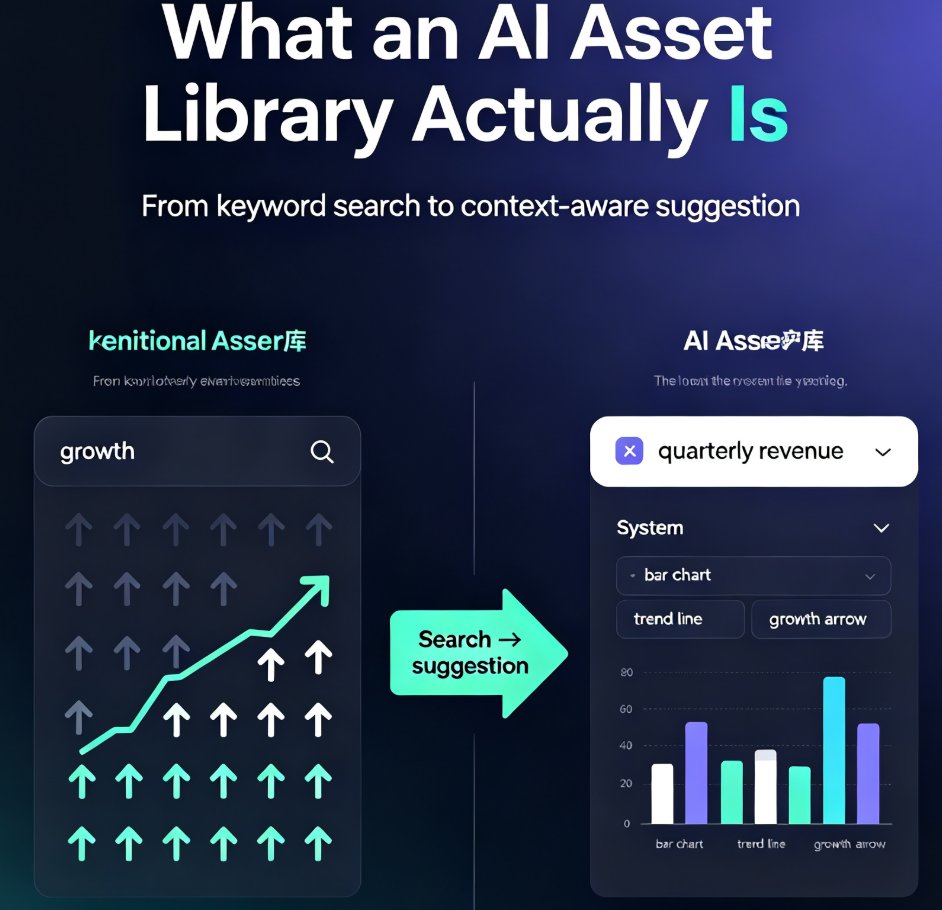
An asset library is the drawer where your icons, charts, illustrations, and photos live. A traditional one is organized by category and keyword — you search "growth," you get a hundred arrows pointing up.
An AI asset library does something different. It understands context. You drop in a slide about quarterly revenue, and the system doesn't just show you "chart" icons — it suggests a bar chart, a trend line, and a growth arrow that match the tone and layout of your deck.
The shift here is from search to suggestion. You stop hunting for visuals; the visuals come to you.
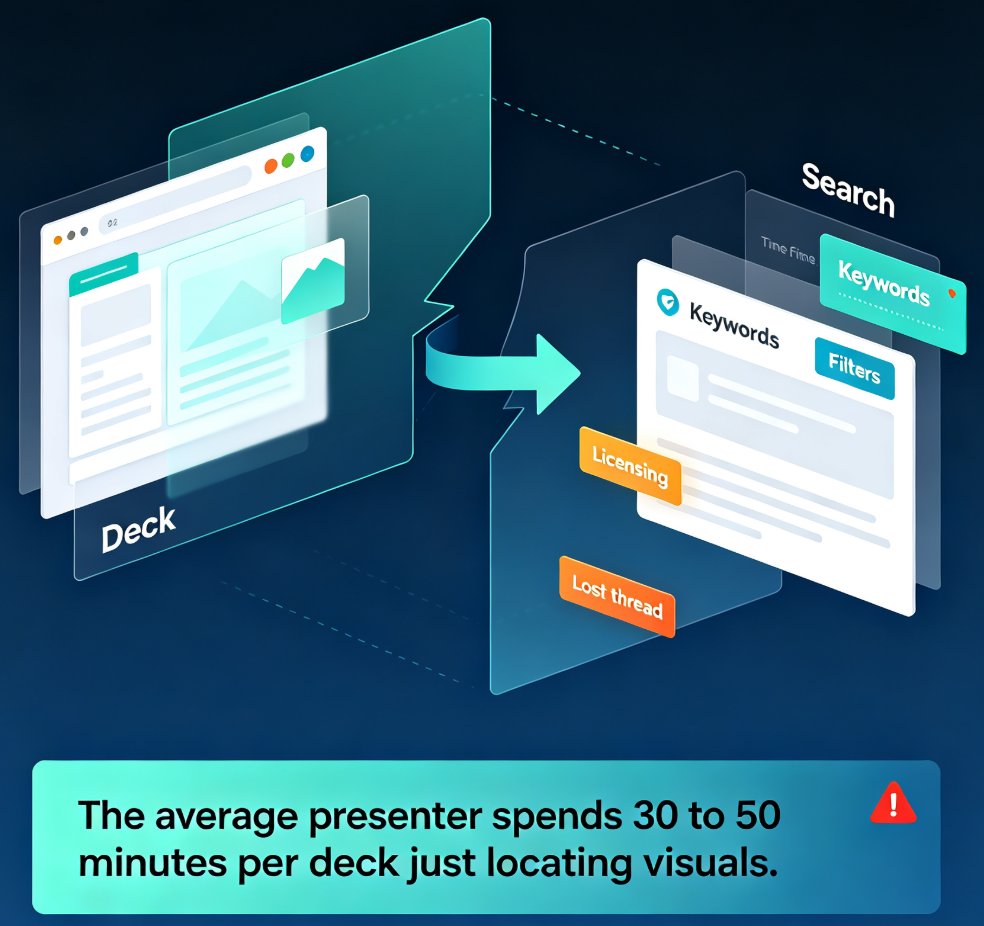
That matters more than it sounds. The average presenter doesn't lose time because they're bad at design. They lose time because they're bad at guessing what keywords a stock library used to tag a particular illustration. You type "teamwork" and get 400 results, none of which show two people actually working together. So you compromise. You pick the least-wrong option. And your deck ends up full of "least-wrong" visuals that don't quite fit.
AI libraries break that cycle by removing the guesswork entirely.
02 Why Context Beats Keyword Search
Keyword search assumes you know what you're looking for. Context-aware recommendation assumes the tool knows what you're talking about — which, with AI, it increasingly does.
Here's a real scenario. You're building a training module on workplace safety. You type "helmet" into a traditional library and get 300 results, most of them wrong. An AI library reads your slide text — "hazard identification," "PPE compliance," "incident reporting" — and suggests a coherent set: a hard hat icon, a warning triangle, a checklist illustration. Same topic, but the visuals actually tell a story together.
Consistency is the hidden win. When visuals are recommended as a set rather than found one by one, your deck starts to look like it was designed by one person — because it was, sort of.
This is where tools like Zendeck's asset library shine. The AI doesn't just match keywords; it matches the visual language of your deck — the color palette, the icon style, the level of detail. A slide about serious compliance topics gets serious visuals. A slide about team culture gets warmer, more human illustrations. The system reads the room, so to speak.
03 Traditional vs. AI Asset Library: A Quick Comparison
| Aspect | Traditional Asset Library | AI-Powered Asset Library |
|---|---|---|
| Search method | Manual keyword search | Context-aware recommendations |
| Time to find a visual | 5–15 minutes of scrolling | Seconds, often zero clicks |
| Visual consistency | Depends on your discipline | Enforced by the system |
| Brand alignment | Manual checking | Automatic via brand kits |
| Learning curve | None, but slow | Minimal, much faster |
| Best for | Quick, known lookups | Complex, multi-slide decks |
The table oversimplifies, but the direction is clear. Traditional libraries are fine when you know exactly what you want. AI libraries win when you're building something bigger — a course, a pitch, a training program — where every visual needs to fit a system.
04 How Zendeck's Asset Library Works in Practice
Let's walk through a real workflow, because that's where the value shows up.
You paste a Word outline into Zendeck — say, a five-module onboarding course. The AI generates the slides. Then, instead of opening a separate icon site and hoping for the best, you open Zendeck's asset library. The system has already read every slide. It knows module two is about payroll, module four is about company culture.
So when you click on a slide about payroll, the suggestions are payroll things: a paycheck icon, a calendar, a bank building. Not a random assortment of business clip art. The icons match the deck's color scheme and style, because the library is tied to your brand kit.
The same logic applies to charts. Need to visualize survey results? The library suggests chart types that fit your data and your layout — not just "any chart." This is covered in more depth in our guide on adding interactive charts with Zendeck's asset library.
The outcome is simple: a deck that used to take an afternoon now takes an hour, and it looks better than most decks that took a week.
And it's not just about speed. Because the suggestions are contextual, you're also learning — you start to see which visual metaphors work for which ideas. After a few decks, you develop an instinct for pairing content with visuals. The tool doesn't replace your judgment; it accelerates it.
05 Design Quality and Brand Consistency
Here's the thing nobody tells you about asset libraries: the real cost isn't finding an icon. It's making sure all your icons look like they belong together.
Mix a flat icon from one library with a 3D illustration from another, and your deck instantly looks amateur — even if each individual visual is fine. AI asset libraries solve this by constraining suggestions to a consistent style.
This connects directly to brand consistency. When your asset library is wired to your brand kit, every suggested visual already matches your colors, fonts, and style. No manual checking. No "close enough." If you want the full picture on this, our piece on how AI asset libraries are revolutionizing corporate brand consistency goes deeper.
For teams, this is a quiet revolution. The person who "isn't a designer" suddenly produces decks that look on-brand, because the system does the design thinking for them. That's the promise of AI-powered design suggestions in general — and asset libraries are where it becomes tangible.
There's also a quality floor being raised. In a traditional workflow, the weakest visual in your deck sets the perceived quality. One off-style icon can sink an otherwise polished presentation. AI libraries keep every suggestion within a consistent style band, so the floor is higher across the board.
06 What's Next for AI Asset Libraries
The direction is clear: asset libraries are moving from "a place to store visuals" to "a system that understands your content."
Three trends worth watching:
- Generative assets. Instead of choosing from existing icons, AI will generate custom ones on the fly — an icon that matches your exact metaphor, not a close approximation. We're already seeing this with AI-generated icons and charts.
- Cross-deck intelligence. The library will learn from every deck your team has ever made, so suggestions get sharper the more you use it. Your first deck gets good suggestions; your fiftieth gets suggestions that feel like they were made for you.
- Accessibility awareness. AI will flag visuals that don't meet contrast or clarity standards, which ties into the broader WCAG compliance trend in presentations.
None of this is science fiction. The first two are already happening in tools like Zendeck. The third is a matter of when, not if.
If you're still building decks the old way — searching, scrolling, compromising — the gap between you and someone using an AI asset library is only going to widen. Not because they're better designers, but because their tools understand context. And in presentation design, context is everything.
FAQ
Q: What is an AI-powered asset library?
A: It's a visual asset library that uses AI to recommend icons, charts, and illustrations based on the content and context of your slides, rather than requiring manual keyword searches.
Q: How does Zendeck's asset library suggest visuals?
A: Zendeck reads the text and structure of your slides, then suggests visuals that match both the topic and the deck's visual style — including your brand colors and icon style.
Q: Can AI asset libraries help with brand consistency?
A: Yes. When the library is connected to a brand kit, every suggested visual automatically aligns with your brand's colors, fonts, and style, eliminating manual checking.
Q: Do I still need design skills to use an AI asset library?
A: No. The whole point is to remove the design decisions — which icon, which style, which chart — so anyone can produce professional-looking decks.
Q: Will AI asset libraries replace traditional icon sites?
A: Not entirely. Traditional libraries are still useful for specific, known lookups. But for building coherent, multi-slide decks, AI-powered suggestions are dramatically faster and more consistent.