
Tags:AI asset library

2 articles

Zendeck Asset Library Tips: Finding Visuals Fast as a Non-Designer

Courseware Design 2026-09-14 3692

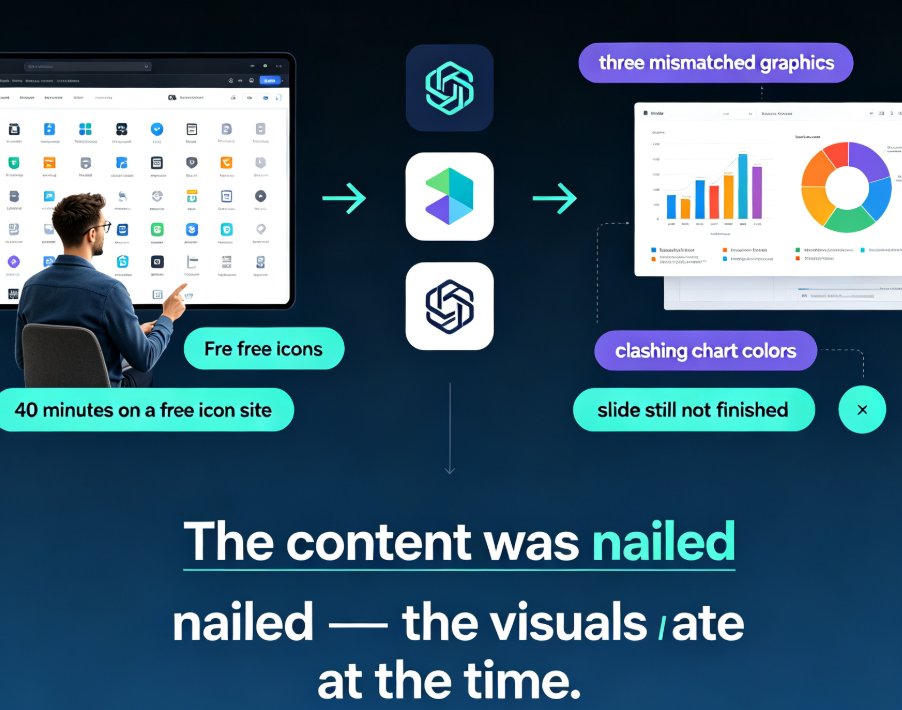
Zendeck asset library tips help non-designers find icons, charts, and illustrations fast. In this guide, you'll learn practical ways to search, filter, and insert pre-made visuals so your slides look professional in minutes. We cover smart keyword search, brand-consistent asset reuse, and a quick comparison of old manual methods versus Zendeck's built-in library. If you've ever spent an hour hunting for the perfect icon, this is for you. You'll walk away with repeatable workflows for visual storytelling, data charts, and courseware design — no design skills required. Start with these Zendeck asset library tips and turn plain-text slides into polished decks your audience actually remembers.
AI-Powered Asset Libraries: Smarter Visuals for Your Decks

Courseware Design 2026-08-21 2324

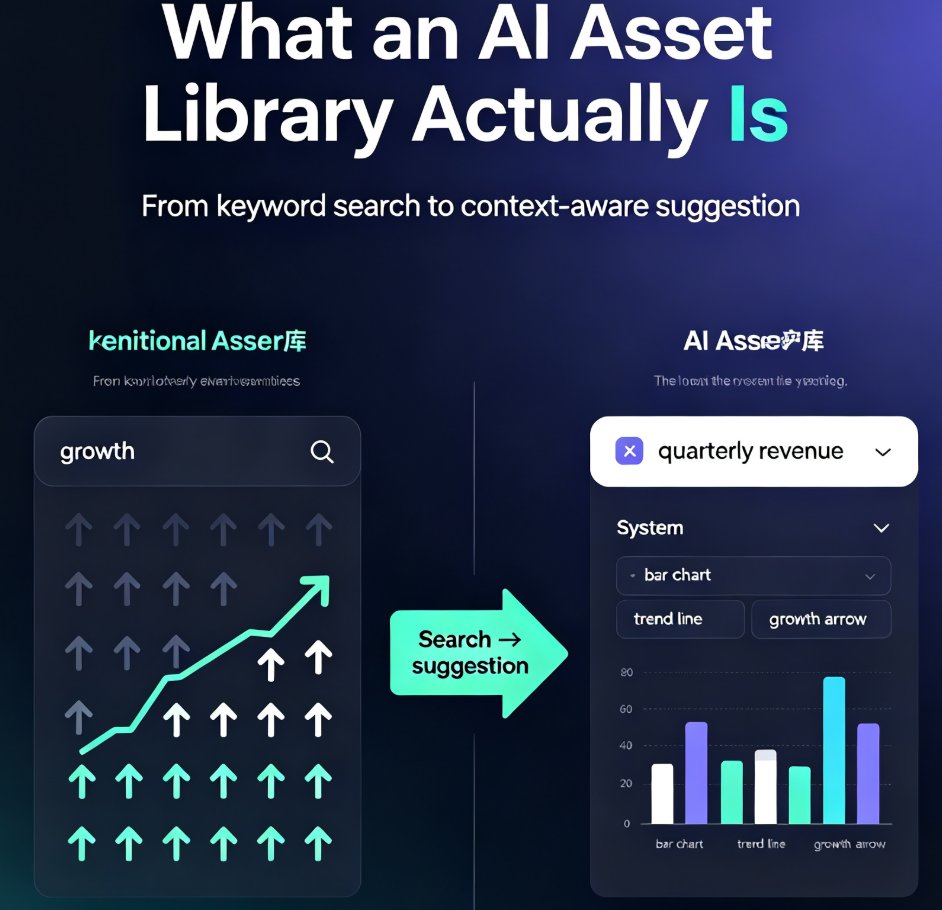
AI-powered asset libraries are changing how we build presentations. Instead of hunting through thousands of icons, tools like Zendeck read your slide content and recommend the perfect visuals — icons, charts, and illustrations that match your topic, tone, and brand. This guide explains how context-aware suggestions beat keyword search, why visual consistency matters more than individual icon quality, and how Zendeck's asset library turns a multi-hour design task into a few minutes. You'll see a side-by-side comparison of traditional and AI libraries, a real workflow walkthrough, and a look at what's next for generative assets. If you're tired of decks that look thrown together, this is the shift you've been waiting for. Whether you're an educator, trainer, or marketer, understanding this shift will change how you approach every deck you build.