No Video Skills? Zendeck Turns PPT into Narrated Onboarding Videos
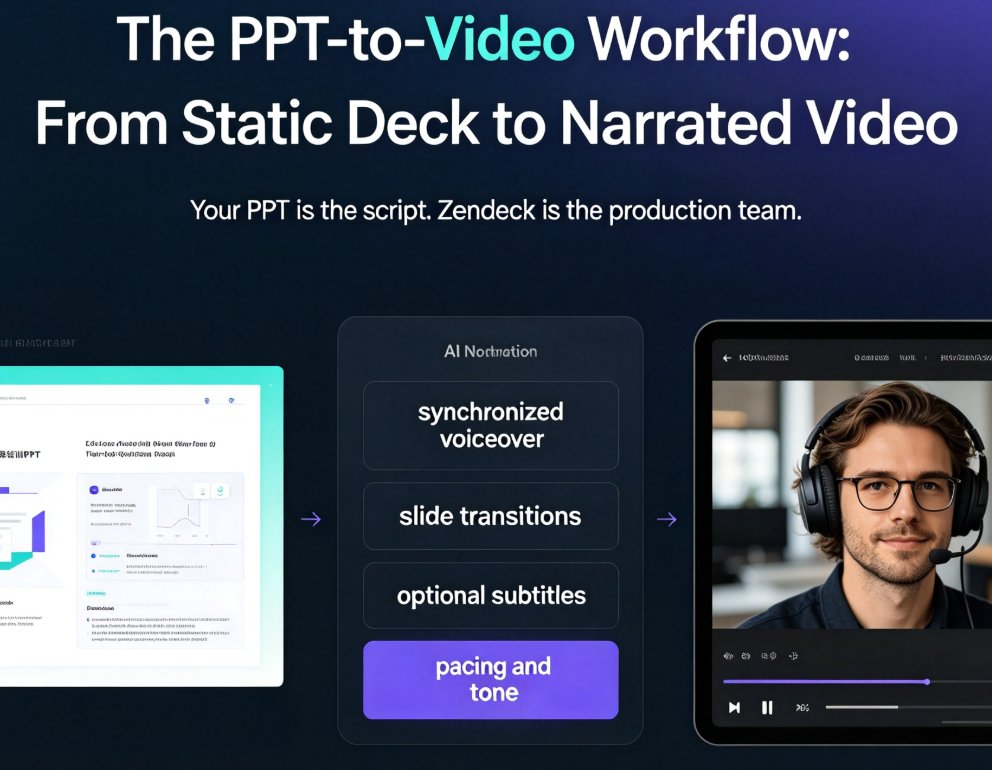
You don't need video editing skills to create professional onboarding videos. Zendeck's PPT-to-video feature turns your existing onboarding deck into a narrated video with AI or human voiceover, subtitles, and consistent branding — in about an hour instead of weeks. This guide walks HR and L&D teams through the exact workflow: preparing your deck, generating narration, adding subtitles, and exporting. We compare traditional agency production against the PPT-to-video approach, share best practices for onboarding videos that new hires actually watch, and explain why this workflow makes content updates a five-minute task instead of a re-hire-the-agency project. If your team has been avoiding video onboarding because it feels like a different profession, this is the practical path forward. No timeline editing, no studio, no agency — just your existing deck and a workflow that takes minutes.