Tags:AI voiceover

14 articles

PPT to Video: How to Add Voiceover Without Recording Yourself

PPT to Video 2026-09-21 3953

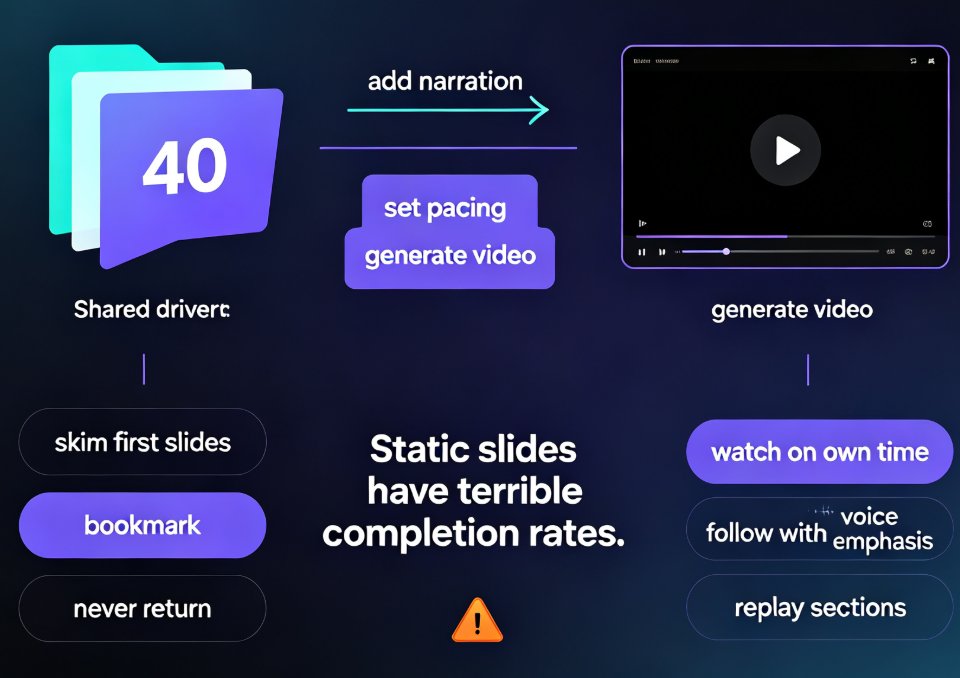
Adding voiceover to a PPT doesn't require a studio, a condenser mic, or a golden radio voice. Thanks to AI narration, you can convert PPT to video with a natural-sounding voice in minutes — and Zendeck's PPT-to-video feature makes it a one-click job. This guide covers the real bottleneck (retakes and sync, not equipment), how AI voice synthesis works and its limits, a step-by-step workflow, and the script pacing and slide timing tricks that keep narrated decks crisp. You'll also get a recording-vs-AI comparison table, honest use-case advice, and answers to the questions educators and trainers ask most.
No Camera, No Studio: Turn PPT into Narrated Micro-Courses with Zendeck

PPT to Video 2026-09-11 2347

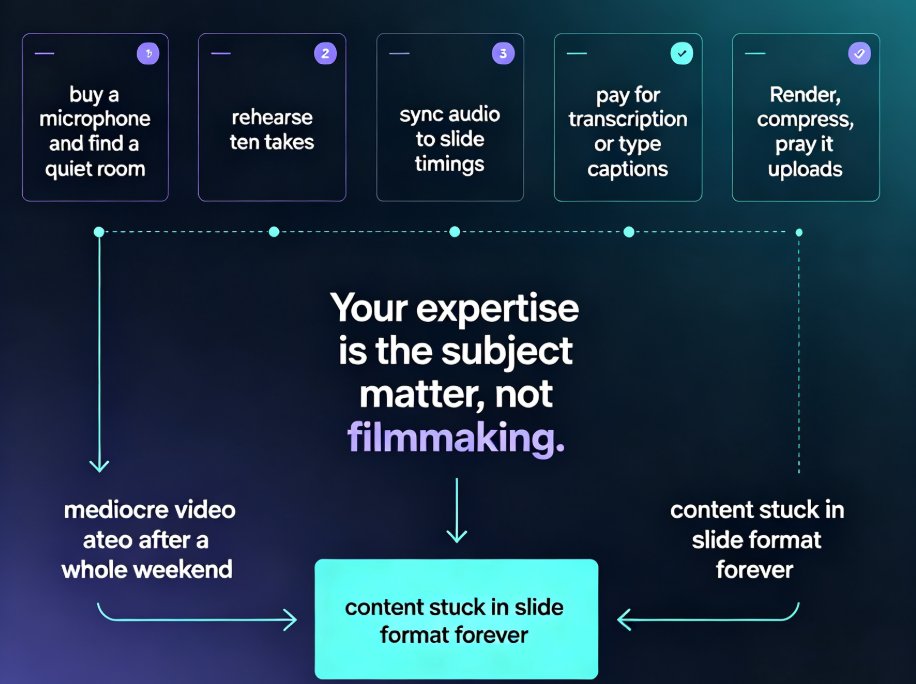
Turn static PowerPoint decks into professional narrated micro-courses with Zendeck's PPT-to-video feature. No camera, microphone, or editing skills required — just upload your slides, pick an AI voice, and Zendeck generates a polished MP4 with synchronized subtitles and an optional digital human presenter. This walkthrough covers the complete workflow: importing decks, choosing narration voices, editing auto-captions, using the presenter avatar, and exporting for your LMS or YouTube. We also compare production times against traditional studio and DIY recording so you can plan your course pipeline with real numbers. Whether you're a teacher who needs reusable video lessons, an HR trainer shipping compliance modules, or a content operator building a micro-course library, this guide shows why PPT-to-video is becoming the 2026 corporate training standard.

PPT to Video: Zendeck Automates Micro-Course Narration

PPT to Video 2026-09-03 1861

Zendeck's PPT-to-video automation turns static slides into narrated micro-courses with AI voice synthesis — no microphone required. This guide explains how automatic narration cuts production time from 90 minutes to 5 minutes, how to adjust pacing and timing, and why auto-generated subtitles make your training content accessible and WCAG-friendly. Compare manual recording vs. AI narration side by side, see real-world results from a university that converted 200 lecture decks into narrated micro-courses, and learn exactly when AI voiceover makes sense — and when you should still record manually. If you build corporate training, courseware, or onboarding decks, Zendeck's PPT-to-video feature removes the biggest bottleneck in video production and gets your content in front of learners faster.

Record Narrations Painlessly: Zendeck PPT to Video with AI Voiceover

PPT to Video 2026-09-02 2212

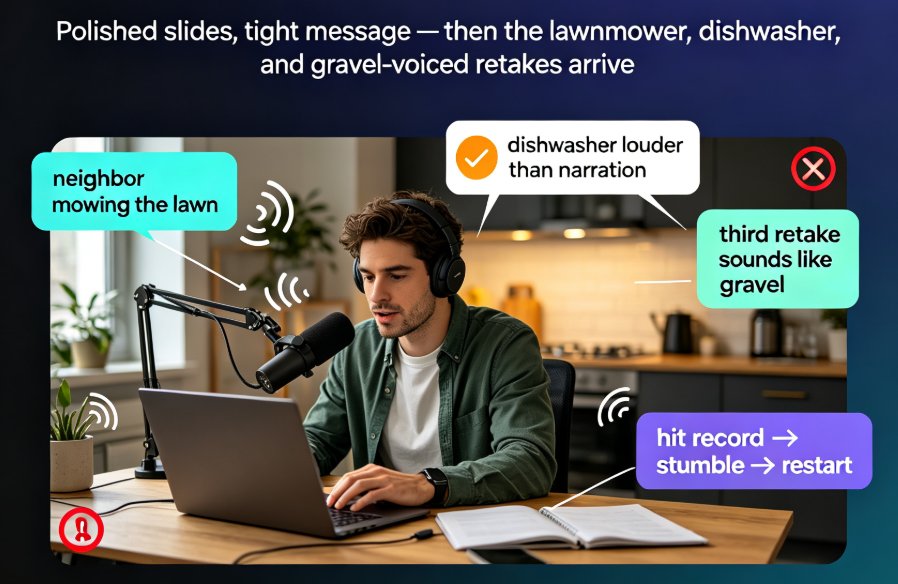
Stop reshooting audio. Zendeck PPT to video with AI voiceover turns your slides and speaker notes into a narrated MP4 in minutes — no mic, no studio, no retakes. Learn how to record narrations painlessly, keep a natural pace, and add captions, so your micro-courses and training decks look professionally produced. In this tutorial we walk through the three-step workflow, narration editing tips, and voice selection.

Robotic Narration? Zendeck's PPT-to-Video AI Voiceover & Subtitles

PPT to Video 2026-08-28 2059

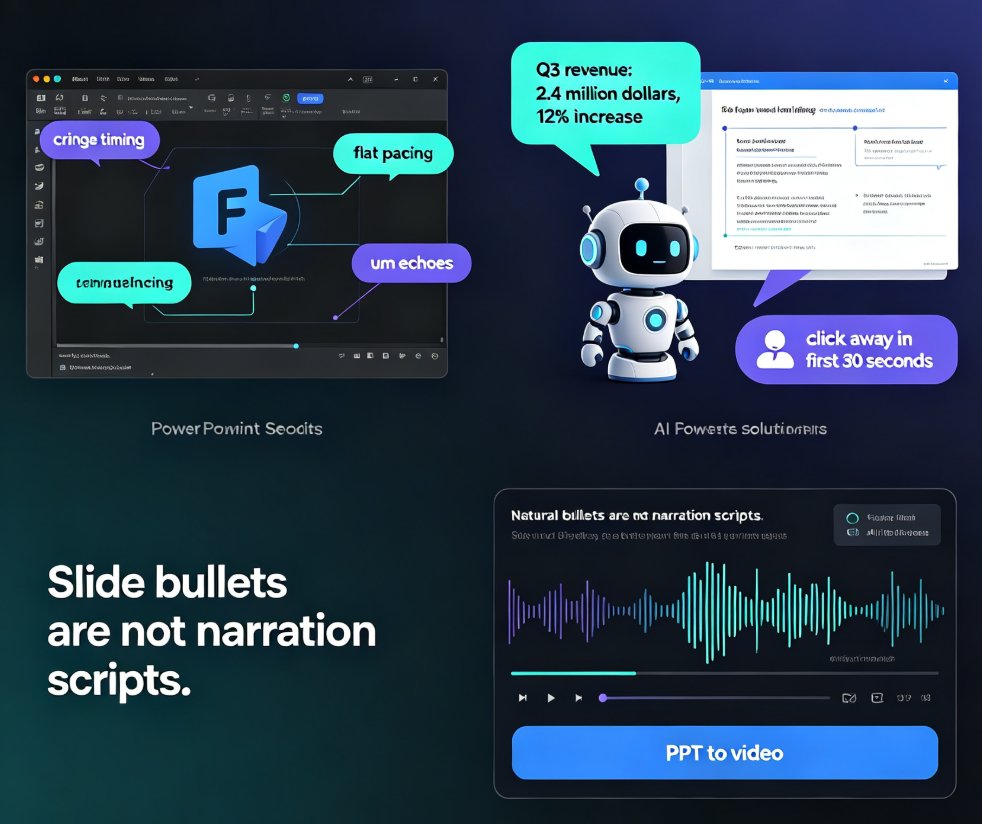
Robotic narration is the fastest way to lose viewers. Zendeck's PPT-to-video feature pairs AI voiceover generation with auto-synced subtitles so your micro-courses sound natural and stay accessible — no recording studio or voice-over agency needed. This guide breaks down why default TTS sounds flat, how Zendeck writes speak-ready scripts instead of reading slide bullets, and how the subtitle engine saves you hours of manual captioning. You'll get a practical comparison of narration workflows, a walkthrough of turning a deck into a narrated MP4 in minutes, and tips for keeping accessibility compliance front of mind. If you're an educator, trainer, or content operator tired of robotic-sounding videos, this is the workflow you've been missing.

How to Convert PPT to a Narrated Video with Zendeck: Step-by-Step

PPT to Video 2026-08-27 2098

Learn how to convert PPT to a narrated video with Zendeck's PPT-to-video feature. This step-by-step guide walks through the entire workflow: importing a Word outline or Markdown file, letting AI generate structured slides, adding AI voiceover narration, and exporting to MP4 for sharing. We also cover practical tips for educators and trainers — how to keep slides visual, script before you record, and add subtitles for accessibility. By the end, you'll know exactly how to turn a static deck into a narrated micro-course in minutes, without a microphone, design skills, or expensive video editing software. Whether you're building corporate training, courseware, or knowledge videos, this workflow saves hours and produces consistent, professional results.