
Tags:auto subtitles

3 articles

PPT to Video: Zendeck Automates Micro-Course Narration

PPT to Video 2026-09-03 1861

Zendeck's PPT-to-video automation turns static slides into narrated micro-courses with AI voice synthesis — no microphone required. This guide explains how automatic narration cuts production time from 90 minutes to 5 minutes, how to adjust pacing and timing, and why auto-generated subtitles make your training content accessible and WCAG-friendly. Compare manual recording vs. AI narration side by side, see real-world results from a university that converted 200 lecture decks into narrated micro-courses, and learn exactly when AI voiceover makes sense — and when you should still record manually. If you build corporate training, courseware, or onboarding decks, Zendeck's PPT-to-video feature removes the biggest bottleneck in video production and gets your content in front of learners faster.
Robotic Narration? Zendeck's PPT-to-Video AI Voiceover & Subtitles

PPT to Video 2026-08-28 2059

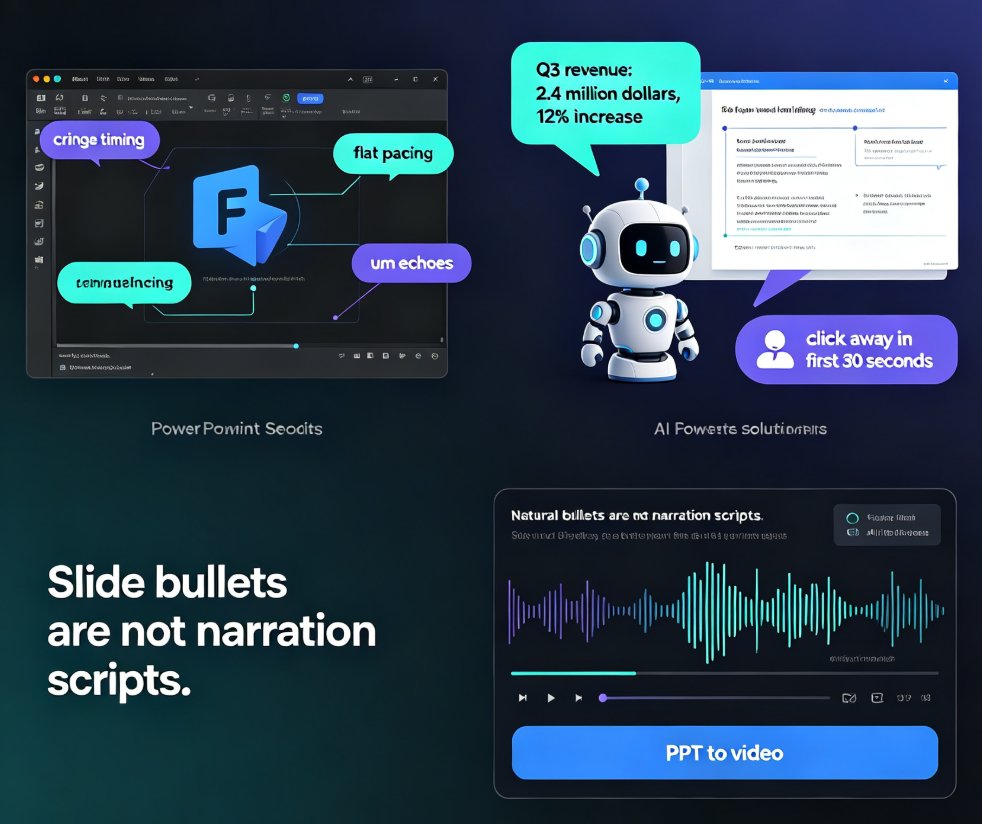
Robotic narration is the fastest way to lose viewers. Zendeck's PPT-to-video feature pairs AI voiceover generation with auto-synced subtitles so your micro-courses sound natural and stay accessible — no recording studio or voice-over agency needed. This guide breaks down why default TTS sounds flat, how Zendeck writes speak-ready scripts instead of reading slide bullets, and how the subtitle engine saves you hours of manual captioning. You'll get a practical comparison of narration workflows, a walkthrough of turning a deck into a narrated MP4 in minutes, and tips for keeping accessibility compliance front of mind. If you're an educator, trainer, or content operator tired of robotic-sounding videos, this is the workflow you've been missing.

Accessible Micro-Courses: How Zendeck Auto-Generates Subtitles from PPT

Micro-Course Production 2026-08-27 1442

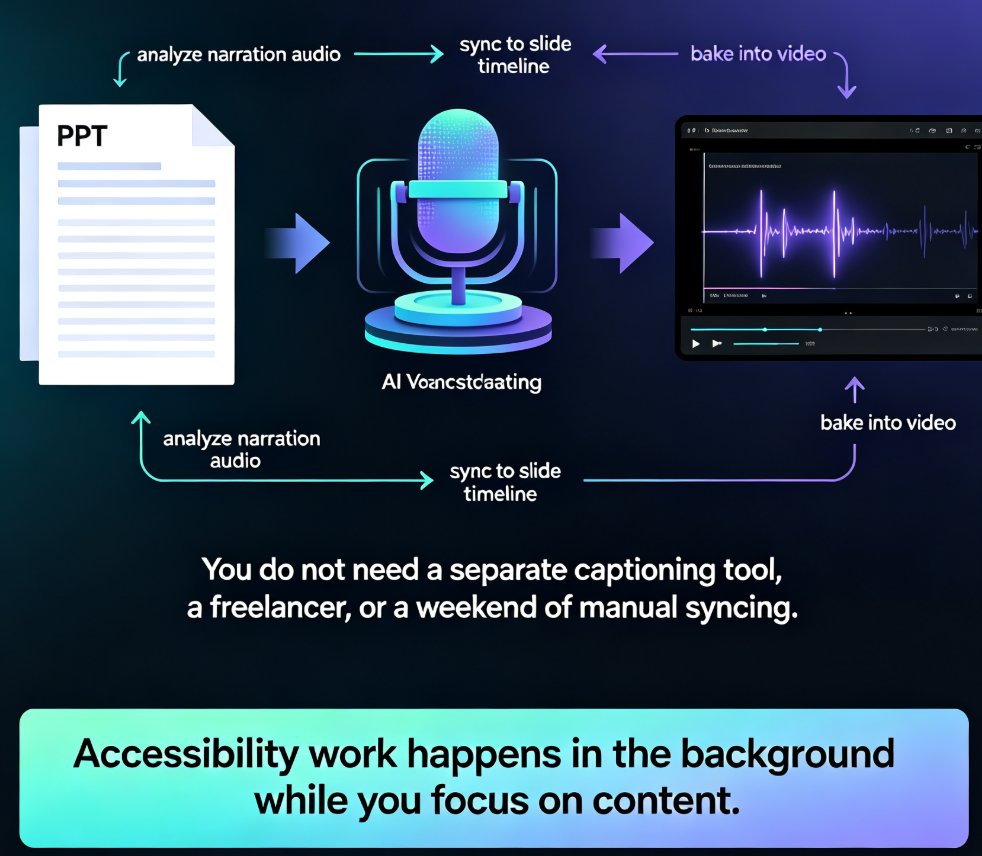
Zendeck auto-generates accurate subtitles when converting PPT to video, making micro-courses accessible to more learners with zero manual effort. Subtitles are no longer a nice-to-have — they're an accessibility requirement for diverse learners, non-native speakers, and WCAG compliance. This guide walks through how Zendeck's PPT-to-video pipeline creates synced, editable subtitles in the same pass as the conversion, and why that changes your course production workflow. You'll learn the full accessibility stack — alt text, contrast, transcripts — and get practical tips for reviewing and refining auto-generated captions before publishing. We also compare manual subtitling against Zendeck's automated approach, break down the time and cost difference, and show you a step-by-step workflow from PPT to published micro-course. If you're an educator, trainer, or L&D manager building accessible micro-courses, this is the fastest route to video content that reaches every learner.