
Tags:micro-course

6 articles

How to Add Interactive Quizzes to Your Micro-Courses with Zendeck

Micro-Course Production 2026-08-28 3332

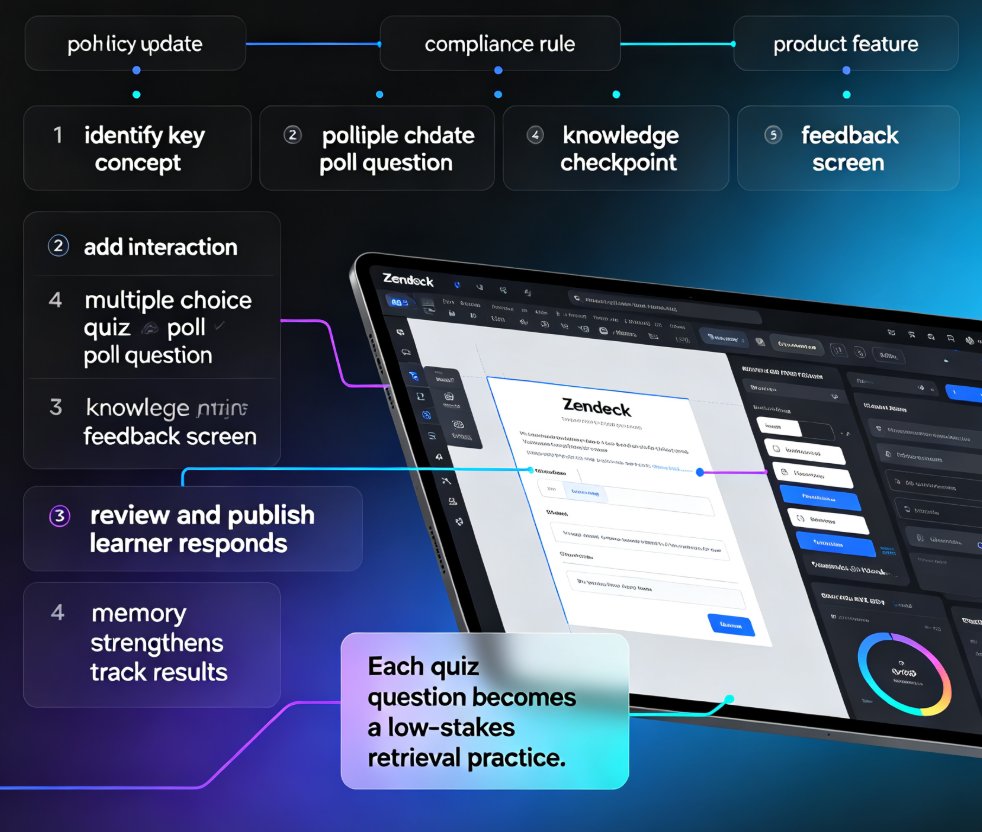
Adding interactive quizzes to your micro-courses with Zendeck is the fastest way to lift learner engagement and knowledge retention, and this guide shows you exactly how. You get a step-by-step walkthrough of Zendeck's often-overlooked interactivity features: embedding quizzes and polls directly into your course flow, writing instant feedback that teaches, and placing checkpoints so learners stay present instead of clicking through passively. We cover the evidence that interactive micro-learning improves completion and retention, a comparison of quiz formats, best practices for making quizzes feel like a game rather than a test, and a realistic 30–45 minute workflow to retrofit your existing course. Whether you're an educator, corporate trainer, or L&D lead, this practical guide turns a one-way deck into a two-way conversation that learners actually finish and remember.
Accessible Micro-Courses: How Zendeck Auto-Generates Subtitles from PPT

Micro-Course Production 2026-08-27 1442

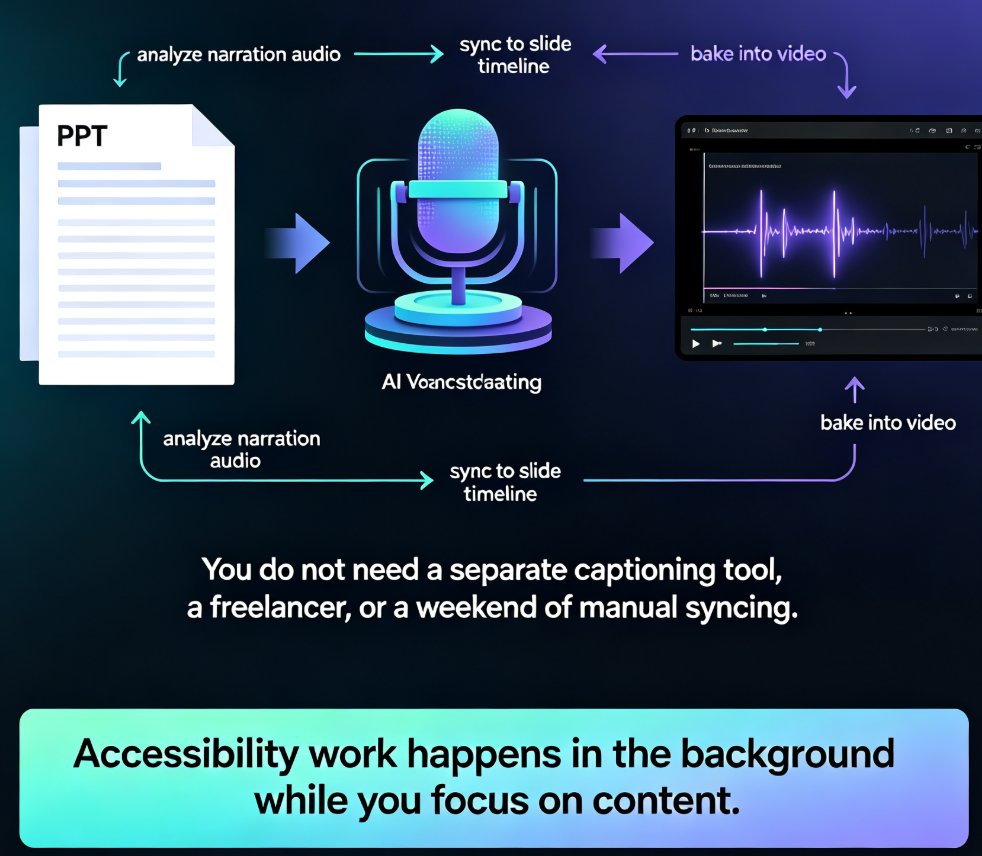
Zendeck auto-generates accurate subtitles when converting PPT to video, making micro-courses accessible to more learners with zero manual effort. Subtitles are no longer a nice-to-have — they're an accessibility requirement for diverse learners, non-native speakers, and WCAG compliance. This guide walks through how Zendeck's PPT-to-video pipeline creates synced, editable subtitles in the same pass as the conversion, and why that changes your course production workflow. You'll learn the full accessibility stack — alt text, contrast, transcripts — and get practical tips for reviewing and refining auto-generated captions before publishing. We also compare manual subtitling against Zendeck's automated approach, break down the time and cost difference, and show you a step-by-step workflow from PPT to published micro-course. If you're an educator, trainer, or L&D manager building accessible micro-courses, this is the fastest route to video content that reaches every learner.

Convert PowerPoint to an AI-Narrated Video in 4 Steps with Zendeck

PPT to Video 2026-08-18 1127

Learn how to convert PowerPoint to an AI-narrated video with Zendeck's PPT-to-video feature. This step-by-step guide shows you how to turn static slides into engaging micro-courses with built-in AI voiceover, no microphone or editing skills required. Discover the 4-step workflow, pro tips, and common mistakes to avoid. Zendeck makes video creation from PPTs fast and easy, so you can repurpose existing content in minutes and boost learner engagement without a production team.

Branching Scenarios in AI Presentations for Interactive Training

Micro-Course Production 2026-08-11 2730

Learn how to build non-linear, decision-based training modules with Zendeck. Branching scenarios turn static AI decks into interactive micro-courses that boost engagement, retention, and compliance outcomes. This guide covers hyperlinks, slide organization, and PPT-to-video. You'll learn how to plan branch structures, wire decision points, add video narration, and avoid common pitfalls. Perfect for L&D professionals, HR trainers, and compliance officers who need scenario-based learning that actually sticks. Zendeck makes it possible without design skills or coding. We'll walk through a real compliance training example, show you the exact slide architecture, and give you a checklist you can reuse tomorrow morning. By the end, you'll have a repeatable workflow for turning any policy or procedure into an interactive training experience.

How a Training Company Turned a PDF into a Video Course with Zendeck

PPT to Video 2026-08-11 2115

A training company used Zendeck's PPT-to-video feature to turn a 100-page safety manual into a 15-minute narrated micro-course, boosting completion rates by 40% and cutting development time from weeks to hours. Learn how Zendeck transforms dense PDFs into engaging, accessible compliance training videos that employees actually finish.

Turn AI Slides into Videos with Zendeck's PPT-to-Video Tool

PPT to Video 2026-08-03 2982

Zendeck's PPT-to-video tool lets you turn AI-generated slides into narrated videos in minutes without video editing skills. Perfect for educators and trainers creating micro-courses and training materials. This step-by-step guide shows how Zendeck's integrated conversion saves time, keeps brand consistency, and boosts learner engagement. Discover real-world use cases for corporate training and online education, plus tips for making your slide-based videos more effective. No separate software needed.