
PPT to Video: How to Add Voiceover Without Recording Yourself
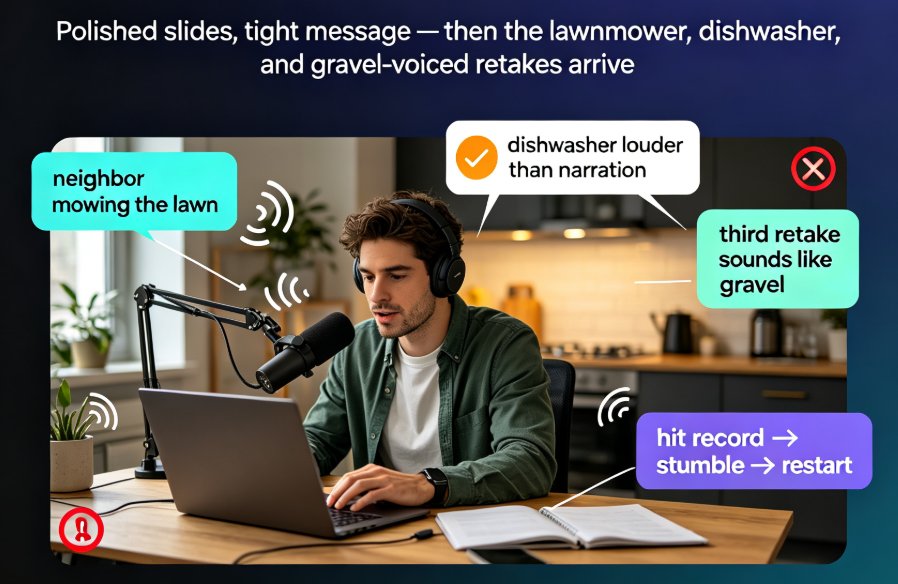
Adding voiceover to a PPT doesn't require a studio, a condenser mic, or a golden radio voice. Thanks to AI narration, you can convert PPT to video with a natural-sounding voice in minutes — and Zendeck's PPT-to-video feature makes it a one-click job. This guide covers the real bottleneck (retakes and sync, not equipment), how AI voice synthesis works and its limits, a step-by-step workflow, and the script pacing and slide timing tricks that keep narrated decks crisp. You'll also get a recording-vs-AI comparison table, honest use-case advice, and answers to the questions educators and trainers ask most.