
Tags:Zendeck ppt-to-video

4 articles

Record Narrations Painlessly: Zendeck PPT to Video with AI Voiceover

PPT to Video 2026-09-02 2212

Stop reshooting audio. Zendeck PPT to video with AI voiceover turns your slides and speaker notes into a narrated MP4 in minutes — no mic, no studio, no retakes. Learn how to record narrations painlessly, keep a natural pace, and add captions, so your micro-courses and training decks look professionally produced. In this tutorial we walk through the three-step workflow, narration editing tips, and voice selection.
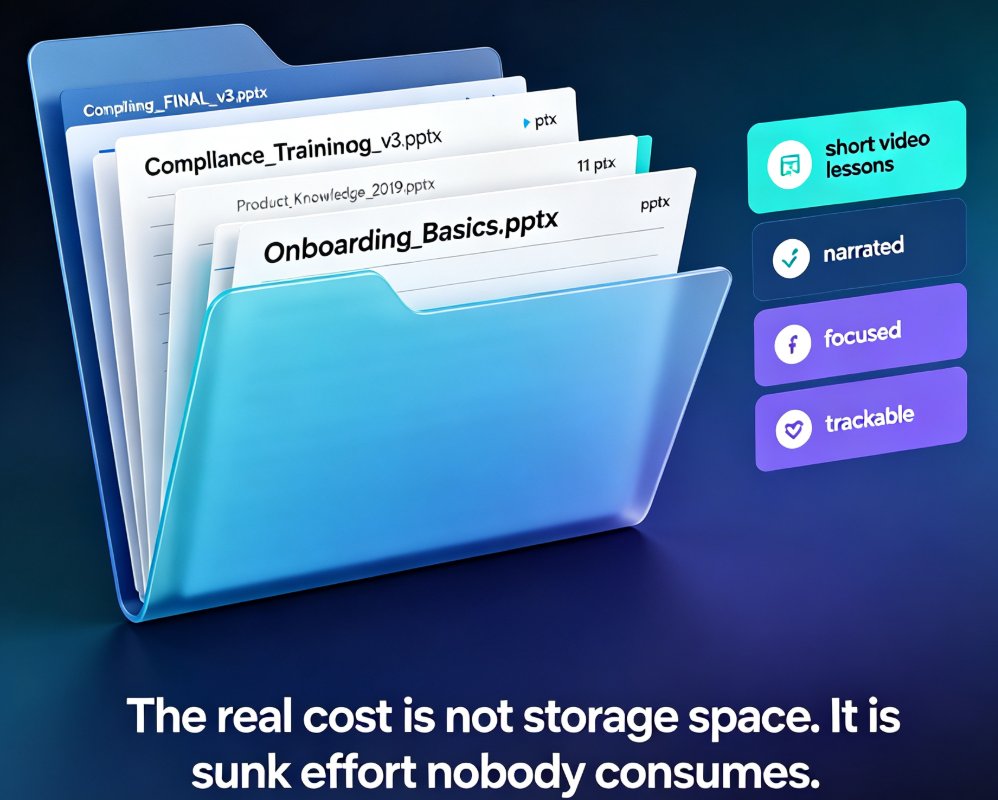
Turn Legacy Training PPTs into Narrated Micro-Courses with Zendeck

PPT to Video 2026-08-27 3354

Turn legacy training PPTs into narrated micro-courses with Zendeck. This step-by-step guide shows trainers how to convert existing PowerPoint decks into engaging video lessons with auto-generated subtitles, saving hours of rework. Learn the exact workflow — import, generate, narrate, export — and see why repurposing beats rebuilding. Includes real scenarios for onboarding, compliance, and product training, plus a time comparison showing that converting 20 legacy decks can save roughly 360 hours versus rebuilding from scratch. If your team has a library of approved training slides gathering dust, this guide explains how to turn that content into courses learners actually finish.

2026 AI Agents: Automating the Full Path from Text Prompt to Video Deck

PPT to Video 2026-08-18 3690

In 2026, AI agents are automating the full path from text prompt to video deck — and Zendeck is built for exactly this shift. Early reports show deck-building time dropping 70–95% as agents move beyond single-step generation to orchestrate the entire workflow: structuring your outline, generating brand-consistent slides, writing speaker notes, recording narration, and exporting a finished narrated video. This guide breaks down what agentic presentation tools actually do, the real numbers behind the time savings, why video decks are replacing static PDFs in training and education, and the five things to check before trusting any tool with your next deck. If you're tired of context-switching between a slide tool, a design tool, and a recording tool, this is the 2026 workflow you've been waiting for.

Step-by-Step: Create a Micro-Course from Scratch Using Zendeck's AI and Template Library

Micro-Course Production 2026-08-06 2624

Stop wasting hours on slide design and video editing. Learn how to build a complete micro-course in minutes using Zendeck's AI-powered slide generation, professional templates, and one-click PPT-to-video conversion. This step-by-step guide walks you from template selection to final video export, with practical tips for educators and trainers.