Turn Legacy Training PPTs into Narrated Micro-Courses with Zendeck
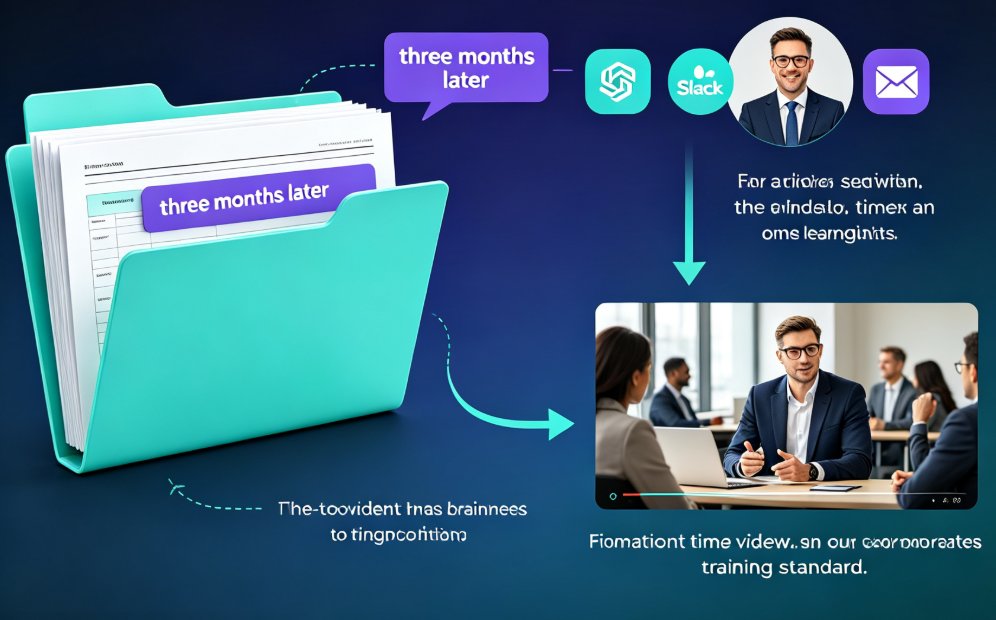
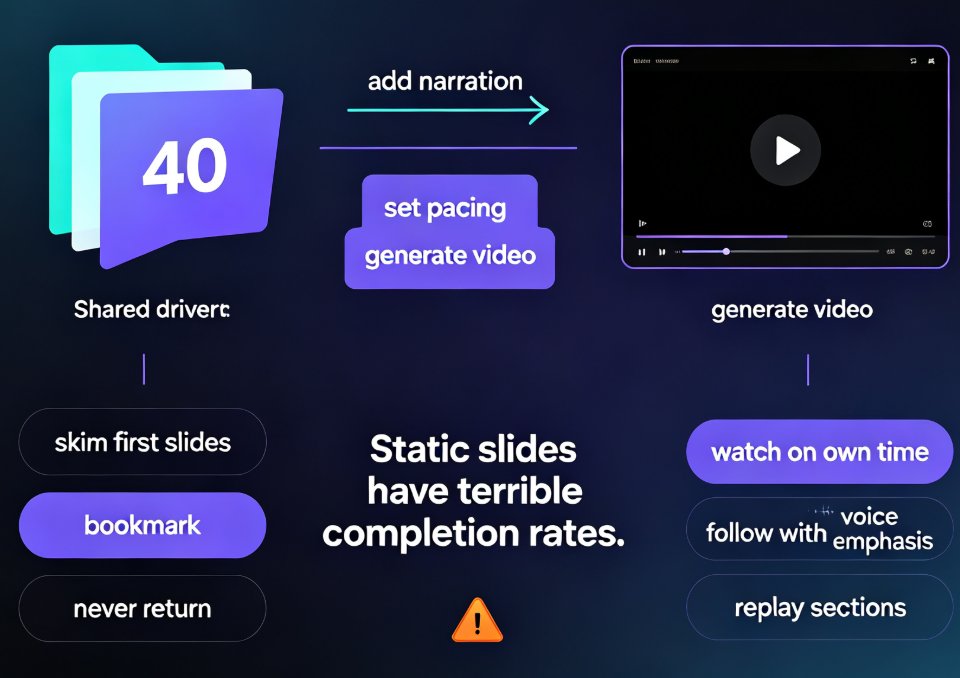
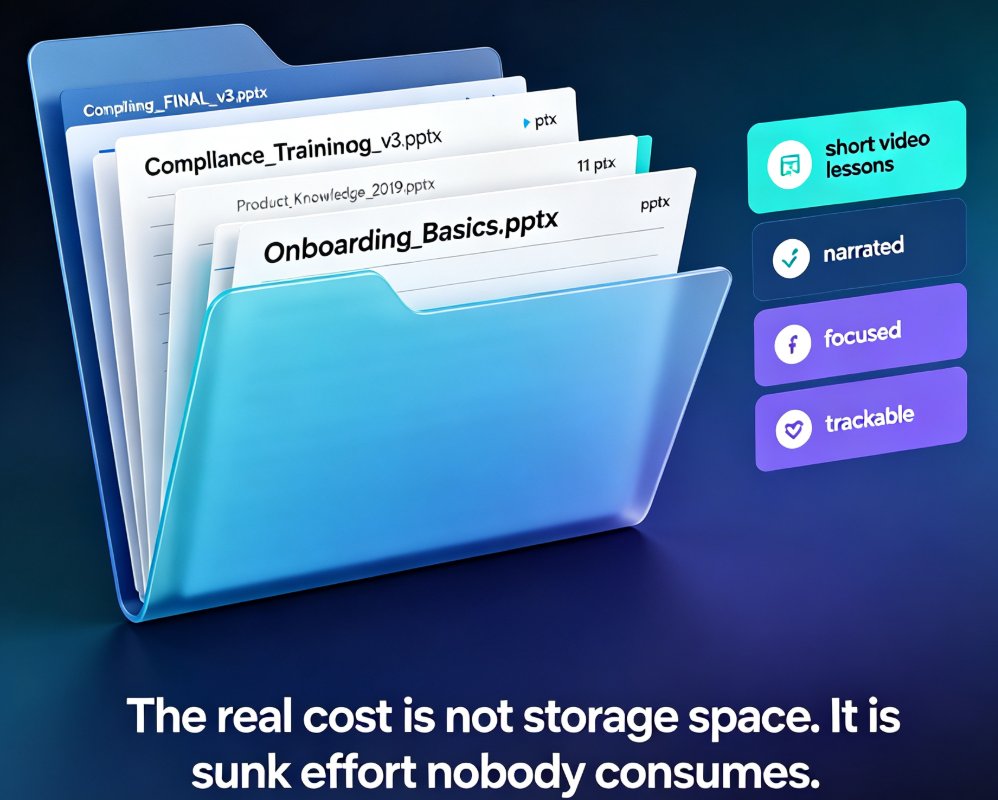
Let's be honest: your shared drive is full of training PPTs. Some are from 2019. A few have "FINAL_v3" in the filename. They contain solid, approved content — compliance rules, product knowledge, onboarding basics — but nobody opens them anymore. A 60-slide deck with no narration, no pacing, and no story is not a learning experience. It's a document that happens to be in PowerPoint format.
Here's the good news: you don't need to rebuild those decks from scratch to turn them into something people actually watch. You can convert them into narrated micro-courses — short, focused video lessons — using a workflow that takes minutes, not weeks.
01 — Why Your Legacy PPT Library Is a Goldmine (and Why It's Stuck)
The average training team sits on hundreds of hours of approved, accurate content that has simply stopped being consumed. That's the real cost of legacy PPTs: not the storage space, but the sunk effort.
The pain point is familiar. You've got content that: - Was reviewed and approved by subject matter experts - Covers exactly what new hires or team members need to know - Is formatted for a projector, not a laptop screen
But it's stuck. Nobody wants to sit through a 45-minute recorded webinar. Nobody wants to flip through 60 slides on their own. And rebuilding everything as video from scratch? That's a project that never gets approved because it takes too long.
The solution is repurposing, not rebuilding. Converting an existing PPT into a narrated micro-course preserves the institutional knowledge while giving it a format people will actually finish. The outcome: your content library becomes a learning library, without a single slide being redrawn.
02 — What Separates a Micro-Course from a Recorded Webinar
Before you start converting, it helps to know what you're aiming for. A micro-course is not a webinar recording. It's not a slide deck with a voiceover slapped on top. It's a short, focused lesson — typically 5 to 10 minutes — built around one learning objective.
| Format | Length | Engagement | Production effort | Best for |
|---|---|---|---|---|
| Raw PPT deck | 30-60 slides | Low — readers skim and abandon | Low (already exists) | Reference docs |
| Recorded webinar | 45-90 min | Medium — viewers drop off | High (live session + editing) | Live Q&A, announcements |
| Narrated micro-course | 5-10 min | High — short and focused | Medium (conversion, not creation) | Onboarding, compliance, product training |
The table makes the case: micro-courses win on engagement per minute of effort, especially when you're converting content you already own. You're not producing new material; you're reshaping what exists into a format designed for attention spans.
03 — The Step-by-Step: From Static PPT to Narrated Micro-Course
Here's the workflow that turns a legacy deck into a finished micro-course. It works whether you have one PPT or two hundred.
Step 1: Import your existing PPT (or outline). You don't need to start from a blank slide. Zendeck accepts your existing PowerPoint file, or a Word outline if that's what you have. The tool reads the structure and content, then regenerates it with clean, consistent layouts. If your old deck has mismatched fonts and clashing colors, this step alone is worth the effort.
Step 2: Let the AI generate a consistent, on-brand deck. The regenerated slides get unified typography, color, and spacing. If your organization has brand guidelines, you can apply them here so the micro-course looks like it came from your design team — not from 2019.
Step 3: Add narration. This is where the magic happens. You have two options: record your own voice, or use an AI voice. Recording your own voice works well if you're the subject matter expert. The AI voice option is faster — you type or paste the script, and Zendeck generates natural-sounding narration that matches the slide timing.
Step 4: Auto-generate subtitles. Subtitles aren't optional anymore. They help learners in noisy environments, non-native speakers, and anyone who prefers reading along. Zendeck auto-generates subtitles from the narration, so you don't have to type a single line of captions.
Step 5: Export as video. Once the narration and subtitles are synced, you export the whole thing as a video file. The result is a complete micro-course: slides, voice, captions, and pacing — ready to upload to your LMS or share via link.
The whole process takes about 15 to 20 minutes per deck once you've done it a couple of times. Compare that to the half-day you'd spend recording and editing a video manually.
04 — Narration and Subtitles: The Two Things That Make It Feel "Produced"
A narrated micro-course only feels professional if the audio and captions are in sync. This is where most DIY attempts fall apart — you record the voiceover, then realize the slides don't advance at the right pace, then the subtitles are off by three seconds.
Zendeck handles the synchronization automatically. The narration drives the slide timing, and the subtitles follow the narration. You don't adjust three separate timelines; you adjust one script.
The practical result: a learner can watch a Zendeck-produced micro-course with the sound off and still follow every point. That's the accessibility bar you should hold your training content to. If you want to dig deeper into the voiceover and subtitle workflow, this guide on adding voiceover and subtitles walks through the specifics.
◉ What if I need to re-record just one section? You don't have to redo the whole course. Update the script for the affected section, regenerate the narration, and Zendeck re-syncs the timing and subtitles for that part only. The rest of the course stays untouched.
05 — Three Scenarios Where This Actually Saves Your Week
Scenario 1: Onboarding refresher. Your onboarding deck is 80 slides of company history, policies, and tool walkthroughs. Convert it into three 8-minute micro-courses. New hires watch them before their first day, and your HR team stops repeating the same orientation talk five times a month.
Scenario 2: Compliance training. Compliance content changes every year, but the core structure stays the same. Instead of re-recording a 60-minute video every cycle, you update the affected slides and re-export. The narration regenerates, the subtitles update, and your compliance officer approves the new version in an afternoon.
Scenario 3: Product training for sales. Your product team updates features quarterly. The sales team needs to know what changed, fast. Convert the product update deck into a 6-minute narrated micro-course, and the sales team can watch it between meetings — no scheduling a live session.
In all three cases, the pattern is the same: you're not creating content, you're converting it — and conversion is where the hours come back. This is exactly why AI PPT-to-video is becoming the corporate training standard — the content already exists, and the tooling finally makes it cheap to ship.
06 — The Math: What You Get Back in Hours
Let's put numbers on this. Producing a 10-minute micro-course from scratch — writing the script, designing slides, recording voiceover, editing, adding captions — typically takes a full day or more. Converting an existing PPT with an AI workflow takes about 20 minutes.
If you have 20 legacy decks to convert, the difference between rebuilding and converting is roughly 360 hours. That's nine work weeks. And the converted courses aren't worse — they're often better, because the AI enforces consistent design and the narration forces you to tighten the script.
If you're running a training team, this is the argument that gets budget approval: not "we need to make videos," but "we already have the content, and we can ship it as video this quarter." For more on the broader workflow, check out the PPT-to-video category for related guides.
FAQ
Q: Can Zendeck import my existing PowerPoint files directly? A: Yes. Zendeck accepts PowerPoint files as well as Word outlines and Markdown. You upload your existing deck, and the AI regenerates it with consistent layouts and styling — you don't have to rebuild slides from scratch.
Q: Do I need to record my own voice for the narration? A: No. You can use Zendeck's AI voice to generate narration from a script, or record your own voice if you prefer. Both options sync automatically with slide timing and subtitles.
Q: How long does it take to convert one training PPT into a micro-course? A: Once you're familiar with the workflow, about 15 to 20 minutes per deck. The AI handles layout, narration, and subtitle generation, so you're mostly reviewing and adjusting rather than creating.
Q: Are the subtitles auto-generated? A: Yes. Zendeck auto-generates subtitles from the narration, so you don't need to type captions manually. This also makes the micro-courses more accessible for learners who watch with sound off or prefer reading along.
Q: Can I update a micro-course when the source content changes? A: Yes. When a policy or product detail changes, you update the affected slides and re-export. The narration and subtitles regenerate from the updated script, so you don't re-record the entire course.