Team Slide Collaboration Chaos? Zendeck Real-Time Editing and History
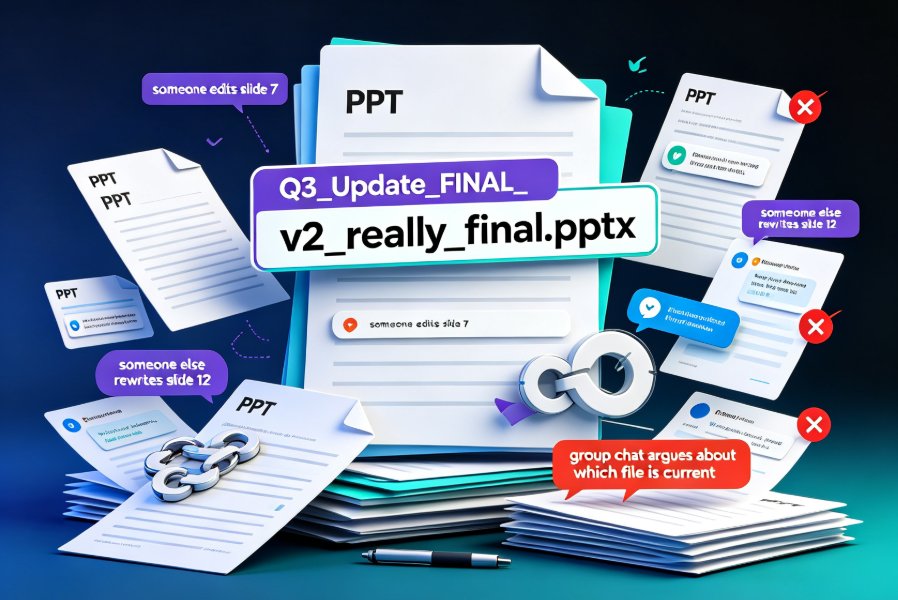
Somewhere on your shared drive, there's a file called Q3_report_FINAL_v3_actuallyfinal.pptx. And if you're honest, you're not 100% sure it's the latest one. You're not alone — this quiet chaos of team slide collaboration eats more hours than most teams admit.
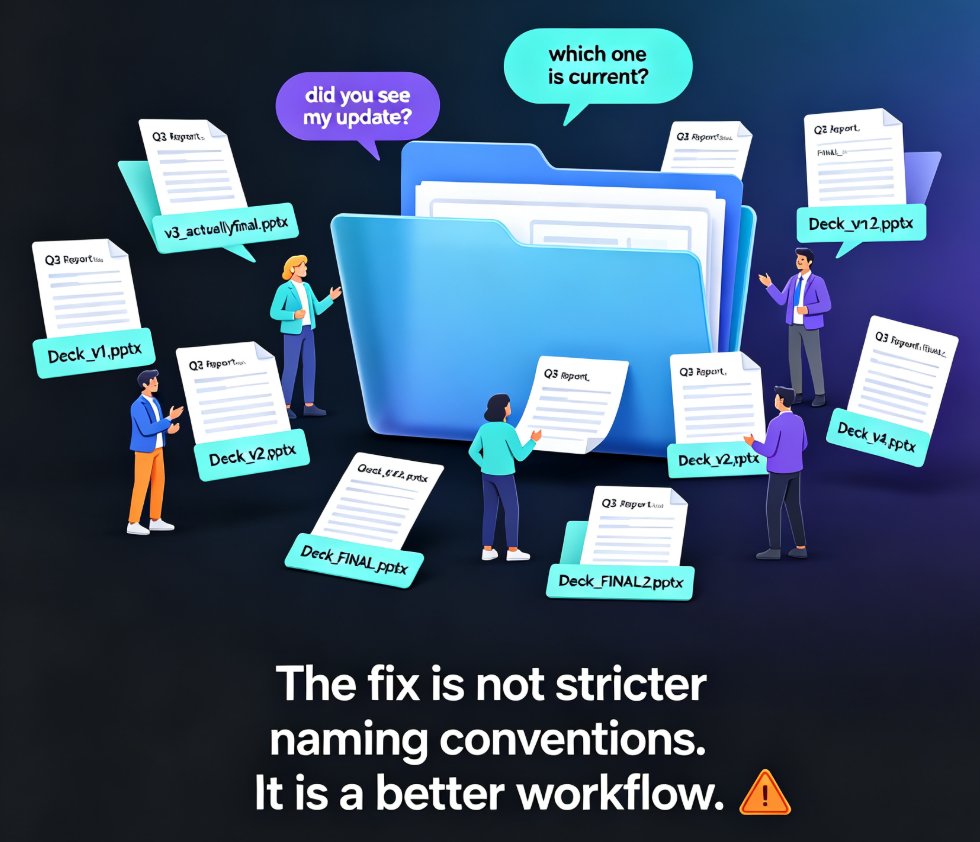
The fix isn't more discipline or a stricter naming convention. It's a better workflow. Let's walk through what real-time editing and version history actually change for a team — and how Zendeck puts both within reach without requiring anyone to become a design expert.
01 — Why Team Slide Collaboration Turns Into Chaos
The problem starts innocently enough. One person builds the skeleton, another adds the data, a third fixes the design. Before long, you have:
Deck_v1.pptxandDeck_v2.pptxDeck_FINAL.pptxandDeck_FINAL2.pptx- A shared drive folder with 14 files and no naming convention that anyone actually follows
Every round of feedback creates a new file. Every new file creates a new source of truth. And every new source of truth guarantees that someone, somewhere, will present the wrong version to the wrong audience.
For an HR team rolling out a new benefits deck, this is more than an inconvenience. It means an employee might see outdated policy numbers. For a training team, it means a course goes live with last quarter's compliance rules. The stakes aren't just wasted time — they're real errors reaching real people.
The real cost isn't the duplicate files — it's the trust erosion and rework that follow. When a team can't agree on which file is current, they stop collaborating and start guarding their own copies. That's the opposite of teamwork.
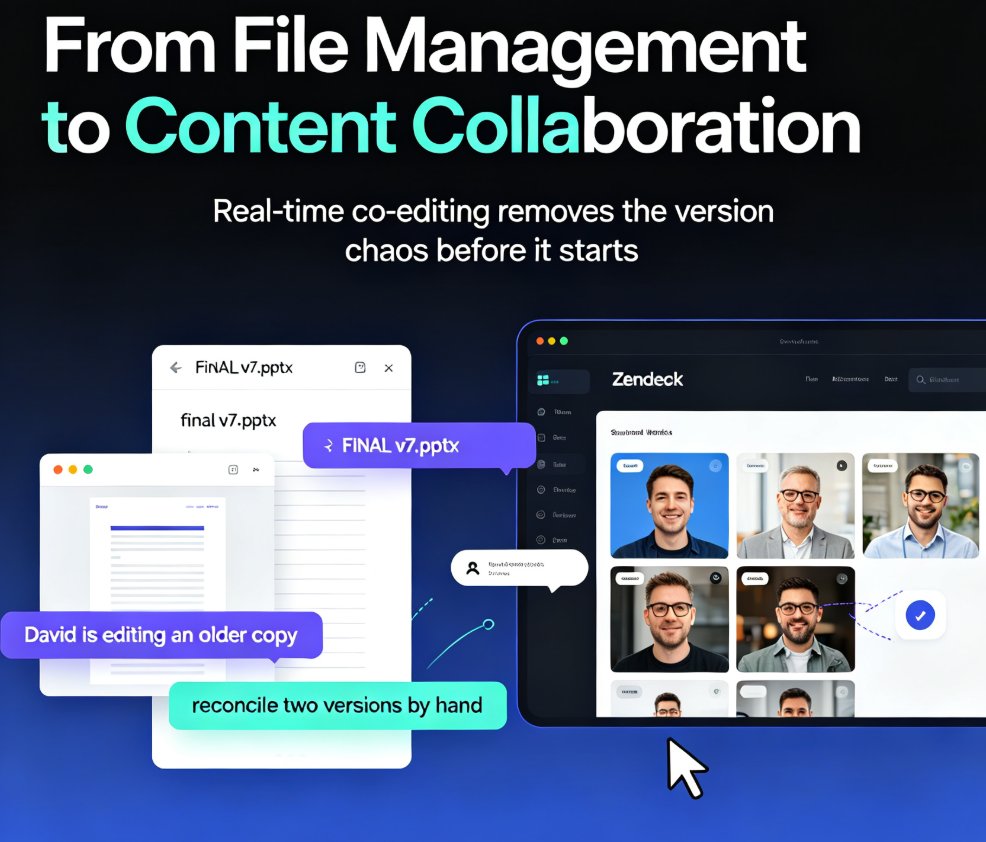
The solution is to collapse all those versions into one living document that everyone edits at the same time.
02 — What Real-Time Editing Actually Changes
◉ What does real-time editing mean for a team?
Real-time editing means multiple people work on the same deck simultaneously. You see each other's cursors, edits appear live, and nobody has to "save and send" anything.
For a training team building a quarterly onboarding deck, this is transformative. The instructional designer writes the outline while the visual designer adjusts the layout and the subject matter expert drops in the latest numbers — all in the same session, with no handoffs and no "can you send me the latest version?" messages.
Pain point → solution → outcome: The pain is sequential approvals that stretch a one-day task into a week. The solution is parallel editing where everyone contributes at once. The outcome is a deck that goes from rough outline to near-final in a single working session.
The shift matters because most teams don't actually have a collaboration problem — they have a coordination problem. People are willing to contribute; they just can't do it without stepping on each other. Real-time editing removes that friction entirely.
03 — History Tracking: The Safety Net Nobody Thinks About
Real-time editing solves the "who's on the latest version" problem, but it introduces a new fear: what if someone accidentally breaks the design or deletes a critical slide?
That's where version history comes in. Every change is recorded automatically, so you can:
- See who edited what and when
- Roll back to any previous state with one click
- Compare versions side by side to understand what changed
The confidence to experiment is the hidden superpower of version history. When your team knows they can undo anything, they stop playing it safe. They try bolder layouts, test new narratives, and iterate faster — because the cost of a mistake is one click, not a crisis.
For educators building courseware, this is especially valuable. You can try a new teaching approach in a deck, see how it lands, and roll back if it doesn't work — without losing the original. The history log becomes your creative safety net.
04 — Zendeck's Collaboration Workflow in Practice
Here's how it plays out with Zendeck:
- Create or import — Start from a template or paste a Word outline.
- Share a link — Invite your team with edit or view permissions.
- Co-edit in real time — Everyone works on the same deck, with live changes.
- Track history — Check the version log, roll back if needed.
- Export or present — When it's done, present directly or export to video.
The beauty is that Zendeck handles the design system for you — fonts, colors, layout — so your team argues about content, not about whether the title is 2 pixels too big. If you want every deck to stay on-brand while multiple people touch it, the brand kit approach in our guide on custom brand kits is worth a read.
05 — Team Workflow Tips That Actually Stick
From watching teams succeed (and fail) with collaborative decks, here are the patterns that work:
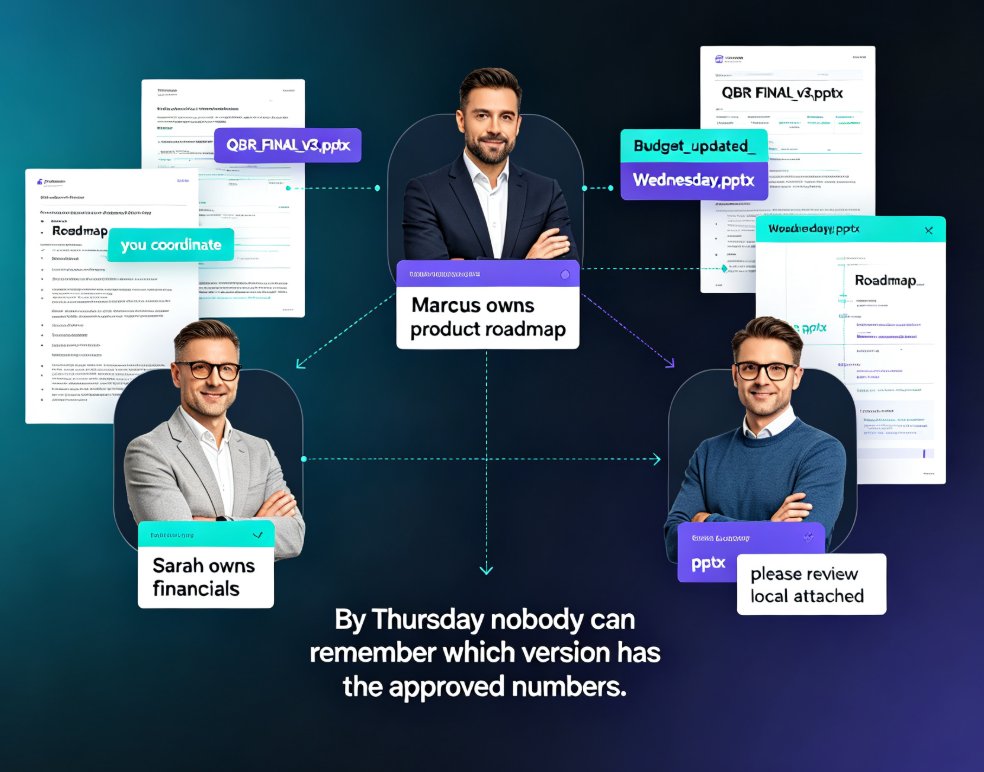
Assign a "deck owner" — Even with real-time editing, someone needs final say. The owner resolves disputes and decides when the deck is "done." This isn't bureaucracy; it's clarity.
Use comments for async feedback — Not everyone can be in the live session. Comments let reviewers leave feedback without touching the content, so the deck stays stable while ideas flow.
Set a "freeze date" — Real-time editing is great until it's five minutes before the presentation. Agree on a cutoff, then switch to view-only. The history log will still capture any last-minute changes.
Review the history before you present — A quick check of the version log tells you exactly what changed since the last review. No surprises on stage.
Keep the outline in the deck — When you import a Word outline into Zendeck, the structure stays visible. That makes it easier for contributors to see where their content fits and reduces the "where does this go?" questions.
06 — Traditional vs Real-Time: A Side-by-Side Look
| Aspect | Traditional workflow | Real-time editing (Zendeck) |
|---|---|---|
| File management | Multiple versions, manual naming | One living file, auto-saved |
| Feedback loop | Email or chat ping-pong | Inline comments + live edits |
| Version control | Manual backups, "v2_FINAL" | Automatic history, one-click rollback |
| Design consistency | Depends on each editor's skill | Enforced by smart templates |
| Time to final deck | Days to weeks | Hours to a day |
| Remote collaboration | Painful, laggy | Seamless, instant sync |
And here's an illustrative look at how version conflicts drop when a team moves to real-time collaboration:
The numbers are illustrative, but the pattern isn't: teams that stop duplicating files stop duplicating work. If you're curious about other ways AI presentation tools quietly boost team productivity, our piece on hidden features for team productivity covers a few more.
07 — When Collaboration Goes Wrong (and How to Recover)
Even with great tools, teams stumble. The most common failure: nobody owns the final decision. Real-time editing makes it easy to edit, but someone still has to say "this is the deck."
The fix is a lightweight governance rule, not a heavyweight process. Name one owner, set a freeze date, and let the history log be your audit trail. That's it — three rules, no committees.
If you're also dealing with brand consistency issues across multiple decks, the smart-template approach in our guide on AI-governed brand consistency shows how templates can enforce the rules for you.
And if you're wondering whether your team is making other avoidable mistakes with AI presentation tools, our list of common AI presentation mistakes is a good place to check.
FAQ
Q: Can multiple people edit the same Zendeck deck at the same time?
A: Yes. Zendeck supports real-time co-editing, so team members can work on the same deck simultaneously with live updates.
Q: How does version history work in Zendeck?
A: Every change is automatically recorded. You can view the history log, see who edited what, and roll back to any previous version with one click.
Q: Can I control who can edit vs. view a deck?
A: Yes. When you share a deck, you can assign edit or view-only permissions to each team member.
Q: Does real-time editing work for remote teams?
A: Absolutely. As long as everyone has the shared link, remote team members can co-edit from anywhere, and changes sync instantly.
Q: What happens if two people edit the same slide at once?
A: Zendeck handles concurrent edits gracefully — changes are merged in real time, and the history log keeps a record of every modification.