Team Deck Version Chaos? Real-Time Collaboration Fixes Conflicts
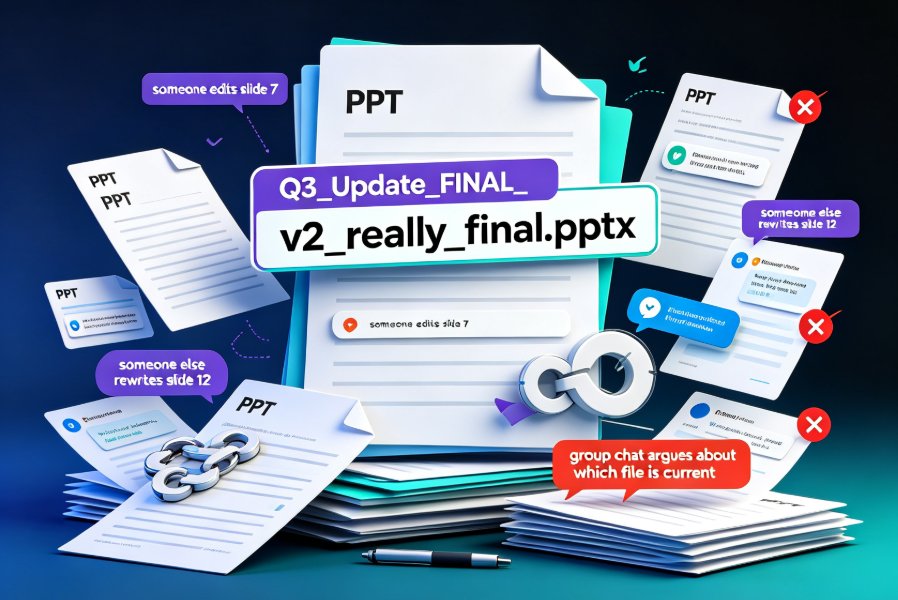
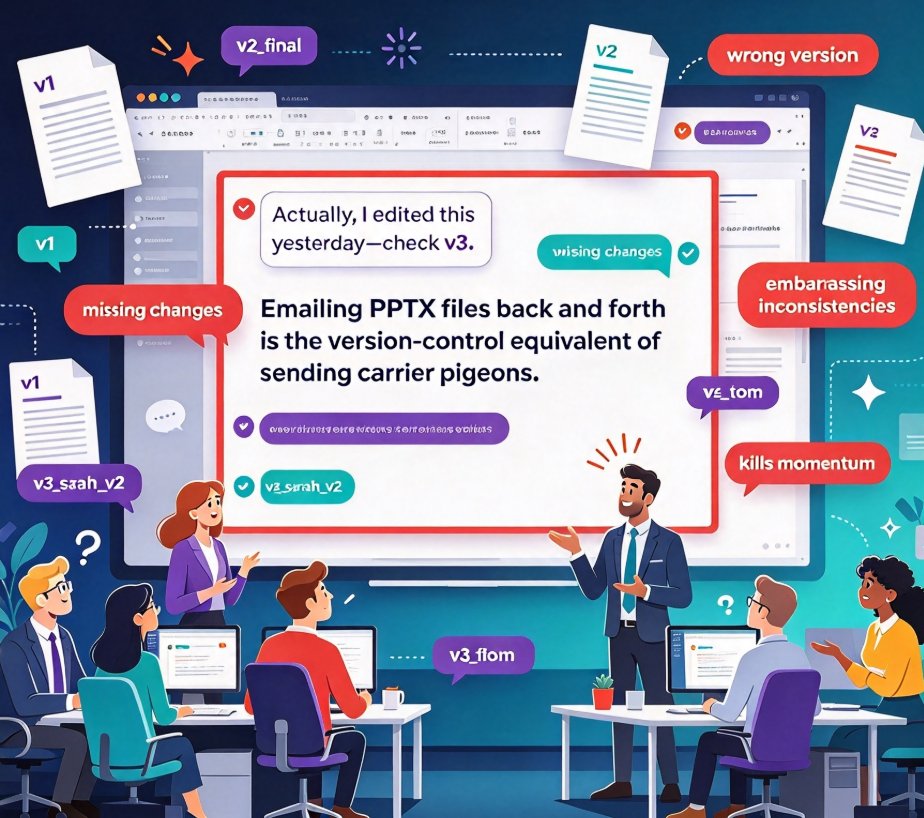
You know that sinking feeling. You open a shared deck file named sales_pitch_FINAL_v2_approved.pptx, and the first slide has a red border and a comment that reads, "Actually, I edited this yesterday—check v3." Then you scroll to find half the team's changes missing because someone exported the wrong version. We've all been there. The root cause isn't lack of effort—it's a workflow stuck in the desktop-only era. Let's be real: emailing PPTX files back and forth is the version-control equivalent of sending carrier pigeons. And for distributed teams, it's a daily obstacle that kills momentum and creates embarrassing inconsistencies.
The fix isn't another round of "let's be more careful" emails. It's a structural change: move your deck creation into a real-time collaborative platform. Zendeck's cloud-based collaboration, link sharing, and version history are built to eliminate the "who edited last" problem. In this article, I'll walk you through why file-based workflows fail, how real-time collaboration transforms the experience, and the specific features that make Zendeck a practical solution for any team that lives and breathes presentations.
01 The Real Cost of Version Chaos
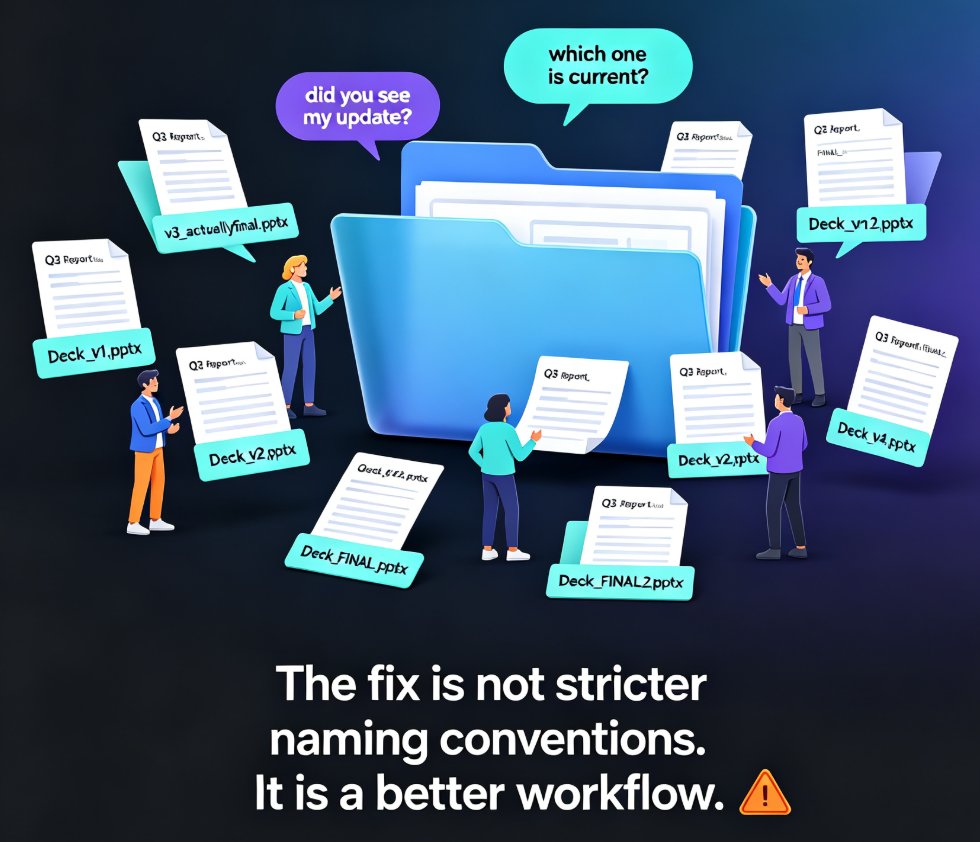
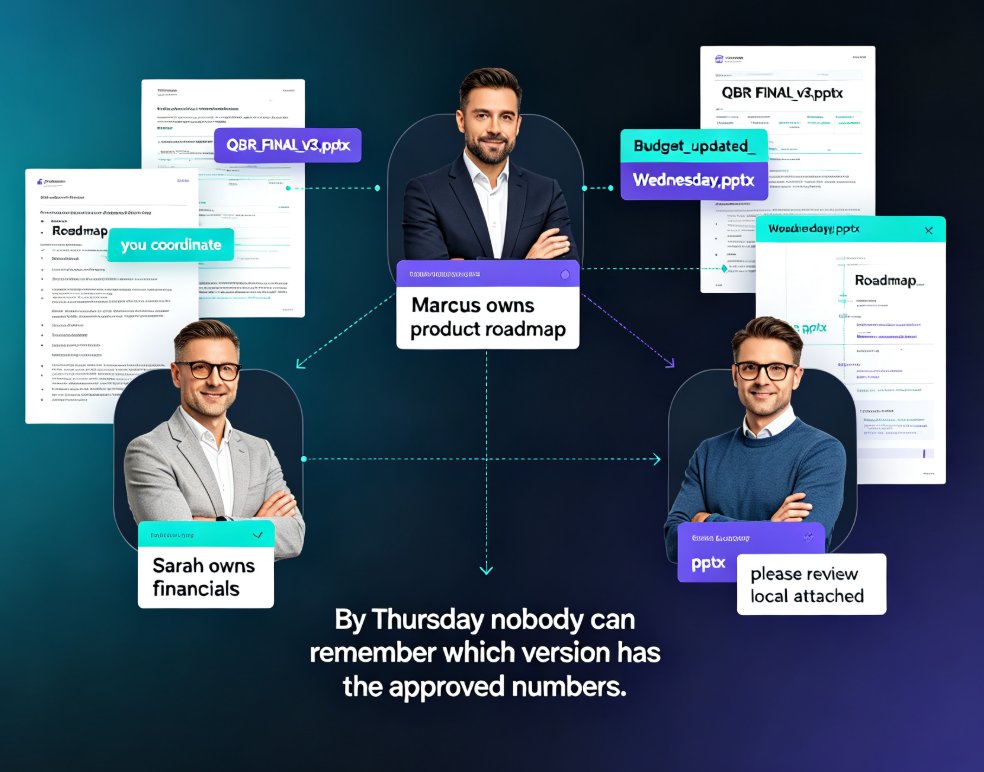
Every time a deck gets renamed and re-shared, your team loses a little more trust in the file. When there are five versions floating around—v1, v2_final, v2_final_2, v3_tom, v3_sarah_v2—no one knows which is authoritative. The result? People edit the wrong file, feedback gets scattered across emails and chat threads, and someone has to spend hours reconciling differences before a pitch or presentation. That's not collaboration; that's chaos.
Real-time, multiplayer editing eliminates version-control chaos entirely. When the whole team works in a single live document, the concept of "my version" and "your version" disappears. You see changes as they happen, add comments inline, and always view the current state. A LinkedIn post from collaboration expert Annette Sternberg put it bluntly: "Instead of juggling five local files, your entire team works inside one shared space." That's the shift that changes everything.
02 Why File-Based Workflows Fail
Let's break down the typical desktop-first cycle. You create a deck in PowerPoint, save it, email it. A teammate downloads it, edits three slides, saves it as _v2, and emails it back. Meanwhile, you've already sent the original to another reviewer. Now you have two different edits on two different files. Merging them is a nightmare. On top of that, feedback comes in separate emails, Slack messages, and sticky-note-style comments on the PDF. Nothing is traceable.
Version history is the safety net that lets you roll back any change in seconds. In a cloud-based tool like Zendeck, every auto-save becomes a snapshot. You can see who edited what and when—and revert to a previous state with one click. No more "does anyone have yesterday's version?" panics. As a 2026 review of document collaboration tools notes, "Version history provides a practical safety net, while browser access supports work across common operating systems and devices." That's exactly the baseline your team needs.
The problem with file-based workflows isn't just the confusion; it's the time sink. Every hour spent merging edits or tracking down the right file is an hour not spent refining your message or rehearsing your delivery. For teams that produce decks weekly—sales teams, course designers, marketing departments—that's a huge productivity drain.
03 The Fix: Real-Time Collaboration + Link Sharing
Here's where Zendeck steps in as the anti-chaos tool. Instead of working on local files, your entire team works inside a single, always-updated deck in the cloud. Open a shared link, and you're in the same document as your colleagues, with live cursors for every active editor. You see changes appear in real time, so there's never a question about whether you're looking at the latest version.
Sharing a link is simpler than managing attachments—and it keeps feedback close to the content. In Zendeck, you can comment directly on any slide or element, mention a teammate with @ to pull them into the discussion, and even assign follow-up tasks. That means the feedback loop closes instantly, without leaving the document or opening a separate thread. The same 2026 review highlighted "Comments, mentions, tracked edits, and version history create a practical review trail"—precisely the kind of structured collaboration Zendeck offers for presentations.
| Aspect | Traditional PPTX via Email | Zendeck Real-Time Collaboration |
|---|---|---|
| Version control | Manual; multiple files, endless renames | Automatic; single live file, full history |
| Feedback | Scattered across email, chat, PDFs | Inline comments, mentions, task lists |
| Access and devices | Requires software; file downloads | Browser-based; works on any OS |
| Rollback | Rarely possible; lost work is lost | One-click restore from version history |
| Team visibility | Opaque; no one knows who did what | Live cursors, activity log, transparent edits |
04 Version History and One-Click Rollback
Let's talk about that safety net in more detail. Zendeck's version history isn't a buried feature—it's central to the collaboration experience. Every time someone makes a change, the platform auto-saves a snapshot. You can open the history panel, see a timeline of revisions, and click any prior state to preview it. Made a mistake? Roll back in seconds. Accidentally deleted a slide? Restore it. The entire team's work is protected without any extra save rituals.
Version history is the practical safety net that makes bold experimentation possible. If you're not afraid of breaking something, you'll try new layouts, test bold copy, and iterate faster. Zendeck even combines version control with its AI-powered design tools, so when you try a new Smart Layout and it doesn't work, you can revert and try another path—no harm, no foul. This is a huge shift from the "save and pray" mentality of desktop PowerPoint.
For distributed teams, this feature is non-negotiable. When colleagues are in different time zones, you can't rely on synchronous edit sessions. But with version history, an editor in London can make changes at 9 AM, and a designer in San Francisco can review them at noon, all while the deck remains coherent. Nothing is overwritten accidentally; every change is traced.
05 How Zendeck Fits Into Your Team Workflow
So, how do you actually make the switch? It's easier than you think. Zendeck accepts Word outlines or Markdown/TXT, and you can also import existing PPTX files to start collaborating immediately. Once your team is in, the routine becomes:
- Create or import your deck — Start from a template, a Word outline, or a pasted script. Zendeck generates a structured, visually consistent base in seconds.
- Share the link — Send a single URL to your team. No attachments, no downloads, no permissions headaches.
- Collaborate live — Edit, comment, and ask for feedback in real time. Use mentions to route questions and assign tasks inline.
- Rollback when needed — If an experiment fails, step back to the last good version. The history panel is your friend.
- Publish and present — When the deck is final, present it directly from the browser, export to PPTX, or convert it to a narrated video using Zendeck's PPT-to-Video feature. Your team's consistency shows in every output.
If you're managing a team that creates decks regularly, you might also appreciate how Zendeck handles brand consistency. The custom brand kit feature ensures that even when multiple people edit, colors, fonts, and logos stay on-message. That's another layer of conflict prevention—no more "which shade of blue is the brand blue?" debates. And for the broader productivity angle, the AI-powered design suggestions mean fewer formatting battles and more time for substance.
06 Building a Conflict-Free Deployment Process
Adopting real-time collaboration isn't just about the tool—it's about changing your team's habits. Here's a few offhand tips that have worked for me in practice:
Designate a single owner for final sign-off. Even with perfect version control, someone should own the "published" deck. In Zendeck, that person can lock down a version and share it for viewing only, so no one accidentally edits the final presentation.
Use comments for asynchronously distributed teams. If you work across time zones, leave a comment instead of DMing a teammate who's asleep. They'll catch up when they wake up, and the thread lives right where it's relevant—on the slide.
Encourage weekly revisions, not daily exports. With real-time collaboration, you don't need to send "weekly updates." The deck is always current. Instead, hold a short review meeting where everyone opens the same live file—no pre-reading, no merging, just talking. You'll be amazed how much time you get back.
07 The Outcome: From Chaos to Clarity
When you replace email-based file juggling with real-time collaboration, the effect is immediate. Version conflicts vanish, feedback becomes traceable, and your team's confidence in the deck skyrockets. But the benefits go beyond fewer headaches. You'll see faster iteration cycles, better alignment around the message, and presentations that actually reflect the collective input of your team instead of the loudest editor's latest export.
Teams that adopt real-time collaboration don't just save time—they produce better decks. Because the friction of version control is gone, people are more willing to contribute, experiment, and refine. In environments where presentations are a core product—sales pitches, courseware, investor updates—that's a real competitive edge.
If you're tired of asking "who edited last?" or "which file is final?" every single week, it's time to change your workflow. Zendeck's cloud-based collaboration, link sharing, and version history are designed to make deck teamwork feel as smooth as a good conversation. Stop managing files; start building presentations together.
FAQ
How does Zendeck eliminate version conflicts in team decks?
Zendeck uses cloud-based real-time collaboration, so the whole team works on a single live file. No more emailing PPTX attachments or juggling multiple local copies. Changes appear instantly, and version history logs every edit, so you always know who did what and can roll back if needed.
Can I use Zendeck with teammates who are not tech-savvy?
Absolutely. Zendeck works in any browser, so teammates just open a shared link—no software installation, no file downloads. The interface is straightforward, and features like comments and mentions are intuitive, making it easy even for occasional collaborators to jump in and contribute.
Is version history available in all Zendeck plans?
Yes, version history is a core feature across Zendeck's plans. It provides a practical safety net—every auto-save creates a snapshot. If someone accidentally deletes a slide or makes an unwanted change, you can restore a previous version in one click, ensuring no work is ever permanently lost.
How does Zendeck compare to using PowerPoint with cloud storage?
While PowerPoint can sync files via OneDrive or SharePoint, it doesn't offer true co-editing with real-time conflict resolution. Zendeck is built specifically for collaborative deck creation, with native commenting, task assignments, and a unified version history. Plus, Zendeck's AI-powered design tools help you create polished slides faster without the layout headaches.
Can I still import my existing PPTX files into Zendeck?
Yes. Zendeck lets you upload Word outlines or paste Markdown/TXT to generate new decks, and you can also import existing PPTX files to start collaborating immediately. This makes the switch painless—no need to rebuild your library from scratch.
Looking to tighten your team's deck workflow further? Explore related pieces on team productivity with AI presentation tools and maintaining brand consistency. For broader efficiency tips, our Office Efficiency category covers more ways to streamline your daily work.