How Does Zendeck Support Team Collaboration on Presentations?
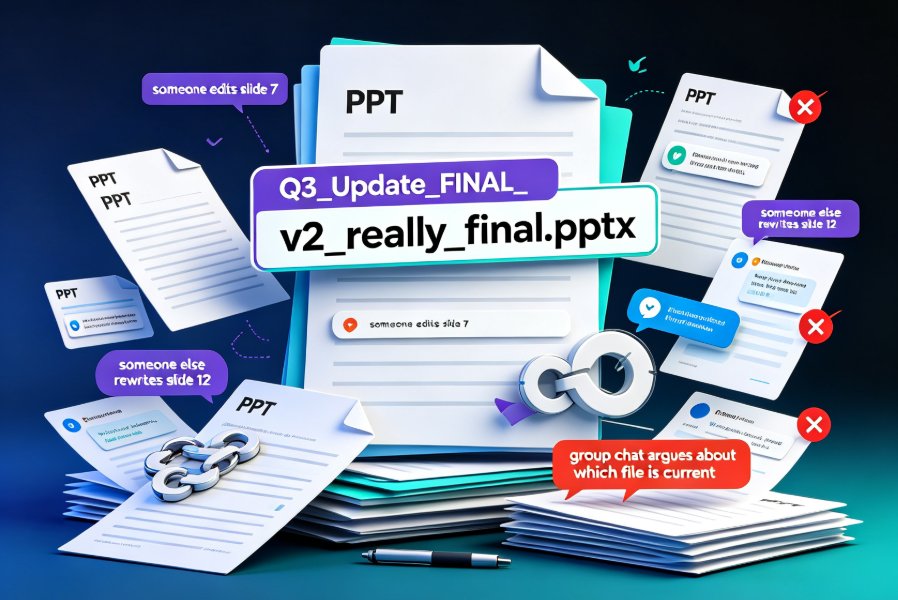
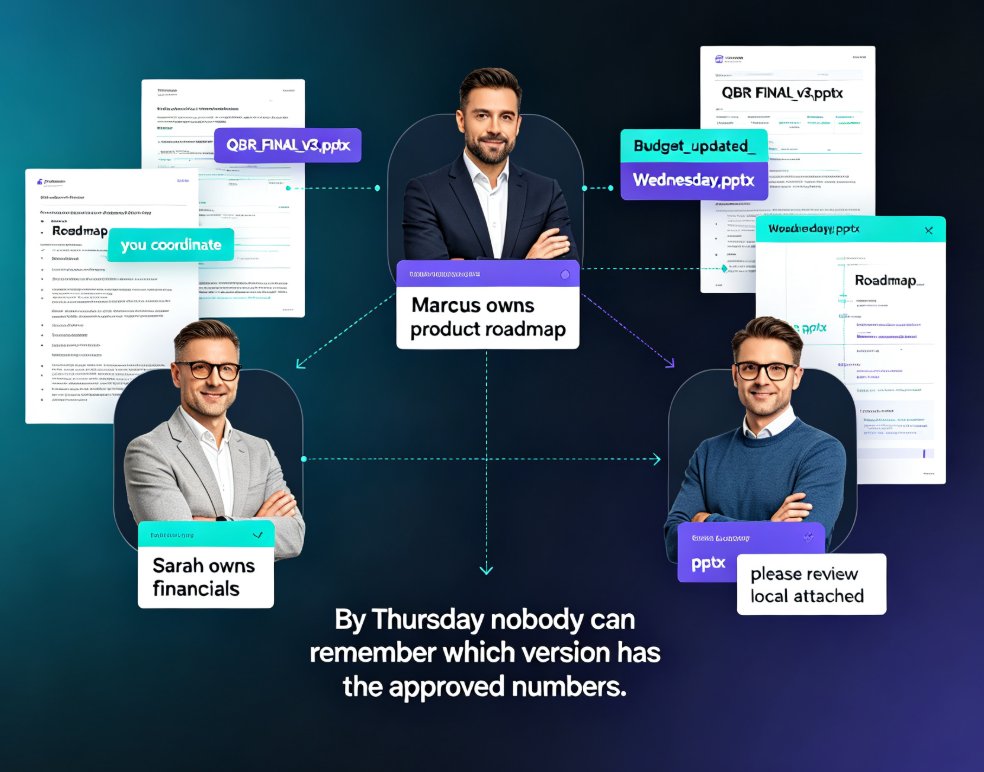
Let's be honest: most team presentations don't fail because of bad content. They fail because of bad coordination. Someone edits the deck on Tuesday, someone else overwrites it on Wednesday, and by Thursday nobody can remember which version has the approved budget numbers. You've lived this. We've all lived this.
The good news? Version chaos isn't a discipline problem — it's a workflow problem. The fix isn't telling your team to be more careful; it's giving them a single place to work. That's exactly what Zendeck's collaboration features are built for.
01 The Version Chaos Problem
Here's the classic scenario. Your team is preparing a quarterly business review. Sarah owns the financials, Marcus owns the product roadmap, and you're coordinating. The deck lives on someone's laptop. Every update means another email, another "please review the attached," another round of "wait, did you see the latest?"
The result? The real cost of collaboration isn't the editing — it's the coordination. Every email, every "which file is current?" message, every re-upload eats time you could spend on the actual content. Knowledge workers routinely lose hours each week just hunting for files and reconciling versions.
Zendeck solves this at the root: the deck lives in one online workspace. No attachments. No local copies. No "final_v3_REAL" files. Everyone on the team opens the same link, and the link always points to the current version.
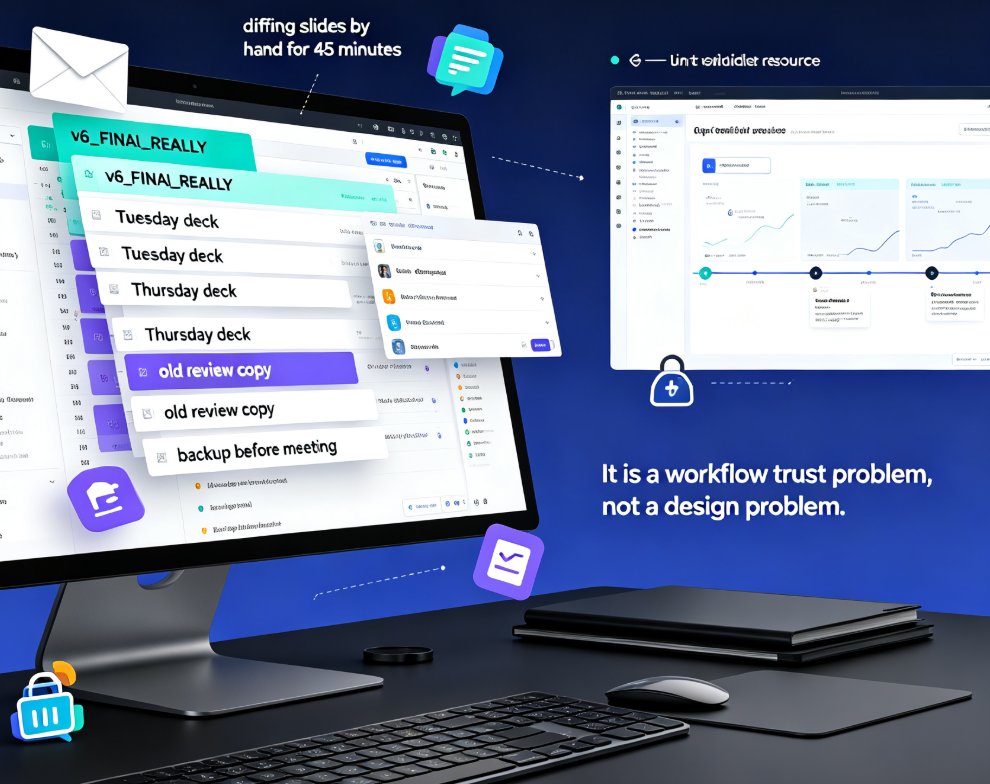
Here's another angle: the version problem isn't just about files — it's about trust. When your team doesn't trust that the shared copy is current, they start keeping their own local versions. That's when the chaos compounds. One person's "safe copy" becomes another person's outdated source. Before long, you're merging three different decks by hand, and nobody is happy.
02 Real-Time Online Editing: Kill the "Wait Your Turn" Workflow
Traditional collaboration means serial work: you edit, then you hand off, then the next person edits. If two people try to work at once, you get conflicts, overwritten slides, and a lot of passive-aggressive Slack messages.
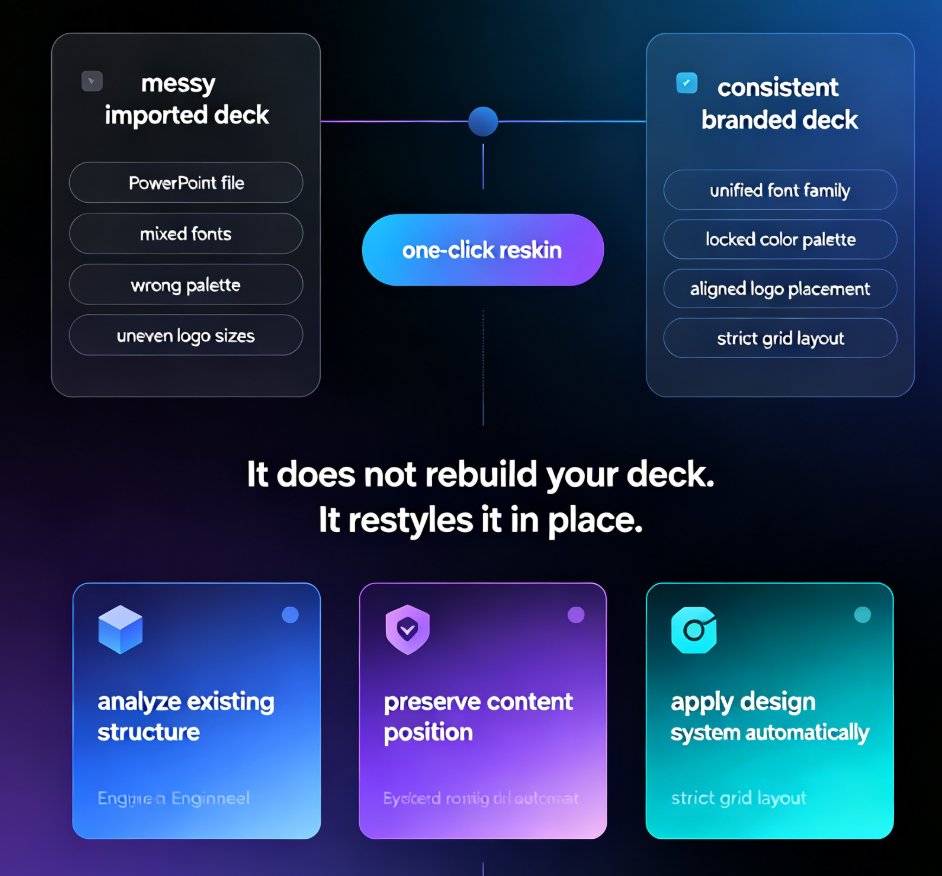
Zendeck flips that. Multiple team members can open the same deck at the same time and edit different slides without stepping on each other. You see each other's changes live, so there's no "I was still working on that" moment. The design system — fonts, colors, layouts — stays locked, so even when five people are editing, the deck still looks like one person designed it.
This is where Zendeck's smart layout engine earns its keep. When someone pastes a block of messy text or drops in a new chart, the layout adjusts automatically. Nobody has to manually realign boxes after a teammate's edit. That's one of those hidden features that quietly boost team productivity without anyone noticing.
Think about a real example: a product team building a launch deck. The PM writes the narrative, the designer drops in visuals, the marketing lead adds the go-to-market slides — all at the same time. In a traditional workflow, that's a three-day relay race. In Zendeck, it's a single working session. The deck is done by lunch, and nobody had to wait for anyone else.
03 Sharing Links That Respect Permissions
Not everyone on the project needs edit access. Your executive sponsor probably just needs to peek at progress. Your client might need to review a specific section. Your intern definitely shouldn't be able to delete the revenue slide.
Zendeck's sharing links give you control without the friction. You can share a link with view-only access for reviewers, or grant edit access to collaborators. The link stays current — you never have to re-share when the deck updates. And because everything is online, you can revoke access the moment someone leaves the project.
This matters more than it sounds. In a traditional workflow, sharing the deck means emailing a file, and that file is now out of your control. With a permission-controlled link, you always know who can see what, and you can change that at any time.
A quick tip from experience: set external reviewers to view-only by default. It's much easier to grant edit access later than to explain why a client accidentally deleted your appendix slide. You can always upgrade someone's access — you can't un-send an email.
04 Version Control: The Safety Net Your Team Actually Needs
Here's the thing about collaboration: people make mistakes. Someone deletes a slide they didn't mean to. Someone overwrites your carefully crafted data visualization. Someone "cleans up" the agenda and removes the section you needed.
Without version control, those mistakes become permanent. With Zendeck's history tracking, they're just a click away from being undone. You can see what changed, when it changed, and who changed it. And if a change goes sideways, you restore an earlier version in seconds.
The best collaboration tools don't prevent mistakes — they make mistakes cheap. That's the real value of version history. Your team can experiment, try bold edits, and know that nothing is irreversible. That psychological safety changes how people work; they stop hoarding their own copies "just in case" and start trusting the shared workspace.
Version history also changes how you handle feedback cycles. When a stakeholder asks, "can we go back to the version from last week?" you don't have to dig through your email. You just open the history, find last week's state, and restore it or export it. That's a five-second answer to a question that used to cost half an hour.
05 The Full Team Workflow: From Word Outline to Final Deck
Collaboration doesn't start when the deck is created — it starts with the source material. In most teams, the content lives in a Word document or a shared outline that several people have contributed to. Zendeck's Word and Google Docs integration means you can import that outline directly and generate a structured deck from it. No copy-pasting slide by slide.
Then the real collaboration begins. The team refines the deck together, adds charts from the asset library, and iterates on the narrative. When the deck is ready for a wider audience, you can turn it into a narrated video for stakeholders who'd rather watch than read.
This end-to-end flow is what separates a collaboration tool from a file-sharing tool. It's not just about editing the same file — it's about moving the whole project forward together, from outline to final deliverable.
Traditional vs. Zendeck: The Collaboration Comparison
| Task | Traditional Workflow | With Zendeck |
|---|---|---|
| Sharing the latest version | Email attachments, "final_v2" files | One shared link, always current |
| Editing together | One person at a time, serial handoffs | Multiple editors, real-time changes |
| Tracking changes | Manual notes, confusion | Automatic history, restore anytime |
| Controlling access | Can't un-send an email | Permission-based links, revocable |
| Keeping design consistent | Manual fixes after every edit | Smart layout auto-adjusts |
| Reviewing for stakeholders | Send file, wait for comments | Share link, view-only access |
The pattern is clear: every row in the "traditional" column is a source of friction, and friction is what kills team momentum. Zendeck removes the friction so your team can focus on the message, not the mechanics. If you're curious about the broader shift toward AI-driven collaboration workflows, our office efficiency guides cover the full picture.
At the end of the day, collaboration tools should make teamwork feel lighter, not heavier. Zendeck's approach is simple: keep everything in one place, let people work together in real time, and never lose a version again. If your team is still living in attachment-email hell, it's worth making the switch.
FAQ
Can multiple people edit the same Zendeck deck at the same time? Yes. Zendeck supports real-time multi-editor editing. Multiple team members can work on different slides simultaneously, and changes appear live for everyone. The design system stays locked, so the deck remains visually consistent even with several editors.
How do I share a presentation with someone who doesn't have a Zendeck account? You can share a link with view-only or edit access. Reviewers don't need a full account to view the deck — they can open the link and see the current version. You control the permission level and can revoke access anytime.
Can I see who changed what in the deck? Yes. Zendeck's version history tracks changes, showing what was modified, when, and by whom. This gives you full accountability and makes it easy to understand the deck's evolution.
Can I restore an older version of the presentation? Absolutely. If a change goes wrong or you need to revert to an earlier draft, you can restore a previous version from the history in a couple of clicks. Nothing is permanently lost.
Does Zendeck work with Word outlines for team projects? Yes. You can import a Word document or Google Docs outline directly into Zendeck, and it will generate a structured deck from that content. This is ideal for teams that collaborate on the source material before building slides.