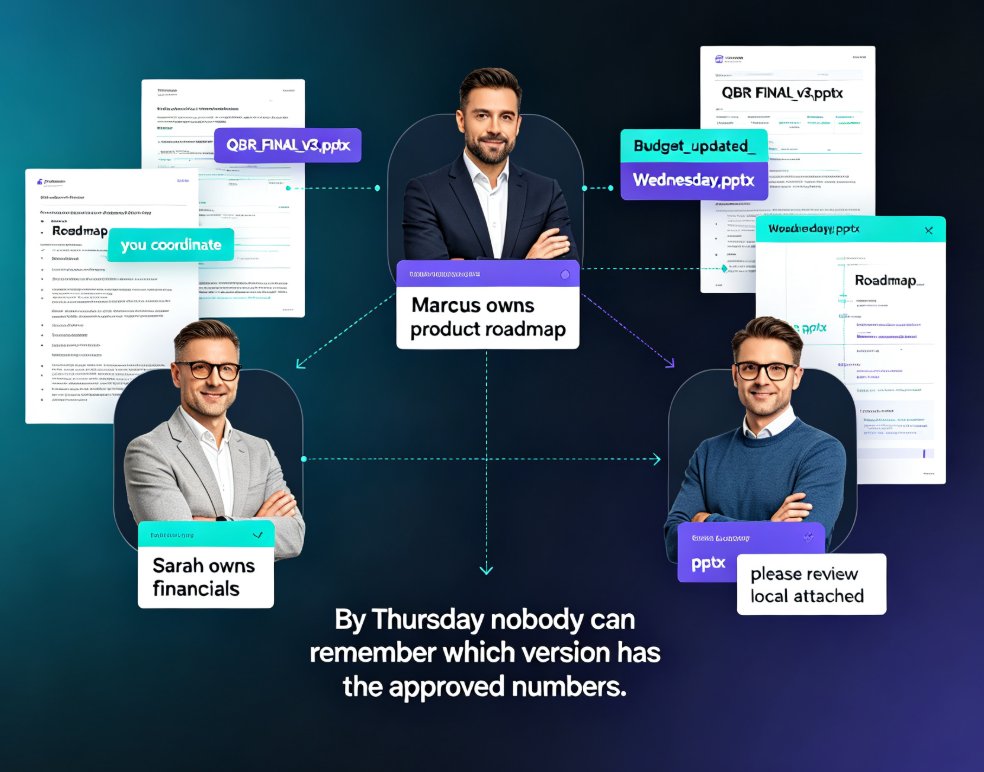
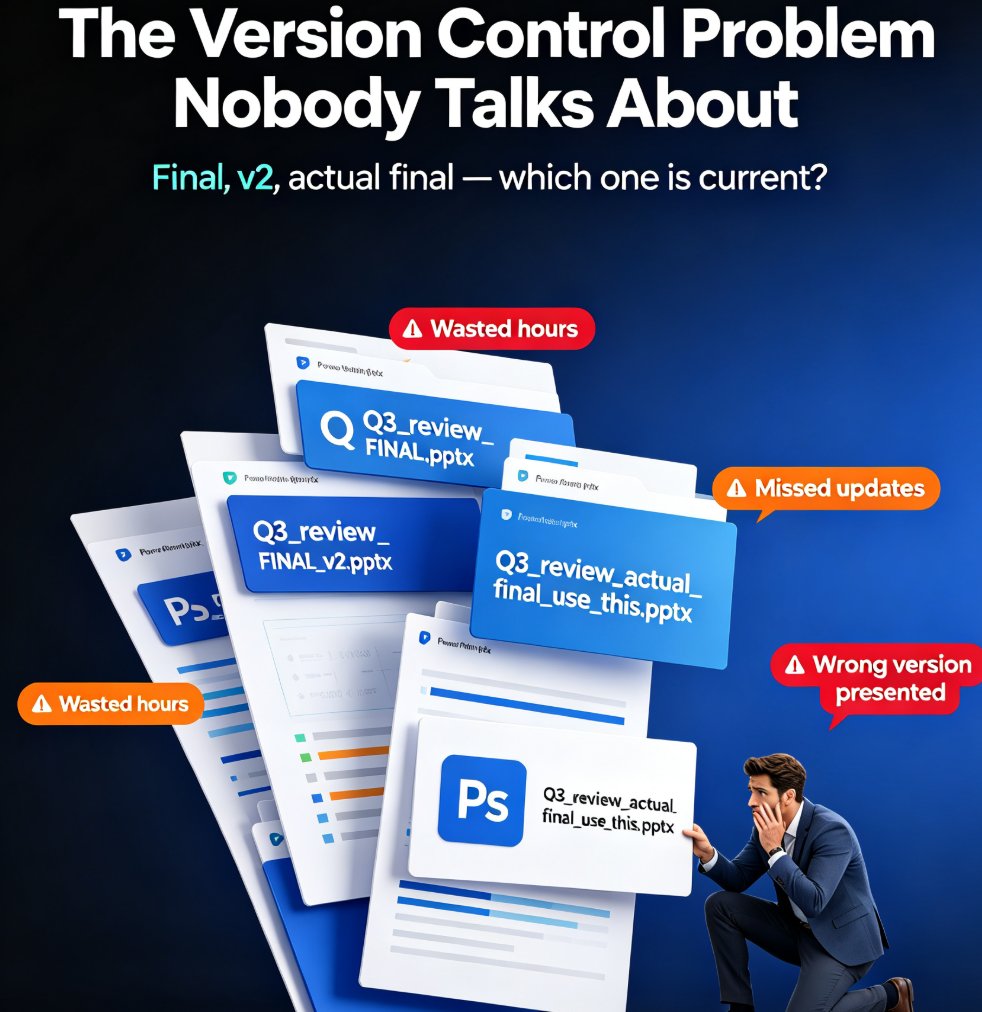
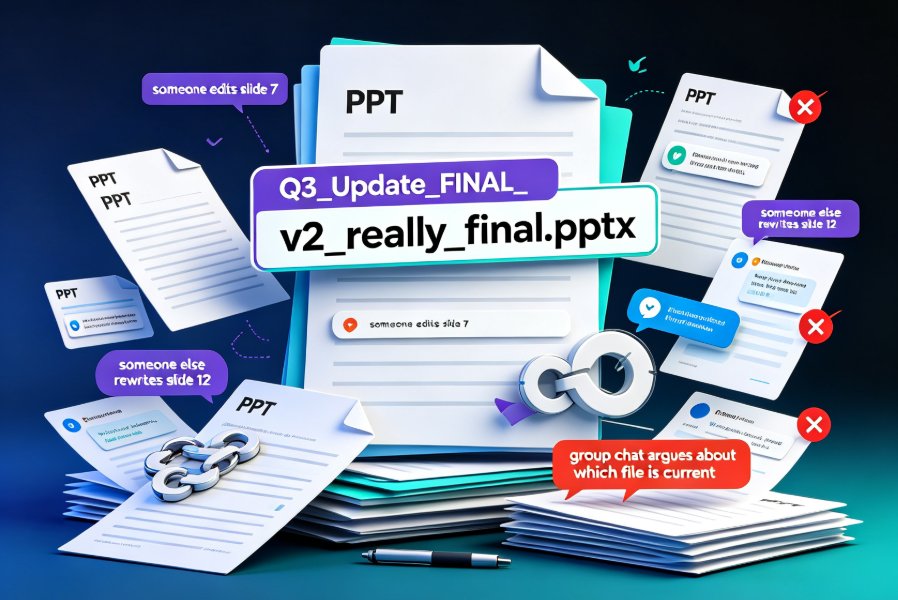
Team Deck Version Chaos? Zendeck's Shared Library & Comments Keep Everyone Aligned
We've All Been There: The 11th Version of the 'Final' Deck
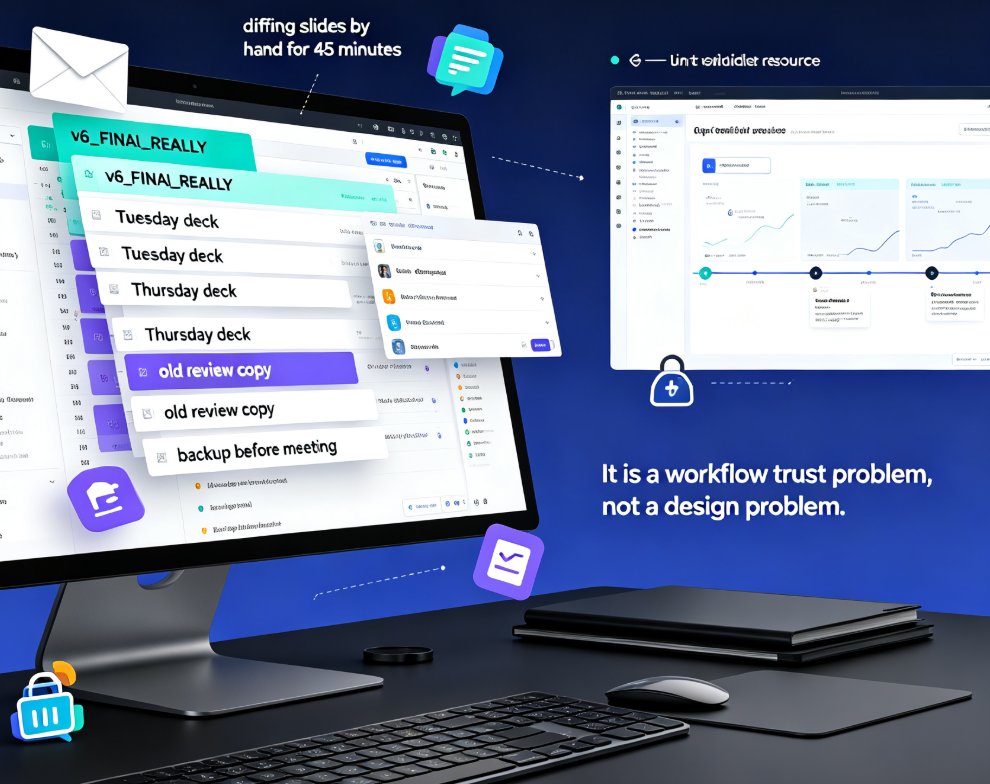
It's 4:47 PM on a Friday. Your training lead asks, "Which file is the latest? The one from Tuesday or the one from Thursday with 'v6_FINAL_REALLY' in the name?" You dig through email threads, a couple of shared drives, and maybe a chat window where someone posted a download link that no longer works. You find three almost-identical versions, and you spend the next 45 minutes diffing slides by hand.
Let's be real — this isn't a design problem or a tech problem. It's a workflow trust problem, and it's silently burning hours off every team that produces presentations together.
Whether you run a training department, an agency team, or a marketing ops group, the same pattern repeats: someone creates the deck, someone else edits it, a third person reviews it in a meeting, and suddenly there are six copies and zero clarity.
01 · Why Version Chaos Happens (And Why It's Not Your Fault)
The root cause is rarely laziness or carelessness. It's that the tools people rely on — email attachments, desktop files, scattered folders — were never designed for collaborative, iterative deck building. They were designed for sending finished documents one way.
When multiple people collaborate on slides, three failure modes kick in:
- File duplication: Each reviewer saves their own copy, and then someone merges them manually — or forgets to.
- Feedback detachment: Comments live in an email or a chat scroll, unanchored to the actual slide they refer to.
- Asset drift: Old logos, outdated brand colors, and obsolete charts keep resurfacing because no one knows which asset is the sanctioned one.
The result is predictable: rework, duplicated effort, and a slow leak of team trust in the process. When people can't rely on "the latest version," they start creating their own sources of truth — which makes the problem worse.
02 · The Single Source of Truth: Zendeck's Shared Library
Zendeck approaches this by giving teams a shared workspace for all approved assets and decks. Instead of every person maintaining their own folder of fonts, logos, and icons, the organization stores everything in one library that everyone pulls from.
The practical effect is immediate. The logo on the corporate slide deck — the one with the old tagline — simply stops appearing, because nobody can access it from the shared library. The chart style that your brand guide says to use is the only chart style available in the picker. This might sound simple, but it removes the most common source of visual inconsistency in team decks.
Teams stop wasting hours on file hunting and instead spend that time on the content that actually moves an audience. If you've ever watched a senior stakeholder lose confidence because a deck used the wrong logo, you already know how much that single inconsistency can cost.
03 · Comments That Actually Resolve: Ending the Feedback Thread Dance
Version chaos rarely comes from the creation phase. It comes from the revision phase — the back-and-forth where "can we adjust this slide?" turns into a week of ambiguity.
Zendeck's approach is comment-based revision. Rather than collecting feedback in emails or voice notes, reviewers drop comments directly on specific elements of a slide. The principle is simple: if you want to change the headline, click the headline and leave the comment there. If the chart in slide 12 looks off, the comment lands right on the chart.
This anchored feedback solves something deeper than just convenience. When each comment is tied to a precise element, there's no ambiguity about what the reviewer is referring to. And because threads can be marked resolved, the paper trail is clear and auditable — you can look at a slide and know exactly which feedback was addressed and which is still open.
Off-the-record advice: tell your team to resolve a comment only after the edit is applied, not in advance. That discipline is what keeps the paper trail honest — and it's how you avoid the classic "I thought we fixed that" conversation.
04 · Version Snapshots: The Safety Net You Didn't Know You Needed
Every serious deck tool claims to have version history. The difference lies in how usable it is.
Zendeck keeps version snapshots of your deck, so you can always roll back to a previous iteration or compare two snapshots side-by-side. This removes the fear factor entirely: if a collaborator's edit goes sideways, you revert a slide — or the whole deck — without redoing a week of work. The system does the tracking, so no one has to remember to save a "v5 backup."
This has big implication for team psychology. When people stop fearing that a bad edit will destroy a month of work, they become more willing to experiment and iterate. That's when deck quality actually improves, because the team explores more options instead of playing it safe with the first version that works.
05 · From Chaos to Cadence: What a Typical Workflow Looks Like
Here's how a realistic team might operate after switching to a shared workspace:
| Workflow Stage | Old Way (Chaos) | Zendeck Way (Cadence) |
|---|---|---|
| Asset sourcing | Dig through folders and email for the right logo/chart | Pull from approved shared library in one click |
| First draft | One person builds slides, others wait their turn | Upload a Word outline; AI generates a structured draft instantly |
| Feedback | Scattered emails and chat messages, hard to track | Inline comments anchored to specific slide elements |
| Revisions | Manual merging of copies, risky and slow | Edits applied in the same workspace; snapshots capture each stage |
| Finalization | Multiple filenames, confusion about what's final | One link, one version, resolved comment thread history |
The shift isn't just about speed — it's about removing the mental overhead of "which file is current." Your team gets that energy back for the actual content.
06 · Who Benefits Most? (Hint: It's Teams, Not Individuals)
If you're a solo creator, version chaos is annoying but manageable. The real damage hits teams of three or more who move decks through review chains.
Training departments deal with this constantly — courseware gets updated for compliance, then a new policy drops, and suddenly the deck has two conflicting sections. Agency teams live in the same world: client feedback arrives in waves from three stakeholders, and each wave edits the deck in different directions.
Zendeck has built several features that make working across these scenarios smoother. If you're new to the platform, a good place to start is the AI Presentation Mistakes to Avoid in 2026 (And How Zendeck Fixes Them) article. It highlights common pitfalls that compound when more hands touch a deck.
For teams specifically focused on keeping brand output consistent, the concept of Zero-Design Brand Governance: How AI Templates Enforce Consistency is worth a read — it explains why template governance matters more than individual design talent.
And if your team also creates corporate training content, you'll want to explore how AI-Generated Video Decks: Replacing Traditional Corporate Training integrates with this workflow.
07 · A Quick Word on the "Hidden" Productivity Gains
Most conversations about collaboration tools focus on saving time. But the quieter, more valuable gain is reducing decision fatigue. Every time someone wonders whether the asset they're using is current, that's a tiny tax on their attention. Multiply that by several decisions per slide, and your team's cognitive load adds up fast.
When the shared library answers the "which asset" question and comments resolve the "what changed" question, your team stops second-guessing themselves about process and starts concentrating on message.
If you want to understand how AI presentation tools boost overall team output, this piece covers 5 Hidden Features of AI Presentation Tools That Boost Team Productivity — some of those features only become visible once several people use the same workspace.
08 · The Practical Path Forward
You don't need a massive rollout plan to fix version chaos. Start small: set up your team's shared library in Zendeck with the approved assets, create one template as the baseline, and run your next shared deck through the comment workflow instead of email.
Watch what happens when three people review the same link simultaneously. Watch what happens when the question "which file is latest?" just... stops being asked.
The single most useful change you can make to your deck workflow this quarter is not better design skills — it's a better collaboration workspace. Zendeck's shared library and comment-based revision system deliver exactly that, without requiring anyone to become a designer or a version-control expert.
FAQ
How does Zendeck's shared library prevent version confusion?
Zendeck's shared library stores all approved templates, icons, charts, and assets in one centrally managed workspace. Every team member pulls from the same approved set, so you never mix an outdated logo with the new brand palette. There's one version of truth, not five copies floating across inboxes.
How do comment-based revisions work in Zendeck?
Instead of collecting feedback through email or voice messages, team members leave comments directly on specific slides. Each comment is tied to a precise element — a chart, a headline, a layout block — and resolved threads create a clean paper trail. Version snapshots let you roll back or compare changes without fearing permanent loss.
Can Zendeck handle feedback from multiple stakeholders on the same deck?
Yes. Multiple reviewers can comment in real time on the same deck, and every thread is attributed to a person, so you always know who asked for what. When edits are applied, the comment thread resolves, and the next version automatically reflects those decisions — no more 'did we fix that?' conversations.
Is Zendeck useful for cross-department collaboration, like training plus marketing?
Absolutely. A shared asset library keeps brand consistency across departments, while precise commenting lets training teams and marketing teams review the same deck without overwriting each other's work. Each team keeps its own review context, but everyone works from the same approved assets and version history.
Does Zendeck require design skills to manage team workflows?
No. Zendeck was built so anyone — trainers, HR leads, operations staff — can manage deck workflows without touching raw design tools. Upload a Word outline, generate slides, apply a brand template, and share for comments. The interface stays clean, and version history is automatic, not something you need to set up manually.