Zendeck Brand Kits: How to Keep Every Team Presentation On-Brand
Let's be real: you've sat through a pitch deck that looked more like a ransom note assembled from three different companies than a polished brand story. Logo slightly off-center. Headline font drifted back to Arial. A CTA button in a shade of blue nobody in your company has ever approved. Somebody copied a slide from an old folder. A teammate "just tweaked the background real quick." And now your investor meeting starts with a silent credibility hit before you've said a word.
That friction isn't a taste problem. It's a system problem. And in 2026, more organizations are realizing the fix isn't stricter review checklists or nagging emails. It's a brand kit: a set of locked rules that keeps every slide on-brand automatically, whether the deck is built by a sales rep, a trainer, or a marketing intern at 11 p.m.
This article breaks down what brand kits actually lock down, why human discipline reliably fails, who needs them most, and how Zendeck's brand kit turns brand consistency from a constant firefight into a background process.
01 | The Ransom-Note Deck: Why Brand Drift Is a System Problem
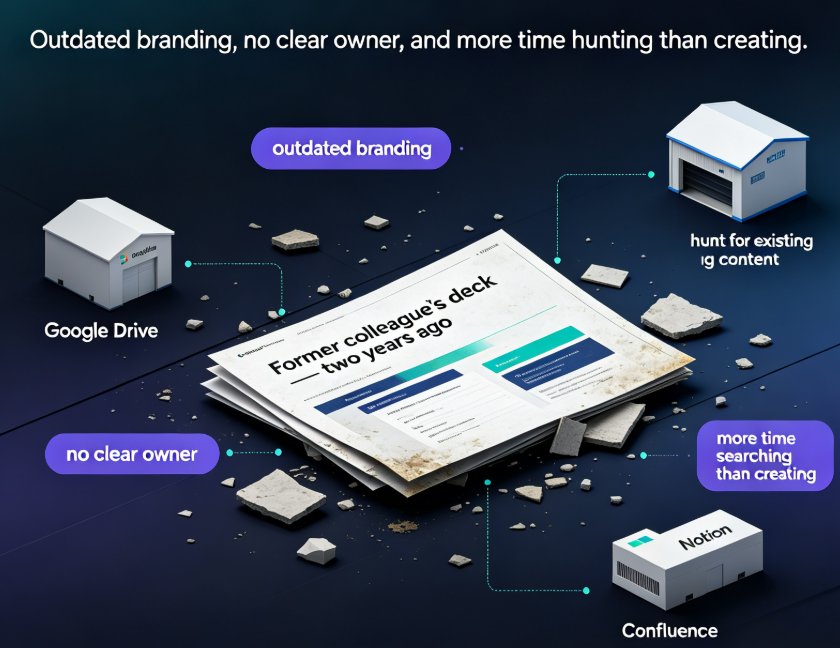
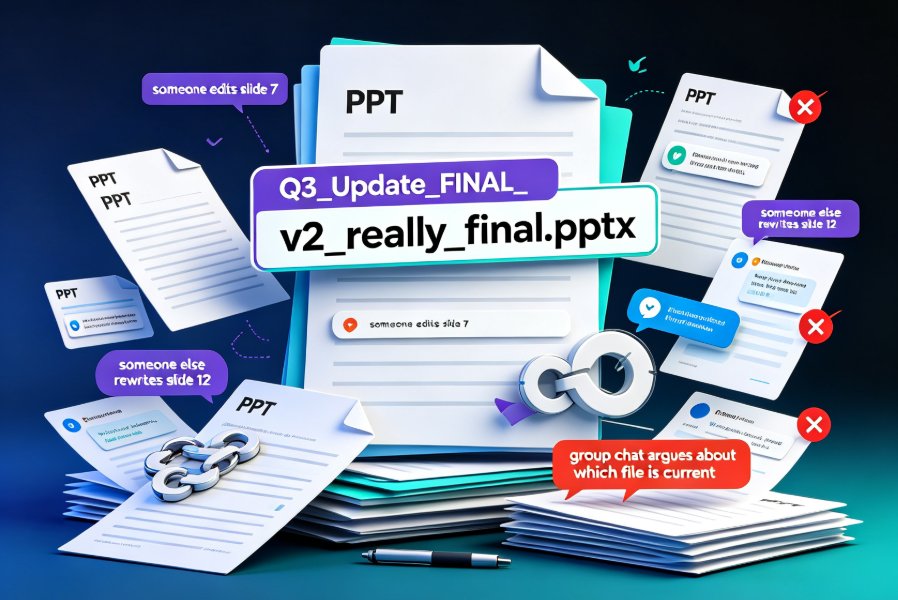
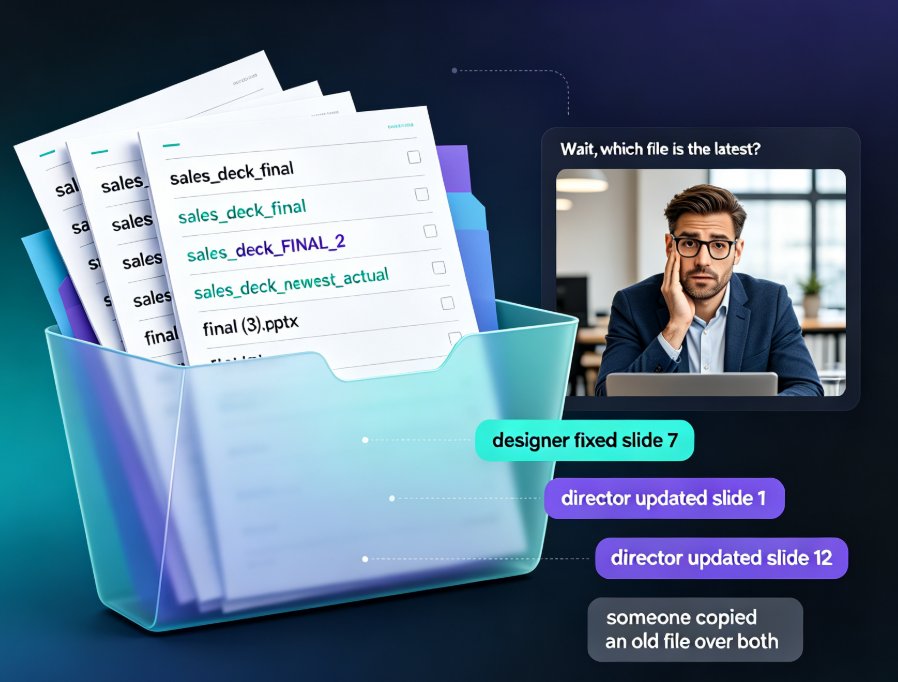
Here's the scene most teams know by heart. Marketing produces a polished template. Then sales copies it. Then HR borrows the sales deck and changes the fonts. Then a junior designer pulls in a slide from last year's campaign with the old logo. Three slides in, you notice the logo sizing drifted, the headline font is Arial again, and your CTA button is a color that doesn't exist in your palette.
By the time anyone catches it, the deck has been emailed to eight people, two clients, and one conference organizer.
Let's be blunt: Brand inconsistency is rarely a taste problem; it's a system problem — and no amount of PowerPoint training will fix what your tooling silently allows to happen. When every teammate holds the freedom to change anything, they will use that freedom. Not out of malice. Simply because the software never told them not to.
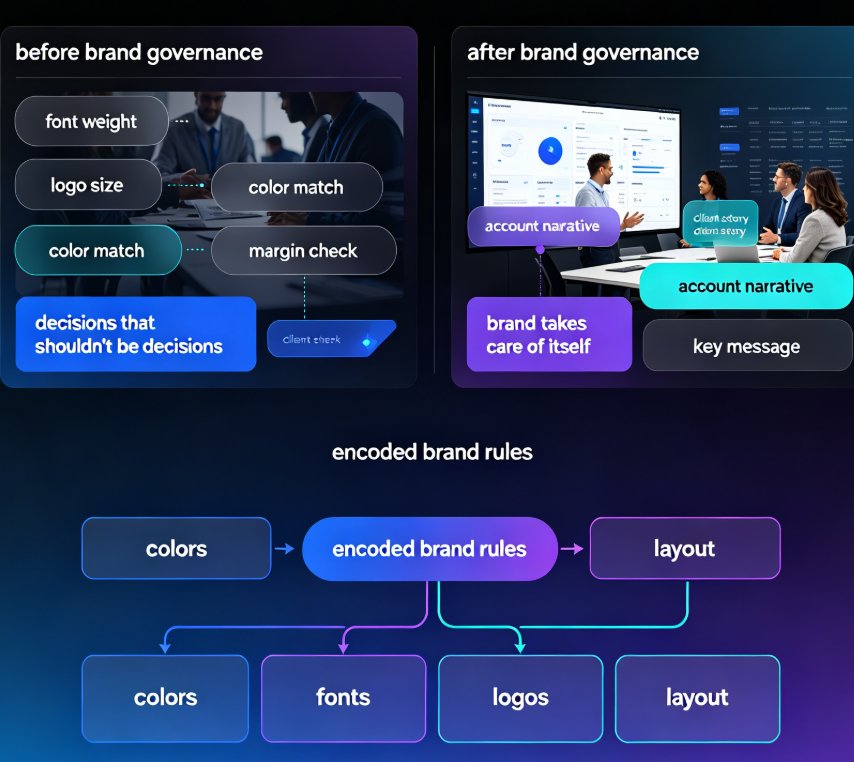
This is exactly where brand governance tooling changes the equation. Instead of hoping people follow the rules, you encode the rules into the tool itself. The result isn't just prettier decks; it's a visible, durable brand image across every team, every client, and every channel. Your brand stops depending on whoever happens to be awake at the moment of the final export.
02 | What a Brand Kit Actually Locks Down
Think of a brand kit as style rules embedded into every slide. It doesn't just suggest — it restricts. And that restriction is the point. Here's what it looks like in practice:
| Property | What gets locked | Why it matters |
|---|---|---|
| Colors | Text and shape colors restricted to the approved palette | No more "close enough" blues that clash with the real brand |
| Fonts | Font dropdown limited to approved family and weights | Headlines stop drifting back to Arial or Calibri |
| Logos | Logo placeholder fixed; can't drag in a different file or resize beyond a set ratio | Logos stay crisp and consistent, never stretched or tiny |
| Layout | Title position, margins, and footer made non-editable | The structural skeleton of every slide stays uniform |
These aren't hypothetical guardrails. Agencies shipping dozens of client decks a month rely on per-client brand kits, giving each account its own locked rules — so when a team member opens that client's workspace, every slide obeys those rules. Enterprise sales teams lock the revenue deck so every rep focuses on the account narrative while the brand "takes care of itself." If you want the full checklist of what a kit can cover, 5 Ways to Create a Custom Brand Kit in Zendeck for Consistent Decks walks through the entire setup.
The core insight is worth repeating: Brand kits don't limit creativity; they remove the decisions that shouldn't be decisions in the first place. Your team's energy goes into the story, not into re-choosing a font weight for the fifth time this week.
03 | Why "Just Be More Careful" Fails Every Single Time
Here's the uncomfortable truth: telling people to follow brand guidelines is like asking everyone to drive the speed limit on a road with no signs. Some will. Many won't. And the ones who don't aren't bad people — they're busy, working under deadline, and their slide editor handed them infinite choice with zero guardrails.
The cost compounds over time. Every slight color drift, every off-font headline, every misplaced logo is a tiny degradation of the brand. Individually insignificant. Collectively, your company starts to look like it can't produce one coherent presentation. And in sales, that perception lands before your first sentence does.
This is also why review checklists and 40-page style-guide PDFs never fully solve the problem. A brand manual only works if someone reads it, remembers it, and applies it — under every deadline, every late-night edit, every inherited file. Tooling, by contrast, works even when people are exhausted, rushed, or distracted. Which is to say: it works most of the time, reliably so.
04 | How a Brand Kit Works in Practice
Zendeck's approach is straightforward: define your colors, fonts, logos, and layout rules once, then apply them to any presentation. When a teammate opens a workspace, the brand kit is already enforced. They can't wander outside the palette, the font list only shows approved families, and the logo placeholder stays locked. Every slide adapts to the kit instantly — no manual reskinning, no midnight rescue edits.
The practical flow looks like this: you import an outline (Word, Markdown, or plain text), pick a template, and the brand kit applies on top. What comes out is a deck that's visually on-brand before you've touched a single element. And if you're using the PPT-to-video workflow, the same brand rules carry over into the narrated micro-course — which matters more than most people realize.
That consistency across formats is what separates a tool from a governance system. If your brand works in slides but falls apart in training video, you still have a brand problem. Treating slides and video as one brand surface is exactly the discipline that Zero-Design Brand Governance: How AI Templates Enforce Consistency explores in depth.
05 | Who Needs Brand Governance the Most
Not everyone needs a brand kit. If you're a solo freelancer making your own decks, you are the brand, and you don't need guardrails. But the moment two or more people build presentations under one name, the case changes fast.
Agency teams shipping multiple client decks weekly can't afford a junior designer accidentally swapping a client's brand blue for a slightly different blue. Per-client kits keep every deliverable locked to that client's standards — and to that client's peace of mind.
Sales teams show up to buyer meetings with one narrative and one look. When every SDR works from the same locked revenue deck, the brand becomes an asset in every pitch instead of a liability someone has to clean up later.
HR and L&D teams produce onboarding decks, compliance training, and micro-courses on a weekly basis. Consistent visual identity here doesn't just look professional — it reinforces the company's values in every learning moment your employees sit through.
Startup founders preparing investor decks need polish that telegraphs maturity, even when the product is still young. A locked brand kit takes presentation polish off the founder's worry list entirely.
For a broader look at why visual assets and brand rules are converging, see How AI Asset Libraries Are Revolutionizing Corporate Brand Consistency, which connects asset management to the same consistency story.
06 | The Time Math: What Inconsistency Really Costs You
Let's put a number on this. Say your team burns one or two hours a week on fixing slide inconsistencies — recolor the button, re-upload the logo, re-apply the header font across 14 slides. Multiply that by every teammate who touches decks, and the annual cost stops being trivial.
This chart compares typical weekly hours spent fixing brand inconsistencies for a mid-size team without a brand kit versus with one:
The takeaway isn't subtle: A brand kit doesn't just protect your image — it buys back meaningful hours of human time every single week. At the rate agencies and sales teams churn decks, that's not a minor win; it's a workflow change that compounds quarter over quarter.
For more hidden time-savers inside AI presentation tools, 5 Hidden Features of AI Presentation Tools That Boost Team Productivity is a good next read. If you want the broader workflow picture, browse more office efficiency articles on the blog.
07 | Frequently Asked Questions
What exactly does a brand kit lock down in Zendeck?
Zendeck's brand kit restricts colors to your approved palette, limits fonts to your approved family and weights, fixes the logo to a locked placeholder, and makes certain layout zones (like title position, margins, and footers) non-editable. Those rules apply automatically to every deck built in that workspace.
Can each client or department have its own brand kit?
Yes. You can create per-client or per-department brand kits, so an agency can maintain separate rules for each client account, and an enterprise can give sales, marketing, and HR their own locked kits. When a workspace is opened, that workspace's kit is already in force.
Does the brand kit apply to PPT-to-video and micro-courses too?
It does. When you convert a slide deck into a narrated video or micro-course using Zendeck's PPT-to-video workflow, the same color, font, and logo rules carry over. That means your training videos match your slides, rather than becoming a second, ungoverned brand surface.
How much time does a brand kit actually save?
Most teams report cutting weekly brand-fix time from five to eight hours down to an hour or less. It varies by team size and deck volume, but the pattern is consistent: the hours you used to spend recoloring buttons and re-uploading logos go away entirely.
Do brand kits work with templates from the library?
Yes. When you apply a template, the brand kit overrides the template's default colors and fonts with your locked values. The template provides structure and layout; the brand kit disciplines the visual identity.