Turn Product Specs into Persuasive Sales Decks with Zendeck
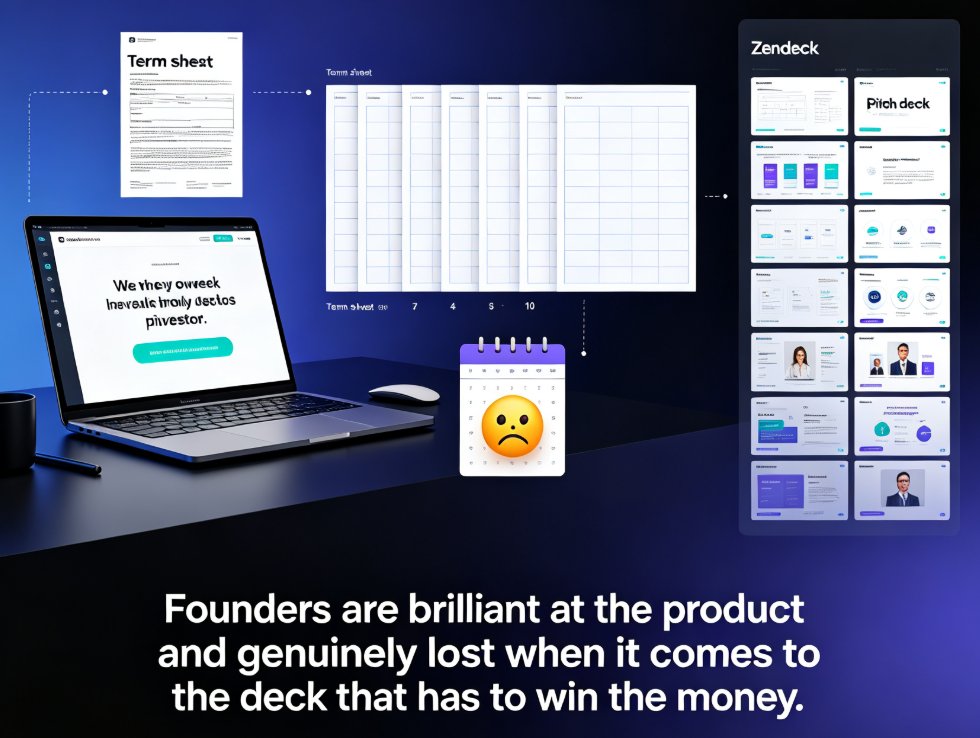
Let's be honest: nobody in sales wakes up excited to turn a 40-page product spec into a pitch deck. But it has to happen, because buyers don't read spec sheets — they read stories. The gap between technical documentation and persuasive selling is where deals quietly die.
Here's the uncomfortable math. HubSpot's sales productivity research found that sales reps spend only about 2 hours per day actually selling, with at least 1 hour daily on manual or administrative tasks. Even worse, 31% of their time goes to searching for or creating content. For a $100K sales professional, that's over $65,000 annually in non-selling activities. Multiply that across a team of ten, and you're burning more than half a million dollars a year on busywork.
The fix isn't hiring more sales ops people. It's using AI to compress the busywork into minutes. That's exactly what Zendeck does for sales teams — and it's one of the highest-ROI uses of AI presentation tools that most revenue teams haven't tapped yet.
I. Why Product Specs Fail as Sales Material
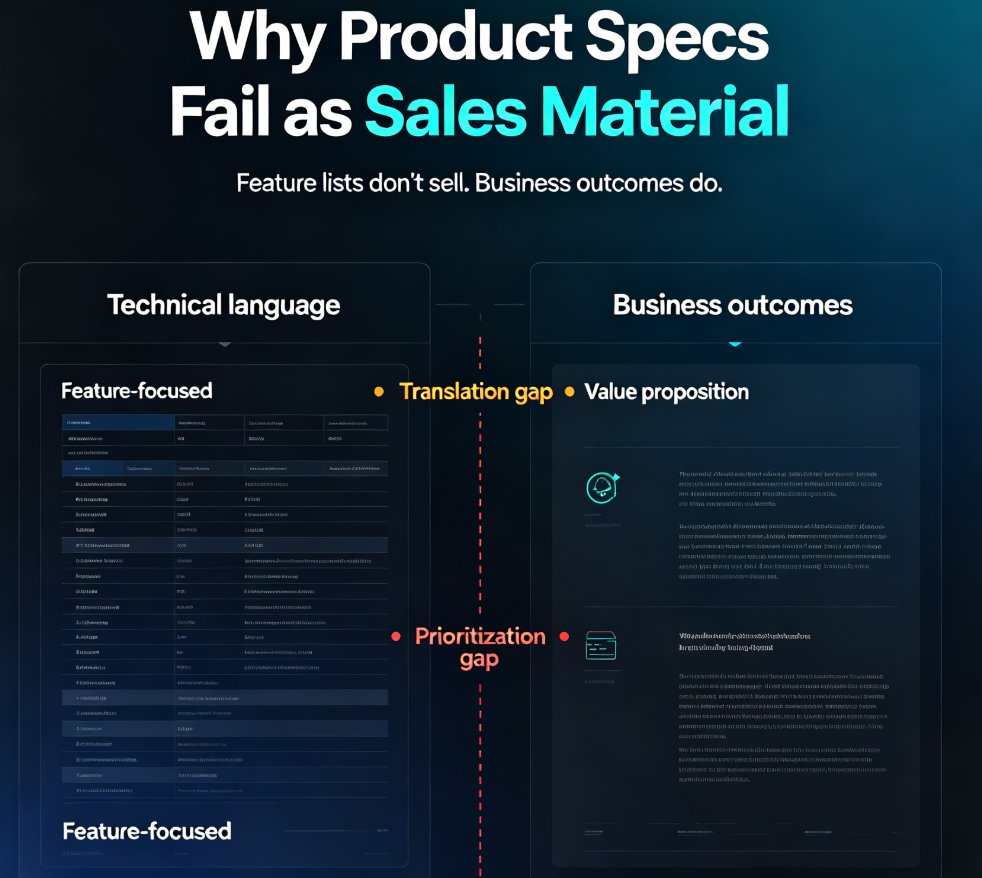
Product specs are written for engineers, not buyers. Feature lists focus on capabilities, not benefits. Technical documentation is comprehensive but not persuasive.
When you hand a spec sheet to a sales rep and ask for a deck, you're asking them to do three hard jobs at once:
- Translate — convert technical language into business outcomes
- Prioritize — decide which features actually move a buyer
- Design — make it look professional enough to present to a VP
Most reps can do one of these well. Few can do all three under deadline pressure. The result? Decks that list every feature, bury the value proposition, and look like they were assembled in 20 minutes — because they were.
The deeper problem is inconsistency. When five reps each build their own deck from the same spec, you get five different stories, five different looks, and five different levels of quality. Your brand message fragments exactly when it needs to be sharpest.
II. The AI Fix: From Documentation to Persuasion
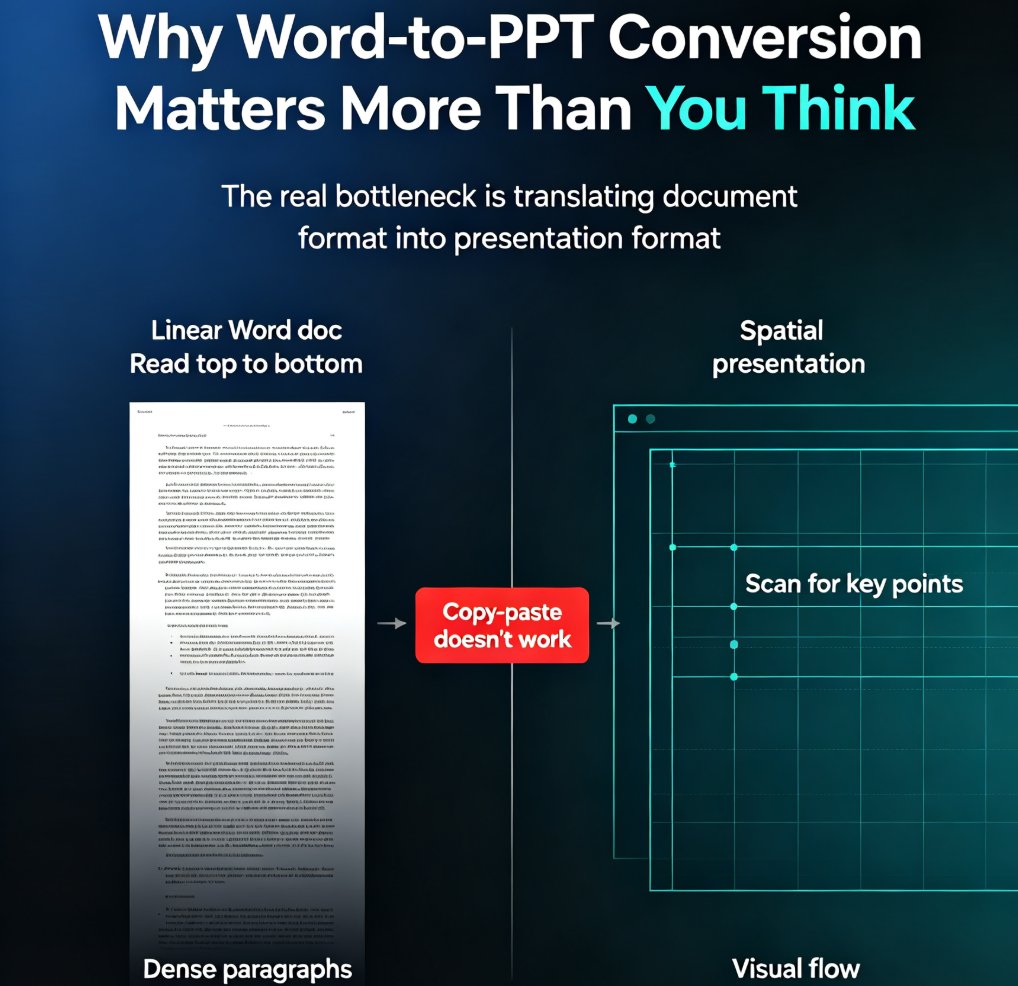
AI presentation tools change the game because they remove the translation bottleneck. Instead of a rep staring at a blank slide and wondering where to start, the AI does the heavy lifting of structuring and designing.
Zendeck takes this a step further. It's built to handle the messy, dense source material that sales teams actually work with — product spec sheets, feature lists, implementation guides, customer success stories. You upload the documentation, and Zendeck's AI extracts the selling points, reorganizes them into a buyer-friendly narrative, and applies a clean, consistent layout.
The workflow looks like this:
- Gather your source materials — spec sheets, feature docs, case studies, competitive analysis, pricing pages
- Upload them to Zendeck — paste Markdown or upload a Word outline
- Let the AI structure the story — Zendeck identifies what matters to buyers and arranges it logically
- Refine and brand it — apply your brand kit, tweak slides, add charts or icons
- Export or share — download as PowerPoint or share a link
The key difference from generic AI tools: Zendeck doesn't just generate slides from a prompt. It works from your actual documentation, so the deck reflects your real product, your real positioning, and your real brand — not a generic template filled with placeholder content.
III. The Time Math That Justifies the Switch
Let's put real numbers on this. A typical sales deck built manually takes 5 to 7 hours — gathering specs, structuring the narrative, designing slides, and revising. With an AI-assisted workflow, that same deck takes under 30 minutes of active work.
That's a 5.8-hour saving per deck — roughly an 83% reduction in production time. For a sales team producing 10 decks a month, that's nearly 60 hours reclaimed for actual selling.
The math is simple: if a sales rep's time is worth $50 an hour, every deck saved is nearly $300 in reclaimed productivity — and that's before counting the deals won by better presentations.
IV. Beyond the First Draft: Consistency, Assets, and Iteration
The time savings are the headline, but the real value of AI-generated sales decks shows up in the second and third iterations.
Brand consistency. When your deck is built from a spec document through Zendeck, your brand kit applies automatically — fonts, colors, logo placement, slide templates. No more chasing down a rep who used the wrong shade of blue or an outdated logo. If you want to dig deeper into keeping decks on-brand across hundreds of slides, our guide on maintaining brand consistency with AI brand kits walks through the full setup.
Asset libraries. Sales decks need charts, icons, and diagrams to make data persuasive. Zendeck's asset library gives you access to icons, charts, and illustrations that slot directly into your slides — no more hunting through free icon sites or asking a designer for "one small tweak."
Iteration speed. The first draft is rarely the final deck. Maybe the VP wants a different angle, or a prospect asks for more detail on a specific feature. With AI, you regenerate or edit in minutes instead of rebuilding slides by hand. This is where the prompt-to-deck workflow shines — you can refine the narrative without losing the structure.
V. Five Habits of Teams That Ship Great AI Sales Decks
Having watched teams adopt AI presentation tools, a few habits separate the ones who get real ROI from the ones who generate a few slides and go back to manual work.
1. Start with the right source material. Garbage in, garbage out still applies. Gather your best spec sheets, case studies, and competitive analysis before you hit generate. The richer your source, the better the deck.
2. Edit the story, not the slides. Don't obsess over pixel-perfect alignment in the first pass. Read the deck as a buyer would — does it tell a clear story? Fix the narrative first, then polish the visuals.
3. Use brand kits from day one. If your team builds decks without brand enforcement, you'll spend more time fixing inconsistencies than building. Set up a brand kit once and let every deck inherit it.
4. Keep a library of proven sections. That pricing slide that worked? The ROI chart that closed the last deal? Save them as reusable assets so every new deck starts from your best work, not from zero.
5. Review with a buyer's eyes. Before you send a deck, ask: would a prospect who knows nothing about your product understand this in 30 seconds per slide? If not, cut the jargon and lead with outcomes.
If you're new to AI-generated decks, our pitch deck generator guide covers the problem-to-solution structure that works for sales presentations. And if your AI-generated slides ever come out looking messy or off-brand, we've got fixes for messy AI slides and off-brand decks that'll save you from starting over.
VI. The Bottom Line
Sales enablement is one of the most underserved use cases for AI presentation tools — and one of the highest-ROI. Every hour a rep spends building a deck is an hour not spent selling. Every inconsistent, cluttered deck is a deal that gets a little harder to close.
Zendeck turns the worst part of sales prep — translating dry specs into persuasive stories — into a five-minute task. Upload the documentation, let the AI structure the narrative, apply your brand, and ship a deck that looks like your design team made it.
The teams that win in 2026 won't be the ones with the best product specs. They'll be the ones who turn those specs into stories buyers actually want to hear — fast.
FAQ
How do I turn product specs into a sales deck with Zendeck?
Upload your product documentation (Word, PDF, or Markdown) into Zendeck, and the AI extracts key selling points, structures them into a persuasive narrative, and applies a consistent layout. You can then refine the deck, add charts or icons from the asset library, and export to PowerPoint or share via link.
Can Zendeck handle long technical documents like spec sheets?
Yes. Zendeck is built to process dense source material — product spec sheets, feature lists, implementation guides, and customer success stories. It identifies the most persuasive elements and reorganizes them for a buyer audience, not an engineering one.
How much time does Zendeck save on sales deck creation?
Teams typically cut deck creation from 5-7 hours down to under 30 minutes per deck. HubSpot data shows sales reps waste over an hour a day on content tasks; automating deck creation reclaims most of that time.
Will my sales deck look on-brand?
Yes. Zendeck's brand kits and smart templates enforce your fonts, colors, and logo across every slide, so decks stay consistent even when different team members build them.
Can I update an existing sales deck with new product specs?
Absolutely. Re-upload the updated spec document and Zendeck regenerates the deck while preserving your brand kit and preferred template. You can also edit individual slides online before exporting.