Tags:version control

15 articles

Real-Time Co-Editing: Zendeck Ends Version Control Nightmares

Office Efficiency 2026-09-10 687

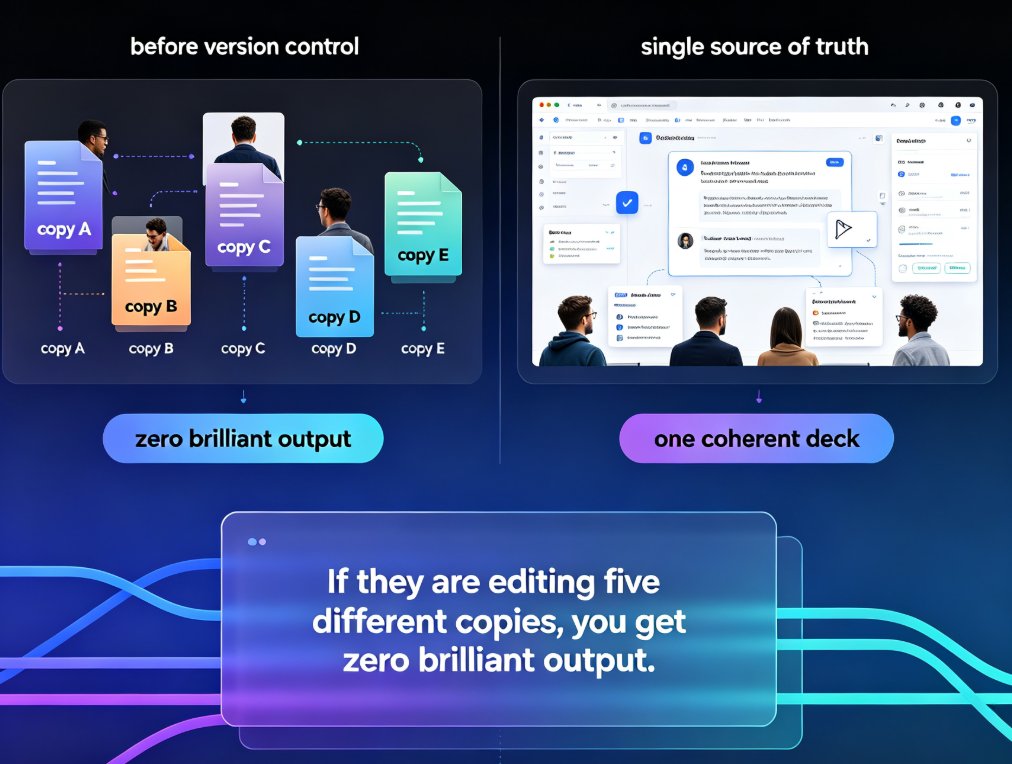
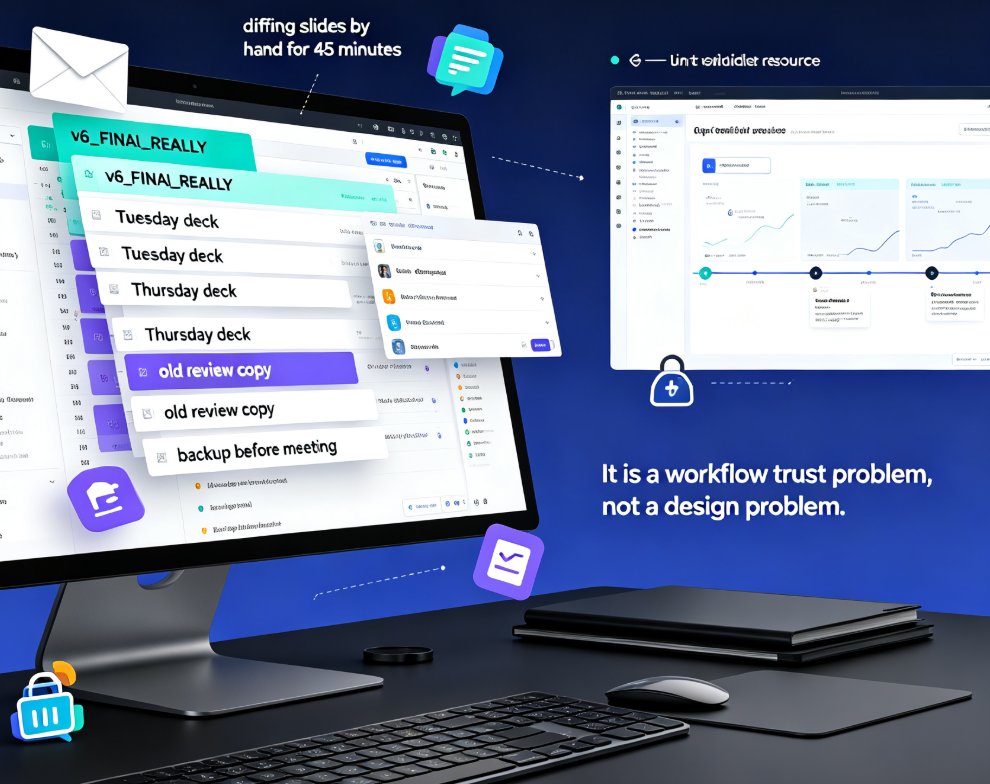
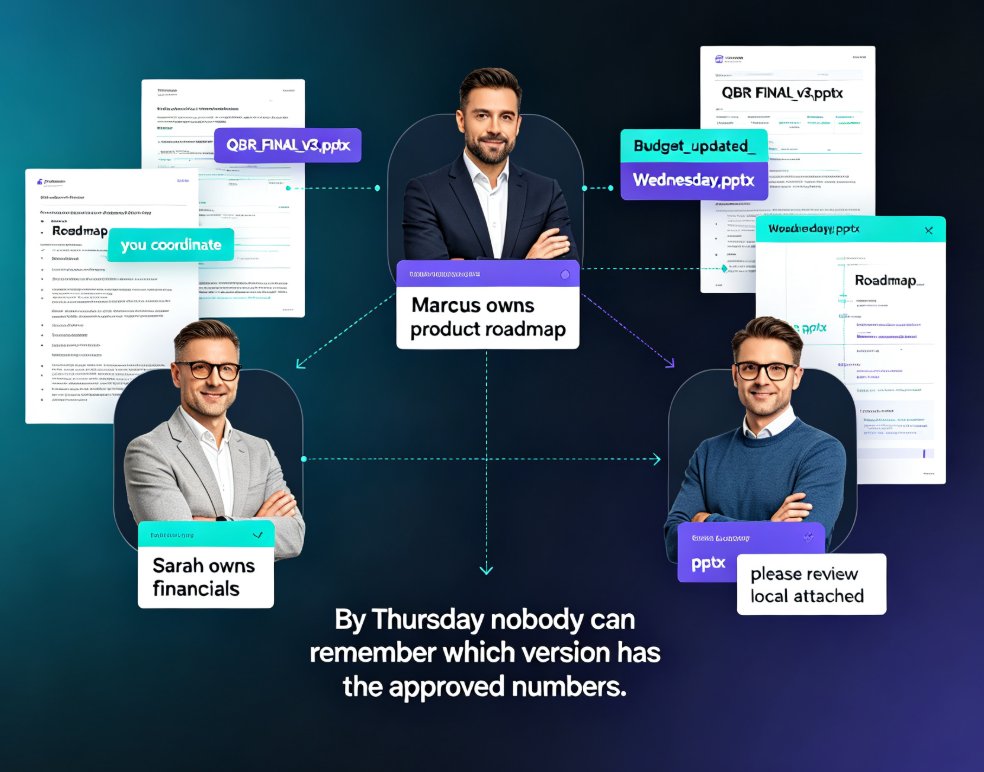
Real-time co-editing and version control are the cure for team presentation chaos. Zendeck lets multiple teammates edit slides simultaneously, auto-saves every change, and keeps a full history so you never lose track of the latest version. Say goodbye to emailing 'final_v3_FINAL(2).pptx' and hello to a single source of truth. This guide explains how Zendeck's collaboration features kill version confusion, why version history is your safety net, and how to adopt best practices for smooth team workflows. If your team struggles with outdated decks or conflicting edits, Zendeck's real-time co-editing is the solution you've been missing.
Zendeck for Teams: Real-Time Collaboration on Presentations

Office Efficiency 2026-09-03 2999

Zendeck for teams brings real-time collaboration to presentations — simultaneous editing, inline comments, secure link sharing, and full version history. Learn how corporate teams and educators can co-create decks without version chaos, plus best practices for access control and workflow. This guide covers the collaboration features that make Zendeck a practical choice for team presentation projects, from outline to final deck. We walk through the real-world workflow: starting from a Word outline, editing together in real time, resolving comments inline, sharing with granular permissions, and rolling back changes with version history. If your team is tired of 'final_v3_FINAL.pptx' email chains, this is the workflow you've been looking for. We also compare Zendeck's collaboration capabilities against traditional PowerPoint, Google Slides, and Notion, so you can see where the real differences lie.

Team Presentation Collaboration: Real-Time Editing and Shared Templates

Office Efficiency 2026-09-02 1522

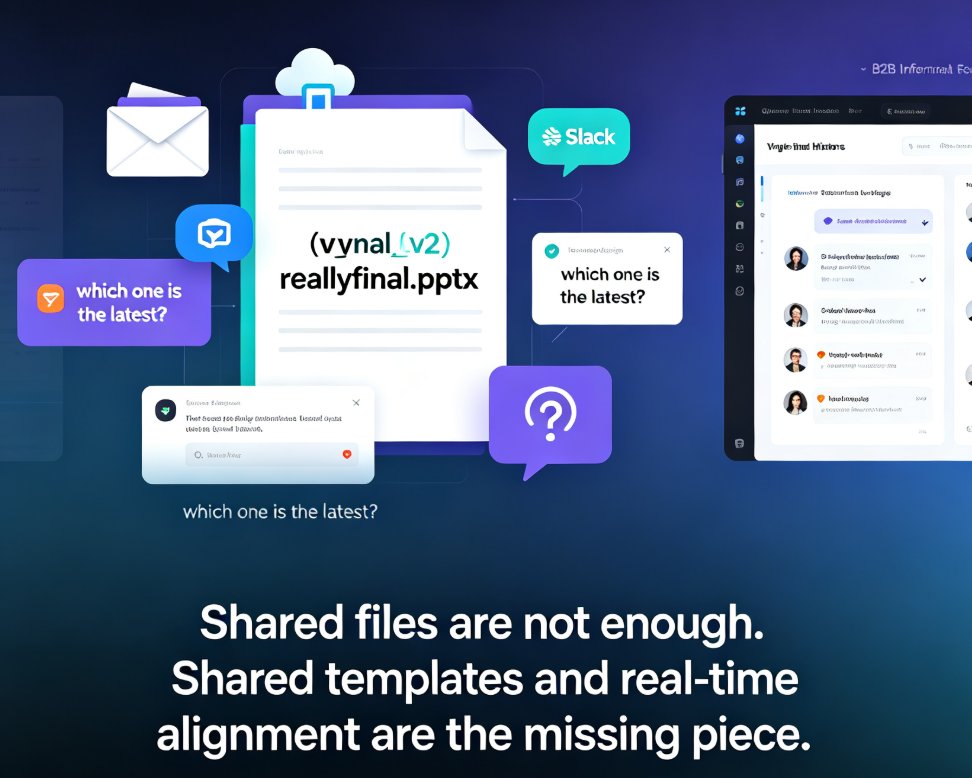
Real-time collaboration in presentation tools has become essential for team productivity — but shared templates are the missing piece for brand consistency. This guide breaks down how multi-user editing, version history, and shared asset libraries work together to eliminate version-control chaos, showing how Zendeck's collaborative platform lets teams edit decks simultaneously while keeping every slide on-brand. Based on real workflows from Google Slides, PowerPoint, and modern AI presentation platforms, you'll learn a practical five-step collaboration workflow, what to look for in a collaboration stack, and why auto-applied brand kits beat manual design discipline. Whether you're a team lead, trainer, or content operator, this is the playbook for shipping better decks faster.

Zendeck Collaboration Features That End Version Chaos in Team Decks

Office Efficiency 2026-09-01 2543

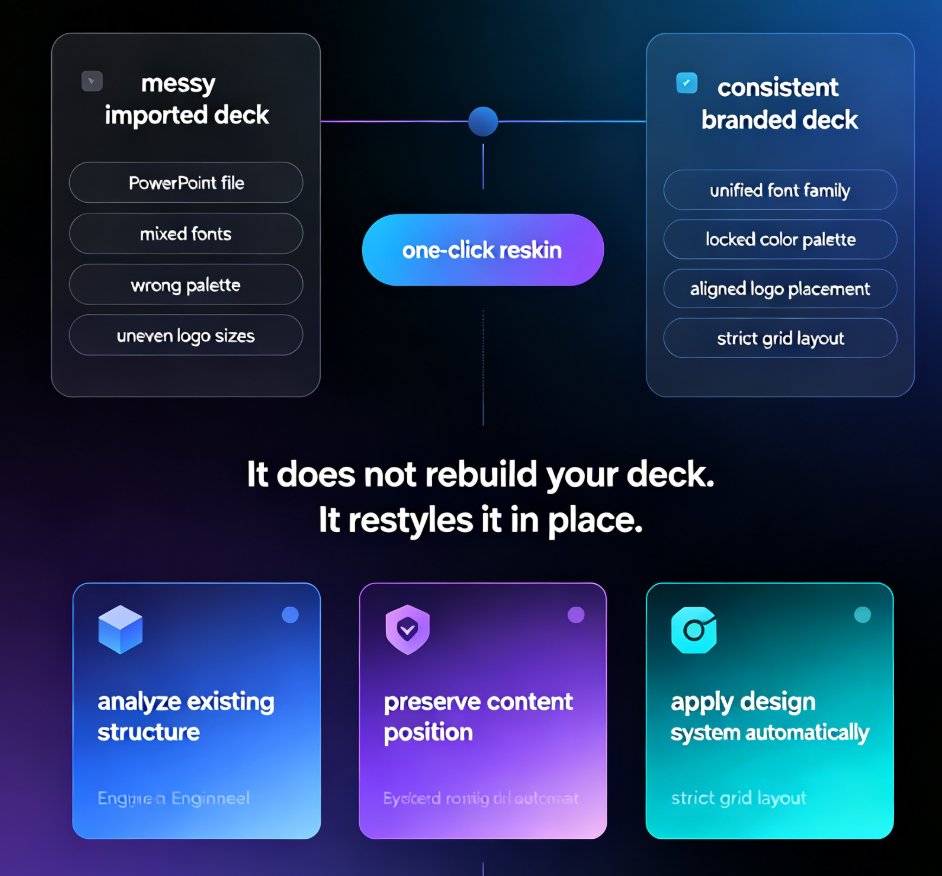
Zendeck's collaboration and sharing tools help teams co-create presentations without version chaos. This guide covers real-time co-editing, link sharing with viewer controls, slide-anchored feedback, and one-click reskinning for brand consistency. Stop emailing files back and forth — set up a team deck workflow that actually works. Learn how educators, trainers, and content teams use Zendeck to keep everyone on the latest version, resolve feedback faster, and turn a shared deck into a polished final deliverable without a designer on call. Includes a practical comparison table and step-by-step best practices for corporate and education teams.

Team Deck Version Chaos? Zendeck's Shared Library & Comments Keep Everyone Aligned

Office Efficiency 2026-08-28 3894

Dead files, duplicate decks, feedback lost in email threads — team presentation work is drowning in version chaos. Zendeck's shared library and comment-based revisions create a single source of truth so your team stops hunting for assets and redoing slides. Learn how to streamline your deck workflow and keep every stakeholder aligned, from training departments to agency teams.

How Does Zendeck Support Team Collaboration on Presentations?

Office Efficiency 2026-08-27 1266

Wondering how Zendeck supports team collaboration on presentations? Zendeck replaces version chaos with real-time online editing, shareable links, and automatic version history — so your team can build decks together without emailing files back and forth. This guide walks through the collaboration features that matter most: live multi-editor workspaces, permission-controlled sharing links, and one-click restore when someone goes off the rails. You'll also see how Zendeck fits into the full team workflow, from importing a Word outline to exporting a narrated video for stakeholder review. If your team has ever lost an hour to "which file is current?" messages, this is the read for you.