Tags:version control

18 articles

Zendeck Collaboration Features That End Version Chaos in Team Decks

Office Efficiency 2026-09-01 2543

Zendeck's collaboration and sharing tools help teams co-create presentations without version chaos. This guide covers real-time co-editing, link sharing with viewer controls, slide-anchored feedback, and one-click reskinning for brand consistency. Stop emailing files back and forth — set up a team deck workflow that actually works. Learn how educators, trainers, and content teams use Zendeck to keep everyone on the latest version, resolve feedback faster, and turn a shared deck into a polished final deliverable without a designer on call. Includes a practical comparison table and step-by-step best practices for corporate and education teams.
Team Deck Version Chaos? Zendeck's Shared Library & Comments Keep Everyone Aligned

Office Efficiency 2026-08-28 3894

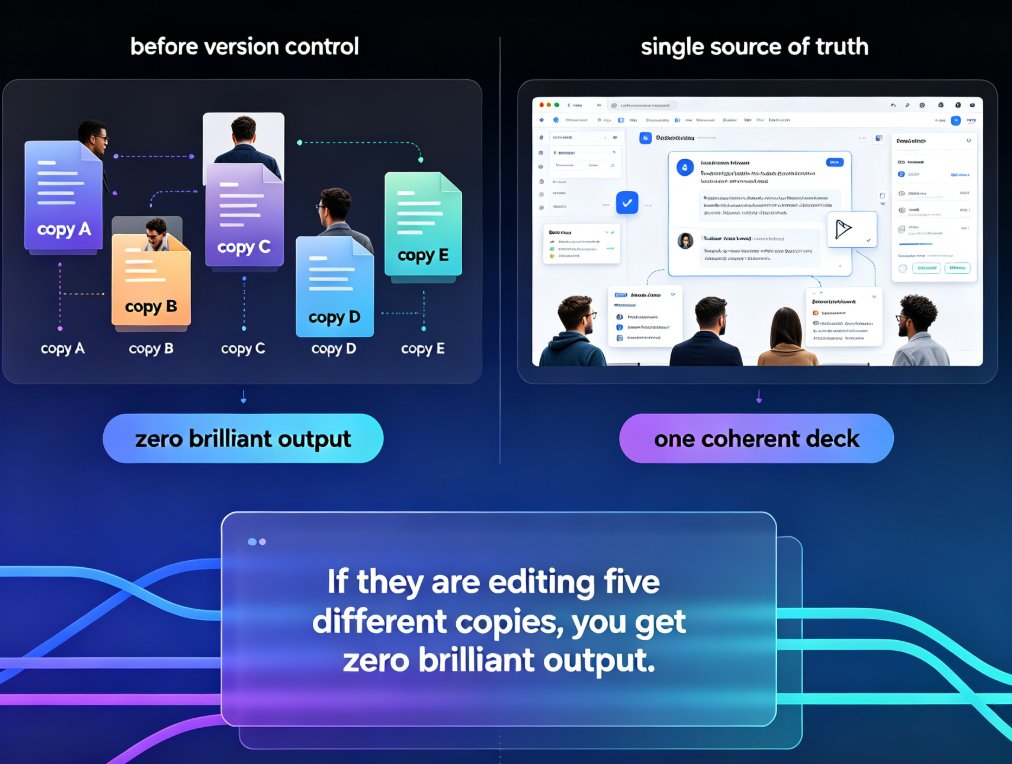
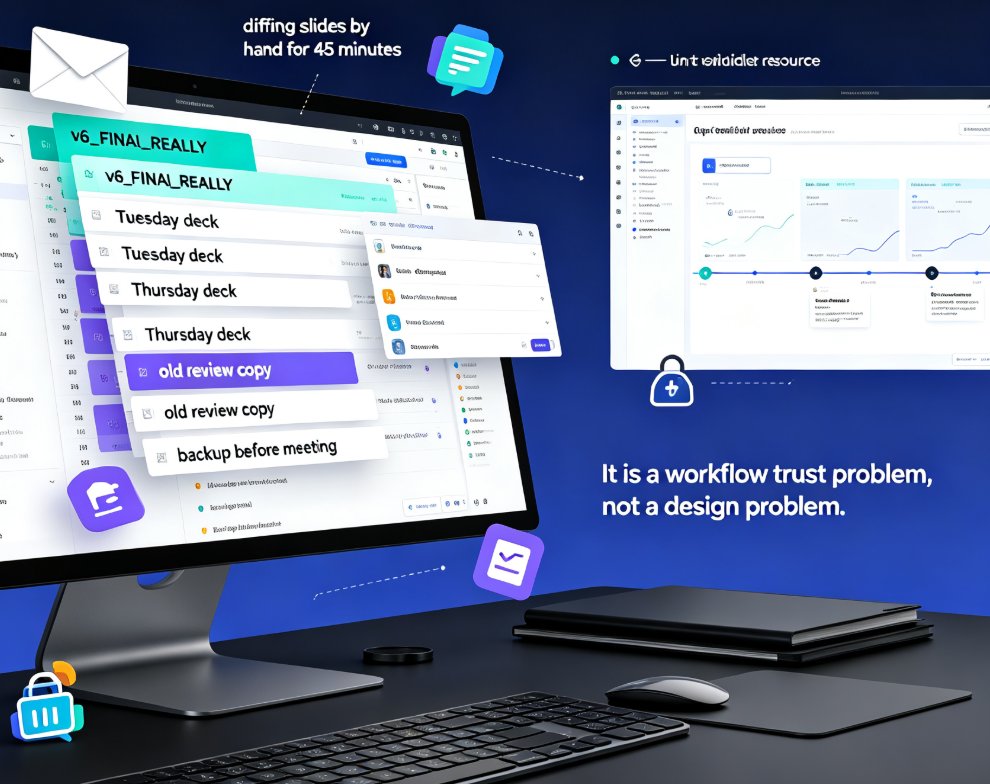
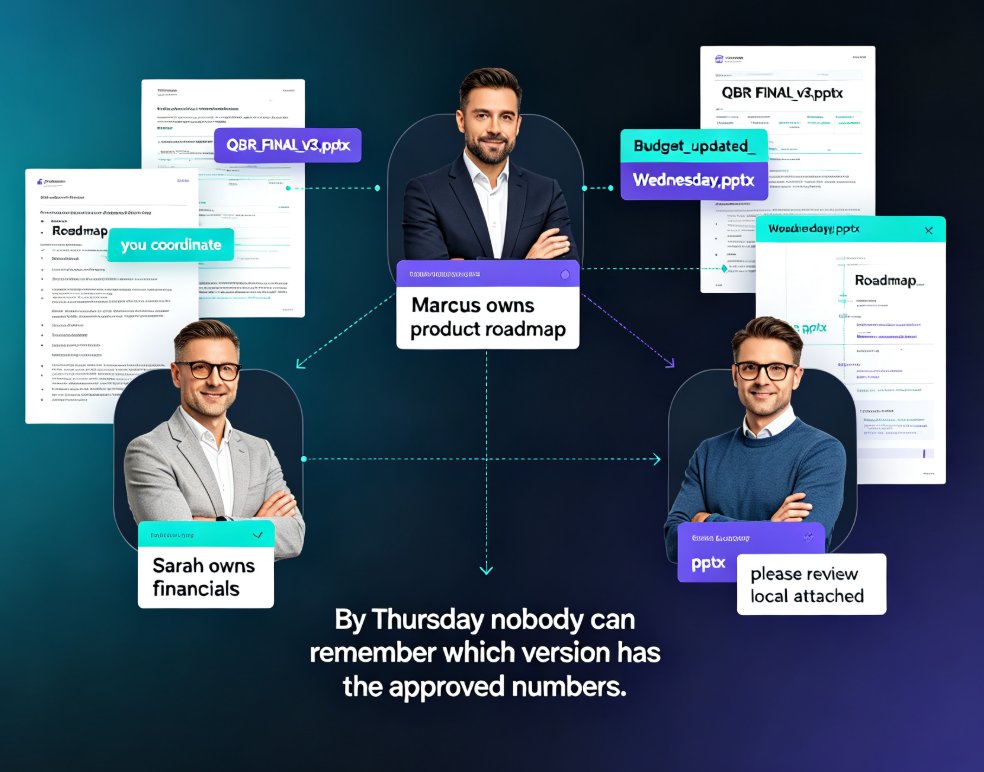
Dead files, duplicate decks, feedback lost in email threads — team presentation work is drowning in version chaos. Zendeck's shared library and comment-based revisions create a single source of truth so your team stops hunting for assets and redoing slides. Learn how to streamline your deck workflow and keep every stakeholder aligned, from training departments to agency teams.

How Does Zendeck Support Team Collaboration on Presentations?

Office Efficiency 2026-08-27 1266

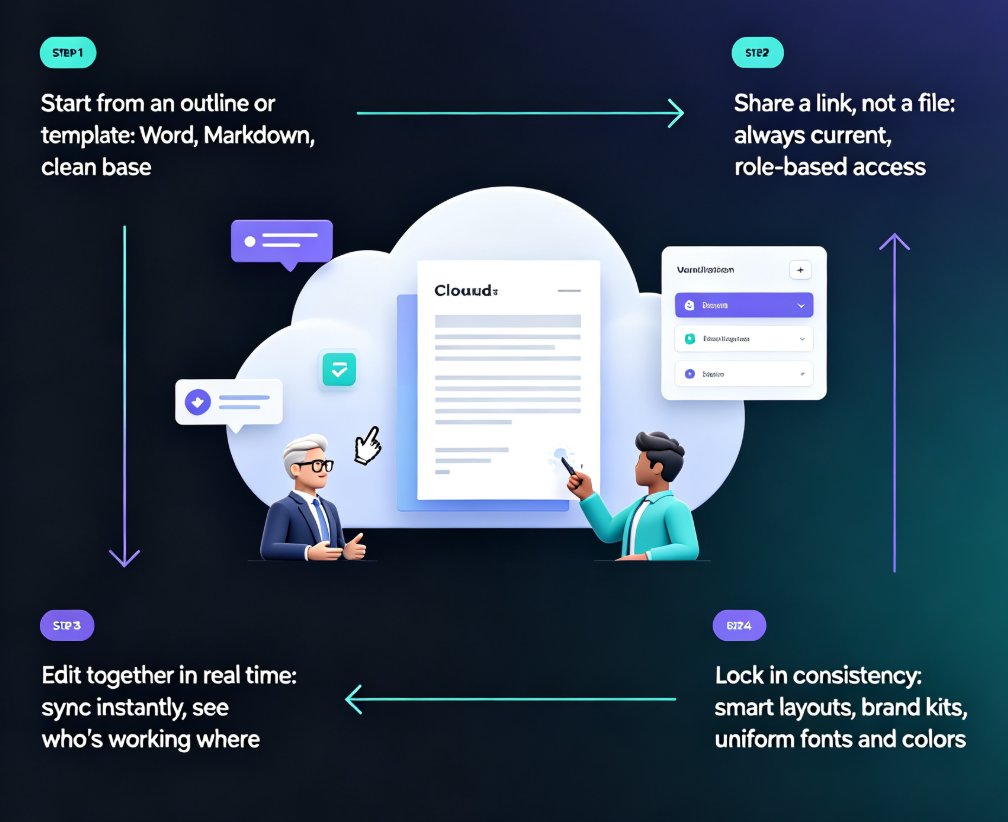
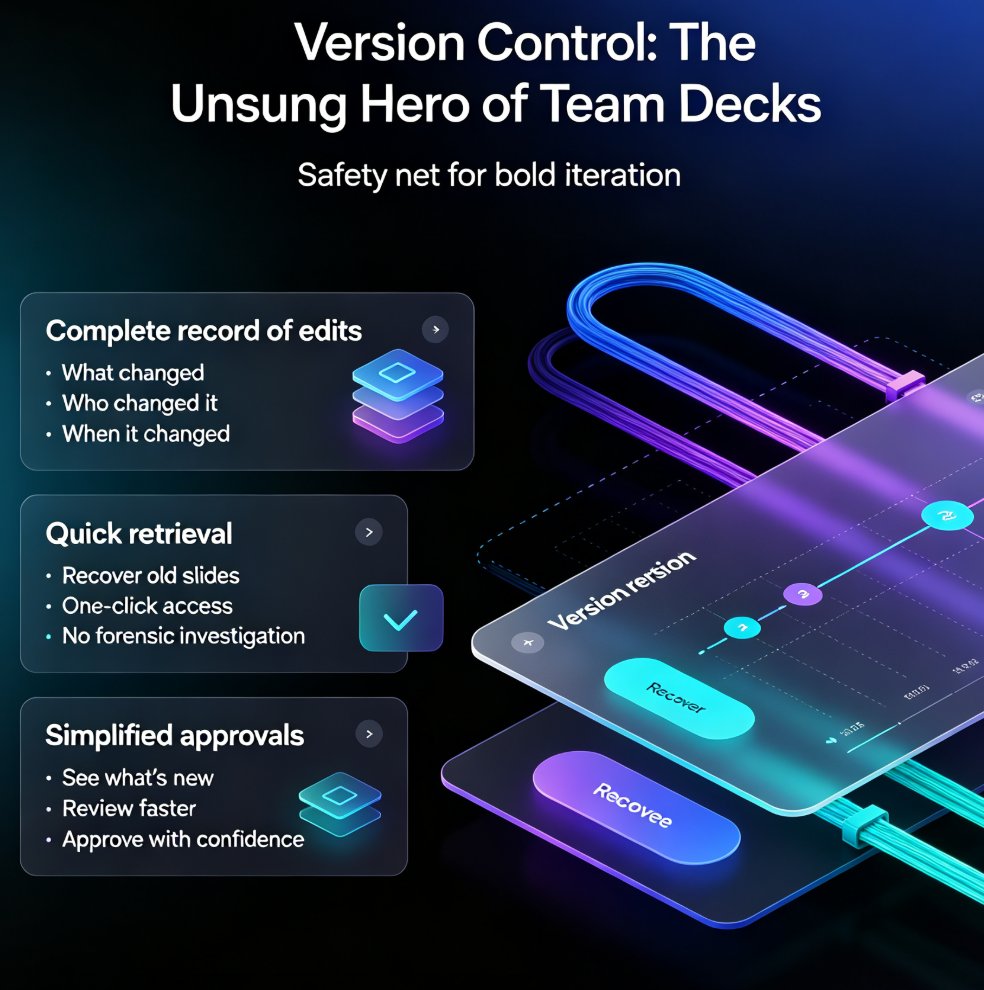
Wondering how Zendeck supports team collaboration on presentations? Zendeck replaces version chaos with real-time online editing, shareable links, and automatic version history — so your team can build decks together without emailing files back and forth. This guide walks through the collaboration features that matter most: live multi-editor workspaces, permission-controlled sharing links, and one-click restore when someone goes off the rails. You'll also see how Zendeck fits into the full team workflow, from importing a Word outline to exporting a narrated video for stakeholder review. If your team has ever lost an hour to "which file is current?" messages, this is the read for you.

Real-Time Collaboration: How Zendeck Streamlines Team Deck Creation

Office Efficiency 2026-08-24 604

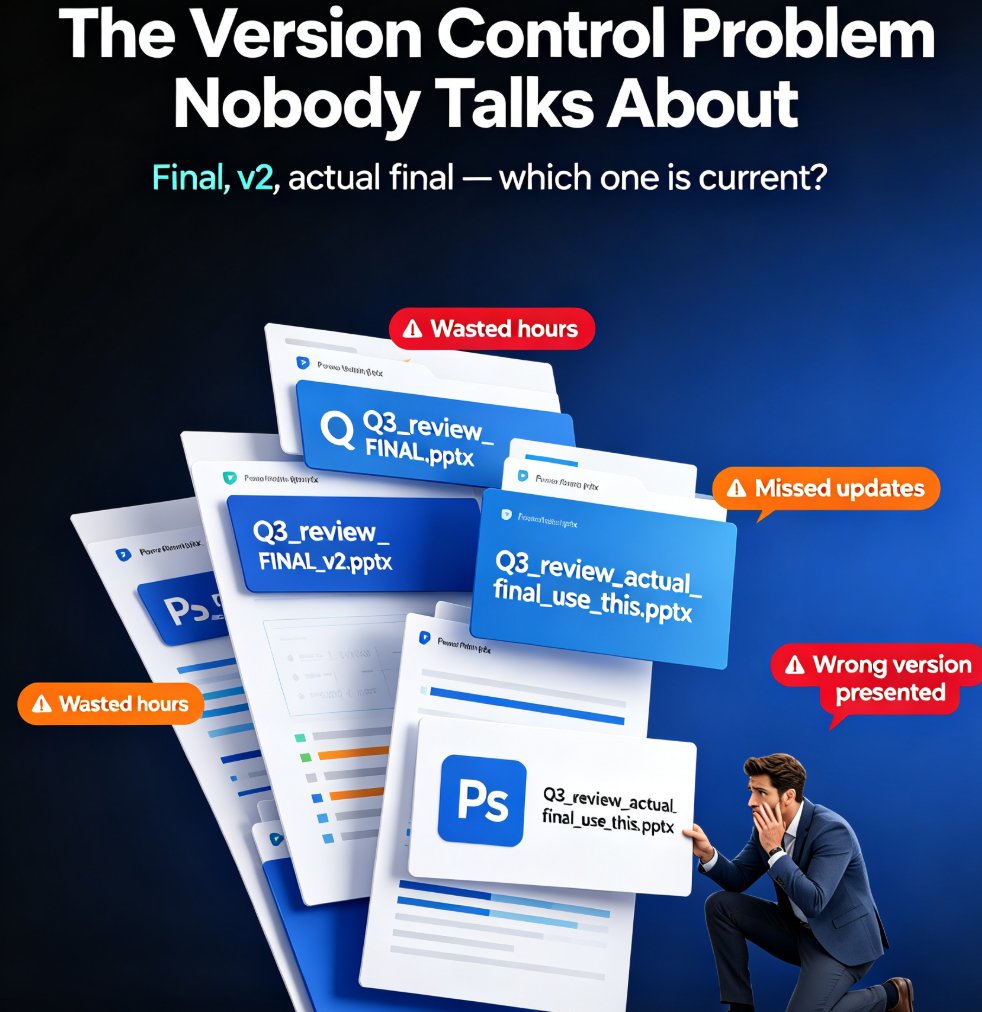
Zendeck's real-time collaboration and link sharing end version-control chaos for distributed teams. This guide shows how online editing, shared links, and smart templates let your whole team build decks together without emailing files back and forth. You'll see the exact workflow that replaces deck_final_v3.pptx chaos with a single live document, plus how inline comments, asset libraries, and brand kits keep everyone aligned. Whether you're a remote startup, a hybrid training team, or an HR department shipping quarterly updates, this is the practical playbook for collaborative presentation creation with Zendeck. Stop managing files and start building better decks together. Learn how to set permissions, divide work by section, and lock decks before presenting — so your team ships polished presentations every time, without the Friday-night panic.

Real-Time Collaboration in AI Presentation Tools: 2026 Trends

Office Efficiency 2026-08-21 1462

Real-time collaboration is the new baseline for AI presentation tools in 2026, and Zendeck is built for it. This guide breaks down the latest collaboration trends — live co-editing, version history, conflict-free merging, and role-based permissions — and shows how Zendeck's online editing and link sharing let teams co-create decks without version chaos. If your team still emails PPTX files back and forth, you're losing hours every week. Learn what to look for in a team presentation platform, how to set up a clean collaborative workflow for HR, trainers, and content teams, and why version control is the real killer feature. Stop fighting over the latest file and start building decks together — here's how.

Collaborative AI Presentations: Real-Time Co-Editing & Version Control

Office Efficiency 2026-08-20 1305

Collaborative AI presentations are transforming how teams build decks. Real-time co-editing and version control eliminate the chaos of emailing files back and forth, and Zendeck brings these capabilities together in one platform. Teams co-create, comment, and refine presentations simultaneously, with full version history, granular permissions, and AI-powered design that keeps decks on-brand. This guide covers what to look for in a collaborative AI presentation tool, why security matters — 74% of organizations cite data privacy as a top concern when choosing an AI platform — and practical best practices for stress-free team workflows. If your team still relies on 'final_v3_FINAL.pptx' and email threads, this article will show you a better way to ship decks faster, with less friction and more confidence.

▲