Tags:real-time editing

6 articles

Collaborative Presentations: Real-Time Editing & Sharing in Zendeck

Office Efficiency 2026-09-22 2561

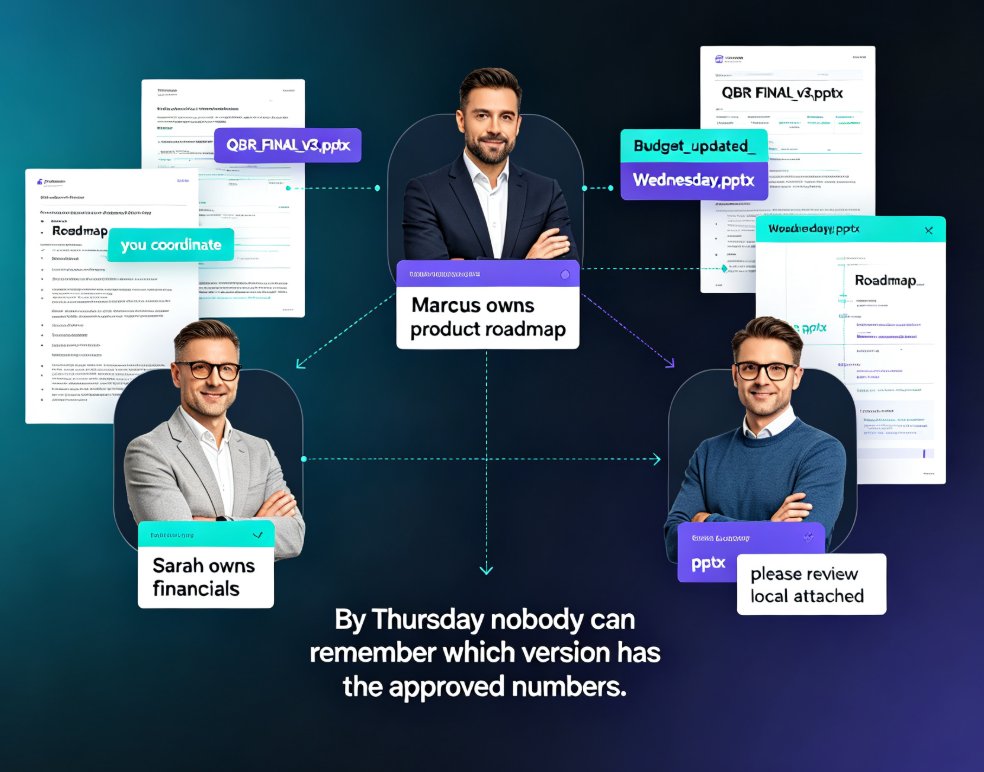
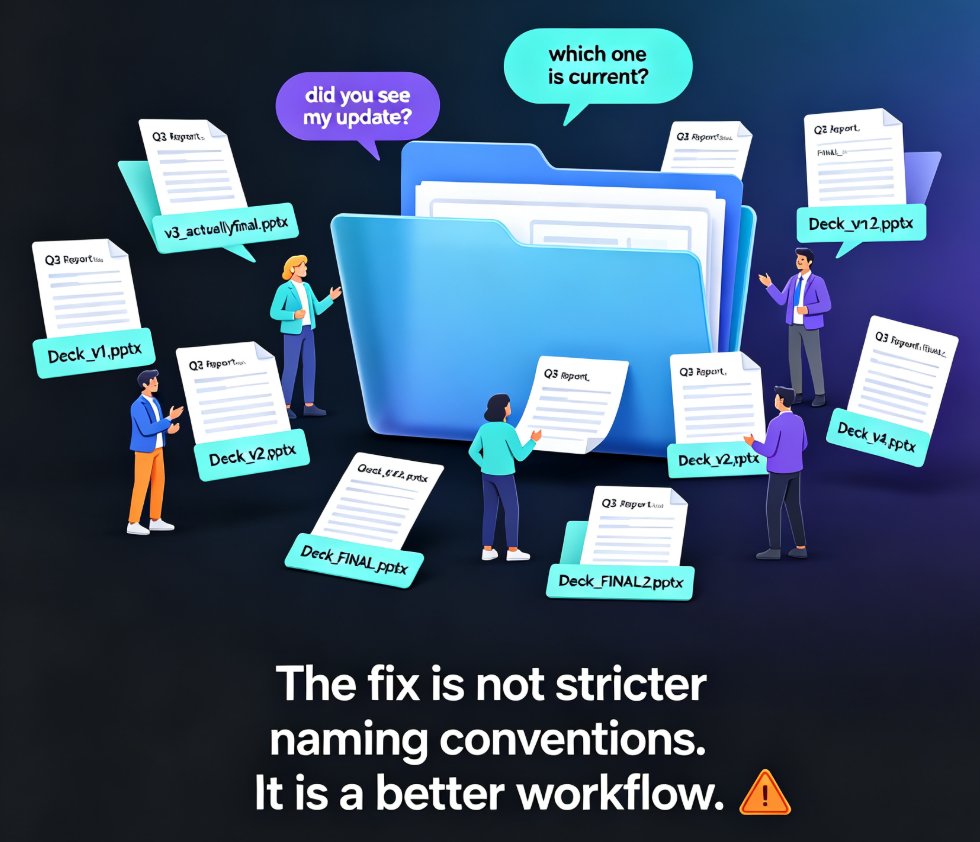
Team presentation collaboration gets messy fast. Zendeck turns scattered files and endless email threads into one cloud-based workspace where your whole team edits, comments, and shares decks in real time. Version history means you never lose work, inline comments keep feedback tied to specific slides, and link-based permissions let you control who views or edits — no more emailing 'final_v2_actually_final.pptx' across the office. Whether you're prepping a quarterly review with five stakeholders or a training deck with three instructors, this guide walks you through a practical collaboration workflow, common pitfalls, and how smart templates keep design consistent when many hands touch the same file. You'll learn to assign clear ownership, run feedback cycles inside the deck instead of across ten email threads, and roll back to any earlier draft the moment something goes wrong. The result: a faster, saner, more organized way for teams to build presentations together.
Zendeck for Teams: Real-Time Collaboration on Presentations

Office Efficiency 2026-09-03 2999

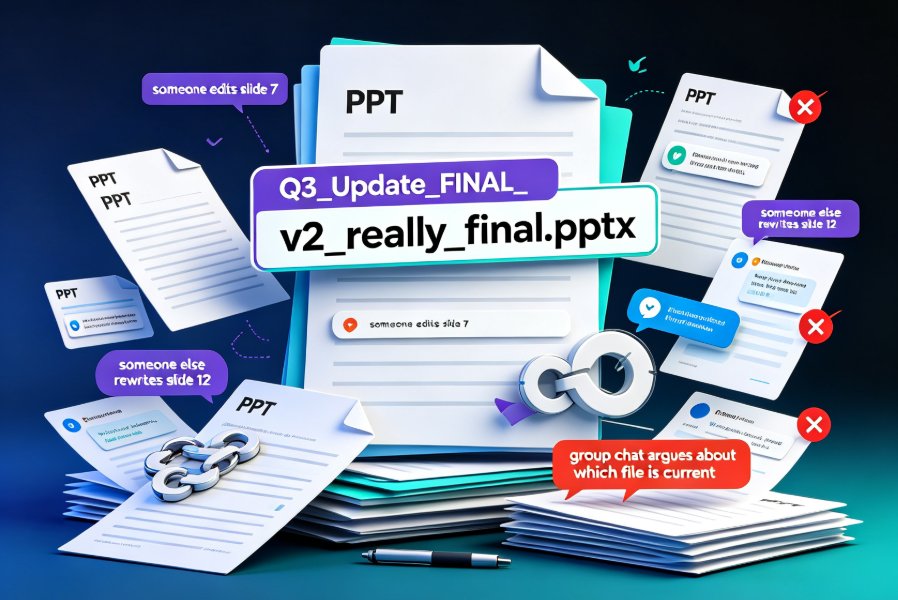
Zendeck for teams brings real-time collaboration to presentations — simultaneous editing, inline comments, secure link sharing, and full version history. Learn how corporate teams and educators can co-create decks without version chaos, plus best practices for access control and workflow. This guide covers the collaboration features that make Zendeck a practical choice for team presentation projects, from outline to final deck. We walk through the real-world workflow: starting from a Word outline, editing together in real time, resolving comments inline, sharing with granular permissions, and rolling back changes with version history. If your team is tired of 'final_v3_FINAL.pptx' email chains, this is the workflow you've been looking for. We also compare Zendeck's collaboration capabilities against traditional PowerPoint, Google Slides, and Notion, so you can see where the real differences lie.

Team Slide Collaboration Chaos? Zendeck Real-Time Editing and History

Office Efficiency 2026-08-27 3260

Team slide collaboration often turns into version chaos — duplicate files, lost edits, and endless email threads. Zendeck's real-time editing and history tracking give your team one source of truth, so everyone co-edits the same deck without stepping on each other's work. This guide breaks down why version conflicts happen, what real-time collaboration actually changes, and how version history gives your team the confidence to experiment. You'll get a practical workflow for educators, trainers, and HR teams, plus a side-by-side comparison of traditional vs. real-time collaboration, workflow tips that actually stick, and answers to the most common questions about co-editing and rollback. If you're tired of asking 'which file is the latest?' — this is the read for you.

How Does Zendeck Support Team Collaboration on Presentations?

Office Efficiency 2026-08-27 1266

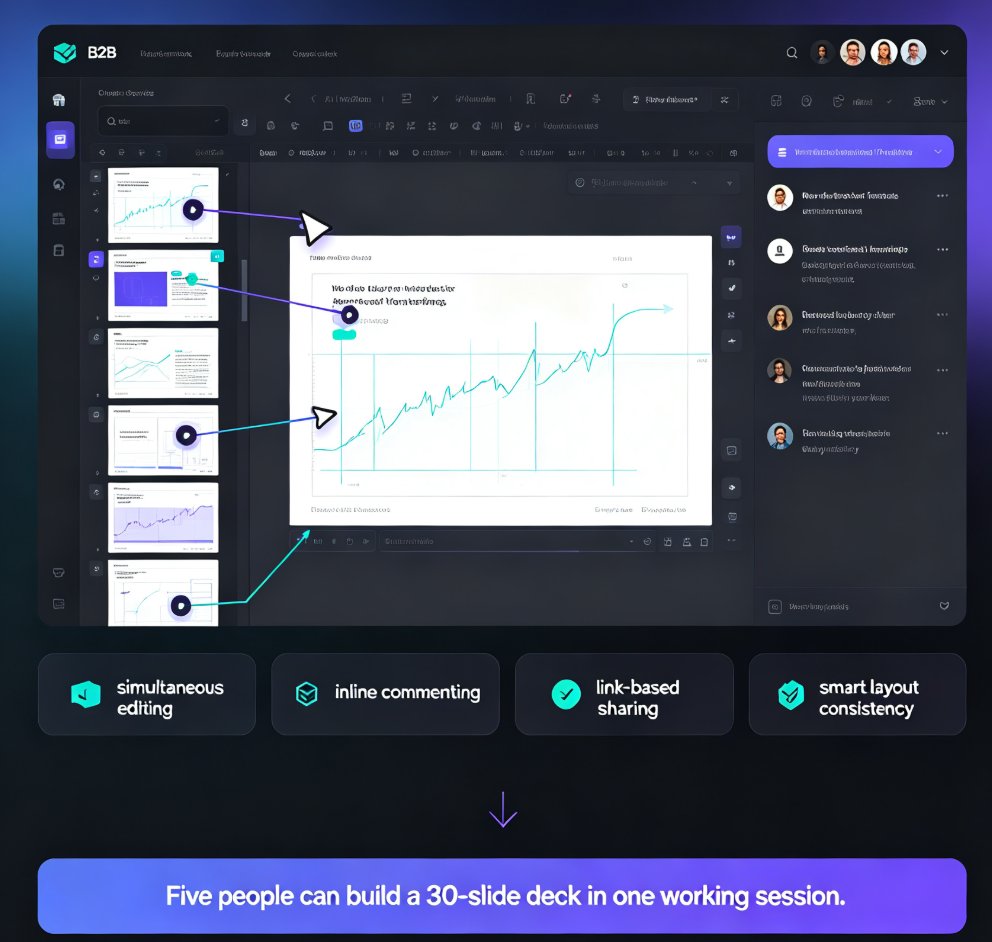
Wondering how Zendeck supports team collaboration on presentations? Zendeck replaces version chaos with real-time online editing, shareable links, and automatic version history — so your team can build decks together without emailing files back and forth. This guide walks through the collaboration features that matter most: live multi-editor workspaces, permission-controlled sharing links, and one-click restore when someone goes off the rails. You'll also see how Zendeck fits into the full team workflow, from importing a Word outline to exporting a narrated video for stakeholder review. If your team has ever lost an hour to "which file is current?" messages, this is the read for you.

Real-Time Presentation Collaboration: Zendeck Streamlines Team Decks

Office Efficiency 2026-08-25 2597

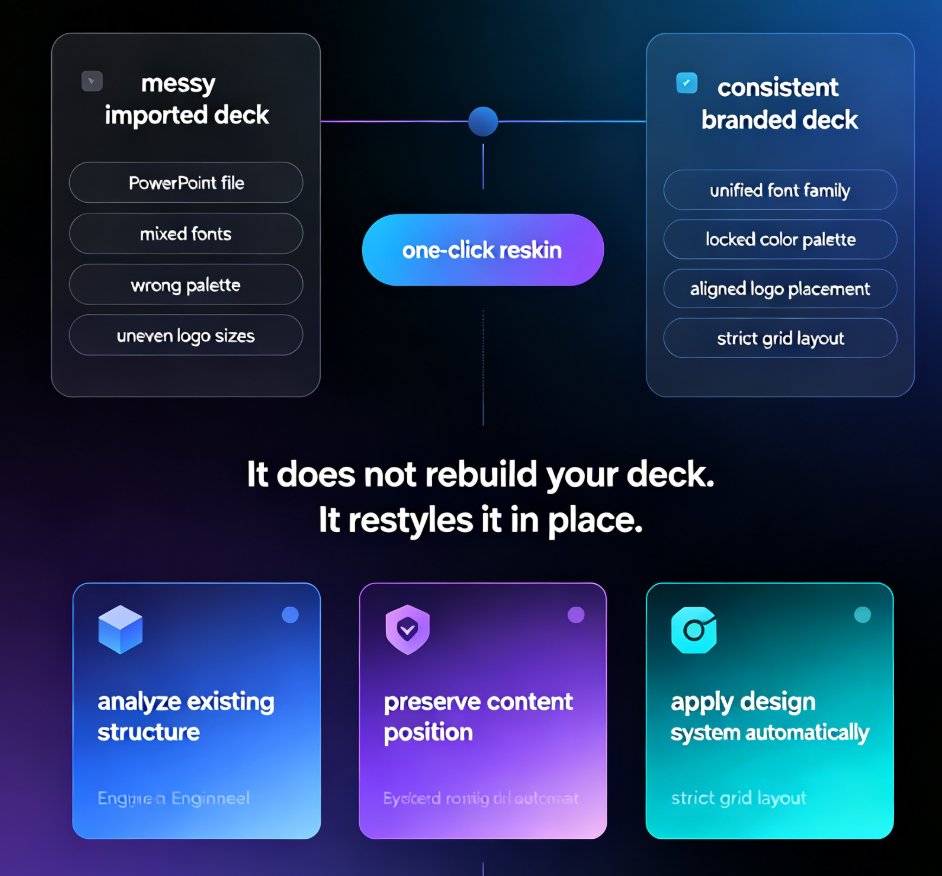
Real-time collaboration on presentations is the key to faster team deck creation, and Zendeck makes it effortless. This guide breaks down how Zendeck's simultaneous editing, inline commenting, and automatic version control eliminate the version chaos that plagues traditional PPT workflows. You'll learn practical best practices for corporate and education teams, see a side-by-side comparison of traditional versus collaborative workflows, and get a step-by-step plan for your first collaborative deck. We also cover how AI-enforced smart layouts keep your brand consistent even when five people edit at once, and why link-based sharing beats email attachments every time. If you're tired of 'final_v2' emails, lost edits, and review meetings that go nowhere, this is the workflow upgrade your team needs. By the end, you'll know exactly how to turn deck creation from a bottleneck into a fast, collaborative process.

How to Collaborate on AI Presentations with Zendeck's Real-Time Sharing

Presentation Skills 2026-08-03 3278

Real-time collaboration is the missing piece in many AI presentation tools. Zendeck fills that gap with simultaneous co-editing, link sharing, and team workspaces. Learn how remote teams, trainers, and content operators can create, refine, and deliver presentations together without email chaos or version conflicts. This guide covers practical workflows for brainstorming, corporate training, and client pitches using Zendeck's collaboration features.