Real-Time Collaboration in AI Presentation Tools: 2026 Trends
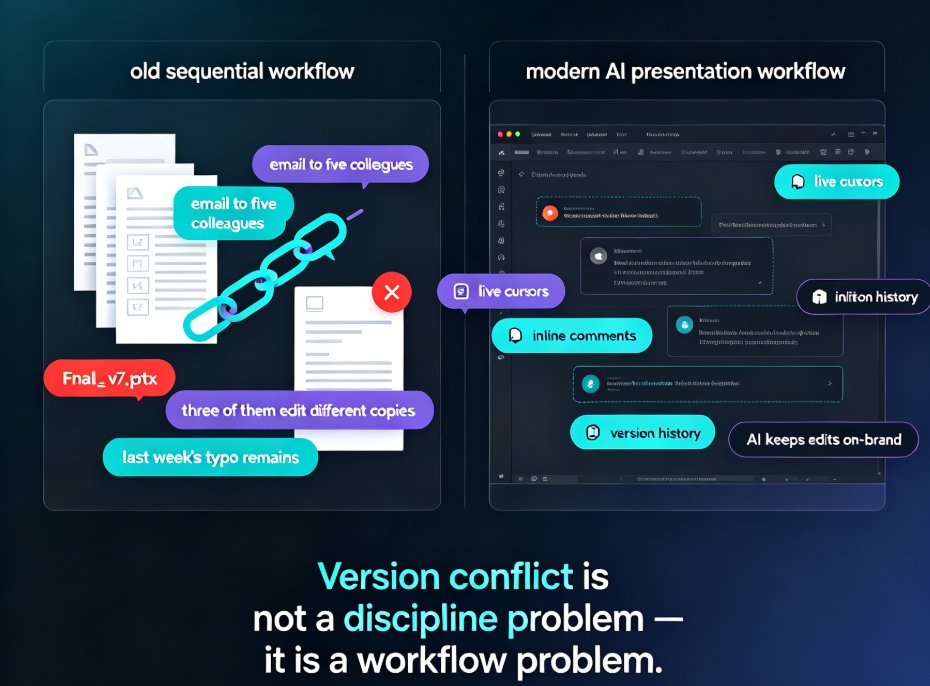
You know the feeling. The "final" version of the deck lives in a folder called FINAL_v3_REAL_2. Your colleague is editing slide 14 while you're fixing slide 3. Nobody can say for certain which file is current, and the meeting starts in an hour. This is the collaboration chaos that real-time editing was supposed to kill — and in 2026, AI presentation tools are finally making it happen.
Real-time collaboration isn't a luxury feature anymore. It's the baseline. Teams that co-create decks together — marketing, sales, HR, training — simply can't afford the old email-a-PPTX workflow. Let's look at what's changing, why version control is the real killer feature, and how Zendeck's collaborative approach keeps teams in sync.
01 — Why Real-Time Collaboration Became the Default in 2026
The shift didn't happen overnight, but it's now unmistakable. Three forces pushed real-time collaboration to the center of presentation tools:
Teams stopped working in silos. A single deck now passes through multiple hands: a subject-matter expert drafts the content, a designer fixes the visuals, a manager reviews the messaging, and a presenter adds speaker notes. When four people touch one file, sequential editing breaks down.
Remote and hybrid work made "pass the file" impossible. When your teammate is three time zones away, you can't tap them on the shoulder to ask which version is current. You need a single source of truth that everyone can see and edit at once.
AI generation changed who edits the deck. With AI tools generating slides from an outline, the bottleneck moved from "creating slides" to "reviewing and refining them together." That's a collaboration problem, not a design problem. As AI presentation agents take on more of the heavy lifting, the human work shifts to shaping and approving content as a team.
Real-time collaboration is no longer a premium feature — it's the default expectation for any team-facing presentation tool in 2026.
The practical result: teams that adopt live co-editing finalize decks in hours instead of days. The version chaos that used to eat an entire afternoon simply disappears.
02 — The Version Control Problem Nobody Talks About
Here's the pain point most teams hit before they even think about collaboration tools: version chaos.
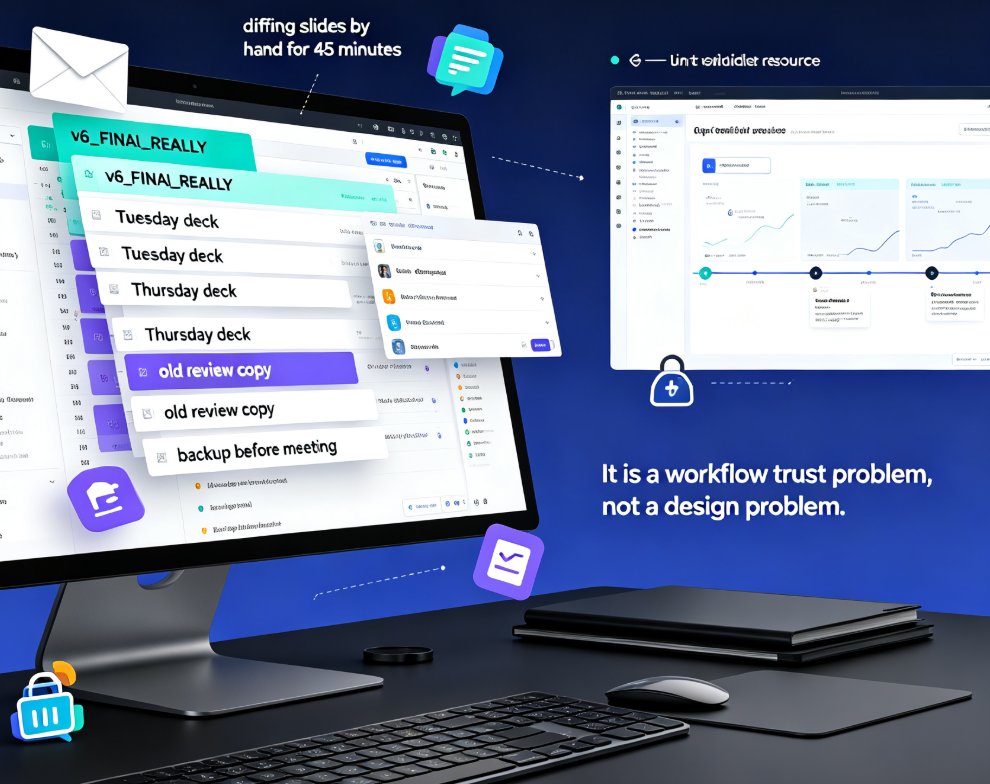
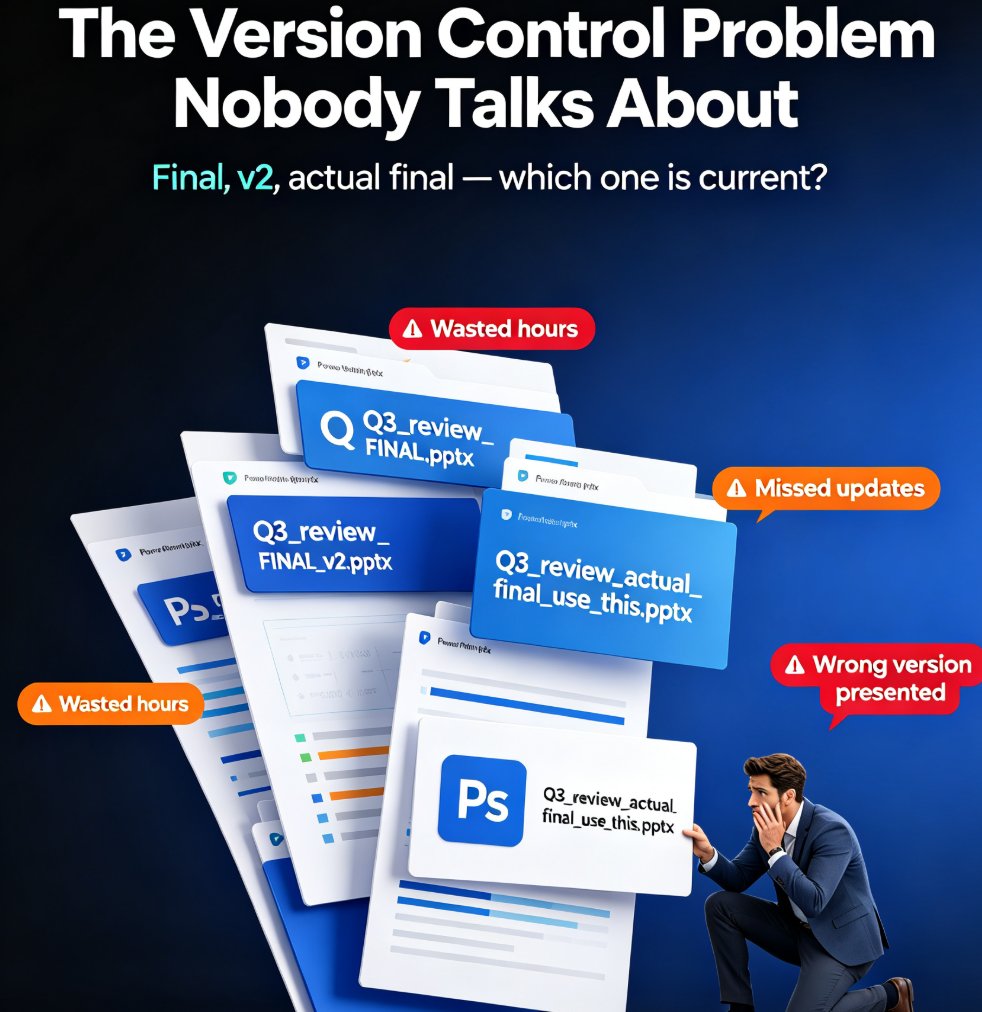
The scenario is painfully familiar. Five people need to contribute to a quarterly business review deck. Each person downloads the file, makes their edits, and re-uploads it with a slightly different filename. Now you have Q3_review_FINAL.pptx, Q3_review_FINAL_v2.pptx, and Q3_review_actual_final_use_this.pptx. Merging them means manually comparing slides, hunting for missing updates, and praying you didn't lose someone's critical data.
The outcome? Wasted hours, missed deadlines, and a final deck that's missing a stakeholder's update — discovered right in the middle of the presentation.
Version control, not flashy design, is the real killer feature of modern presentation tools — because a beautiful deck is useless if it's the wrong version.
The solution is straightforward: a single live document that everyone edits together, with a version history you can roll back to. No more file juggling. No more "which one is current?" debates. If you've ever opened an AI-generated deck that looked messy because edits piled up on top of each other, you know exactly why this matters — live collaboration with clean versioning fixes that mess at the source.
03 — What Real-Time Collaboration Actually Means in AI Presentation Tools
"Real-time collaboration" gets thrown around a lot, but it means specific things in practice. When you're evaluating a tool for your team, look for these capabilities:
- Live co-editing — multiple people working on the same deck simultaneously, seeing each other's changes as they happen.
- Comment threads tied to slides — feedback anchored to a specific slide, not scattered across email and chat.
- Version history with rollback — the ability to see every change and restore an earlier version if something goes wrong.
- Conflict-free merging — the tool resolves simultaneous edits automatically instead of making you choose.
- Role-based permissions — editors, reviewers, and viewers each get the right level of access.
◉ What's the difference between co-editing and just sharing a link?
Sharing a link with "view" access isn't collaboration. Real collaboration means multiple people can edit the same file at the same time, with changes synced instantly and conflicts resolved automatically. If your tool only lets one person edit at a time, you're still in the sequential workflow — just with extra steps.
◉ Why does version history matter for AI-generated decks?
AI-generated decks change fast. You generate a first pass, tweak the structure, change the template, and refine the copy — often in a single session. Version history lets you compare iterations and roll back if a change goes sideways. Without it, you're one bad edit away from losing an hour of work.
04 — How Zendeck Handles Team Co-Creation
This is where Zendeck's collaborative features come in. Zendeck is built for teams that need to co-create decks without the version nightmare — and it's designed around the way people actually work.
Online editing, not file exchange. Zendeck decks live in the cloud. You share a link, and teammates open the same live document. No downloading, no re-uploading, no filename gymnastics.
Version history you can trust. Every change is tracked. If someone breaks the layout or deletes a slide by accident, you roll back to a clean version in one click. For AI-generated decks that go through multiple iterations, this is a lifesaver.
Link sharing with the right permissions. Share with edit access for collaborators, comment access for reviewers, and view access for stakeholders. Everyone sees the same current version — no more "did you see the latest one?"
With Zendeck, the question "which version is current?" stops existing — because there's only ever one live version.
The workflow is simple: one person generates the initial deck from an outline or prompt, then the whole team refines it together in real time. The AI handles the heavy lifting of layout and design; the team focuses on content and messaging. If your AI slides still look off-brand, collaboration makes fixing them faster — because the whole team can review and correct at once instead of passing the file around. And for keeping decks on-brand across a large team, Zendeck's brand kits ensure every collaborator works within the same visual system automatically.
05 — Collaboration Features Compared: Traditional vs. AI-Native Tools
Not all "collaboration" is created equal. Here's how the three common approaches stack up:
| Capability | Traditional PPT + email | Basic cloud slide tools | Zendeck AI collaboration |
|---|---|---|---|
| Simultaneous editing | No — one editor at a time | Yes, but limited | Yes, full live co-editing |
| Version history | Manual file versions | Basic restore | Full rollback per change |
| Conflict resolution | Manual merging | Last-write-wins | Automatic, conflict-free |
| Comment threads on slides | No | Yes | Yes, slide-anchored |
| AI-assisted creation | No | Limited | Yes — outline to deck |
| Brand consistency | Manual | Manual | AI-enforced brand kits |
| Link sharing with roles | No | Yes | Yes, granular permissions |
The pattern is clear: traditional tools treat collaboration as an add-on, while AI-native tools like Zendeck build it into the core workflow. That's the 2026 trend — collaboration isn't bolted on; it's the foundation.
06 — A Clean Collaborative Workflow for Your Team
Let's make this practical. Here's a workflow that works for HR, trainers, and content teams — the groups that live in presentation tools:
Step 1: Generate the base deck. One person pastes the outline or content into Zendeck and generates the first pass. AI handles layout, structure, and visual consistency.
Step 2: Invite collaborators. Share the link with edit access for the core team. Everyone opens the same live document.
Step 3: Divide and conquer. Assign slides or sections. Since it's live co-editing, two people can work on different sections simultaneously without conflict.
Step 4: Review with comments. Stakeholders add slide-anchored comments instead of sending emails. The team resolves feedback in place.
Step 5: Lock it down. Once approved, share with view-only access. The version is final, and nobody can accidentally edit it.
Step 6: Roll back if needed. If a change goes wrong, restore a previous version from history. No panic, no redoing work.
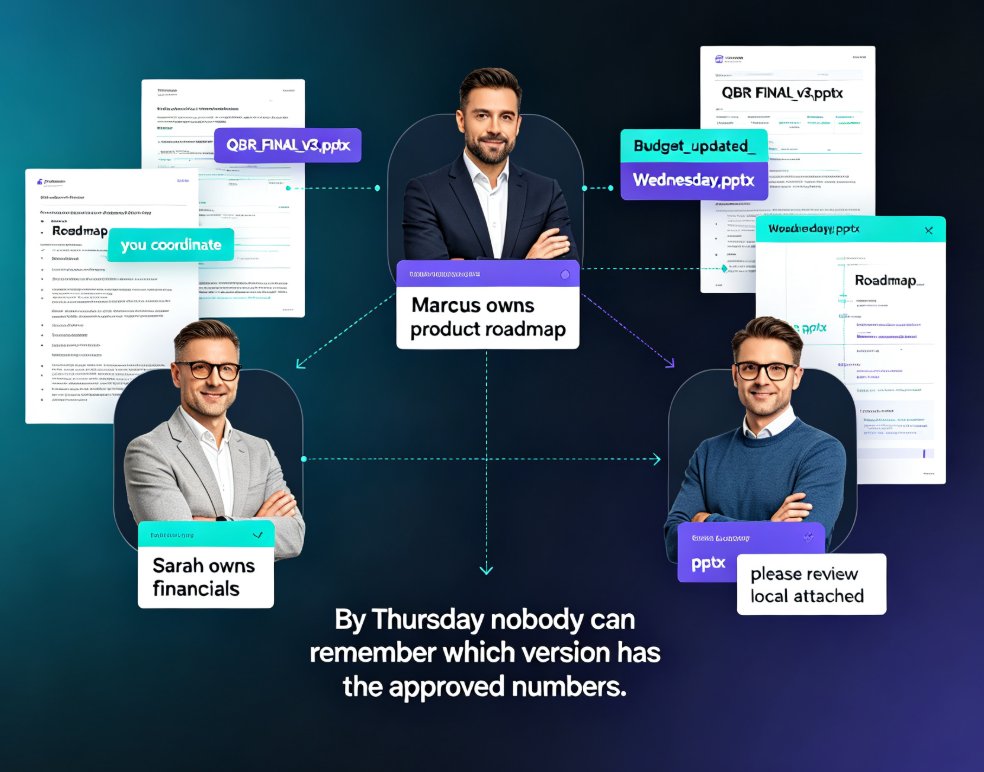
A quick tip from experience: agree on who "owns" the final version before you start. Even with great collaboration tools, a single owner for approvals keeps things moving. And if you're generating decks for training or micro-courses, the same collaborative flow applies — the team reviews the content together before it becomes a video. For more ideas on squeezing productivity out of AI presentation tools, check out these hidden features that boost team output.
07 — What to Look for in a Team Presentation Platform in 2026
If you're choosing a tool for your team this year, here's your checklist:
- Real-time co-editing — non-negotiable. If a tool doesn't support it, you're still in the past.
- Solid version history — you need rollback, not just "restore last save."
- Granular permissions — edit, comment, view. Your stakeholders shouldn't be able to break the deck.
- AI integration — the tool should generate and refine content, not just host it.
- Brand governance — for larger teams, enforced brand consistency beats manual checking every time.
The tools that win in 2026 are the ones that combine AI generation with real collaboration. Generating a deck is table stakes now; the differentiator is how well your team can shape it together. Whether you're building internal training, client pitches, or quarterly reviews, the pattern is the same — start with AI, refine together, and never fight over versions again.
FAQ
What is real-time collaboration in AI presentation tools? Real-time collaboration means multiple people can edit the same presentation simultaneously, with changes synced instantly and conflicts resolved automatically. In AI presentation tools, this combines with AI-generated content, so teams can generate a deck and then refine it together live instead of passing files back and forth.
How does Zendeck prevent version conflicts? Zendeck keeps decks as a single live cloud document with full version history. Since everyone edits the same file, there's no "multiple versions" problem. If a change goes wrong, you can roll back to an earlier version in one click — no manual merging required.
Can multiple people edit a Zendeck deck at the same time? Yes. Zendeck supports live co-editing, so team members can work on different slides simultaneously. Changes sync in real time, and the tool resolves conflicts automatically, which means no one has to wait for someone else to finish before making their edits.
What collaboration features should I look for in 2026? Look for live co-editing, slide-anchored comments, version history with rollback, granular permissions (edit/comment/view), and AI integration. Brand governance features are also important for larger teams, so everyone works within the same visual system automatically.
Is real-time collaboration secure for enterprise teams? Yes, when the tool supports role-based permissions and proper access controls. Zendeck lets you share with edit, comment, or view access, so stakeholders can see the deck without being able to break it. Version history also acts as a safety net for any accidental changes.