Team Presentation Collaboration: Real-Time Editing and Shared Templates
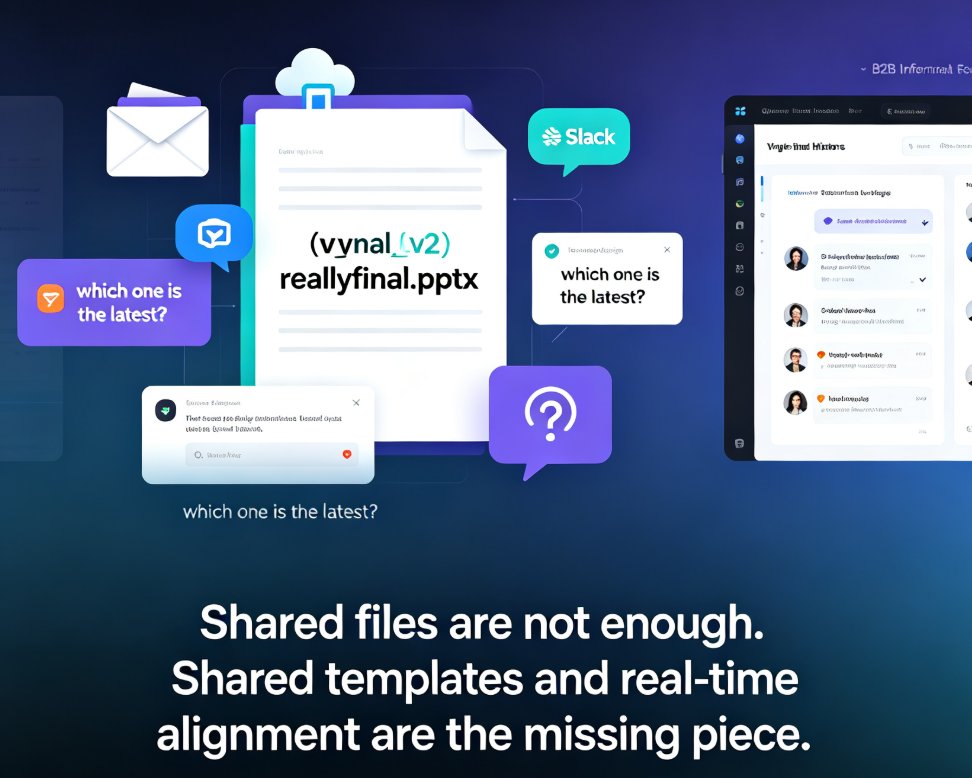
The version-control nightmare is real. You know the drill: Final_v2_reallyfinal.pptx lands in your inbox, and your teammate has already redesigned the title slide. Somewhere between Google Drive and Slack, the deck you approved at lunch is no longer the deck your boss sees at four. If that scene hits close to home, this article is for you.
We're going to walk through how real-time collaboration has quietly reshaped the way teams build presentations — and why shared templates, not just shared files, are the missing piece most organizations still don't have. By the end, you'll have a repeatable workflow for keeping everyone aligned, on-brand, and on time.
01. Why real-time collaboration became table stakes
Remote and hybrid work made round-robin editing obsolete. When your colleagues sit in three time zones, waiting for someone to "finish their pass" before you can touch a slide isn't just slow — it's a bottleneck that compounds across every project.
The shift is simple: teams that edit together finish together. Real-time collaboration tools let multiple users work on the same presentation simultaneously, with every change saved to the cloud as it happens. According to Google's documentation on Slides, teams can "create, design, and share ideas from anywhere" — no downloads, no re-uploads, no file-cabinet archaeology. PowerPoint's co-authoring feature does the same thing, letting colleagues edit the same file without creating conflicting copies.
The outcome is straightforward: fewer merge conflicts, fewer duplicate files, and a review process that happens in parallel instead of in sequence. One team I worked with cut their monthly board-deck cycle from five days to two — not because they wrote faster, but because they stopped waiting on each other.
02. What a modern collaboration stack actually needs
Let's be real: a comment thread is not a collaboration system. A truly useful collaboration setup needs four layers:
- Real-time editing — multiple cursors, live saves, no lockouts
- Shared assets — a single source of truth for logos, charts, icons
- Version history — the ability to rewind without losing work
- Governance — templates that enforce brand rules automatically
Here's how the mainstream tools stack up, in my experience:
| Capability | Google Slides | PowerPoint (365) | Zendeck | Canva |
|---|---|---|---|---|
| Real-time multi-user editing | Yes | Yes | Yes | Yes |
| Cloud save & sync | Yes | Yes | Yes | Yes |
| Shared template library | Limited | Limited | Built-in, context-aware | Yes |
| Version history | Yes | Yes | Yes | Yes |
| Brand kit enforcement | Manual | Manual | Auto-applied | Paid tier |
| AI layout reskin | Suggestive | Minimal | One-click | Suggestive |
| Outline-to-deck import | No | Word only | Word/Markdown/TXT | No |
The pattern here matters more than any single feature. Real-time editing solves the "who touched my slide" problem, but shared templates solve the "why does every deck look different" problem. The first is a productivity fix; the second is a brand-governance fix. Most teams invest only in the first and then wonder why their sales deck looks nothing like their training deck.
03. Shared templates: brand consistency at scale
Here's a scenario I've seen in at least a dozen orgs: the marketing team creates a beautiful brand kit, posts it to the shared drive, and within two weeks every department is using a slightly different version of the logo. The sales team stretched it. The HR team put it on a dark background. The training team just copied the logo from an old PDF.
The fix is a shared template system that lives inside your presentation tool, not on a drive somewhere. When templates enforce colors, fonts, and layout rules automatically, consistency stops depending on individual discipline.
This is where AI-powered template selection changes the game. Instead of digging through a folder of 200 slide masters, tools like Zendeck's smart template engine analyze your content and pick the best layout — then one-click reskin unifies everything. If you're building a custom brand kit, our guide on 5 Ways to Create a Custom Brand Kit in Zendeck for Consistent Decks walks through the exact steps.
The outcome: your sales deck, training course, and investor pitch all look like they came from the same team — because they did.
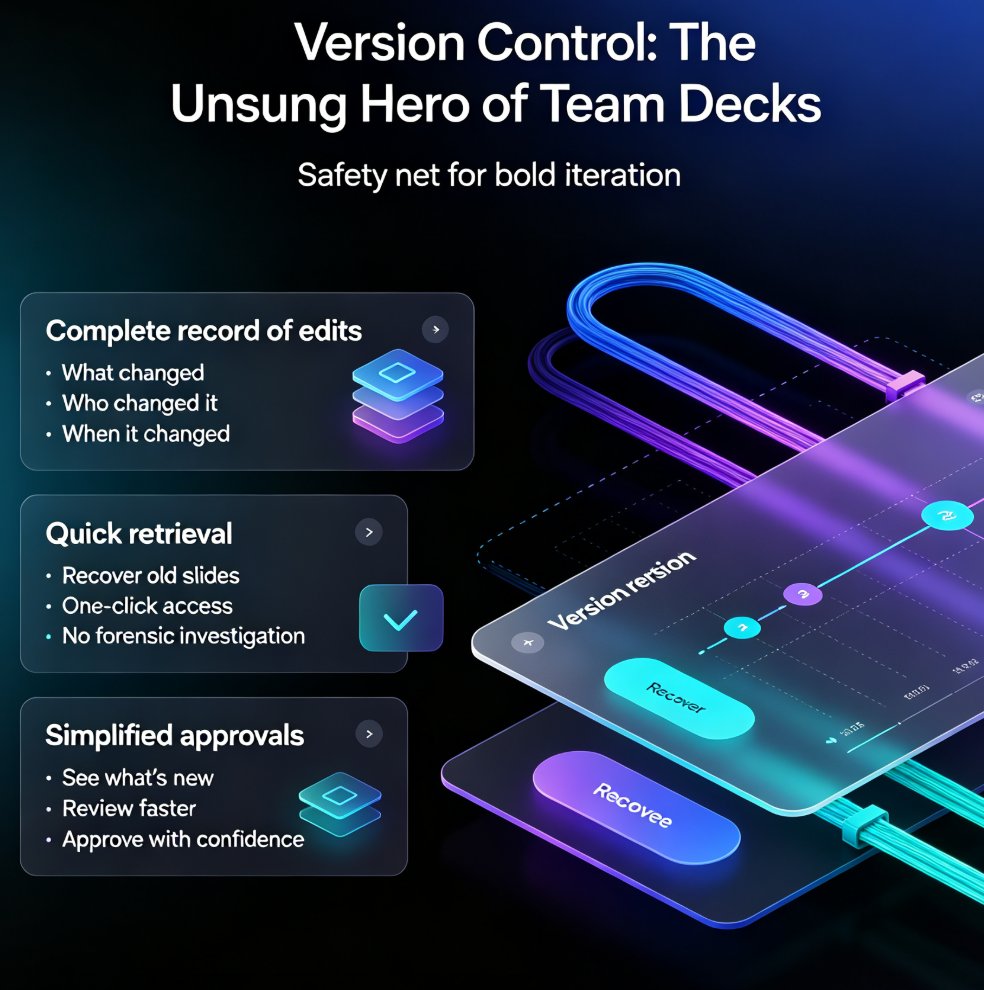
04. Version history: the quiet hero
Version control wasn't supposed to be glamorous. But when your CEO asks, "What did the deck look like before the 3 PM changes?" — and you can actually show them — you become a hero.
Good version history does three things: - Rewinds without panic — revert a slide (or the whole deck) to any point - Explains decisions — see who changed what, and when - Prevents scope creep — if someone "improved" your 20-slide deck into a 40-slide monster, you can roll back
The trick is to treat version history as a feature to use, not a safety net to ignore. Make it part of your review ritual: at the end of every editing session, skim the diff and confirm nothing got clobbered. For deeper workflow thoughts on this, the piece on 5 Hidden Features of AI Presentation Tools That Boost Team Productivity has some practical ideas.
05. Building a repeatable collaborative workflow
Here's a workflow that works, whether your team is three people or thirty:
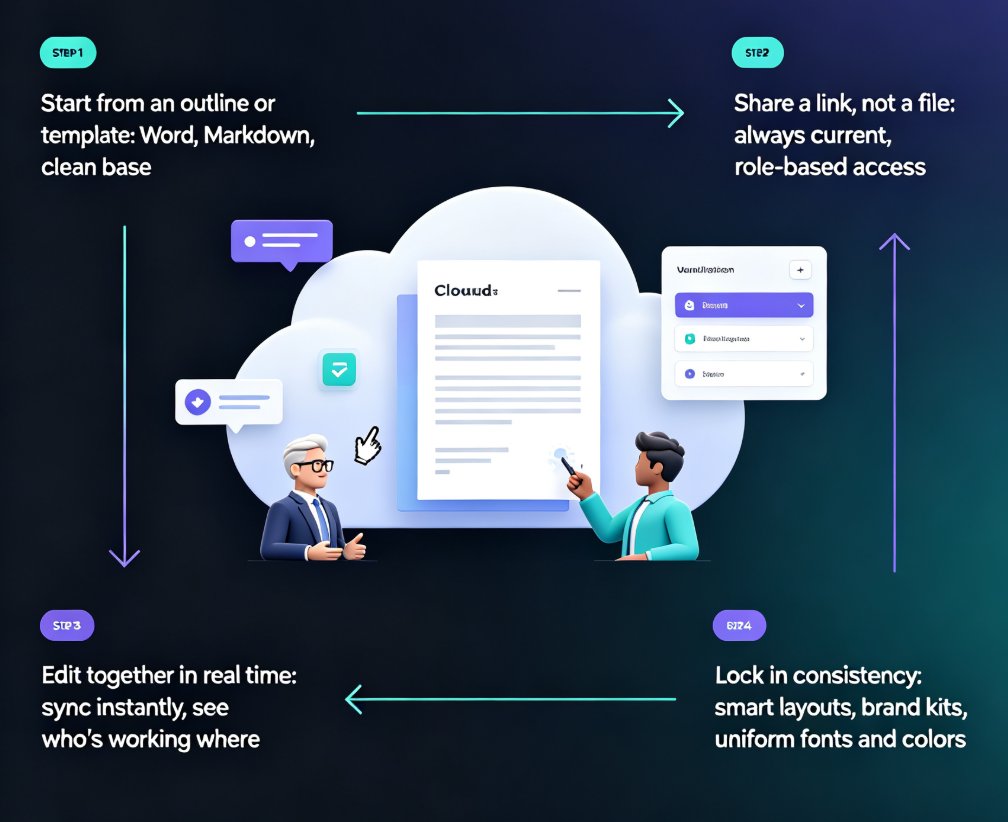
Step 1 — Start from one template. Don't let people begin from blank slides. Create one team template with your fonts, colors, and logo placement locked in.
Step 2 — Assign slide ownership. In real-time tools, it's tempting to let everyone touch everything. Instead, assign each section to one owner. It reduces collision and makes reviews faster.
Step 3 — Use comments, not chat. Keep feedback in the deck. When you discuss changes in Slack, the context dies with the thread. In-line comments leave a trail future editors can follow.
Step 4 — Review the diff, then ship. After the final pass, check version history to confirm the deck is exactly what was approved. Then export and share.
Step 5 — Retire the "final" suffix. With version history, you never need v12_final_REALLY.pptx again. The latest version is simply the latest version.
This workflow takes about a week to become habit, and it's worth the friction. The first time someone says, "We just edited the same deck in forty minutes without a single email," you'll see the light go on. If your team is new to AI-powered generation and wants to skip the painful first draft entirely, check out AI Prompt to Deck: Zendeck Generates Professional Slides in Minutes — because collaboration is a lot more fun when you're refining a finished draft instead of staring at a blank slide.
06. Where Zendeck fits
If you're thinking, "This all sounds great, but I don't want to rebuild our whole process" — fair. That's the practical concern. And it's why I'm a fan of tools that slot into existing workflows rather than demanding a migration.
For teams that want real-time editing plus shared, brand-safe templates, Zendeck's collaboration features cover the bases: multi-user editing, shared template libraries, and version history, all wrapped around AI that can generate slides from a Word outline or Markdown in seconds. It's not about replacing your whole tech stack; it's about making the deck-building part of it faster and more consistent. You can also explore how AI asset libraries keep brand consistency across teams in AI Asset Libraries: Revolutionizing Corporate Brand Consistency.
FAQ
Q: What's the biggest difference between Google Slides and PowerPoint for team collaboration?
A: Both support real-time multi-user editing and version history. The practical difference is ecosystem: Google Slides integrates natively with Google Workspace, while PowerPoint connects with Microsoft 365. Choose based on where your team already lives.
Q: Can we enforce brand consistency without a dedicated design team?
A: Yes, if your tool supports shared templates with locked brand settings. Auto-applied brand kits and one-click reskin features let non-designers produce on-brand decks consistently.
Q: How do we handle conflicts when two people edit the same slide?
A: Most modern tools handle this by showing live changes and saving continuously. Assigning slide ownership and using in-line comments reduces conflicts further.
Q: Does Zendeck support real-time collaboration?
A: Yes. Zendeck supports multi-user editing, shared template libraries, and version history, so your team can build decks together without version-control chaos.
Q: Will version history slow down our workflow?
A: No. It's an automatic background feature. You only interact with it when you need to revert or review, which is exactly when it's most valuable.