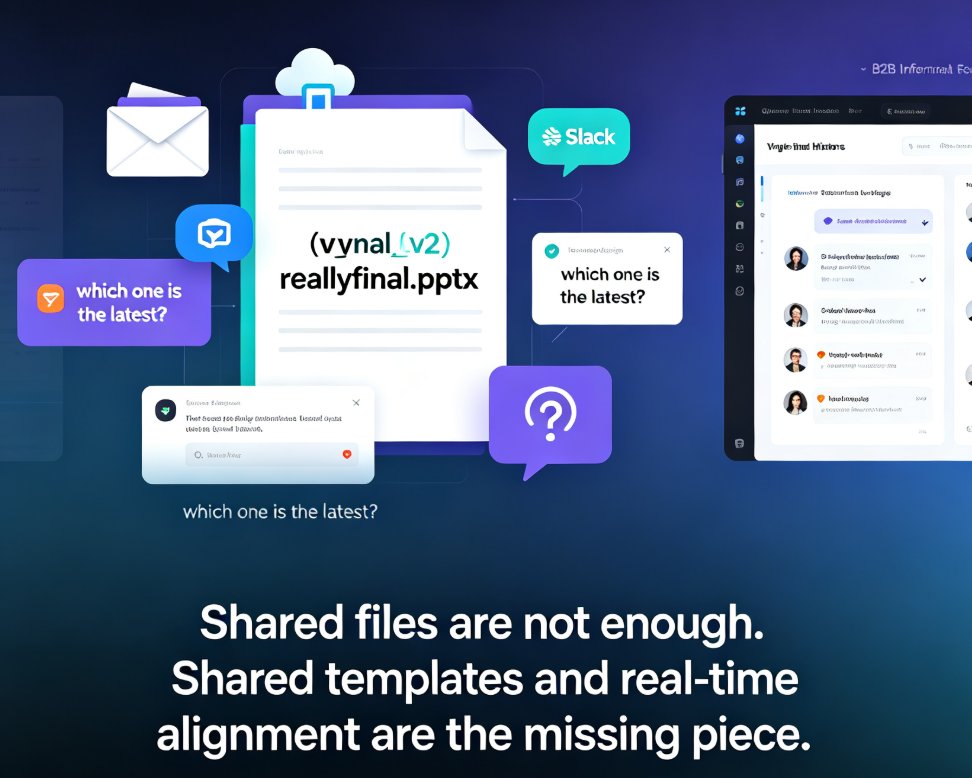
Stop Email Ping-Pong: Zendeck's Collaboration Ends PPT Version Chaos
Let's be real: if you've ever sent a file named Final_v5_REAL_FINAL.pptx to a colleague, you know the pain. Email ping-pong with PowerPoint attachments isn't just annoying—it's a productivity black hole. You lose track of edits, overwrite someone's changes, and spend more time managing versions than actually building the deck. The fix isn't better file naming. It's a fundamentally different way to collaborate.
Zendeck's real-time collaboration turns your presentation into a single, live document. No more attachments, no more "which version is this?"—just one deck that everyone works on together. Here's how to break the cycle and why your team will thank you.
I. The Email Ping-Pong Nightmare
You know the drill. You create a slide deck, export it as a PDF, attach it to an email, and hit send. Then the replies start: "Can you change the third bullet?" "Did you see my comment on slide 12?" "I updated the financials—please use my version." Before long, you have six copies of the same deck floating around, each with different edits. Merging them is a nightmare, and you're never sure which one is current.
The root cause is that email is a file-transfer tool, not a collaboration tool. It was never designed for multiple people to work on the same document simultaneously. So we improvise with naming conventions, folder structures, and painful manual merges. The result? Wasted hours, missed deadlines, and a lot of frustration.
The outcome of this chaos is predictable: your team's productivity takes a nosedive. A study by McKinsey found that employees spend nearly 20% of their workweek searching for internal information or tracking down colleagues who can help with specific tasks. That's a full day a week lost to version confusion and email threads. When you're building a critical pitch or training deck, that's time you can't afford to lose.
II. Why Version Chaos Happens (and Why It's Not Your Fault)
Let's be clear: the problem isn't your team's discipline. It's the tool. PowerPoint and Google Slides were built for solo editing or sequential handoffs, not true real-time collaboration. When you send a file, you're creating a fork in the road. Each recipient becomes the owner of their own branch, and merging those branches is a manual, error-prone process.
Traditional presentation tools lack three critical features: a single source of truth, inline comments, and automatic version history. Without these, you're forced to rely on email threads and file naming conventions—which always break down under pressure. It's not a matter of if, but when.
The solution is to move from a file-based workflow to a cloud-native, real-time collaboration model. That's exactly what Zendeck offers. Instead of emailing files, you share a link. Instead of merging edits, you watch changes appear live. Instead of guessing which version is current, you have a complete history at your fingertips.
III. The Zendeck Solution: Real-Time Collaboration That Actually Works
Zendeck is an AI-powered presentation platform that treats collaboration as a first-class citizen. When you create a deck in Zendeck, it lives in the cloud. You invite teammates, clients, or stakeholders via a link, and everyone works on the same live file. No attachments, no duplicates, no confusion.
Here's what makes Zendeck different: real-time co-editing, inline comments, and a one-click version history. When your colleague edits a slide, you see the change instantly. If they leave a comment, it's anchored to a specific element—not buried in an email thread. And if you need to revert to an earlier state, you just pick a version from the history panel. It's that simple.
The outcome is a dramatic reduction in friction. You no longer have to ask "which version is this?" because there's only one version. You no longer have to merge edits because they're already merged. You no longer have to chase people for feedback because comments are right where the action is. Your team can focus on the content, not the logistics.
Zendeck also integrates with your existing workflow. You can import a PowerPoint file, and it becomes a fully editable cloud deck. Or you can start from scratch with AI-generated slides and then fine-tune them manually. The platform is designed for both AI speed and human control—so you get the best of both worlds.
IV. How to Move Your Team to Zendeck (Without the Headaches)
Switching tools can feel daunting, but Zendeck makes it painless. Here's a step-by-step plan to get your team off email ping-pong and onto real-time collaboration.
Step 1: Import your existing decks. Zendeck accepts PPTX files, so you don't have to start over. Just upload your current deck, and it becomes a cloud-native presentation. This gives you an immediate single source of truth.
Step 2: Invite your collaborators. Share a link with your team or external clients. You control permissions—view, comment, or edit—so everyone has the right level of access. No more emailing files back and forth.
Step 3: Use comments and @mentions. Instead of sending an email with feedback, leave a comment directly on the slide. Tag a teammate with @mention, and they'll get a notification. All feedback stays in context, making it easy to address.
Step 4: Leverage version history. If someone makes a change you don't like, you can roll back in one click. No more digging through old emails to find a previous version. The history is always there, and it's automatic.
Step 5: Set up a brand kit for consistency. If you're working with a team, you want every deck to look on-brand. Zendeck's brand kit ensures fonts, colors, and logos are applied automatically—so no one has to manually adjust styles. This is a game-changer for maintaining a professional look across hundreds of slides.
V. Email vs. Zendeck: A Side-by-Side Comparison
To see the difference clearly, let's put email-based collaboration against Zendeck's real-time approach. Here's a quick comparison:
| Aspect | Email + PowerPoint | Zendeck Collaboration |
|---|---|---|
| Single source of truth | No—multiple copies exist | Yes—one live deck |
| Real-time editing | No—sequential handoffs | Yes—simultaneous co-editing |
| Comments | In email threads, out of context | Inline, anchored to slide elements |
| Version history | Manual—you save files | Automatic—one-click rollback |
| Merging edits | Manual—painful and error-prone | Automatic—no merging needed |
| External sharing | Attachments, size limits | Link-based, with granular permissions |
| Brand consistency | Manual—each person applies styles | Automated via brand kits |
The table makes it obvious: email is a stopgap, not a solution. Zendeck addresses the core problems of version chaos, lost feedback, and wasted time. When you switch, you're not just changing tools—you're changing how your team collaborates.
VI. Best Practices for Smooth Collaboration in Zendeck
Once you're on Zendeck, a few habits will make your team even more efficient. These aren't official rules—just things we've learned from working with teams like yours.
First, agree on a single owner for each deck. Even with real-time editing, it helps to have one person responsible for the final polish. They can review comments, make the final call on conflicting suggestions, and ensure the deck stays on-message.
Second, use @mentions to route feedback. Instead of leaving a vague comment like "this needs work," tag the person who owns that slide. They'll get a notification and can address it immediately. This cuts down on follow-up emails and keeps everything in one place.
Third, take advantage of the version history. Don't be afraid to experiment. If a new layout doesn't work, roll back. If a colleague's edit goes too far, revert. The safety net is always there, so you can be bolder with your ideas.
Fourth, integrate Zendeck into your existing workflow. Whether you're creating a pitch deck, a training module, or a conference keynote, Zendeck can handle it. And if you need to turn a deck into a video, Zendeck's PPT-to-video feature lets you add narration and export a micro-course—all from the same platform.
VII. The Bottom Line: Stop the Ping-Pong, Start Creating
Email ping-pong is a habit, not a necessity. By moving to Zendeck's real-time collaboration, you eliminate version chaos, save hours every week, and let your team focus on what matters: building great presentations. The switch is easy, the payoff is immediate, and your future self will thank you.
Don't let another deck get lost in your inbox. Try Zendeck today and see the difference for yourself.
FAQ
Q: How does Zendeck prevent version chaos in PPT files?
A: Zendeck replaces email attachments with a single cloud-based deck. Everyone edits the same live file, so there's only one version. Comments and chat happen inline, and a full version history lets you roll back to any previous state without digging through inboxes.
Q: Can I still manually edit AI-generated slides in Zendeck?
A: Yes. Zendeck is built for both AI generation and manual fine-tuning. You can drag, drop, reorder, and restyle any slide after the AI creates it, and all changes sync in real time for your collaborators.
Q: Is Zendeck suitable for collaborating with external clients or partners?
A: Absolutely. Zendeck lets you share decks with external users via link or invite, with granular permissions. You control who can view, comment, or edit, making client reviews clean and version-free.
Q: What happens to my old PowerPoint files when I switch to Zendeck?
A: You can import existing PPTX files directly into Zendeck. They become fully editable cloud decks, and you can continue collaborating without losing any of your original content or formatting.