Tags:presentation workflow

11 articles

Top 5 Zendeck Collaboration Features for Team Presentation Workflow

Office Efficiency 2026-10-26 3510

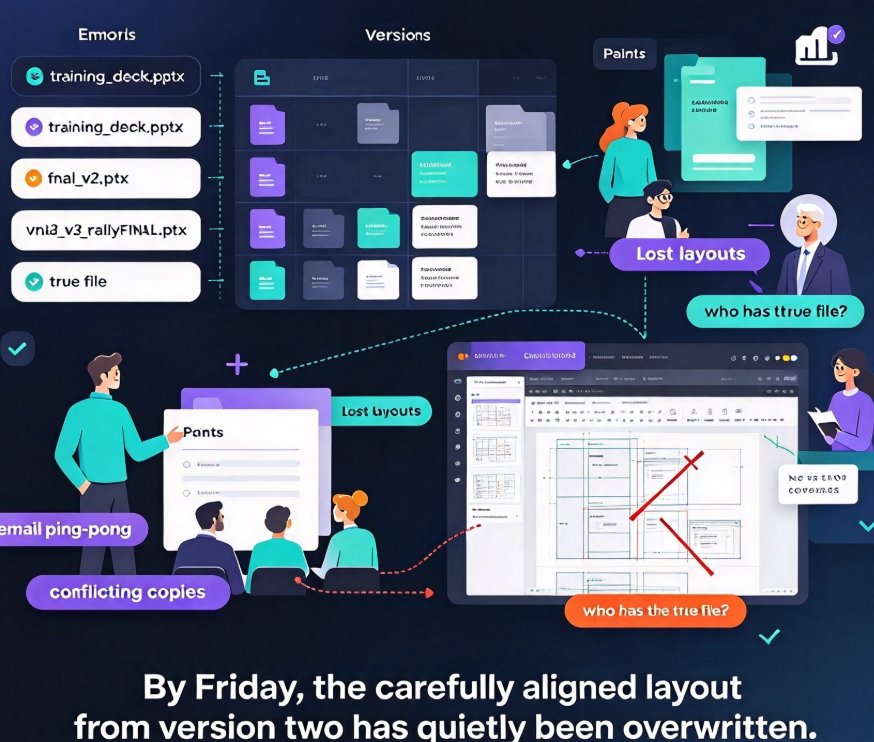
Looking for an AI presentation tool your whole team can actually use? Zendeck's top 5 collaboration features — real-time co-editing, contextual comments, secure link sharing, and automatic version history — replace the endless email ping-pong that slows down training decks, courseware, and business proposals. Here's the breakdown of the five features that matter most for team productivity. With live edits visible to everyone, feedback attached directly to slides, and access control that keeps every deck a single source of truth, your team can build, review, and ship presentations in one shared workspace. Whether you're an L&D lead polishing a course or a startup refining a pitch deck, these Zendeck capabilities cut review cycles from days to hours and give your workflow the structure it's been missing. See which features your team should be using today.
How to Build a Reusable Template Library for Consistent Brand Decks

Presentation Skills 2026-10-08 2806

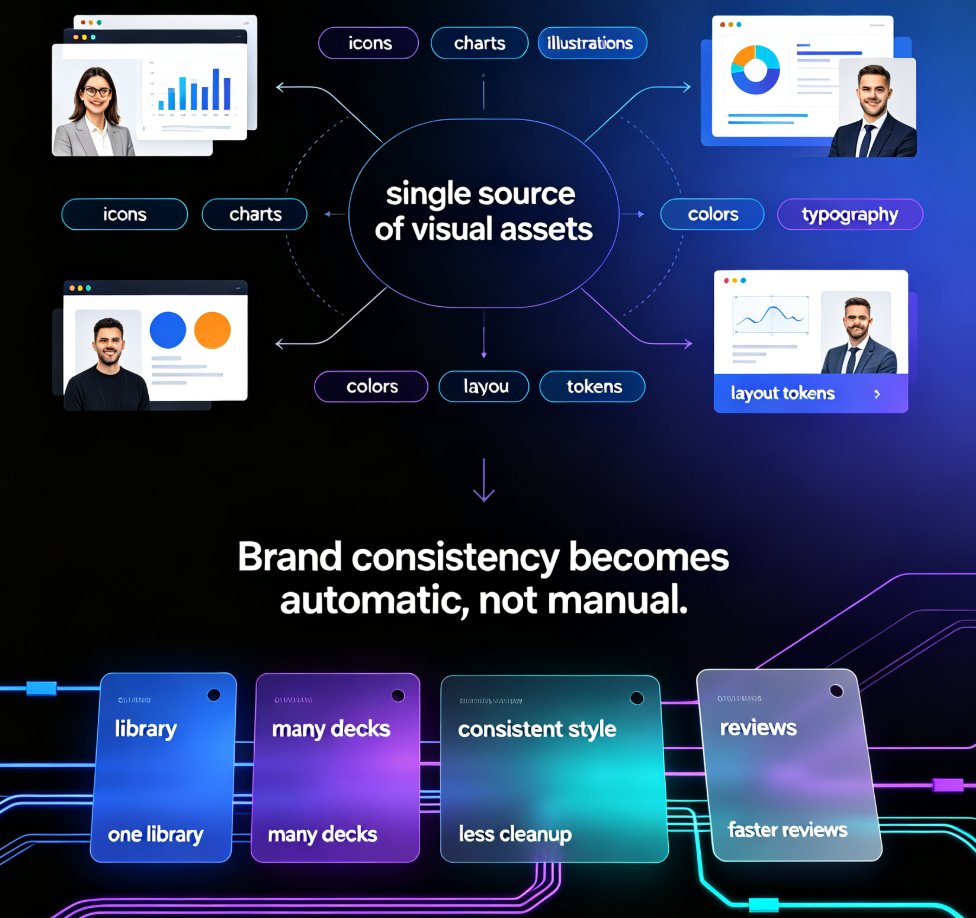
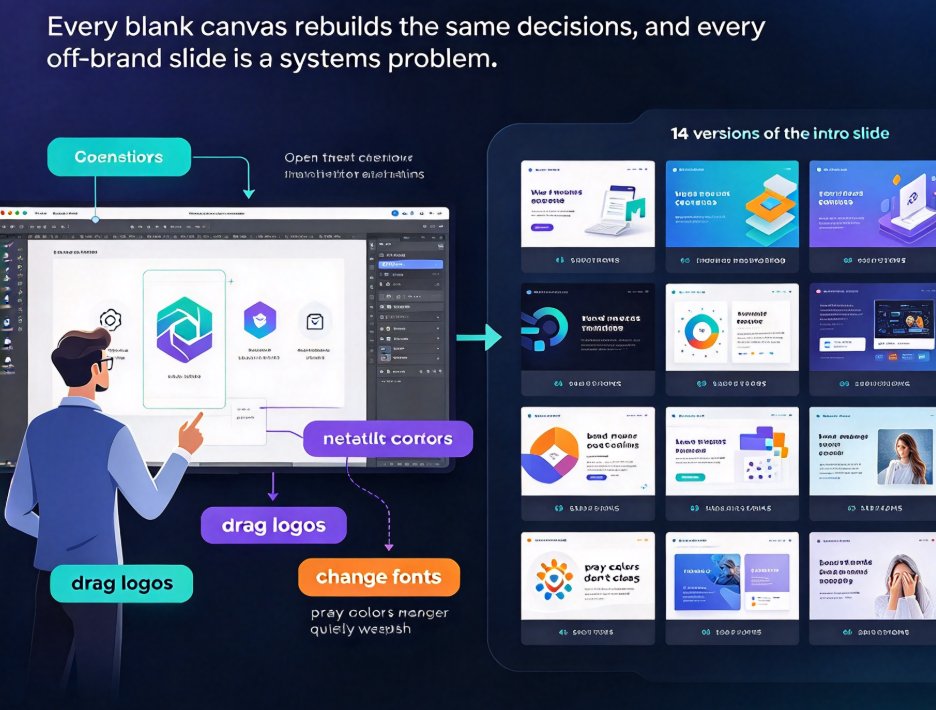
A reusable template library is the fastest way to keep every deck on-brand and on-message — Zendeck makes it systematic. This guide moves beyond basic advice about picking pretty slides and shows you how to structure a template library by scenario, bake brand rules into each template, share it across teams with clear permissions, and keep it fresh over time. You'll learn a repeatable workflow where every new presentation starts from an approved, scenario-matched template instead of a blank canvas. Internal links: contextual templates, brand kits, smart layouts, and governance. Stop rebuilding decks from scratch: organize, standardize, and deliver consistent brand decks in minutes.

How to Generate a Complete Presentation from Scratch Using Zendeck AI

AI Courseware 2026-08-26 2061

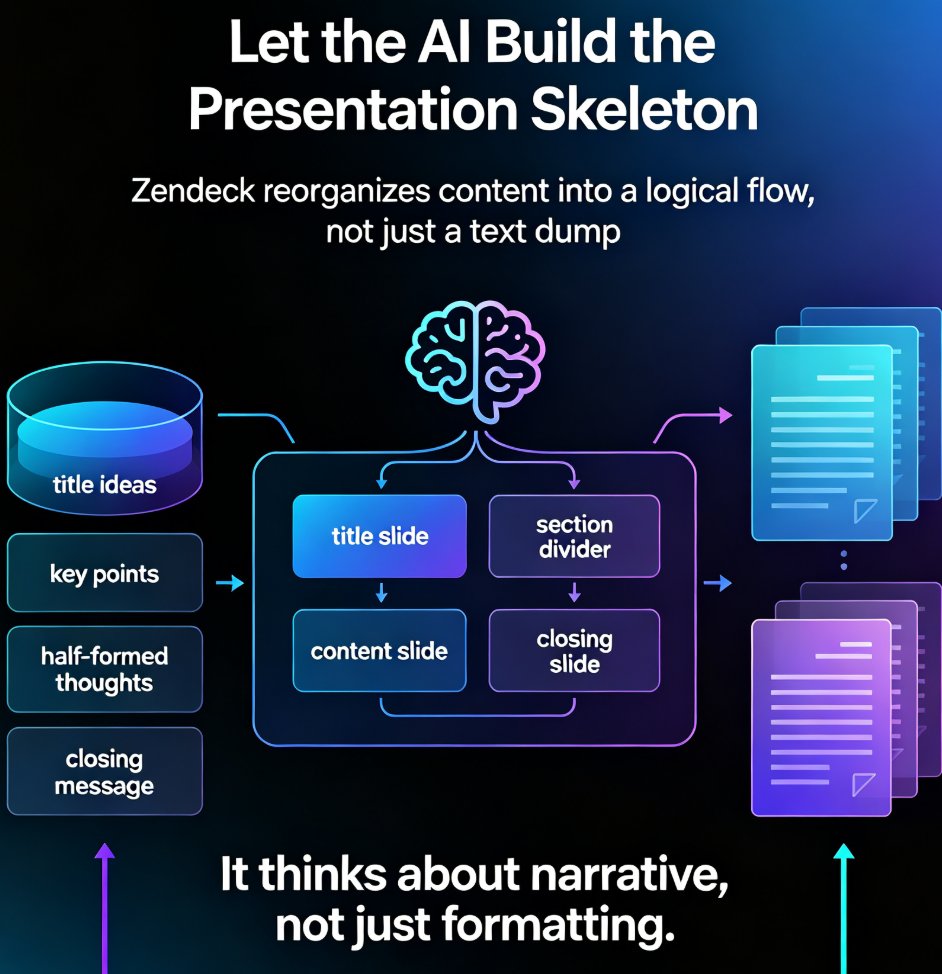
Learn how to generate a complete presentation from scratch using Zendeck AI. This step-by-step tutorial walks you from a simple outline to a polished, shareable deck in minutes — covering slide generation, smart layouts, one-click reskinning, asset libraries, and even PPT-to-video conversion. Zendeck AI handles the design heavy lifting so you can focus on your message, not your margins. Whether you're a trainer, educator, or busy professional, this zero-to-done workflow shows exactly how to turn rough notes into a structured, visually consistent presentation without opening a design tool. Stop wrestling with blank slides and start shipping decks that look intentional. Includes a full workflow comparison table, common mistakes to avoid, and answers to the questions people ask most when switching to AI-generated presentations.

Find the Right Icon or Chart in Seconds: Visual Asset Search Guide

Courseware Design 2026-08-26 3775

Stop wasting minutes hunting for the perfect visual. Zendeck's asset library lets you find the right icon, chart, or illustration in seconds with smart search, category filters, and context-aware suggestions. This guide covers practical search strategies, a repeatable visual workflow, and the time savings you can expect. Whether you're building business decks, training materials, or courseware, these tips help you locate on-brand visuals faster and keep your presentations consistent. Learn how to search by concept instead of object, use category filters to narrow results, save favorite assets for reuse, and let Zendeck suggest relevant visuals as you build. If you're tired of mismatched icons, endless scrolling, and decks that look assembled rather than designed, this visual asset search guide is exactly what you need to speed up your workflow and produce professional presentations without design expertise.

Word to PPT in One Click: Why Document-to-Deck Automation Is Trending

Office Efficiency 2026-08-25 3460

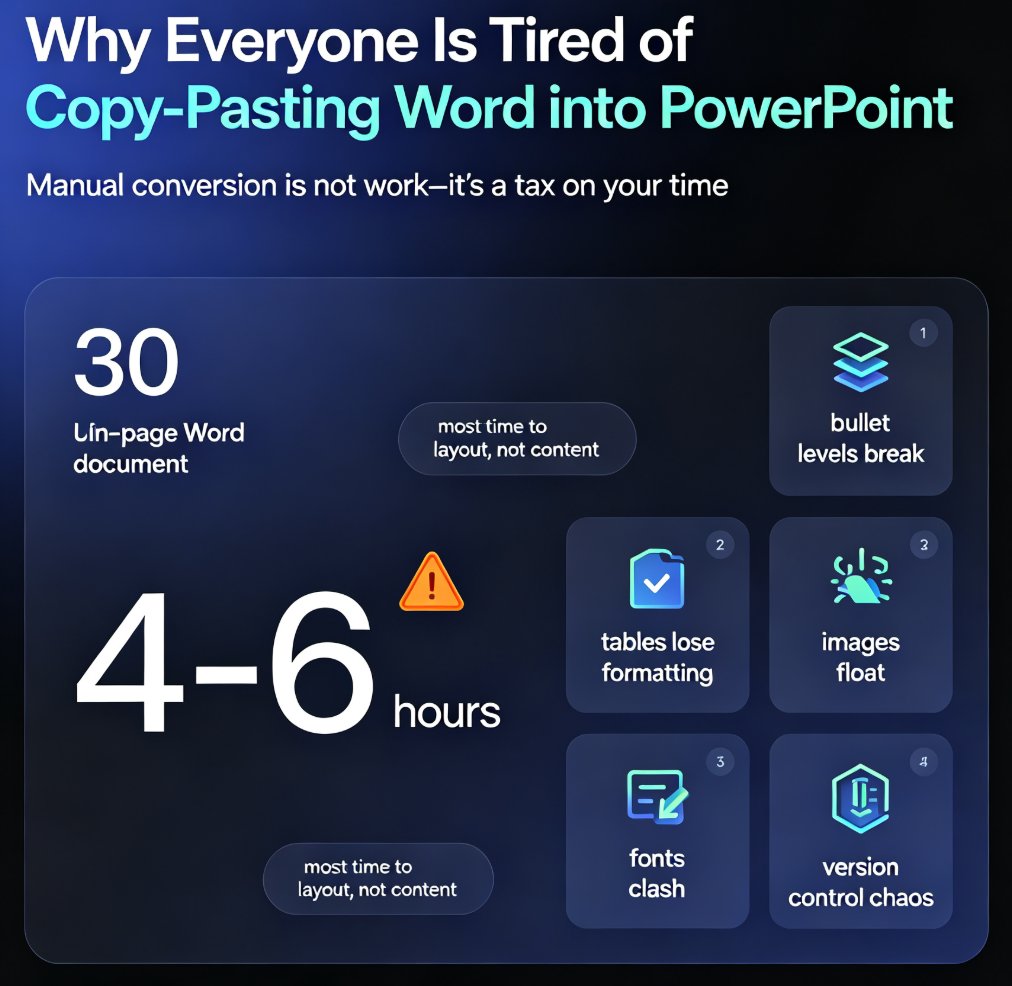
Zendeck's Word import feature turns document-to-deck automation into a one-click workflow: upload a Word outline and get a polished, on-brand presentation in seconds. Converting Word documents into PowerPoint slides is one of the biggest productivity trends of 2026, replacing the 4-6 hours teams used to spend on manual reformatting. This article breaks down the hidden costs of manual conversion, who benefits most (educators, trainers, HR, consultants), and practical tips for clean results. If you're still copy-pasting documents into slides, this guide shows the faster path — and why the deck is becoming a derived format of the document, not a separate deliverable. Learn how to turn your existing document library into presentation-ready decks without design skills.

AI Decks in 2026: From Template Picking to Fully Automated Generation

AI Courseware 2026-08-24 2603

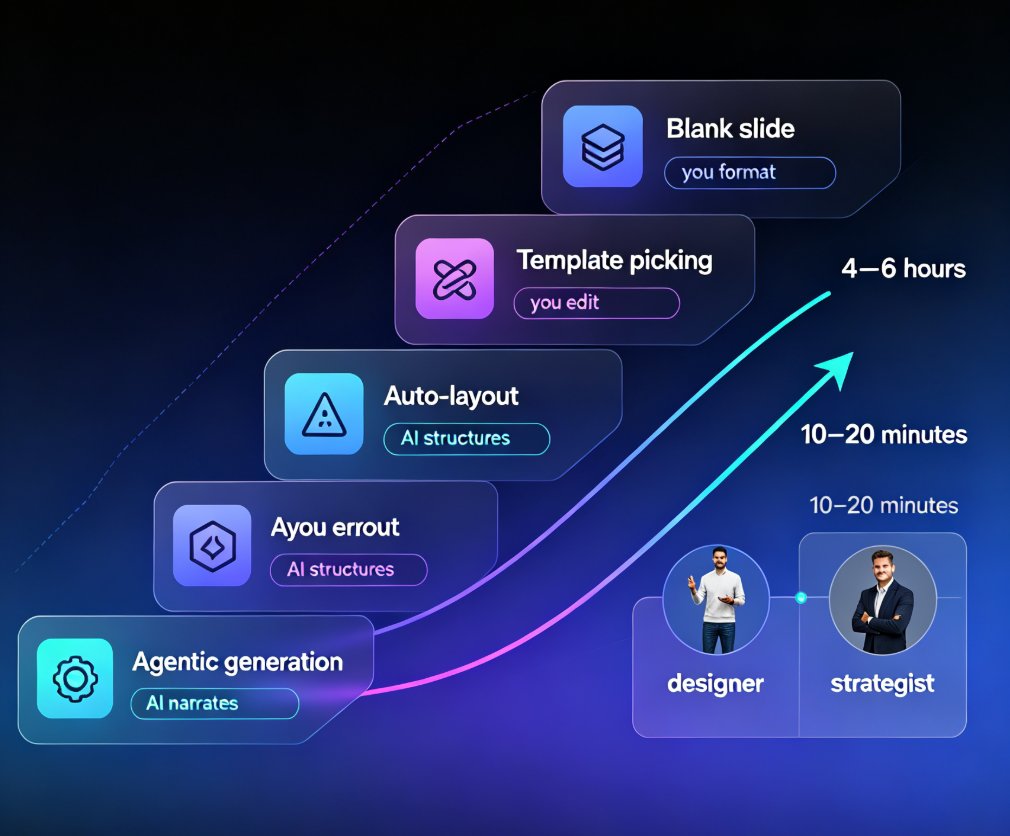
AI deck generation in 2026 has moved far beyond template picking. Tools like Zendeck now turn a simple outline into a fully structured, on-brand presentation in minutes, shifting the presenter's role from designer to strategist. This article breaks down the evolution from template libraries to agentic automation, what it means for your daily workflow, and where human judgment still matters most. You'll learn how context-aware design, smart layouts, and AI agents work together, how to keep your brand consistent without manual effort, and why the best presenters are spending less time formatting and more time shaping arguments. If you're an educator, trainer, or content operator tired of wrestling with slide decks, this is the roadmap you need for 2026. Whether you're preparing a board update, a training session, or a client pitch, the days of choosing between good design and good content are over — you get both, and you get your time back.

▲