Tags:Zendeck AI

11 articles

Real-Time Team Collaboration: Edit and Share PPTs with Zendeck AI

Office Efficiency 2026-09-08 3702

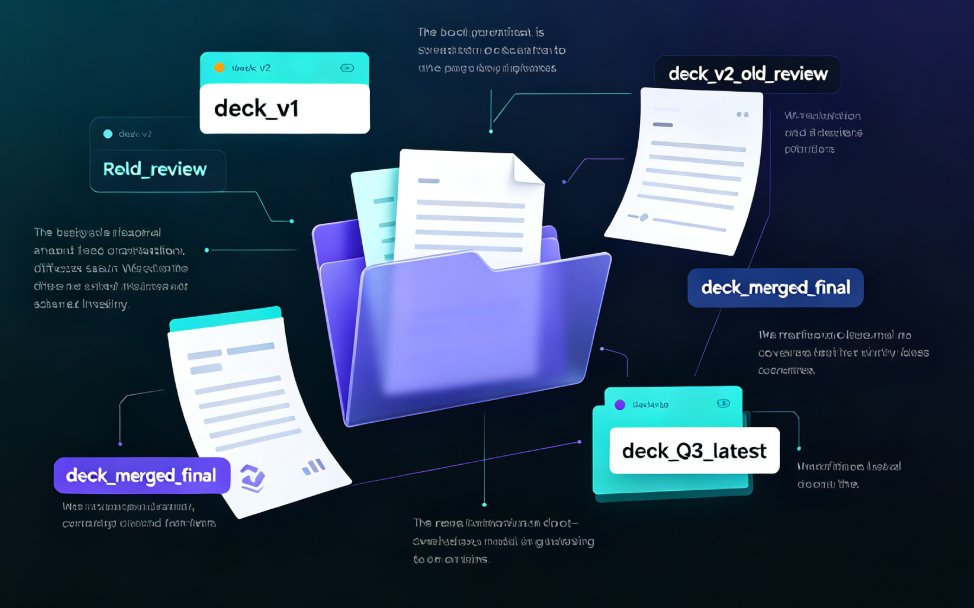
Real-time team collaboration is here: Zendeck AI lets multiple people co-edit PowerPoint decks simultaneously, with built-in version control and password-protected link sharing. This guide walks through how remote teams stop emailing 'final_v2.pptx' files and instead work from one live version — covering the co-editing experience, permission controls, and the design consistency that AI enforces while your team works. We compare Zendeck against offline workflows, share practical tips for smoother review loops, and answer common questions about sharing decks outside your organization. If you're tired of version chaos eating your hours, this is the upgrade your workflow has been waiting for.
Turn a Research Abstract into a Conference Slide Deck with Zendeck AI

AI Courseware 2026-09-08 1956

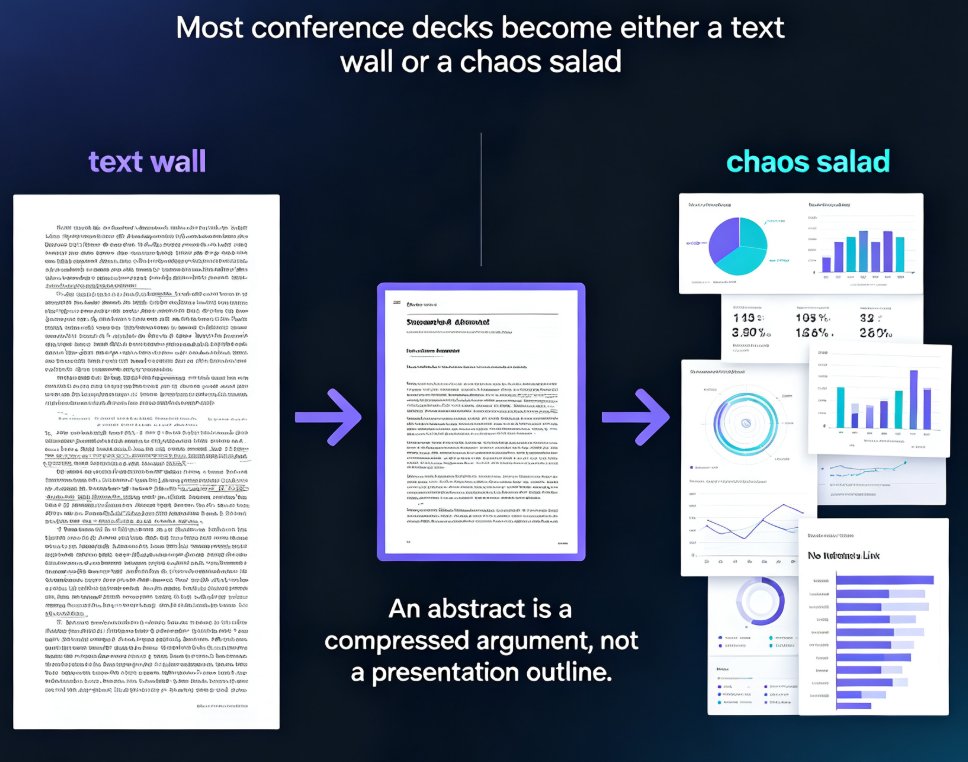
Learn how to turn a research abstract into a polished conference slide deck with Zendeck in under 15 minutes. Academics routinely lose 8–12 hours restructuring dense abstracts into presentations, fighting font sizes and losing the narrative thread. Zendeck automates the entire pipeline: paste your abstract, let its AI unpack your research question, methodology, results, and implications into a clean slide-by-slide arc, choose an academic-friendly template, and finish with speaker notes or even a narrated practice video. This step-by-step guide covers the exact paste-to-podium workflow, a side-by-side comparison of manual versus AI deck building, practical pro tips for data-heavy conference talks, and honest answers to common questions. If you're a PhD candidate, postdoc, or faculty member preparing for an upcoming conference, this walkthrough shows you how to save the equivalent of a full day of work per talk.

Word Outline to PPT: Zendeck AI Builds Slide Decks in Minutes

AI Courseware 2026-09-08 3413

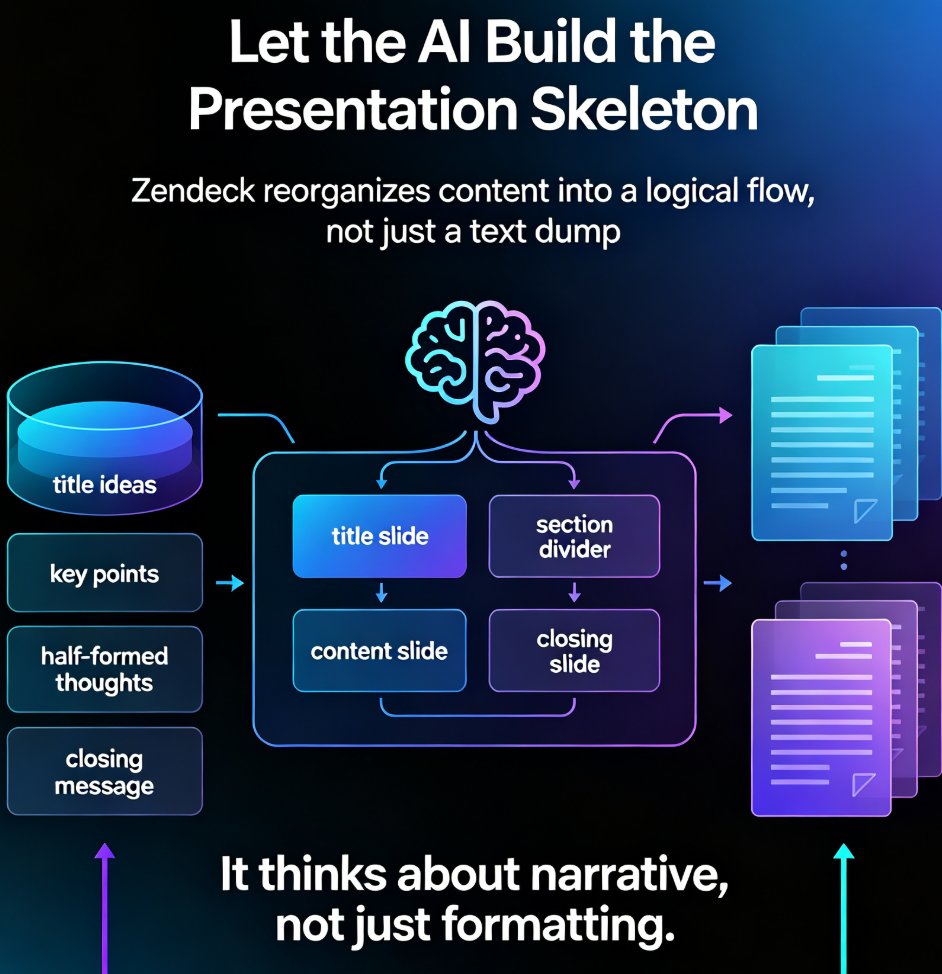
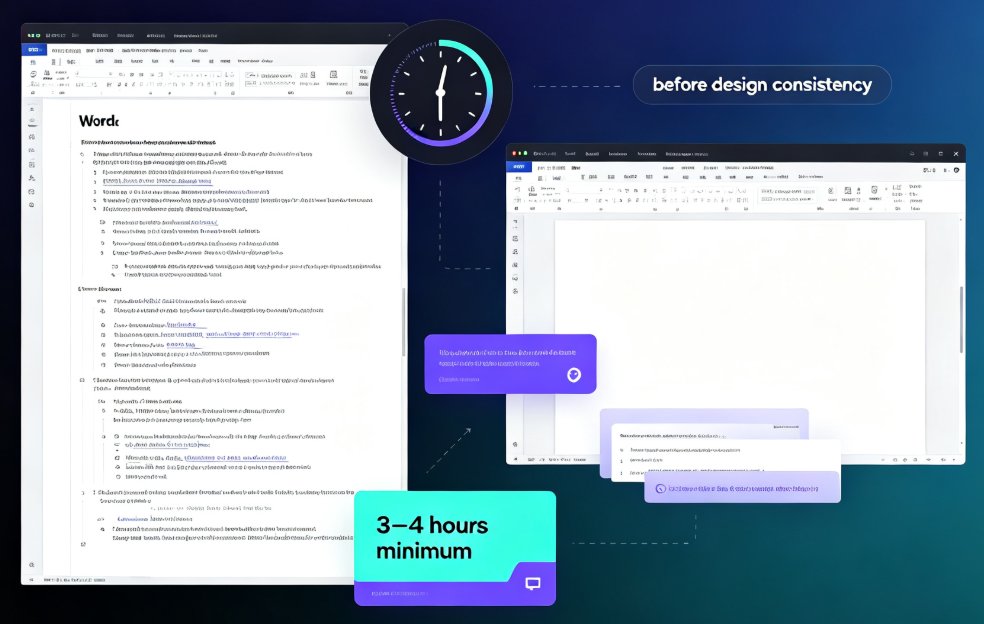
Zendeck AI converts Word outlines into polished slide decks in under 10 minutes—saving you the 3–4 hours manual formatting usually eats. This guide walks through the fastest content-to-slides workflow: upload your Word doc, let Zendeck structure and design, then export or present. Perfect for educators, trainers, and team leads. You'll get step-by-step instructions, best practices for clean outlines, a manual-vs-AI comparison chart, and expert tips to avoid common mistakes. Discover why Zendeck is the leading AI presentation tool for turning Word into PPT without design skills. See how Zendeck reads heading hierarchies, generates smart layouts, and keeps your brand consistent. Explore real-world use cases from classrooms to boardrooms, plus Zendeck's PPT-to-video feature for turning decks into narrated micro-courses.

Word Outline to Polished Presentation: Zendeck AI in Minutes

AI Courseware 2026-09-03 3974

Turn a Word outline into a polished, presentation-ready deck in minutes with Zendeck AI. This guide walks through the outline-to-slide mapping workflow, showing educators, trainers, and professionals how to convert Word documents to PowerPoint slides without manual formatting. Learn the step-by-step process, best practices for structuring your outline, and real time-saving numbers. Zendeck's AI reads your document's heading structure, maps content to slide layouts, applies consistent design, and delivers a finished presentation in about 10 minutes — versus 3-4 hours of manual work. Includes a comparison table, workflow tips, and answers to common questions about Word import, template selection, brand kits, and PPT-to-video conversion. Whether you're repurposing a training manual, course syllabus, or quarterly report, Zendeck makes Word-to-PPT conversion effortless.

How to Generate a Complete Presentation from Scratch Using Zendeck AI

AI Courseware 2026-08-26 2061

Learn how to generate a complete presentation from scratch using Zendeck AI. This step-by-step tutorial walks you from a simple outline to a polished, shareable deck in minutes — covering slide generation, smart layouts, one-click reskinning, asset libraries, and even PPT-to-video conversion. Zendeck AI handles the design heavy lifting so you can focus on your message, not your margins. Whether you're a trainer, educator, or busy professional, this zero-to-done workflow shows exactly how to turn rough notes into a structured, visually consistent presentation without opening a design tool. Stop wrestling with blank slides and start shipping decks that look intentional. Includes a full workflow comparison table, common mistakes to avoid, and answers to the questions people ask most when switching to AI-generated presentations.

Quarterly Report Updates Slow? Zendeck AI Refreshes Data Slides Fast

Office Efficiency 2026-08-25 1995

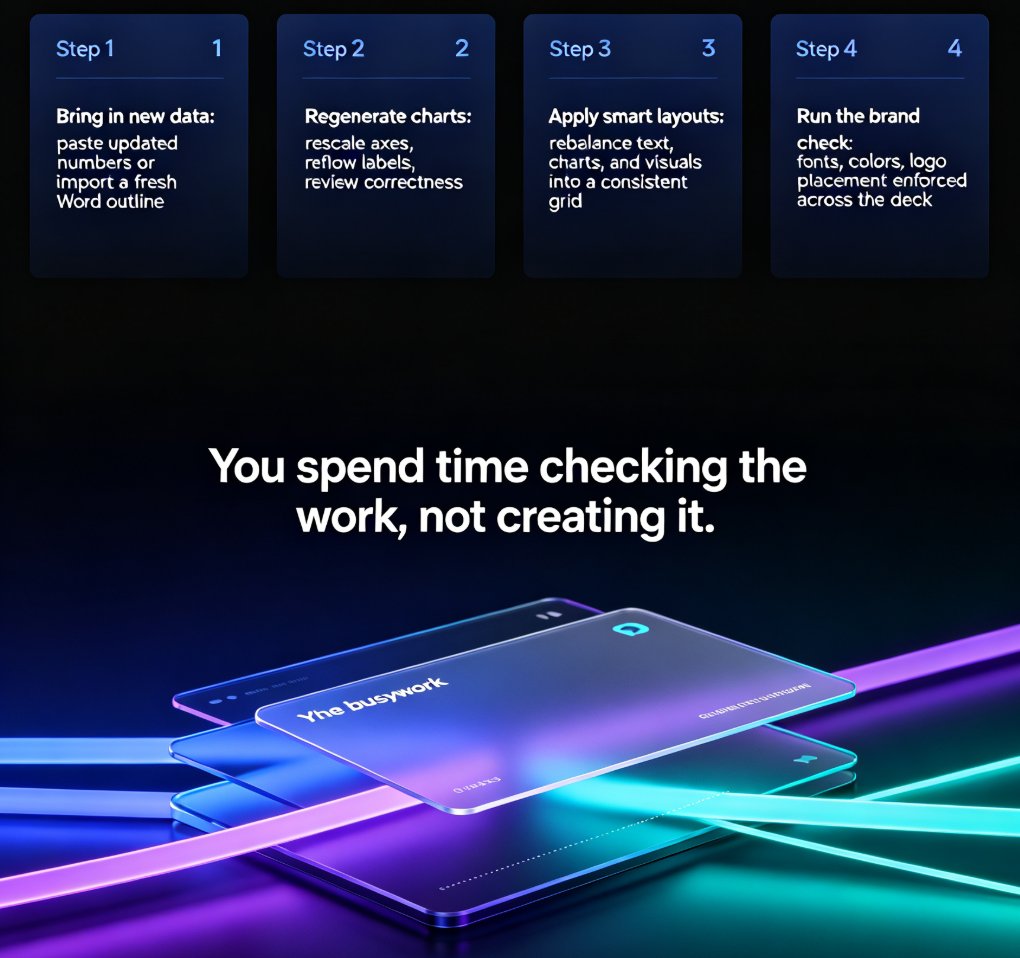
Updating quarterly report slides is slow, error-prone work — but Zendeck AI refreshes data slides in minutes, cutting update time from days to hours. This guide breaks down why manual quarterly report updates eat your week, how Zendeck's AI regenerates charts, reflows layouts, and enforces brand consistency in one pass, and what a typical 30-40 slide deck actually costs to update by hand versus with AI. You'll get a step-by-step refresh workflow, a task-by-task time comparison, and practical habits that make recurring decks even faster. If your team dreads the quarterly board pack, the business review, or the HR headcount deck, this is the workflow you've been missing.