2026 Presentation Tool Trends: Agentic AI, Personalization and More
Introduction: The End of Static Decks
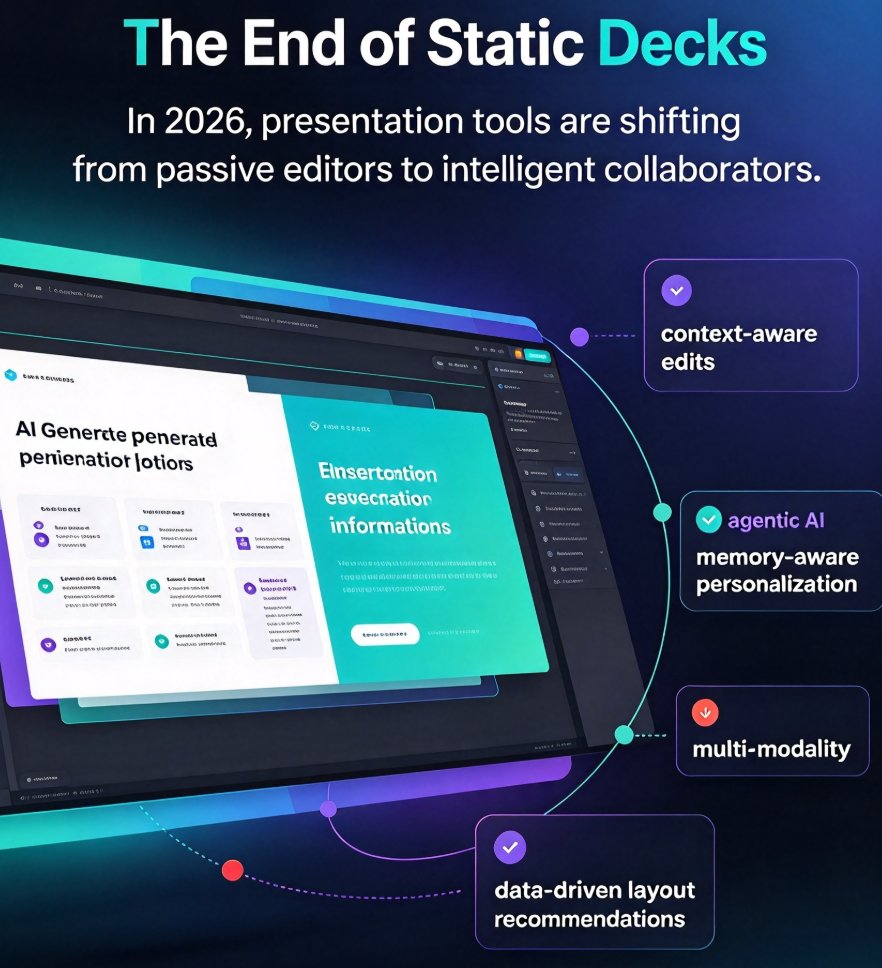
Let's be honest: we've all spent way too many evenings wrestling with bullet points, trying to make a slide look "just right" before tomorrow's meeting. That grind is finally fading. In 2026, presentation tools are shifting from passive editors to intelligent collaborators. Four trends are driving this change: agentic AI, memory-aware personalization, multi-modality, and data-driven layout recommendations. Together, they're not just making decks faster—they're making them smarter, more contextual, and more human.
If you're an educator, trainer, or part of a corporate team, this shift matters. It means less time on formatting, more time on thinking. And it means your presentations can finally keep pace with how people actually learn and decide.
I. Agentic AI: Software That Works With You, Not Just For You
The biggest buzzword of 2026 is agentic AI—and for good reason. We're moving past the era where you switch between five apps to build a deck. Instead, AI agents now coordinate across your entire tech ecosystem. They can pull the latest sales figures from your CRM, grab quotes from a shared doc, and even check your calendar for the right meeting context, all before you open the presentation tool.
A recent analysis from Intelligent CIO APAC predicts that "the next generation of AI agents won't live inside individual apps—they'll communicate, coordinate and act across entire tech ecosystems, turning fragmented processes into fluid, intelligent networks." The same piece warns that standalone software will struggle to compete, forecasting only 15% of on-premise tools surviving the next three years. That's a dramatic consolidation, but it's also a wake-up call.
The pain point here is context-switching. You lose time and mental energy every time you jump between systems. The agentic solution is a tool that speaks to your other tools. In the presentation world, that means a platform that can digest a raw Word outline, pull in relevant charts from your asset library, and automatically build a structured deck—without you touching a template.
The outcome is simple: what used to take an evening now takes minutes. And because the AI is connected to your data, the deck is never stale. That's the difference between a slide that shows last quarter's numbers and one that updates in real time.
For a deeper dive into how agentic AI is reshaping presentation workflows, check our analysis of AI presentation agents in 2026. If you're curious about the autonomous workflows specifically in course creation, we've covered that too in our agentic AI in course creation guide.
II. Memory-Aware Personalization: Decks That Remember You
Walk into any conference room and you'll see a common frustration: someone has spent an hour adjusting a template's colors and fonts to match their brand—again. That's the exact problem memory-aware personalization solves. The next leap in AI presentation tools is memory: the software remembers who you are, what your brand looks like, and how your audience responds.
Think about it. When you open a presentation tool in 2026, it should already know that you prefer dark backgrounds, use the house font, and always include a data table on the third slide. It should also remember that your last client loved a certain visual style. This isn't just convenience—it's consistency. Brand consistency is no longer a manual chore; it's a default behavior.
Take the way Zendeck approaches this. With a custom brand kit, you set your colors, fonts, and logo once. Every new deck—whether you paste Markdown or upload a Word outline—adopts that identity instantly. The AI remembers your preferences across projects, so you never re-explaining your style. That's memory-rich personalization in action.
The pain point is the endless fiddling that kills productivity. The solution is an AI that learns from your history. The outcome? A presentation that feels custom-made every time, without the effort. If you're ready to build that brand kit once and forget it, our guide on creating a custom brand kit in Zendeck walks you through the steps. For a broader view of where this trend is heading, read our take on memory-rich personalization reshaping slides in 2026.
III. Multi-Modality: From Static Slides to Interactive Video
The days of a deck being a single, static artifact are over. In 2026, presentations are multi-modal: they transform into narrated videos, interactive micro-courses, and slide decks with embedded voiceover and subtitles. This is especially critical for training and education, where learners are often remote and prefer short video bursts over dense bullet points.
The pain point here is engagement. You've built a killer deck, but when you send it as a file, people just flip through it—or don't open it at all. Multi-modality changes that by giving your content a voice. Your slides can become a micro-lecture with your narration, complete with auto-generated subtitles for accessibility. Or they can morph into a video that your team can watch on their own time.
The solution is AI that converts your slide structure into a video without re-recording everything. For example, Zendeck's PPT-to-video feature turns a deck into a narrated micro-course with a few clicks. You add a voiceover, and the platform syncs it to each slide, then generates subtitles automatically. The result is a polished training asset that's accessible on any device—no camera, no studio, no editing suite.
This isn't just about video for the sake of video. It's about meeting your audience where they are. A sales team might want a 5-minute recap; a classroom might need the full 20-minute lesson. Multi-modality gives you the flexibility to serve both from the same source.
If you're wondering how to get started, our guide to adding narration to your slides shows the workflow, and we've also covered how auto-subtitles make your micro-courses more accessible. For a broader industry view, see why AI PPT-to-video is becoming the 2026 corporate training standard.
IV. Data-Driven Layout Recommendations: Design That Learns
You don't need to be a designer to create a beautiful deck anymore. The fourth trend is data-driven layout recommendations—AI that analyzes your content and suggests the best visual structure. This goes beyond picking a template. It understands whether a comparison, a timeline, or a simple statement will communicate your message best, then arranges elements accordingly.
The pain point is the design skill gap. Most professionals know what they want to say, but struggle with how to present it visually. The result? Cluttered slides with too many bullet points, or the reverse—bare slides that feel empty. Data-driven layouts solve this by applying design principles automatically.
Zendeck's Smart Layout is a perfect example. It reads the semantic structure of your outline—identifying headers, lists, and key points—and then applies a cohesive design that matches your brand kit. If you insert a chart, the asset library suggests a visualization that fits the data type. This isn't a template that forces your content into a shape; it's a system that adapts to your content.
The outcome is clarity and impact. Your slides become easier to read, more persuasive, and more professional. And you did it without touching a color wheel. For a deeper look at how smart layout saves time, read our five ways Smart Layout cuts presentation design time. If you're interested in how data visualization is evolving, our 2026 data visualization trends piece is a good follow-up.
Comparing the Four Trends: A Quick Look
To help you see how these trends connect, here's a comparison table:
| Trend | What It Means | Key Benefit | Adoption Signal |
|---|---|---|---|
| Agentic AI | AI coordinates across your software stack | No more copy-paste between apps | Enterprise move to connected platforms; on-premise decline to 15% |
| Memory-Aware Personalization | AI remembers brand, preferences, audience | Consistent decks without manual work | Brand kits and style memory features becoming standard |
| Multi-Modality | Same content becomes slides, video, audio | Reach more people, increase engagement | PPT-to-video and auto-subtitles in demand for training |
| Data-Driven Layout | AI suggests layouts based on content | Professional design without a designer | Smart layout tools replacing static templates |
Why Zendeck Aligns with These Trends
The four trends above aren't isolated fads—they're converging. Agentic AI makes the software work for you, memory-aware personalization keeps it consistent, multi-modality extends your reach, and data-driven layout ensures quality. Zendeck was built with this convergence in mind.
Here's the practical side. When you drop a Word outline into Zendeck, the AI doesn't just dump bullets onto slides. It applies a layout based on the content's hierarchy (data-driven), uses your saved brand kit (memory-aware), and—once you're ready—can turn that deck into a narrated video with subtitles (multi-modal). The automation is agentic in the sense that it handles the repetitive design decisions for you, so you stay focused on the message, not the mechanics.
What we love about this future is that it keeps humans in control. The AI suggests, but you decide. You can tweak the smart layout, change the template, or adjust the voiceover. It's a collaboration, not a replacement.
If any of these trends resonate with your day-to-day, we've got more resources. For the full agentic picture, see our Zendeck 2026 automation trend analysis. If you're juggling multiple decks and need to keep them on-brand, our brand kit guide is a great next step. And if you're ready to turn your slides into video, start with PPT-to-video basics.
FAQ
What is agentic AI in presentation tools?
Agentic AI refers to AI systems that don't just respond to commands but proactively coordinate across software. In presentation tools, this means AI that pulls data from your CRM, project docs, and calendar to draft a deck without you copying and pasting. It can also update slides in real time as underlying data changes.
How does memory-aware personalization improve slide creation?
Memory-aware personalization means the AI remembers your brand colors, fonts, past decks, and audience preferences. So every new slide deck starts with a foundation that already matches your style, reducing manual adjustments and ensuring consistency across all your materials.
What is multi-modality in presentation software?
Multi-modality means the same content can be expressed in multiple formats—slides, video, voiceover, interactive quizzes. Presentation tools in 2026 will seamlessly convert a slide deck into a narrated micro-course or a shareable video, expanding how your content reaches different audiences.
How can data-driven layout recommendations help non-designers?
Data-driven layout systems analyze your content structure and suggest the most effective visual hierarchy—whether it's a comparison chart, a timeline, or a simple statement. This removes guesswork, so even without design skills, you get professional, readable slides that communicate clearly.
Why is Zendeck aligned with these 2026 trends?
Zendeck already incorporates agentic-like automation by generating structured decks from a Word outline or Markdown, uses a memory-rich brand kit to enforce consistency, supports PPT-to-video for multi-modal output, and offers smart layout suggestions based on content context. It's designed to keep humans in control while AI handles the heavy lifting.