AI Transparency for Educators: Trusting Auto-Generated Courseware
Let's be honest: the scariest part of AI-generated courseware isn't that it might be wrong. It's that you often can't tell why the software made the choices it did.
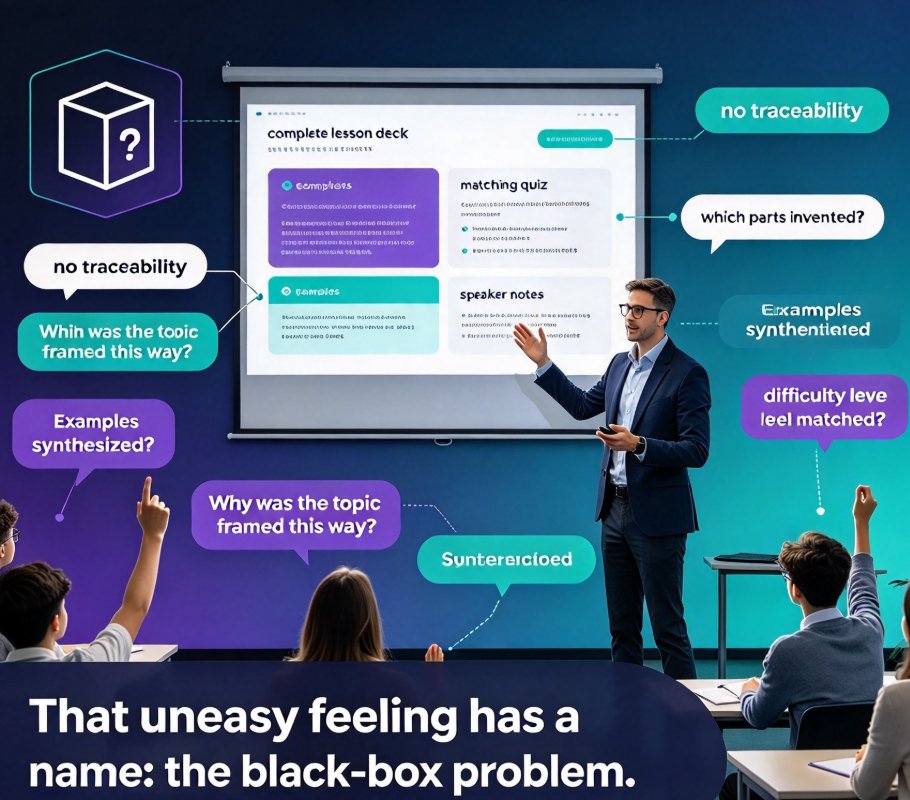
Here's a scene you'll recognize. You upload a Word outline to an AI presentation tool, and thirty seconds later it returns a complete lesson deck — polished slides, a matching quiz, even speaker notes. It looks professional. But when a student asks why the lesson frames a topic a certain way, or when you spot a claim that feels slightly off, you have no way to trace it. Which parts did the AI invent? Which examples were synthesized? Did the difficulty level actually match your class?
That uneasy feeling has a name: the black-box problem. And in education, it's costing AI tools something more valuable than subscriptions — it's costing trust.
Here's the shift nobody predicted: in 2026, the conversation has flipped. Educators aren't asking "can AI make lessons?" anymore. They're asking "can we see how it made them?" Transparency has quietly become the most important feature in the entire education-technology stack. This guide explains what explainable AI means in real classrooms, why it beats flashy features, and how to pick courseware tools that let you stay in control.
01 — The Black-Box Problem in the Classroom
The core tension is simple. AI models are powerful, but their inner reasoning is often hidden. When a system decides that a lesson should open with a certain example, or that a quiz question should target a specific difficulty level, the "why" usually stays invisible.
For teachers, that creates a real dilemma. You're expected to vouch for the accuracy, tone, and fairness of everything you put in front of students — but a black-box tool won't let you do that. Research backs this up. A 2025 paper on explainable AI in the education field argues that teachers are often left facing a "black box," unsure why a model made certain recommendations or assessments. The authors point out that explainable AI solves this by clearly explaining decisions in simple terms, which lets teachers validate AI-driven insights and adapt their teaching strategies.
Transparency isn't a limitation on AI — it's the foundation of meaningful, fair, and informed education.
That line of thinking is spreading beyond academia. Industry watchers at Ascend Education predict that students will soon see visible disclaimers or labels on every AI-supported classroom tool — quiz generators, essay feedback platforms, personalized learning assistants. Imagine a label on a deck that simply says: "This result was generated with AI." It sounds small, but it changes everything about how teachers and students relate to the technology. For students, it builds understanding of where AI works well and where its limits are. For teachers, it turns a mysterious artifact into a document they can interrogate.
02 — Why Transparency Outranks Flashy Features in 2026
Here's what's interesting: the tools winning classroom adoption this year aren't necessarily the ones with the most impressive demos. They're the ones that can explain themselves.
Why? Because education runs on trust. When a teacher adopts a courseware tool, they're not just testing software — they're staking their professional credibility on it. A beautiful deck with hidden logic is a liability. A modest-looking deck that shows its work is a foundation you can build on.
There's also a fairness argument that's hard to ignore. Black-box systems can silently bake in bias — in grading, in resource allocation, in the examples chosen for different groups of students. Explainable AI makes those biases visible, which is the first step to correcting them. Ascend Education makes exactly this point: explainable AI promotes fairness and prevents the hidden biases that can unintentionally influence results.
In 2026, the tools teachers trust won't be the flashiest ones. They'll be the ones that can show their work.
And the regulatory winds are blowing in the same direction. As schools integrate AI-driven tools for grading, tutoring, and personalized learning, the demand for explainable systems continues to grow globally. Educators, developers, and policymakers are converging on a shared goal: making AI decisions visible and understandable to everyone they affect. Whether through disclaimers, clearer communication, or transparent design, each step moves education closer to a model where technology complements human judgment rather than replacing it.
If you're evaluating AI presentation tools this year, put transparency at the top of your requirements list. It's the feature that actually moves the needle on adoption. As this trend matures, expect today's "nice-to-have" explanations to become tomorrow's regulatory requirement. To see where that road leads, our breakdown of agentic AI in course creation shows why human oversight matters even more as automation grows.
03 — What Explainable AI Looks Like in Real Courseware
Transparency sounds abstract, but in practice it comes down to concrete, testable behaviors. Here's a side-by-side look at how black-box and transparent tools differ in the classroom:
| Dimension | Black-box AI courseware | Transparent, explainable courseware |
|---|---|---|
| Decision explanations | Results appear with no visible reasoning | Each recommendation comes with a simple, human-readable "why" |
| Teacher editing | Requires full regeneration to change content | Every element is editable in place, with edits tracked |
| Revision history | None — only the final output is visible | Full log of AI actions with restore options |
| Bias detection | Hidden bias is nearly impossible to spot | Explanations make bias visible and correctable |
| Student data usage | Opaque recommendation logic | Clear how student data shaped each adjustment |
| Classroom trust | "It probably works" | "I can verify it works" |
You'll notice the pattern: transparent tools don't just tell you what they did — they show you how to take control of the result. That's a fundamentally different relationship than the one most AI tools offer. When you paste an outline and the tool generates a deck, the question isn't "is the output pretty?" It's "can I still make this my own?" If the answer is no, the tool is costing you agency, not saving you time.
This also applies to how tools explain themselves to students. A transparent system helps students see AI as a trusted learning partner rather than an intimidating machine. Clarity about personalized feedback and recommendations turns AI into something they can question, challenge, and learn from — which is the whole point of education.
04 — A Five-Point Verification Checklist for Teachers
You don't need to be a machine-learning expert to evaluate AI courseware. You need a checklist. Here's the one I use, and it has saved me from more than one expensive mistake:
1. Can the tool explain its decisions in plain language? If a quiz was set to a certain difficulty, the tool should be able to tell you why. If it can't, that's a red flag. This is the definition of explainable AI — and the bare minimum for classroom use.
2. Is every output editable in place? Can you change a slide, a question, or a speaker note directly without forcing a full regeneration? Editable output is what separates "AI assistant" from "AI boss."
3. Does it keep a revision history? You should be able to see what the AI changed, when it changed it, and how to revert. A revision log is one of the strongest signals that a tool respects your ownership of the work. If you want a deeper look at this idea, our piece on smart layout and design time shows how trackable design decisions accelerate revision cycles.
4. Can you spot — and fix — bias? Ask yourself: does the tool favor certain examples, tones, or student profiles without explanation? If you can't see the bias, you can't correct it.
5. Is student data usage visible? Transparency isn't just about outputs. It's about knowing what data the tool consumes and how it informs recommendations. For the full picture, our guide on data privacy in AI courseware walks through protecting student information in 2026.
Work through all five, and you'll know within an afternoon whether a tool is trustworthy or just shiny. In practice, I've found the checklist works best as a quick demo game: give the tool a real lesson outline, generate a deck, and then try to trace one recommendation back to its source. Tools that pass will practically walk you through the logic. Tools that fail will change the subject. The good news? Tools that score high here tend to produce better learning outcomes anyway — because teachers actually use them.
05 — How Zendeck Builds Trust by Default
Publishing your courseware via the AI courseware workflow shouldn't mean surrendering control. This is where Zendeck's design philosophy matters: transparency is treated as a default, not an upsell.
When you generate a deck from an outline with Zendeck, three things happen that build trust automatically. First, your original outline stays the source of truth — every slide, chart, and note traces back to content you wrote, so nothing arrives out of thin air. Second, every AI decision remains editable. That smart layout, that font pairing, that suggested quiz question? You can adjust each one in place, no full regeneration required. Third, the revision history keeps a visible log of what the AI changed, so you can review, compare, and roll back at any time.
That combination matters more than it sounds. It means you can run an AI outline-to-micro-course flow and still feel like the author — because you are. The tool handles the heavy lifting; you handle the judgment calls.
Let's be real: no AI tool is perfect, and yours won't be either. But the difference between a tool you tolerate and a tool you trust is whether it lets you see its work. Zendeck's whole workflow is built around that principle. Add accessibility on top — like Zendeck's auto-generated alt text for courseware — and you get tools that don't just look good; they hold up under scrutiny.
06 — Making Transparency a Policy, Not a Promise
Individual adoption is one thing, but the real shift happens when schools formalize transparency. So here's where you can start. Building an AI transparency policy doesn't need to be bureaucratic — it needs to be practical.
A strong policy has four parts. First, disclosure: any AI-generated content shown to students should be clearly labeled. Second, explainability: require tools to show their reasoning in simple terms. Third, human review: keep a mandatory step where a teacher verifies and adapts AI output before it reaches a classroom. And fourth, auditability: maintain records of what AI changed, when, and why — a revision history at institutional scale.
This isn't about slowing down adoption. It's about making adoption sustainable. When teachers know every AI suggestion can be traced, questioned, and improved, they'll use AI more — not less. And when students understand how these tools work, they become better critical thinkers about the technology itself. That's a win for everyone in the room.
The schools that win with AI won't be the ones with the most automation. They'll be the ones where trust is engineered into every tool.
FAQ
What is AI transparency in education? AI transparency, also called explainable AI, means tools show how and why they made decisions in simple, human terms — for example, a visible disclaimer that "this result was generated with AI," or a clear explanation of why a quiz question was set at a certain difficulty. It's about making AI's work visible instead of hidden inside a black box.
Why does transparency matter more than flashy features in 2026? Because trust is the real bottleneck in adoption. If educators can't verify how AI-generated courseware was built, they won't use it — no matter how polished the slides are. Transparent tools that show their reasoning get adopted, tested, and improved, while opaque ones get abandoned after the first pilot.
How can educators verify AI-generated courseware? Use a five-point checklist: can the tool explain its decisions in plain language, is every output editable in place, does it keep a revision history, can you spot and fix bias, and is student data usage visible? Tools that pass all five checks are the ones worth keeping in your stack.
How does Zendeck help teachers trust AI-generated lessons? Zendeck makes transparency a default, not an extra. Your original outline stays the source of truth, every AI design and content decision stays editable, and a revision history logs every change so you can review and roll back. You remain the author — the tool just does the heavy lifting.
How do I write an AI transparency policy for my school? Start with four building blocks: require disclosure of AI-generated content, mandate explainability in the tools you adopt, keep a human review step before content reaches students, and document data usage and AI changes. Pair that with teacher training so your team can spot and correct bias.