AI Transparency in Presentation Tools: What Users Should Expect in 2026
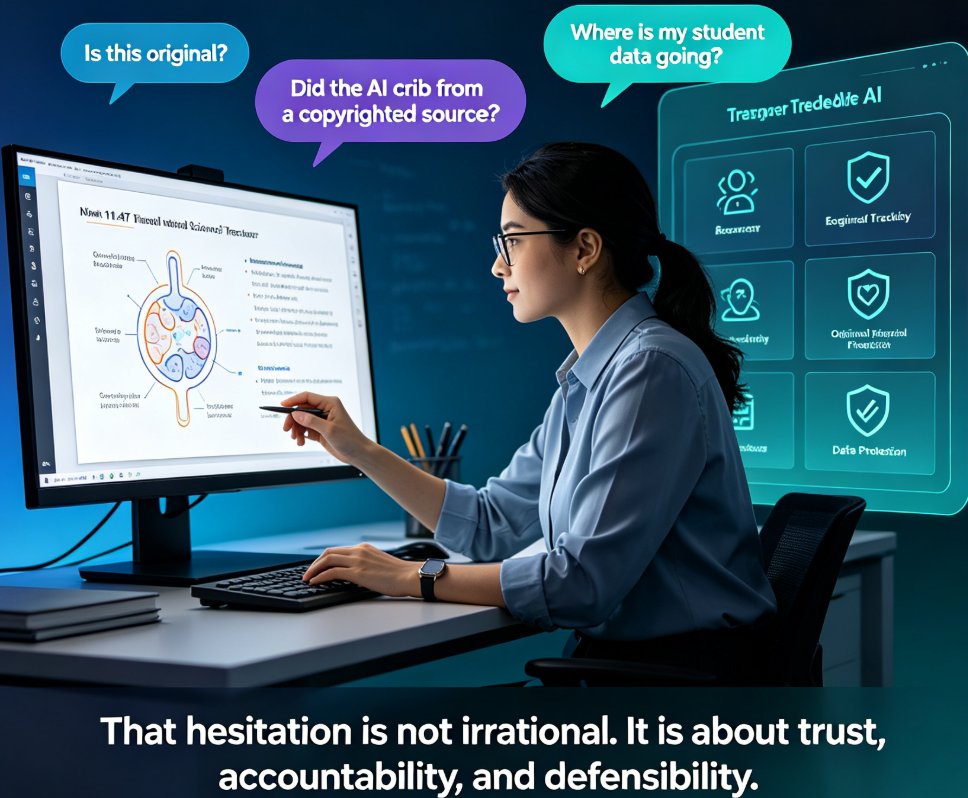
Let's be real: in 2026, "AI transparency" is no longer a soft promise buried in a vendor's marketing page. It's a hard procurement requirement. School districts, HR teams, and enterprise L&D departments are now asking the same question before they approve any AI presentation tool: What exactly happens to the content I upload, and who can see it?
The shift didn't happen overnight. A few years ago, teams picked an AI slide generator because it was fast and cheap. Today, they pick one because it's fast, cheap, and accountable. If you're evaluating tools for your institution or company, here's what you should actually expect — and how to check whether a vendor delivers.
01 — What "AI transparency" actually means for presentation tools
Before you can demand transparency, you need a working definition. In the context of AI presentation and courseware tools, transparency covers four concrete areas:
- Data usage — What does the tool do with the content you upload? Does it train its models on your slides, or is your content kept strictly for your own use?
- Content ownership — Who legally owns the decks you generate? Can you export them freely, or are you locked into the platform?
- Model behavior — Can the vendor explain how the AI makes design and layout decisions? Is there a human override when the AI gets it wrong?
- Access controls — Who can see, edit, or share your presentations? Can you revoke access after sharing?
◉ Q: Why does this matter more in 2026 than before?
Because the regulatory and reputational stakes have climbed. As AI transparency reporting becomes a mainstream expectation across industries, organizations that can't demonstrate clear data handling practices are losing bids, failing audits, and eroding stakeholder trust. The tools you choose are now part of your compliance posture — not just your productivity stack.
That last point is worth sitting with. When you upload a confidential strategy deck or a student assessment into an AI tool, you're not just using software. You're making a data-governance decision on behalf of your whole organization. And if you're in a regulated field — education, healthcare, finance — that decision can come back to haunt you in an audit or a data-breach notification.
02 — The 2026 security landscape: three tiers of tools
Not all AI presentation tools are created equal when it comes to transparency. Based on the current market landscape, tools fall into three clear tiers by security posture:
| Tier | Typical features | Safe for confidential data? |
|---|---|---|
| Consumer tools | Free or low-cost, may use your content for model training | ❌ No, by default |
| Business-tier tools | No-training commitments, SOC 2 Type II, basic sharing controls | ✅ Yes, for most internal data |
| Enterprise-tier tools | SSO, audit logs, data residency options, no-retention modes | ✅ Yes, for regulated industries (HIPAA, GDPR) |
The honest shortcut: never paste confidential data into a free consumer AI tool. That's not a knock on free tools — they're great for personal use and quick drafts. But if your content includes client names, student records, financial projections, or proprietary research, a consumer-grade tool is the wrong home for it.
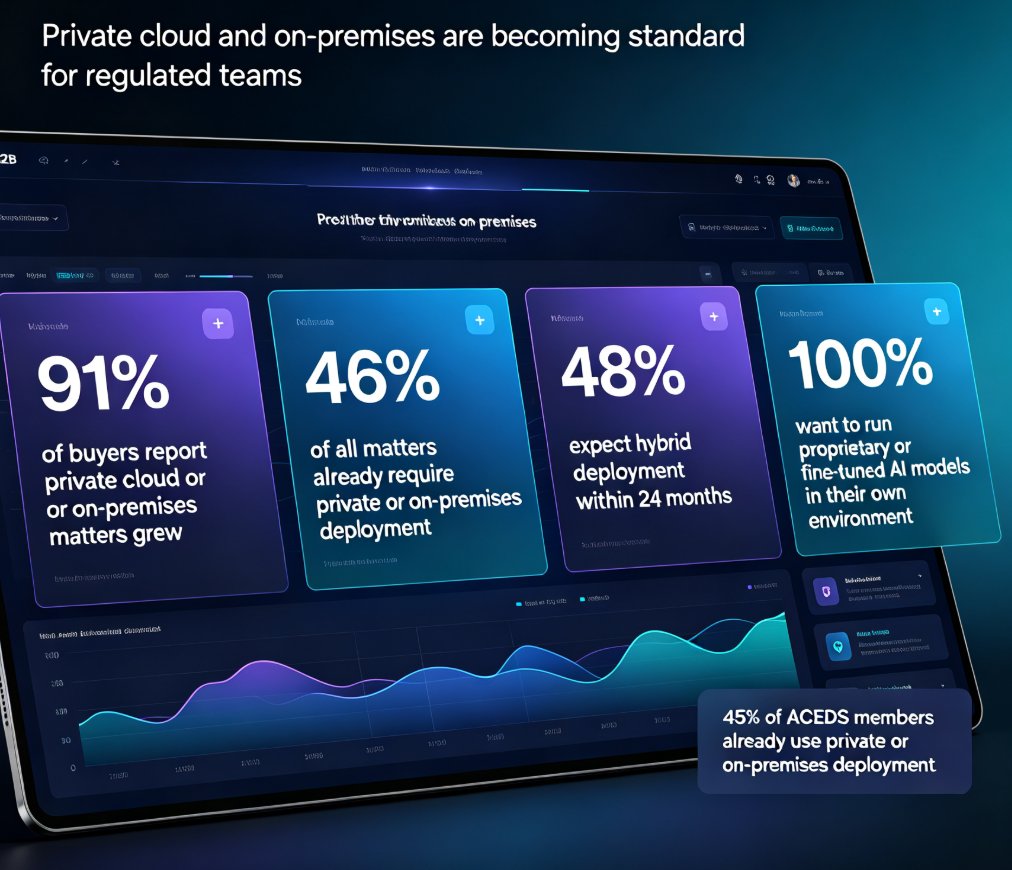
Here's what the tier breakdown looks like visually:
For most enterprise teams in 2026, a business-tier or enterprise-tier slide generator is the minimum bar for compliance with SOC 2, GDPR, and industry-specific rules like HIPAA. The risk is rarely the slide tool itself — it's usually the human habit of pasting sensitive content into whatever tool is fastest. We've all done it. The fix is to make the secure option the easy option, which means choosing a tool that doesn't force you to read a 40-page privacy policy to feel safe.
If you want a deeper look at how security expectations are shifting across the industry, our breakdown of 2026 data security trends in AI presentation tools covers the regulatory drivers in more detail.
03 — The buyer's checklist: 5 things to demand before you upload a single slide
Let's turn the trend into something practical. Here's the checklist I use when evaluating any AI presentation tool for a school or enterprise. Print it, share it with your procurement team, and hold every vendor to it.
1. A written no-training commitment
The single most important line in any AI tool's terms of service. Look for explicit language stating that your uploaded content will not be used to train the vendor's models. If the policy is vague — phrases like "may use aggregated data" — ask for written clarification. A vendor that can't give you a straight answer on this one point doesn't pass the test.
2. Clear content ownership terms
You should own everything you upload and everything the AI generates from it. The tool should grant you a perpetual, unrestricted license to export, reuse, and redistribute your decks. If the terms say the vendor gets a license to your content, that's a red flag. This matters especially for educators building courseware they plan to reuse across semesters.
3. Export and deletion controls
Can you export your decks in standard formats (PPTX, PDF) without watermarks or platform lock-in? Can you delete your data permanently when you leave? Data portability is the ultimate transparency test — if you can't take your content out, you don't really own it.
4. Role-based sharing and permissions
For schools and enterprises, granular sharing controls aren't optional. You need to control who can view, comment, edit, and export each deck. External collaborators should get limited access that you can revoke at any time. This is where tools like Zendeck's permission-based sharing come into play — you can collaborate with clients or students without exposing your whole workspace. If you're already managing external collaborators, our guide to real-time collaboration with external clients on Zendeck walks through the permission model in practice.
5. Audit logs and compliance certifications
For regulated industries, look for SOC 2 Type II, GDPR compliance, and audit trails that show who accessed what, when. If a vendor can't produce a compliance certificate, assume they don't have one. And if they claim compliance but can't point to a third-party audit, that's the same thing.
04 — What Zendeck does differently
Full disclosure: I'm writing this from the Zendeck team's perspective, but the transparency commitments below are real, verifiable features — not marketing language.
Zendeck was built for educators, trainers, and enterprise teams who can't afford to gamble with their content. That means:
- Clear data handling — Your uploaded outlines and generated decks are used to produce your presentations, not to train models on your proprietary content.
- Secure sharing — You control exactly who sees each deck through role-based permissions, and you can revoke access anytime. This matters when you're collaborating with external clients or sharing courseware across departments.
- Full export control — Your decks export cleanly to PPTX and other standard formats, so you're never locked into the platform.
The bigger point: transparency isn't a feature you bolt on after the fact — it's a design principle that shapes how the entire tool handles your data. When a tool is built with that principle from day one, you don't have to hunt through a 40-page privacy policy to find the answers. You can just use it.
If you're already using AI presentation tools, you can apply the same checklist to your current stack. And if you're building brand-consistent decks across a large team, tools like Zendeck's brand kits and smart templates help enforce governance while keeping your data under your control. For a deeper look at how trust factors into AI-generated presentations, check out our piece on AI transparency in presentations and why trust matters in 2026.
05 — Quick reference: what to demand vs. what to avoid
| What to demand | What to avoid |
|---|---|
| Written no-training commitment | Vague "may use data" language |
| Clear content ownership | Vendor claims rights to your decks |
| Full export (PPTX, PDF) | Watermarks or platform lock-in |
| Role-based permissions | All-or-nothing sharing |
| SOC 2 / GDPR certifications | No compliance documentation |
| Audit logs | No record of who accessed what |
The bottom line: in 2026, AI transparency is a competitive advantage, not a compliance burden. Organizations that choose transparent tools build trust faster with clients, students, and stakeholders. Those that don't will find themselves explaining data-handling decisions in boardrooms and audit meetings — and that's never a fun conversation.
If you're just starting your evaluation, our AI courseware hub has more practical guides on choosing and using AI presentation tools responsibly. And if you want to see how transparent data handling works in practice, Zendeck's platform is built around exactly these principles — no fine print required.
FAQ
Q: What does "AI transparency" mean for presentation tools?
A: It means the vendor clearly discloses how your uploaded content is used, whether it trains models on your data, who owns the generated decks, and what controls you have over access, export, and deletion. In practice, transparency covers four areas: data usage, content ownership, model behavior, and access controls.
Q: Are free consumer AI presentation tools safe for confidential data?
A: Generally no. Consumer-tier tools may use your content for model training and typically lack the security certifications and controls needed for confidential or regulated data. Use them for drafts and personal work, not for client content, student records, or proprietary research.
Q: What should I look for in a tool's privacy policy?
A: Look for explicit no-training commitments, clear content ownership terms, data deletion options, and compliance certifications like SOC 2 Type II or GDPR. If the language is vague — phrases like "may use aggregated data" — ask for written clarification before uploading anything sensitive.
Q: Does Zendeck train its models on my uploaded content?
A: No. Zendeck uses your uploaded outlines and content to generate your presentations, not to train models on your proprietary material. Your data is used to produce your decks, and you retain full ownership and export control.
Q: Can I control who sees and exports my decks in Zendeck?
A: Yes. Zendeck offers role-based sharing permissions so you control who can view, comment, edit, and export each deck. You can revoke access at any time, which is especially important when collaborating with external clients or sharing courseware across departments.