AI Transparency in Automated Courseware: Why It Builds Trust
Let's be honest. When you first hand a piece of your course over to an AI tool, there is a nagging voice in your head: can I really trust this thing?
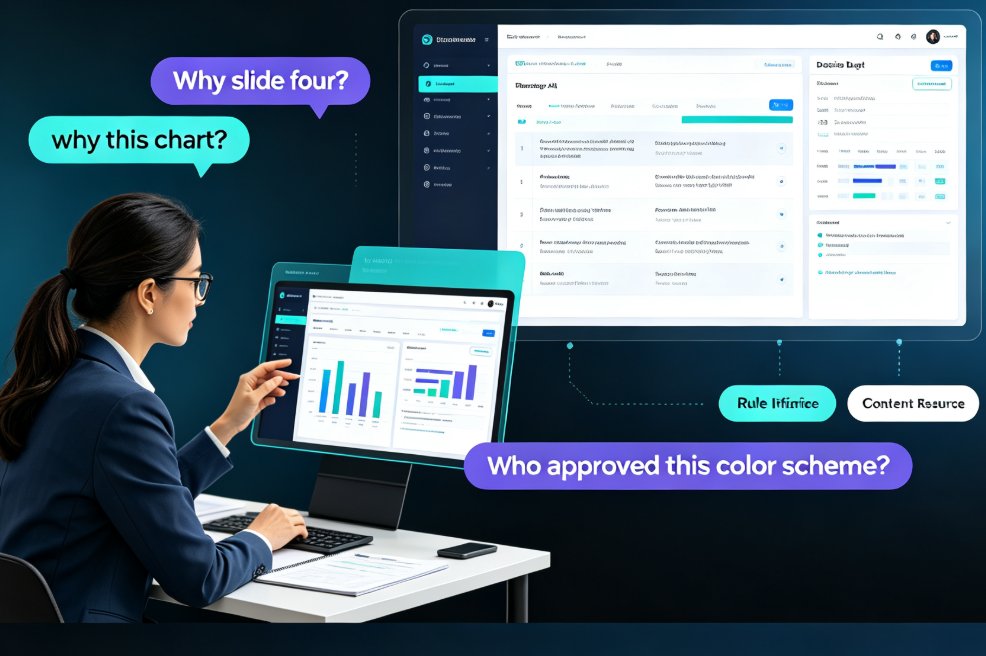
You paste in your outline, you click generate, and 30 seconds later the courseware appears with clean slides and beautiful icons. But then the questions start. Why did it group these concepts on slide four? Why did it choose this chart over a table? And who approved this color scheme?
You are not alone. Thousands of educators, HR trainers, and course designers feel the same way. And that is exactly why AI transparency has become the defining trend in automated courseware generation in 2026.
This article is about why transparency matters more than ever, how it changes the way we trust AI, and why tools like Zendeck are making transparency a core feature, not just a buzzword.
01 / Fake It Till You Make It? No. Teachers Need Real Logic
If you have ever trained new hires on a compliance topic, you know the deal. Every slide, every example, every statistic must be defensible. If your boss asks, "Why does this flow this way?", the answer cannot be "because the AI said so."
The problem with many AI content tools is that they behave like lousy assistants. You ask, they deliver, but they never tell you how they made the decision. It is a black box. And for a trainer, a teacher, or a manager, a black box is a liability, not a convenience.
This is where AI transparency comes in. Transparency in AI means showing users the logic, the rules, and the steps behind the output. It answers the "why" question. And according to a study published in PMC and ResearchGate, this openness is directly linked to how much users trust AI systems.
The study found that transparency does not just make AI 'feel' safer. It works through two psychological paths. First, it increases perceived effectiveness — you believe the AI actually works. Second, it reduces discomfort — you feel less anxious about relying on it. Both lead to higher trust.
So, when you use an AI tool that explains why it placed a quiz after section two, your brain relaxes. The discomfort fades. And you start to trust the tool as a colleague, not as a threat.
If your AI tool can't explain itself, it's not a collaborator, it's a gamble.
02 / The Two Invisible Forces: Effectiveness and Discomfort
Let's break down that study a little more, because it maps exactly onto how you feel when you use AI courseware.
The first force is perceived effectiveness. This is simply how much you believe the AI can do its job well. When you see Zendeck restructure your outline into a logical sequence, your perception of effectiveness goes up. But when a tool just dumps 20 slides without explaining the sequence, you start to doubt its judgment.
The second force is discomfort. This is the subtle unease you feel when a machine makes decisions for you. It is not about the tool being broken. It is about the deeper feeling of losing control. Transparency directly lowers this discomfort. When the tool shows its reasoning, you stay in the driver's seat, even when the AI is doing the work.
The research conclusion is clear: AI transparency influences users' trust through the parallel mediating effects of effectiveness and discomfort. In plain English: show me the logic, I think it works; show me the logic, I feel better; I trus you.
| How AI Acts | Perceived Effectiveness | User Discomfort | User Trust |
|---|---|---|---|
| Black box: gives a deck with no reasoning | Low to moderate | High | Low |
| Partially transparent: shows a few notes | Moderate | Moderate | Moderate |
| Fully transparent: explains structure, layout, and design choices | High | Low | High |
03 / What Happens When Transparency Is Missing?
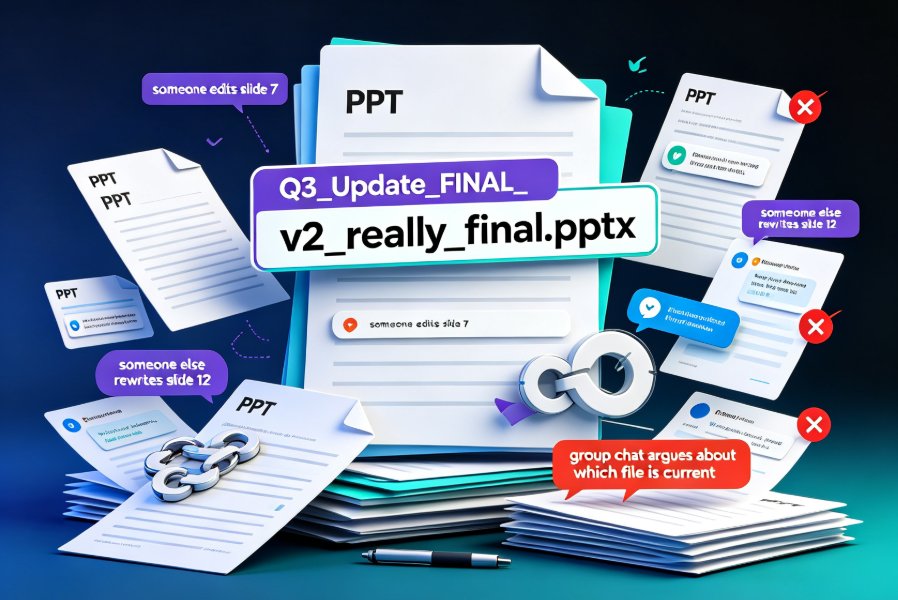
Picture this. You need a 30-minute training deck for a sales kickoff. You feed the AI your bullet points and it spits out 25 slides. The output looks professional, but you cannot explain to your boss why slide 12 does not mention the refund policy.
That moment is where trust dies. Not because the deck is bad, but because you cannot defend it. And if you cannot defend it, you will not present it.
This is exactly the 'blind decision-making' risk highlighted in a VDE article on AI transparency: without explainability and transparency, there is a risk that decisions will be followed blindly, even when they are flawed or biased.
For educators, this risk is multiplied. You are not just presenting data; you are teaching people. If a course module has a logical error, your students will catch it, and your credibility suffers.
That is why the trend is moving away from AI tools that just 'generate pretty slides' and toward tools that explain their intention. You need a tool that treats you as a professional, not as a button-clicker.
04 / What Transparent AI Actually Looks Like in Courseware Generation
So, what does this look like in practice when you are building a course? Let's walk through a realistic workflow using Zendeck's approach.
Step 1: Start with your outline.
You import your Word outline or Markdown text. Instead of just throwing it into a random template, Zendeck analyzes the structure and tells you how it plans to group your ideas into sections.
Step 2: Choose a template with context.
Instead of giving you a random library of 50 templates, Zendeck recommends a template that fits your topic. A safety training module gets a different look than a sales pitch. The tool explains why it made this recommendation based on the content type.
Step 3: Review the smart layout rules.
Zendeck's smart layouts automatically align fonts, colors, and spacing. But it does not hide the process. You can see what rules it applies to keep the deck consistent. If you want to change them, you can.
Step 4: Check the visual choices.
Did Zendeck put a chart on slide six? It will explain why a chart works better than a table at that point, based on the data you supplied. If you disagree, you can switch it in one click.
This is what transparency feels like: the AI shows its work. It turns a 'trust me' black box into a 'here is why' collaborator.
05 / How Zendeck Builds Transparency Into Automated Courseware
Now, why does Zendeck care so much about this? Because AI-generated courseware only works if people actually use it, and people only use what they trust.
Zendeck has baked several transparency features into its generation engine:
- Structure explanations: When you generate a deck, Zendeck shows you how it transformed your outline into a slide flow.
- Design rationale: The smart layout system tells you why it chose specific fonts, colors, and alignments to keep the deck readable.
- Contextual template selection: Instead of a generic template library, Zendeck picks templates based on your topic and explains why.
- One-click reskin with visible rules: When you re-skin slides, you always know which visual rules are being applied.
When you understand why a design choice is made, you can take ownership of the final product. And taking ownership is the whole point of being a professional.
The best AI courseware tool is not the one that hides its intelligence, but the one that explains it.
06 / Is Transparency Just a Trend? No, It's the Future
Some people will say: "Transparency is nice, but do I really need it?" Here is the thing — transparency is becoming a market requirement, not a luxury.
In 2026, more institutions are adding governance requirements for AI use. Teams are asking for "explainable AI" tools. And educators are pushing back against tools that cannot answer 'why'.
AI transparency also ties directly into the broader AI governance and brand consistency trends we are seeing across the industry. As our guide on brand governance with smart templates explains, AI systems must be controllable to be trusted. And a controllable AI is, by definition, a transparent AI.
For courseware creation, this trend means you will see more tools offering:
- Clear explanations of design choices
- Origin traces for assets and data
- User controls over AI decisions
- Visual proof that slides meet accessibility standards
Tools like Zendeck are responding by making transparency a default, not an optional setting. That is the direction every credible AI content tool is moving.
For more context on where AI presentation tools are heading, take a look at our analysis of the AI-driven design automation trend and the 2026 shift to smart layouts. Both articles reinforce why user trust is the only real currency in AI tools.
07 / Turning Skepticism into Confidence
So, where does this leave you?
If you are still hesitant about AI courseware, your instincts are good. Skepticism is healthy, especially when you are the one responsible for what is being taught. But you do not have to choose between using AI and keeping control.
The solution is to use AI tools that respect you enough to explain their decisions. Choose a tool that is transparent, and you will get the productivity of AI without surrendering your professional judgment.
Transparency means you can use AI to save hours on layout, design, and structure, without losing sleep over whether the content is right or the logic is sound.
Next time you create a course, ask two questions:
- Why did the AI choose this structure?
- Can I check the logic behind the design?
If the answer is "I don't know," run. If the answer is "Here is why," you have found the right partner.
FAQ
Why is AI transparency important for educators using courseware tools?
AI transparency matters because teachers and trainers are accountable for the material they present. When an AI tool like Zendeck clearly explains why it chose a certain slide layout, a certain sequence, or a simplified chart, the educator can verify the logic and feel confident presenting it. Without transparency, users may doubt the quality and accuracy of the generated content, which reduces adoption.
How does AI transparency affect trust in automated courseware?
According to research published in PMC and ResearchGate, AI transparency influences trust through two paths: it increases perceived effectiveness (users believe the AI works well) and reduces discomfort (users feel less anxious about using AI). Both factors, in turn, strengthen overall trust in AI systems. In practice, when a courseware tool shows its reasoning, educators are more willing to rely on it.
What does a transparent AI courseware tool look like in practice?
A transparent AI courseware tool does not just show the end result, it shows the journey. For example, Zendeck explains the structure it has chosen by referring to your outline and informs you of the design rules it is using, such as slide balance and contrast. It also shows when templates are adapted and when they are not. This kind of transparency is the difference between a black box and a reliable assistant.
Can AI transparency improve the quality of automated courseware?
Transparency and quality are related. When an AI system explains its decisions, users can catch errors early and give better feedback, and the AI can then improve its future output. Zendeck's smart layouts and design suggestions are not hidden tricks; they are based on clear rules. When you understand the rules, you can also customize them, making the courseware better for every training session.
Is Zendeck's transparent AI approach a trend for 2026?
Yes. Transparency is shifting from a nice-to-have to a requirement. As AI-generated content becomes more common in education, institutions and individual educators are asking questions like 'Why this layout?' and 'Where did this data come from?'. Tools like Zendeck that answer those questions through clear explanations will lead the trend, while black-box AI tools will find it harder to earn long-term trust.