Cut Micro-Course Costs: Zendeck Turns PPT into Narrated Video
Let's say you finally talked the budget owner into funding a micro-course series — onboarding for a new product, maybe, or compliance refreshers. Then the producer's quote lands. Studio time, a presenter, an editor, motion graphics, captions, two rounds of revisions... the total is bigger than your entire quarterly training budget. You laugh. The budget owner doesn't.
Here's the thing nobody tells you: most of that money isn't paying for content. It's paying for logistics — for the room, the mic, the person sitting in it, and the person cutting the footage afterward. And video micro-course production only gets more expensive every time a stat changes and you have to start over.
This article works through the real cost drivers in micro-course production, compares the traditional studio route with an automated AI pipeline, and shows you a rough ROI calculation. Spoiler: you can turn the PPT that already exists on your hard drive into a professional narrated video in under an hour — no actors, no studio, no editing software. That's exactly what Zendeck's PPT-to-video does.
01. Where the money actually goes in "simple" micro-course production
A 10-minute training video sounds like a small project. Until you get the invoice.
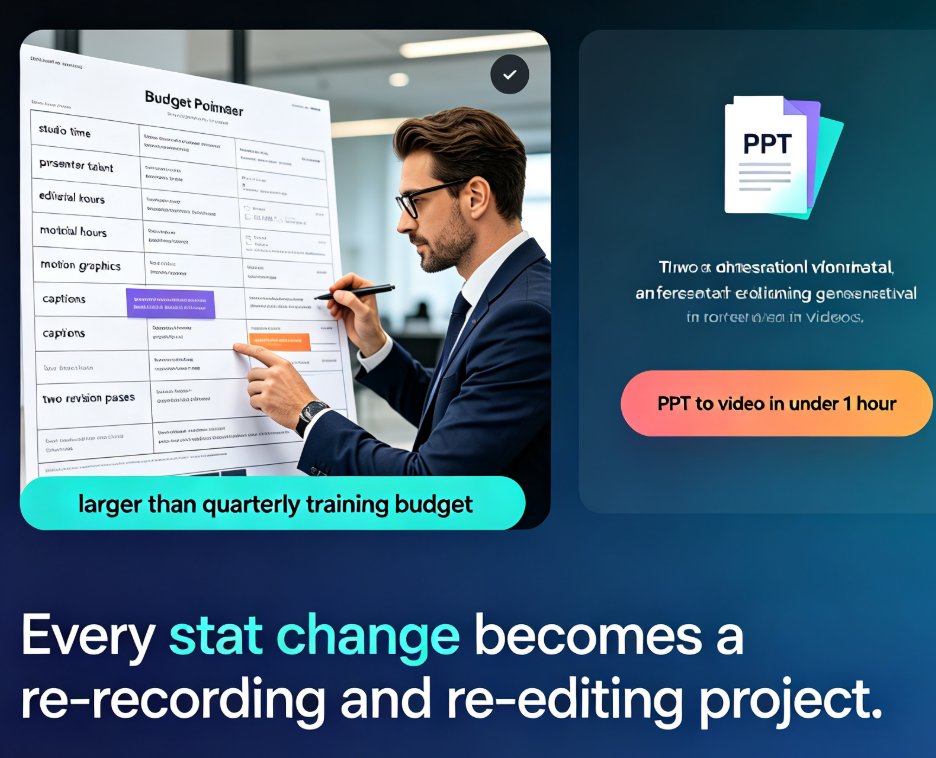
The traditional pipeline breaks down like this:
- Studio space and lighting: half-day rentals run $300–$800 in most markets.
- Presenter or voice talent: $200–$500 per finished minute if you hire professional talent.
- Editorial time: a skilled editor charges $50–$150 an hour, and a polished explainer video can eat eight or more hours.
- Revisions: every client-side note adds another editing pass, and nobody bills those at a discount.
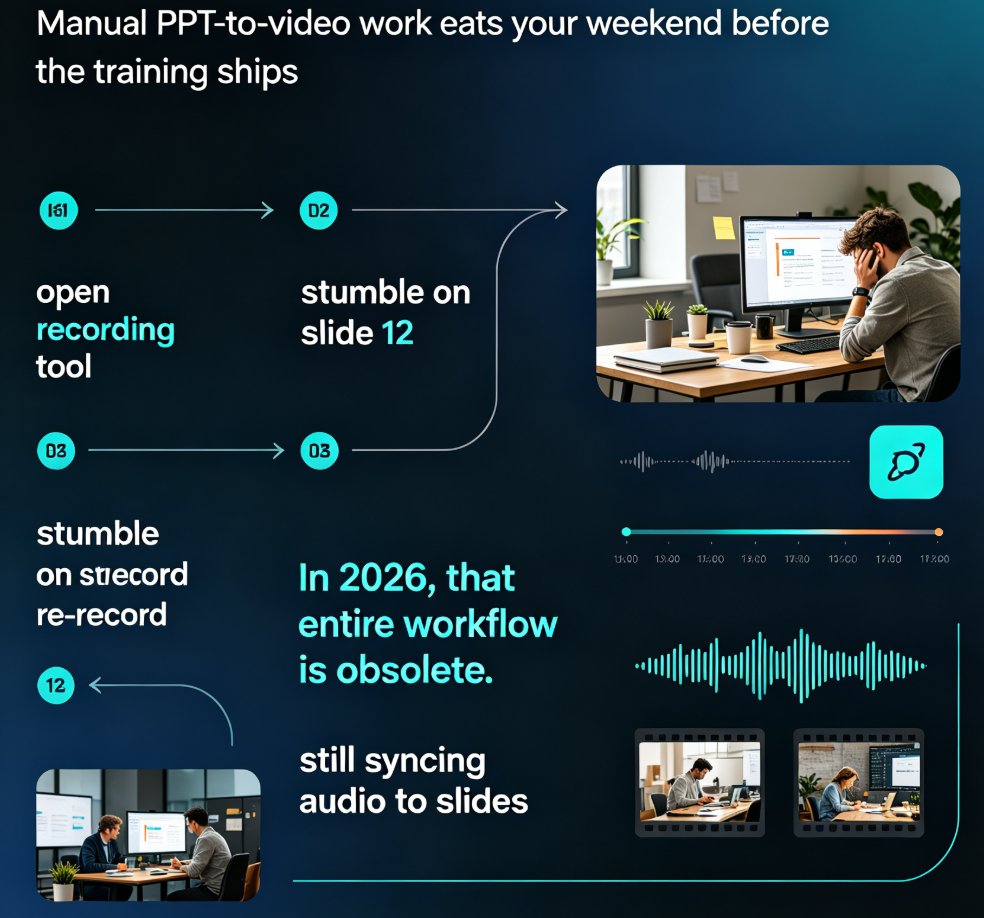
Now add the hidden cost — the one that hurts the most. When your product team updates a statistic, your carefully recorded script is no longer true. With a screen recording or studio video, updating one statistic in a 30-minute training module means re-recording and re-editing the whole affected section — a process that industry AI video platforms like Colossyan have pointed out turns every video into a time bomb. The market data backs up the urgency: the AI video presentation production market is projected to grow from USD 2.57 billion in 2025 to USD 4.01 billion by 2034, driven largely by companies trying to escape this treadmill.
The pain point is clear. The fix has to be more than a cheaper editor — it has to make the video itself updatable.
02. Traditional production vs the Zendeck pipeline: a side-by-side
Before we talk numbers, let's look at where each dollar lands. Here's the same 10-minute micro-course produced two ways:
| Cost item | Traditional video route | Zendeck PPT-to-video |
|---|---|---|
| Studio rental & lighting | $300–$800 per session | $0 — no studio required |
| Voice talent or presenter | $200–$500 per finished minute | $0 — AI voiceover included |
| Editing & motion graphics | $50–$150/hr, often 8+ hours | Automated smart layouts and transitions |
| Retakes when a stat changes | Re-record and re-edit the entire section | Edit the text on one slide, re-render in minutes |
| Captions & subtitles | Manual transcription or a separate tool | Auto-generated alongside the video |
Two things stand out. First, the traditional route has several big-budget line items that Zendeck simply doesn't have — which makes sense, since the whole pipeline is automated. Second, and more important, is the updatability gap: with Zendeck, your video is built from a deck, so changing a number on one slide regenerates the narration without a studio session. Traditional video is a finished file; AI-driven video is a living document.
That single difference changes how you budget not just this course, but every course you'll make this year.
03. How Zendeck turns a PPT into a narrated course in minutes
The workflow is almost insultingly simple:
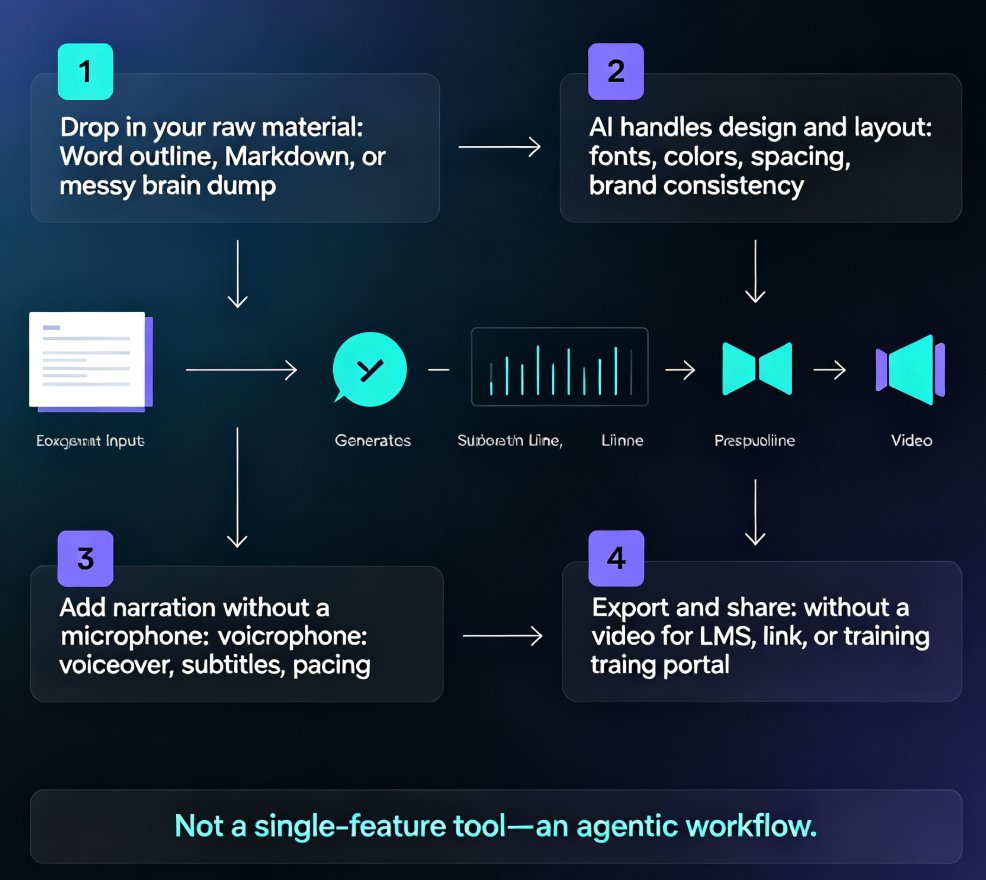
- Upload your content. Drop in your PowerPoint, or paste a Word outline and let Zendeck build the deck structure for you.
- Let the design engine do its thing. Zendeck applies a consistent theme, typography, color palette, and smart layouts — no design skills required.
- Enable AI voiceover. This is where the narrated video happens. Zendeck's AI reads each slide's content aloud in a natural, human-like voice, so you don't need a talent booking or a quiet room.
- Add subtitles automatically. Captions are generated right alongside the narration, which also helps with accessibility — a topic we've covered in detail in our guide to AI voiceover and subtitles.
- Export as MP4. One click, and your narrated micro-course is ready to publish on your LMS, YouTube, or internal training portal.
If you want more control over the narration itself, you can also record your own voiceover while keeping Zendeck's automated timeline and subtitles — the step-by-step flow is in our walkthrough on adding narration to slides. But for most courseware, the built-in AI voice is fast, clear, and good enough that learners focus on the content rather than how it was produced.
The key point here is process: the same team that used to spend three budget cycles on a single video can now produce a narrated course before lunch.
04. A rough ROI: what you actually save per micro-course
Let's do the math with honest, typical market prices. Assume a 10-minute micro-course, produced by a professional vendor:
- Studio and gear: $600
- Voice talent: $400 (at a conservative $40/minute)
- Editing and animation: $750 (about 10 hours at $75/hour)
- One revision pass: $350
- Traditional total: roughly $2,100 per course
Now the Zendeck route. Your marginal cost for the AI voice, subtitles, and export is effectively zero beyond your platform subscription — what you pay in is prep time and maybe thirty minutes of reviewing the output.
Illustrative estimates, typical mid-market pricing:
Scale that across a realistic production calendar. If you ship ten micro-courses a year, the traditional route runs about $21,000. The Zendeck route is a fraction of that — plus your videos stay current, so you're not rebuilding old content from scratch.
The headline: in a typical scenario, teams producing multiple micro-courses a year cut production costs by 80–95% while shrinking turnaround from weeks to a single afternoon. Nobody's claiming AI replaces the need for good content planning. But it absolutely replaces the need for a studio budget.
05. The real win isn't cost — it's a living document
Here's the part that sold me, and it's not the dollar figure.
With a traditional video, you're done when you export. Six months later, when the compliance team changes a rule, you're back at the start — studio, talent, editor, approvals, all over again.
Because Zendeck builds your video from a deck, updating it is just editing slides and re-exporting. The AI voiceover reads the new text, the subtitles regenerate, and your course is current again. The video stops being an artifact you dread touching and becomes a document you can confidently edit — which is precisely why AI-generated video decks are becoming the default for corporate training instead of a nice-to-have.
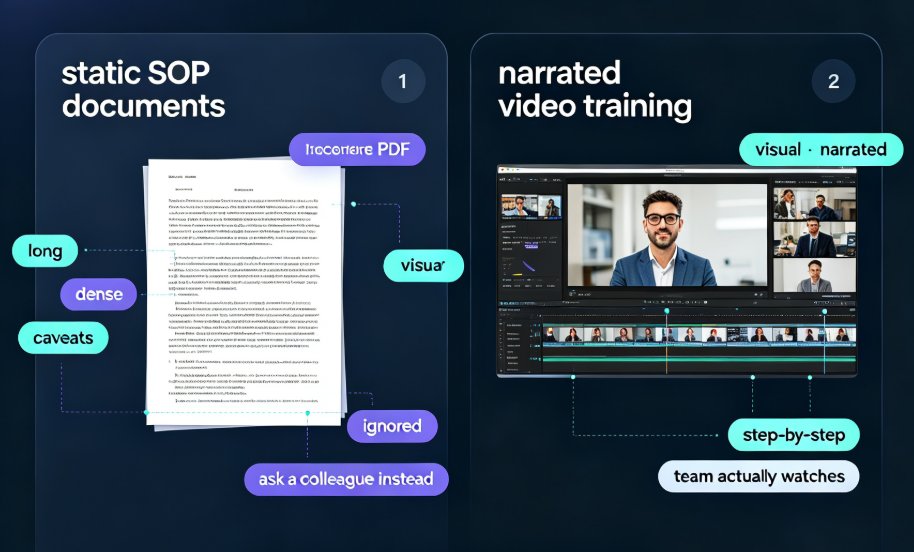
There's also a completion-rate argument. Industry figures from AI video platforms like Colossyan show U.S. firms seeing training completion rates jump from under 20% for static PPTs to over 80% for engaging, narrated video. So the video doesn't just cost less — it's more likely to actually get watched. When the budget owner asks "but will anyone use it?", that's your answer.
06. When AI voiceover is the right call (and when it isn't)
Let's be honest about limits, because a good tool deserves honest boundaries.
AI voiceover is the clear winner for: employee onboarding, product training, compliance refreshers, micro-certifications, explainers, and any courseware where clarity beats star power.
It's a worse fit for: high-emotion brand films, keynote-style performances from a charismatic founder, or anything where you specifically need a recognizable presenter's voice. If the deliverable is "a video on YouTube," AI is fine. If the deliverable is "a celebrity presenter," a human is still required.
One more watch-out: if you're building content for regulated industries, curiosity about data handling is healthy. This applies to any cloud tool, not just Zendeck — worth checking your organization's data policy before you upload proprietary material. We've written about data security trends in AI presentation tools if you want the detail.
And a practical tip: read your script out loud once before you export. AI voices are remarkably natural today, but they still follow your punctuation. A well-paced script with short sentences makes the difference between "sounds like a person" and "sounds like a very confident GPS."
FAQ
How exactly does Zendeck turn a PPT into a narrated video? Upload your PowerPoint — or paste a Word outline and let Zendeck structure it. Zendeck applies consistent layouts and design, then an AI voiceover reads each slide aloud while subtitles are generated automatically. Export the result as an MP4 in minutes.
Do I need a studio, microphone, or video editing software? No. The AI voiceover replaces the mic, the quiet room, and the human voice actor; smart layouts and transitions handle the visual polish; and captions come along automatically. A USB mic only matters if you choose to record your own narration instead.
Will an AI voice sound robotic by minute ten? Modern AI voices are good enough that most learners won't think twice about them — but they shine in instructional content where clarity matters more than personality. For high-emotion brand films, a human voice is still the safer bet.
How much can I realistically save per micro-course? Under a typical studio-plus-talent-plus-editor pipeline, a 10-minute course commonly lands around $2,000 in total production costs. With Zendeck, marginal costs drop to nearly zero beyond your subscription; in a typical scenario, that's an 80–95% reduction, along with turnaround falling from weeks to an afternoon.
What are the limitations I should plan around? AI voiceover works best for training, onboarding, and explainers. If you need a specific celebrity presenter, deeply emotional delivery, or heavy custom motion graphics, stick with a human pipeline. And for proprietary content, check your organization's cloud data policy first — something to do with any tool.