From Script to Slide to Video: The Rise of All-in-One AI Workflows
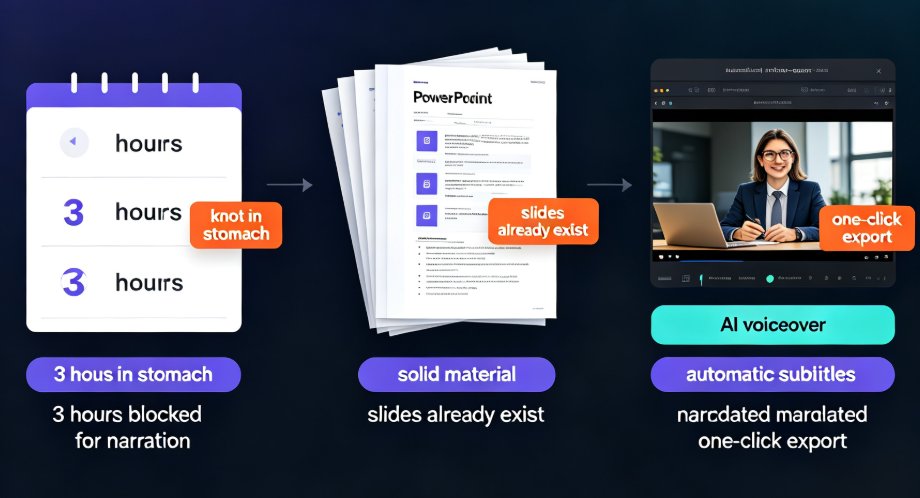
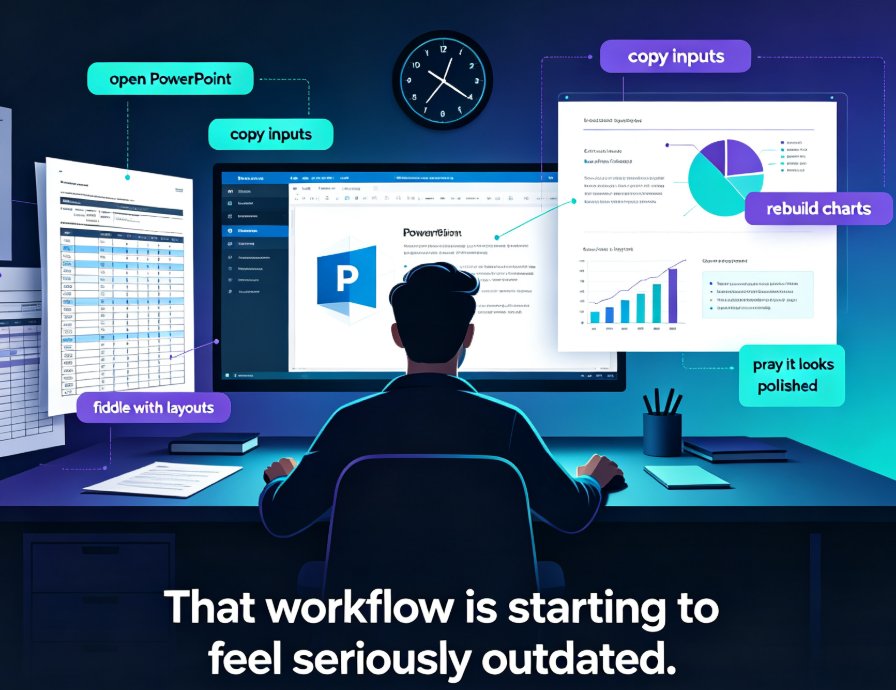
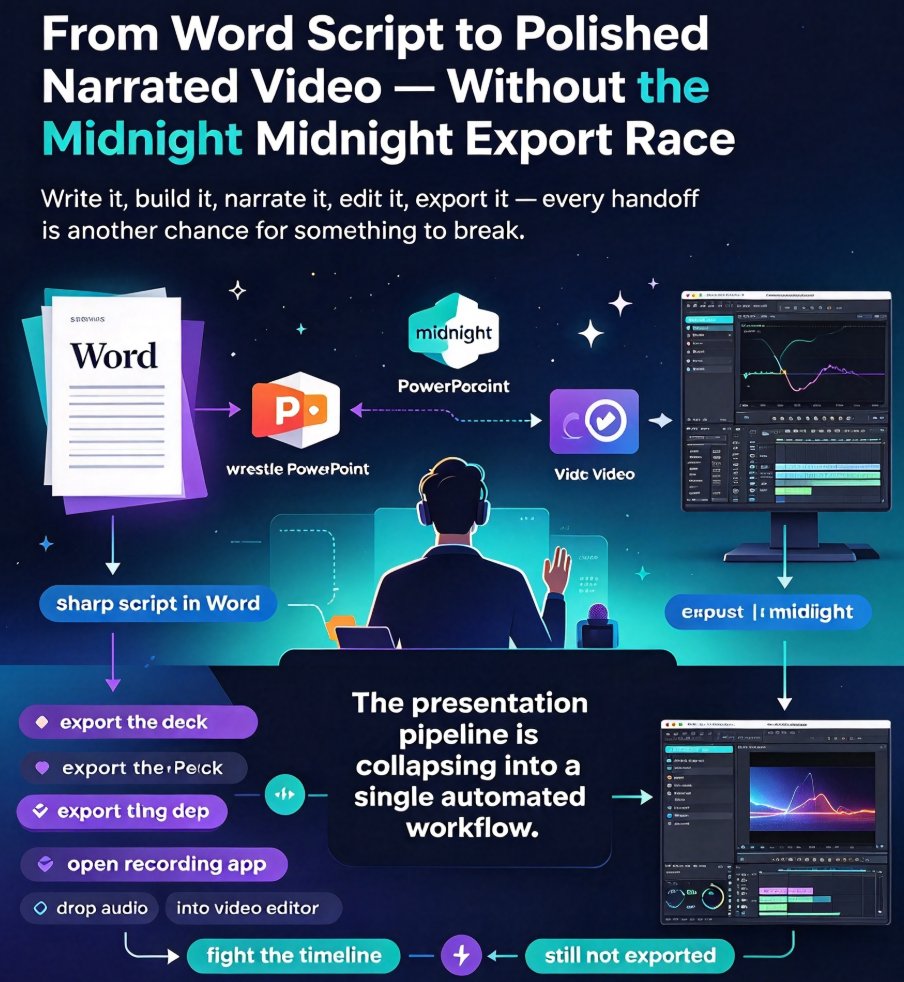
We have all been there. You write a sharp script in Word, spend the evening wrestling PowerPoint into something presentable, export the deck, and then realize you need a voiceover — so you open a recording app, drop the audio into a video editor, fight with the timeline, and suddenly it is midnight and you still have not exported the final file. That fragmented ritual used to be the price of doing business. It does not have to be anymore.
The presentation pipeline is collapsing into a single automated workflow, and that shift is quietly reshaping how training, sales, and education teams produce video content. Tools that once did one job well are being replaced by platforms that take you from raw script to polished, narrated video in one sitting. If your workflow still involves five windows and three export formats, this article is for you.
01 The Old Pipeline Was a Relay Race Nobody Won
Let us name the actual problem first. It is not that any single tool is bad — it is that the handoffs between them are. Every time you move content from a document to slides to a video editor, something gets lost. Formatting breaks. Fonts swap. A slide with too much text becomes unreadable at video resolution. And the narration? You record it, realize a section was cut from the deck, and re-record it again.
The real cost is not the minutes spent clicking; it is the cognitive drain of switching contexts. When your team is producing a five-module onboarding course or a weekly sales update, that hidden tax multiplies. A training manager I know once described her process as "making the same deck three times" — once in the doc, once in the slides, and once in the video editor. She was not exaggerating.
The solution is not a better version of each tool. It is removing the boundaries between them.
02 Why All-in-One Workflows Are Winning in 2026
The trend is hard to miss. Across corporate training, education, and marketing teams, the most popular AI tools of the last two years share one trait: they are deliberately narrowing the distance between content creation and content delivery. A text prompt becomes a deck. A deck becomes a video. A course outline becomes a micro-course. The category boundary between "presentation app" and "video tool" is dissolving.
There are three forces driving this convergence:
- The collapse of design skill as a bottleneck. When AI handles layout, spacing, and visual consistency, the only remaining input is your thinking. That removes the old excuse that "we do not have a designer."
- Video is the default distribution format. Internal training, client pitches, and classroom content increasingly live as short videos. If your presentation tool cannot produce video, it is forcing you into another handoff.
- Attention — and therefore speed — matters more than polish. Teams need to publish faster than a manual editing schedule allows. An end-to-end pipeline turns a day-long task into a coffee-break task.
The organizations that adopt end-to-end AI workflows do not just save time; they change what they produce, because publishing frequency stops being limited by production capacity. When you can go from script to narrated video in less than an hour, a weekly sales update or a daily training tip becomes viable content — not a quarterly production project.
03 The New Pipeline: Script → Slide → Video in One Place
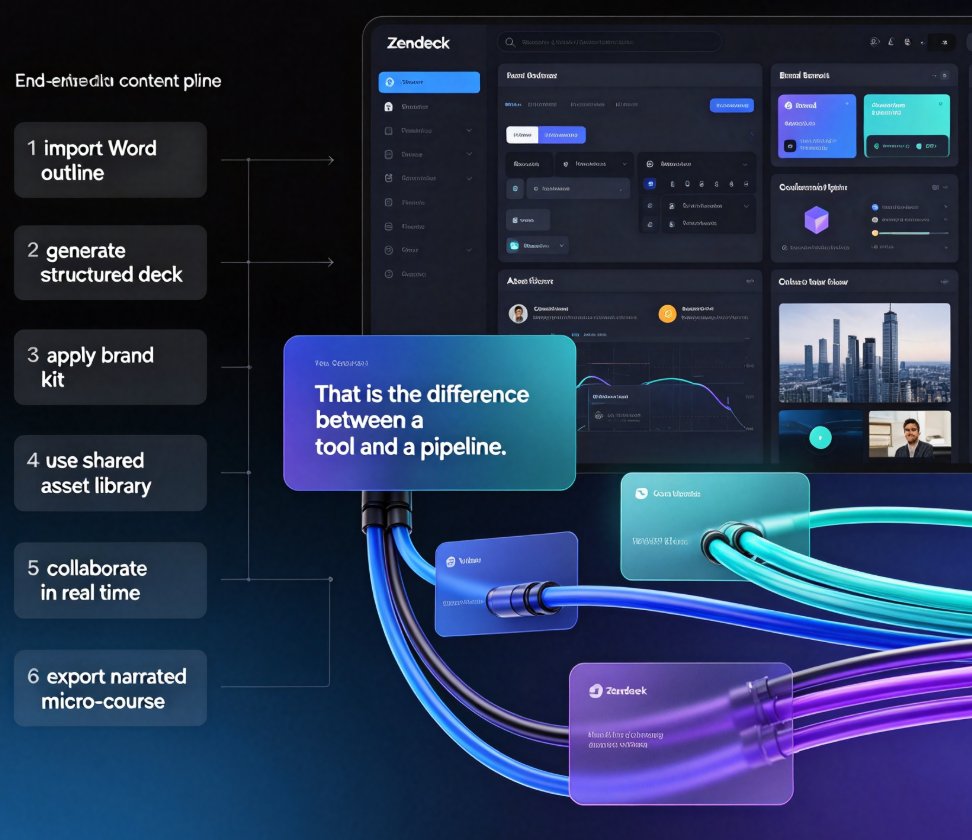
The most useful way to think about the all-in-one workflow is as a linear path with no turning back. Here is what it looks like in practice:
Step 1: Start with a Word outline or raw Markdown
You already have the knowledge. It lives in a training document, a meeting agenda, or a rough set of bullet points. Paste it into Zendeck, and the platform parses the structure — headings become sections, key points become slide content.
Step 2: Get a structured, visually consistent deck instantly
Instead of dragging placeholders around, you review the generated slides. Zendeck's smart layout applies consistent fonts, spacing, and alignment automatically, so the deck does not look like a pile of random text boxes. It looks like someone with taste assembled it. If a slide needs a chart or an icon, the asset library covers it without leaving the pipeline.
Step 3: Convert slides to a narrated micro-course
This is where the magic happens. With a single action, Zendeck's PPT-to-video feature analyzes your slide content, generates a natural-sounding script, and pairs it with the visuals. The output is a timed, voiced video with transitions — no timeline editing, no separate microphone session, no manual syncing.
Step 4: Export, share, and reuse
The video is ready to be linked, embedded, or uploaded to your LMS. Subtitles are auto-generated, which matters more than most people realize — a large share of viewers watch videos muted in open-plan offices, and accurate captions keep the message intact. If you want to go deeper on captions and accessibility, you can see how Zendeck auto-generates subtitles from your presentation in our guide to accessible micro-courses.
Each of these steps used to require a different application. Now they are stages of one continuous process, and the context-switching tax is gone.
04 What This Means for Teams and Educators
The impact of this workflow shift depends on who you are, but the direction is the same everywhere: less time assembling, more time communicating.
For trainers and L&D teams
Corporate training content is often updated quarterly because the production cost is so high. With an end-to-end pipeline, you can refresh a compliance module or a product course whenever the facts change — not when you clear your calendar. The growing acceptance of AI-generated video decks in training is evidence that this is not a fringe experiment. It is becoming the standard way internal knowledge gets shared.
For educators and course creators
A faculty member who used to spend a weekend building slides and another recording narration can now prototype a full micro-course before their first cup of coffee is cold. The outline they already wrote becomes the deck, and the deck becomes the video. That matters in distance learning, where video is the primary teaching medium.
For sales and marketing
Pitch decks, product rundowns, and demo follow-ups are all prime candidates for video conversion. Sending a narrated walkthrough instead of a static PDF dramatically improves the odds that a prospect actually consumes the material.
The common thread across all three scenarios is not speed for its own sake — it is the ability to respond to a real need while the need is still fresh. A sales team can respond to a prospect's question with a tailored narrated deck the same day. An instructor can turn a class discussion into a review video by evening. That kind of responsiveness is simply not possible when production involves coordinating design, audio, and editing schedules.
05 The Numbers Behind the Shift
Let us quantify what "faster" actually means in a real workflow. For a standard 20-slide narrated video — the kind used for onboarding, product training, or a short lecture — a traditional toolchain and an all-in-one AI pipeline produce very different time footprints. The chart below compares hours spent at each stage.
The pattern holds across every stage. Design, which historically consumed the most hours, drops to a fraction of the time because layout is automated. Video assembly — the step that usually involves a timeline editor — nearly disappears. And revisions, which balloon when you are syncing changes across three files, shrink to a simple regeneration pass.
Here is the same comparison as a table, showing the practical differences:
| Stage | Traditional Toolchain | All-in-One AI Workflow | Handoffs Required |
|---|---|---|---|
| Scripting | Word / Google Docs | Same platform, outline to deck | 1 of 3+: export, reformat, re-import |
| Slide design | Manual layout in PowerPoint | AI-generated structure + smart layout | Fonts and alignment re-done each time |
| Voiceover | Separate recording app | AI narration generated from slide content | Microphone setup, retakes, cleanup |
| Video assembly | Timeline editor, manual sync | Automatic transitions + timed narration | Audio/video sync issues |
| Captions | Manual entry or third-party tool | Auto-generated subtitles | Sync and formatting errors |
| Revisions | Edit source, re-export everything | Regenerate the affected section | Version confusion across files |
Every row in the right-hand column represents a point where a traditional workflow bleeds time. All-in-one tools simply remove most of those rows.
06 Where This Is Heading
If you look at the direction of the category, the trajectory is clear: the pipeline will keep getting tighter. Agentic features are already starting to take over the remaining manual decisions — choosing a template, picking which charts fit the data, deciding where to split a long module into shorter micro-courses. The next few years will push further toward "outline in, published course out."
For teams that adopt this early, the advantage compounds. It is not just that a single deck gets produced faster; it is that entire content programs that were previously impossible now become routine. Weekly client-facing video updates. Per-cohort training refreshes. Modular lessons that can be regenerated for different audiences in minutes.
The real competitive edge is not the tool — it is the frequency of publishing that the tool unlocks, and that frequency is what audiences notice first. A static quarterly deck cannot compete with a team that ships a fresh, narrated update every week.
If you want to explore this workflow hands-on, Zendeck's PPT-to-video pipeline is the closest thing to a zero-friction version of it. You can start from a Word outline, let the platform build the deck, and convert it into a narrated micro-course with subtitles in a single session. For a step-by-step walkthrough of adding narration to your slides, our tutorial on the PPT-to-video feature walks through the options in detail. And if you are building training content at scale, our analysis of why AI PPT-to-video is becoming the 2026 corporate training standard explains the broader context.
The pieces have been available separately for years. The reason to care now is that they finally fit together — and the teams that stop tolerating the relay race are the ones getting the real work done.
FAQ
What is an all-in-one AI workflow for presentations?
An all-in-one AI workflow combines content generation, slide design, narration, and video export inside a single platform. Instead of writing a script in one tool, building slides in another, recording audio in a third, and assembling video in a fourth, you move from outline to finished narrated video without leaving the same workspace. Zendeck's pipeline is a practical example: paste a Word outline or Markdown, get structured slides, then convert them into a micro-course with voiceover and subtitles in one place.
How long does it take to convert a script to a narrated video with Zendeck?
For a typical 20-slide deck, the full journey from script to narrated video can be completed in well under an hour — and often in minutes for shorter decks. The slide generation is instant, the smart layout pass takes seconds, and the PPT-to-video step renders a voiced narration from your script automatically. Compare that to a manual toolchain where copy-pasting, exporting, and syncing audio across apps can easily eat a full workday.
Can I edit the narration after Zendeck generates it?
Yes. Zendeck generates a natural-sounding voiceover from your slide content or uploaded script, and you can regenerate sections, adjust timing, or swap the voice style before exporting. You can also add narration slide by slide, which gives you granular control over pacing — useful when a section needs more emphasis or when you are localizing a course for a different audience. Nothing is locked until you say it is.
Does Zendeck automatically add subtitles to the generated video?
It does. When Zendeck creates a video from your slides, it auto-generates subtitles from the narration track, saving you the tedious work of syncing captions manually. This matters not just for accessibility but also for engagement: a large share of viewers watch videos without sound in shared office spaces or commuting, so having accurate subtitles baked in means your message survives every viewing context.
What is the difference between using separate tools and Zendeck's end-to-end pipeline?
The short answer is context switching. Separate tools force you to export, re-import, reformat, and resync at every handoff — each step introducing friction, version confusion, and style drift. Zendeck's pipeline eliminates most of those boundaries: the script becomes the deck, the deck becomes the video, and the brand styling carries through automatically. The result is a production process that feels less like juggling and more like writing — one continuous flow from idea to finished asset.