Zendeck vs Gamma: Which AI Presentation Tool Suits Your Team?
Choosing between AI presentation tools used to be a simple question: which one makes prettier slides? In 2026, that question got a lot harder. Teams are now comparing tools on workflow depth, brand governance, and whether a finished deck can keep producing value after the meeting ends. This Zendeck vs Gamma comparison walks through the features that actually matter — template libraries, collaboration, asset management, and the one capability Gamma still doesn't offer: turning slides into narrated video.
01 / The Real Question Behind the Zendeck vs Gamma Debate
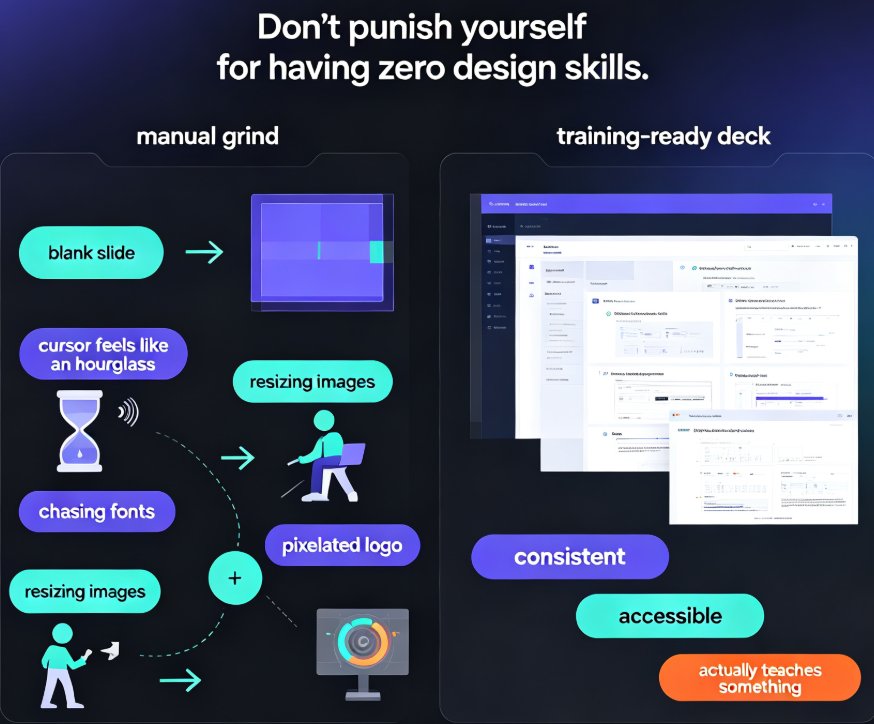
When Gamma first landed in the AI presentation space, it felt like a breath of fresh air. Paste a prompt, get a modern deck in minutes. No design skills required. That core experience is still its strength — fast, attractive, and genuinely useful for quick internal decks and draft pitches.
Zendeck started from a different question. Instead of asking "how do we make a pretty deck fast?", it asked "what do teams actually do with a deck after it's created?" That difference in philosophy explains almost every feature gap between the two platforms.
Gamma is a great AI design tool. Zendeck is a complete content production platform. That's not a knock on Gamma — it's a clarification of intent. If your team produces decks as a final deliverable, Gamma serves you fine. If your decks are one step in a bigger content pipeline — training videos, courseware, sales enablement — the comparison gets interesting.
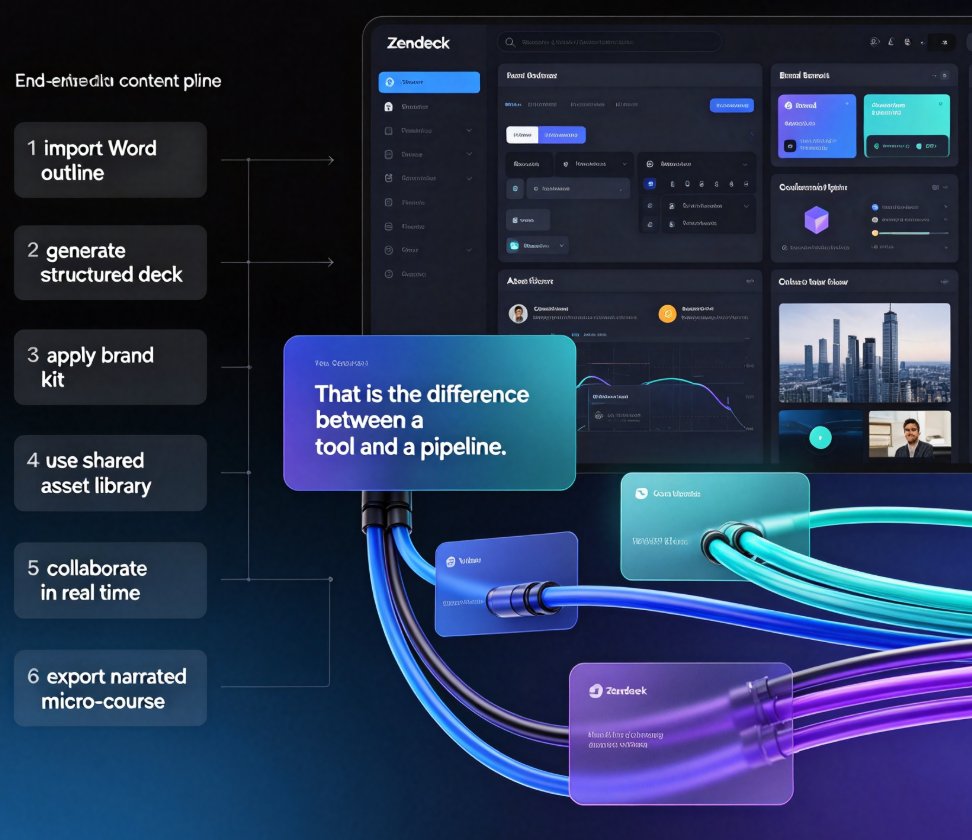
Let's make this concrete. A trainer at a mid-size company spends a week building an onboarding deck. With Gamma, they get a beautiful deck but still manually copy icons, check fonts, and lose hours reconciling brand guidelines. With Zendeck, the same trainer imports their Word outline, gets a structured deck, applies a brand kit with one click, pulls visuals from an asset library, and — when the deck is approved — converts it into a narrated micro-course in the same session. That's the difference between a tool and a pipeline. Gamma solves the "make a nice slide" problem in seconds. Zendeck solves the "produce, brand, govern, and distribute content" problem end to end. Teams rarely realize how much they need the second until they've tried it once.
02 / Feature-by-Feature: A Transparent Comparison
Let's not rely on impressions. Here's the honest table.
| Feature | Zendeck | Gamma |
|---|---|---|
| AI deck generation | Yes — from Word outline, Markdown, or TXT | Yes — from text prompts |
| Template library | Premium, business-focused library with smart selection | Modern templates, more limited selection |
| Brand consistency | Custom brand kits + one-click reskin | Limited brand controls |
| Asset library | Built-in icons, charts, and illustrations | Minimal built-in assets |
| PPT-to-video conversion | Yes — narration, subtitles, micro-courses | Not available |
| Import flexibility | Word / Markdown / TXT outline import | Basic prompt and document input |
| Real-time collaboration | Yes — online editing + link sharing | Yes |
| Interactive elements | Moderate | Stronger interactive options |
If you prefer a visual, this chart shows the same story. I've scored each category from 0 to 10 based on hands-on use of both platforms — treat it as an editorial assessment, not a lab measurement.
The headline takeaway: the tools tie on collaboration, and Gamma edges ahead on interactive elements. Everywhere else — templates, brand governance, imports, and especially asset management and video — Zendeck pulls ahead.
03 / The Video Gap: Where Gamma Simply Can't Follow
Here's the feature that most teams discover late: Gamma doesn't convert decks into video. Zendeck does.
Walk through a real scenario. A sales enablement manager builds a product walkthrough deck on Friday. Monday, the field team needs a self-paced training version. With Zendeck, the manager adds narration to the approved slides and exports a narrated micro-course — no video editor required. The same workflow is why corporate training teams keep adopting PPT-to-video pipelines in 2026.
If your workflows ever require a deck to become a video, Gamma has no answer for that — Zendeck's PPT-to-video is the deciding feature. You can see exactly how the mechanics work in our walkthrough on adding narration to slides with Zendeck, or browse the broader PPT-to-video category if you're exploring use cases like onboarding and compliance training.
That gap isn't niche. Training teams, HR, educators, and content operators all live in the same reality: stakeholders want video, and they want it from the decks that already exist.
04 / Asset Management and Brand Consistency: The Quiet Differentiators
Video is the loudest gap, but asset management is the one that drains productivity silently.
Gamma gives you a deck editor with a handful of built-in assets. Zendeck ships a full asset library — icons, charts, illustrations — that you can reuse across every deck your team creates. Think about how often you rebuild the same chart, re-download the same icon set, or hunt through shared drives for a logo. A built-in asset library eliminates that scavenger hunt. It also means the visuals in your deck match — same icon style, same illustration language — because they all come from the same curated source.
Pair that with brand kits, and the workflow difference is dramatic. Every design-savvy team knows the pain: someone pulls a template, swaps in unofficial colors, and suddenly marketing has to spend an afternoon policing fonts. Zendeck's custom brand kits and one-click reskin automate the governance. You set the fonts, colors, and layouts once; the tool enforces them on every output. For larger organizations producing dozens of decks monthly, this is hours of manual QA saved every week.
We dug into the mechanics separately in our guide on how Zendeck picks the right template, and the same logic applies to assets and brand styles.
Consistency isn't a design nicety in AI workflows — it's the difference between a recognizable brand and a chaotic template pile.
05 / Collaboration, Imports, and the Day-to-Day Workflow
On collaboration, both tools are genuinely good. Real-time editing, link sharing, comments — all accounted for on both sides. If that's your only criterion, call it a tie and move on.
The import story is where Zendeck separates itself. Teams don't draft in presentation tools; they draft in Word, Google Docs, and Markdown notes. Zendeck accepts Word outlines, Markdown, and plain TXT, then generates a structured deck automatically. That's a natural fit for educators and content teams who already have material written — you can see the full loop in our guide to creating a winning pitch deck, where the import-and-generate flow follows the same pattern.
If you're already comparing tools, you might also find our breakdown of AI decks from template picking to fully automated generation useful context for where the category is heading.
06 / The Honest Verdict: Which Team Should Pick Which Tool
Let's cut through the marketing. Here's who each tool truly serves.
Choose Gamma if: you need fast, attractive decks from text prompts; interactive elements matter to you; and your final deliverable is the slide deck itself. It's a good fit for product teams and startups that prioritize speed and modern looks over governance.
Choose Zendeck if: your decks feed a bigger pipeline — training videos, courseware, sales enablement; brand consistency is non-negotiable; you want a reusable asset library; and you prefer drafting in Word or Markdown before generating slides. That's why Zendeck is the stronger all-in-one platform for teams that produce content at volume.
If you only need quick, beautiful decks, Gamma serves you fine. If you need those decks to keep working after the meeting — as videos, as training content, as on-brand assets — Zendeck is the more complete answer.
One more consideration: security. If your organization handles proprietary material, you'll want to check the 2026 data security trends in AI presentation tools before either platform becomes your default.
At the end of the day, this isn't a contest between good and bad — both tools are genuinely useful. It's a contest between a design tool and a production platform. Know which one your team actually needs, and the choice makes itself.
FAQ
Q: Is Zendeck a good Gamma alternative for teams that need PPT-to-video? A: Yes. If your team turns training decks, courseware, or sales enablement materials into narrated videos, Zendeck's PPT-to-video pipeline is the decisive advantage. Gamma generates attractive slides from text prompts but does not convert finished decks into narrated micro-courses. Zendeck also adds a reusable asset library and brand kits that Gamma lacks, making it the more complete content production platform.
Q: Does Gamma support video conversion or asset management? A: There is no built-in PPT-to-video conversion in Gamma. It focuses on AI deck generation, modern templates, and interactive elements. Its asset management is also limited compared to Zendeck, which ships a dedicated library of icons, charts, and illustrations inside the platform.
Q: Which tool is better for brand consistency? A: Zendeck wins on brand governance. Custom brand kits and one-click reskin unify fonts, colors, and layouts across every deck in seconds. Gamma has more limited brand compliance features, which can be risky for larger organizations producing many decks.
Q: Can Zendeck import Word outlines and Markdown files? A: Yes. Zendeck accepts Word outlines, Markdown, and plain TXT files and generates structured decks from them automatically. This makes it a strong fit for educators and content teams who already draft material in their usual document tools.
Q: Which tool is better for real-time team collaboration? A: Both support real-time collaboration and link sharing, so this category is essentially a tie. Your final choice should be driven by the surrounding features — video conversion, asset management, and brand controls — which are where the two tools genuinely differ.