
Tags:PPT-to-video conversion

2 articles

PPT to Video: How Zendeck Turns Slides into Narrated Micro-Courses

PPT to Video 2026-09-18 3255

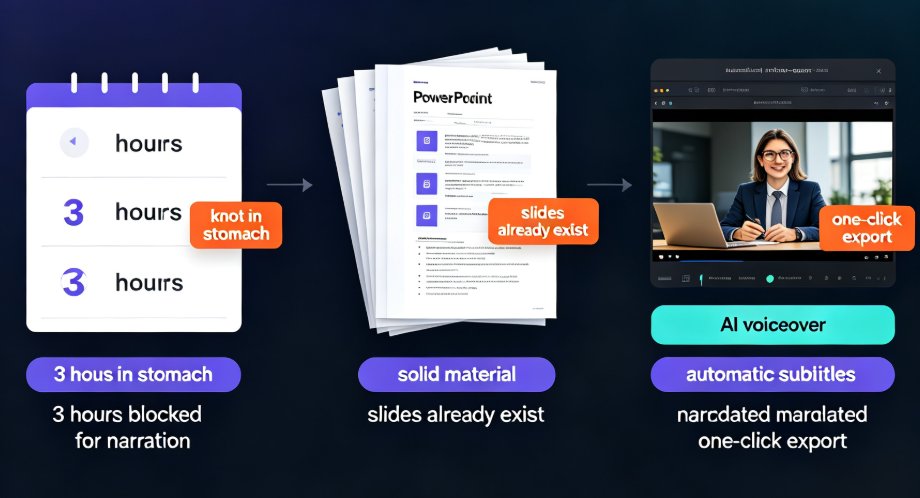
Zendeck's PPT-to-video feature turns static slides into narrated micro-courses in minutes, making video course creation up to 10x faster for educators and trainers. Powered by AI auto-narration, automatic subtitle generation, and one-click export to MP4, this tool lets you repurpose legacy PowerPoint decks into engaging video lessons without redesigning slides or re-recording voiceovers. This guide covers the complete conversion workflow—from uploading your PPT, choosing narration voices and subtitle styles, to exporting video at the right resolution. You'll also get practical tips on pacing, closed captions for accessibility, and publishing for multiple channels. Learn exactly how Zendeck saves hours of manual work while keeping your courseware polished and professional.
Zendeck vs Gamma: Which AI Presentation Tool Suits Your Team?

AI Courseware 2026-08-28 897

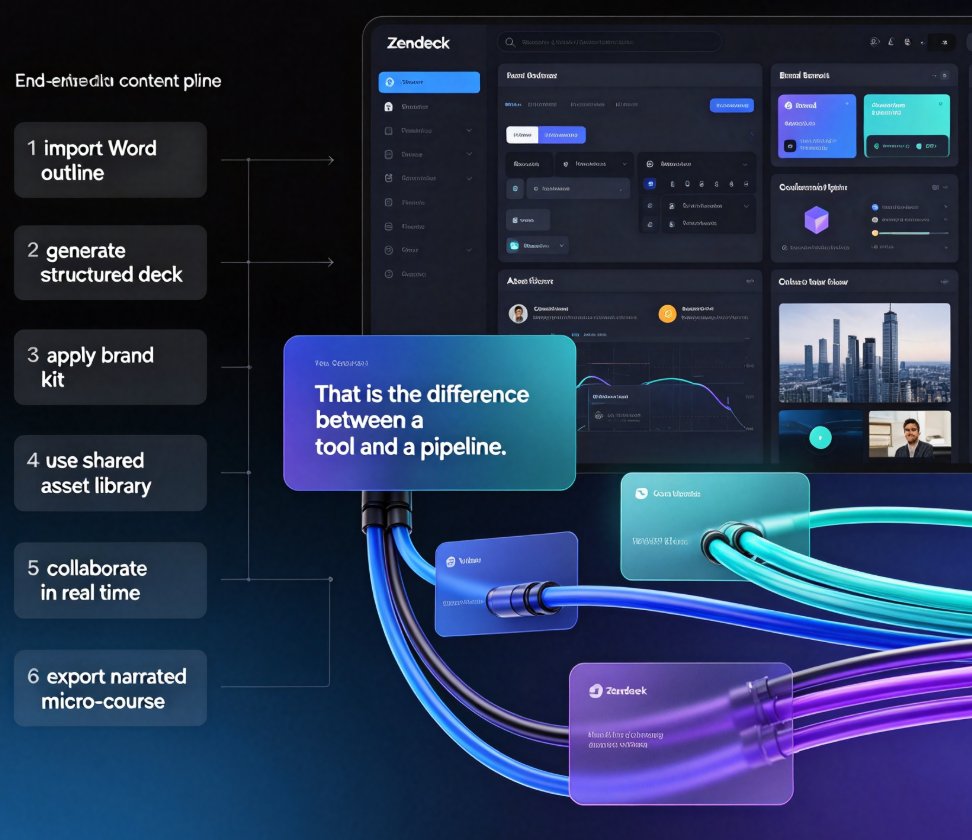
Choosing between Zendeck and Gamma for AI presentation tools? This honest head-to-head compares AI deck generation, template libraries, brand consistency, real-time collaboration, asset management, and the one feature that changes everything: PPT-to-video conversion. Gamma is excellent for quick, modern decks generated from text prompts — a solid choice for internal updates and pitch drafts. Zendeck goes further, importing Word and Markdown outlines, enforcing brand kits through one-click reskin, building a reusable asset library of icons, charts, and illustrations, and converting finished slides into narrated micro-courses for training and sales teams. We break down who each tool truly serves — quick deck designers versus all-in-one content producers — so you can match the platform to your team's workflow, content pipeline, and output goals. Read the full comparison, then decide with confidence.