
Tags:micro-course repurposing

2 articles

PPT to Video: How Zendeck Turns Slides into Narrated Micro-Courses

PPT to Video 2026-09-18 3255

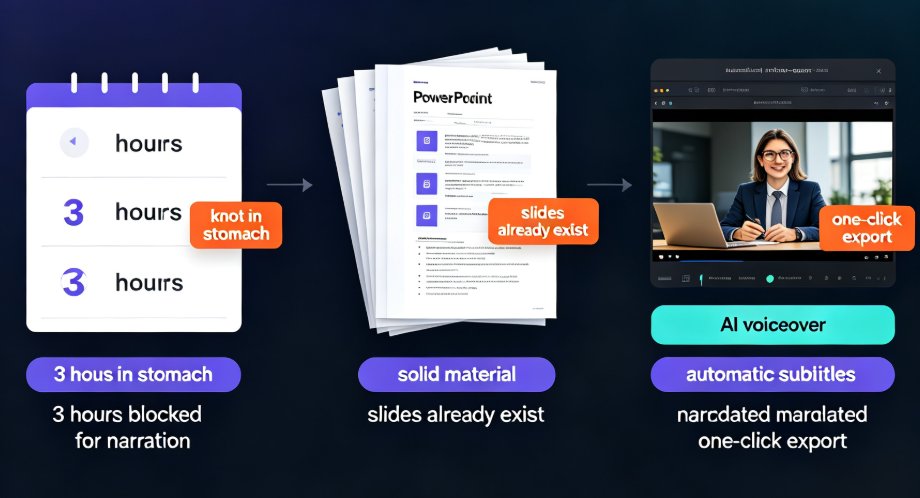
Zendeck's PPT-to-video feature turns static slides into narrated micro-courses in minutes, making video course creation up to 10x faster for educators and trainers. Powered by AI auto-narration, automatic subtitle generation, and one-click export to MP4, this tool lets you repurpose legacy PowerPoint decks into engaging video lessons without redesigning slides or re-recording voiceovers. This guide covers the complete conversion workflow—from uploading your PPT, choosing narration voices and subtitle styles, to exporting video at the right resolution. You'll also get practical tips on pacing, closed captions for accessibility, and publishing for multiple channels. Learn exactly how Zendeck saves hours of manual work while keeping your courseware polished and professional.
Your Old PPT Lessons Are Gold: Convert to Modern Micro-Courses

Knowledge Video 2026-09-16 1688

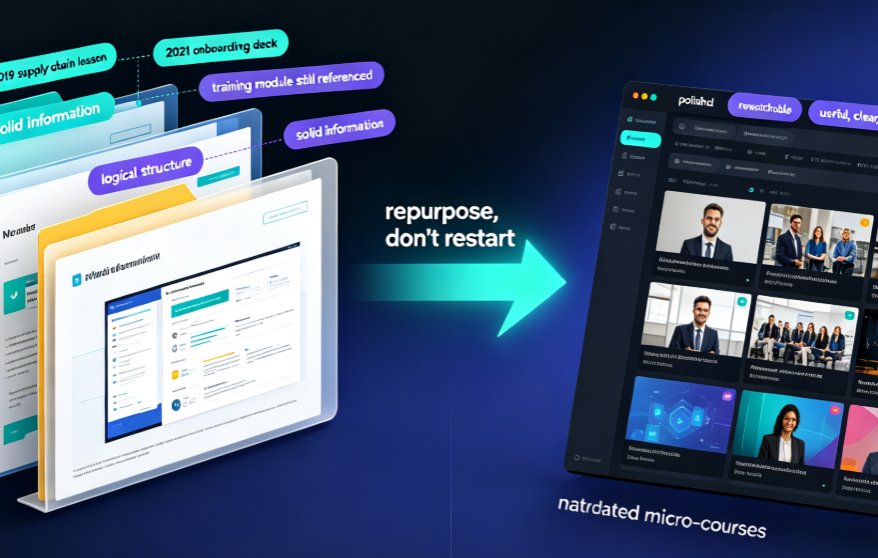
Stop letting years of PowerPoint lessons rot in your archive. Converting old PPT decks into narrated micro-courses with Zendeck's PPT-to-video pipeline turns static slides into rewatchable, accessible video lessons in hours—not months. This playbook shows teachers and trainers exactly which decks to repurpose first, how the conversion workflow protects your layouts and charts, and why narrated video drives higher learner retention than slide decks ever will. Zendeck handles narration, subtitles, and smart layouts automatically, so you focus on teaching, not redesigning. If you have a backlog of outdated courseware, this is the fastest path to a modern, on-brand knowledge video library your students will actually rewatch.