Your Old PPT Lessons Are Gold: Convert to Modern Micro-Courses
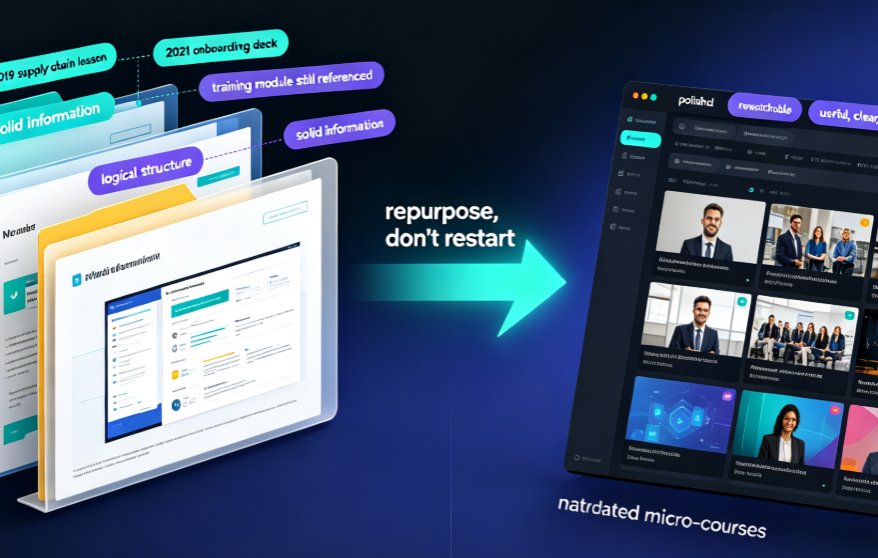
Let's be honest: your hard drive is a graveyard of good teaching. That 2019 lesson on supply chains. The 2021 onboarding deck you spent three weekends building. The training module your team still references but that looks like it was designed on Windows 98.
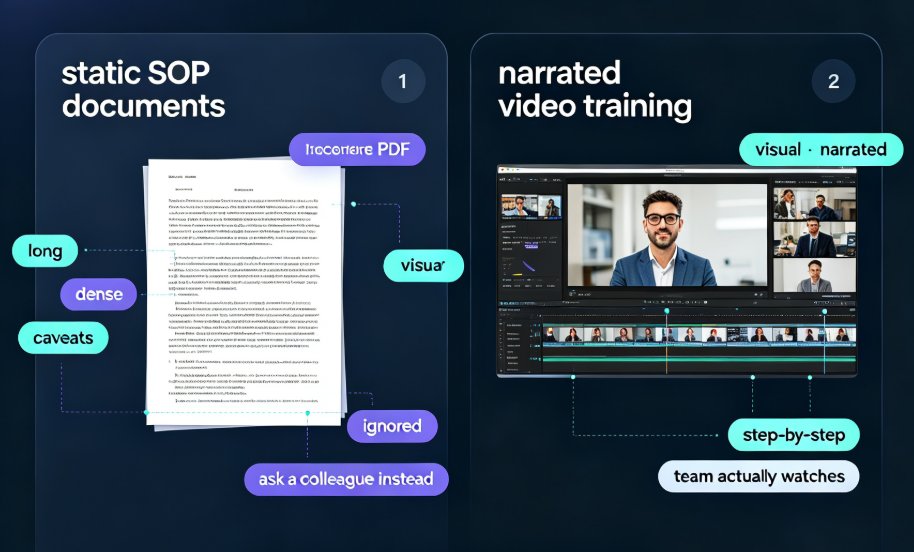
You already invested hours—maybe weeks—into those slides. The information is solid. The structure is logical. What's dead is the format. Static PPT files don't get rewatched, they don't hold attention, and they certainly don't fit the way learners consume content in 2026.
Your old PPT lessons are gold, not garbage—they just need a new container. And with the right workflow, you can turn a decade of slide decks into a library of polished, narrated micro-courses without starting from scratch.
This article isn't a generic "just use AI" pep talk. It's a practical repurposing playbook: which decks to resurrect, how the conversion pipeline actually works, and why Zendeck's PPT-to-video flow is the fastest route from static file to rewatchable lesson.
01 · Why Your Archive Is a Gold Mine (And Why You've Been Ignoring It)
Every teacher and trainer has the same conflict: the pressure to create new content versus the reality that the old content is still valuable.
Here's the thing—learners don't care if your material is new. They care if it's useful, clear, and watchable. A well-structured explanation of a core concept from 2020 is still a well-structured explanation in 2026. The physics didn't change. The math didn't change. Only your delivery method is outdated.
The hidden cost of re-creating from zero
When trainers decide to modernize their courses, most default to rebuilding everything. New deck. New visuals. New recording. That's a massive time sink.
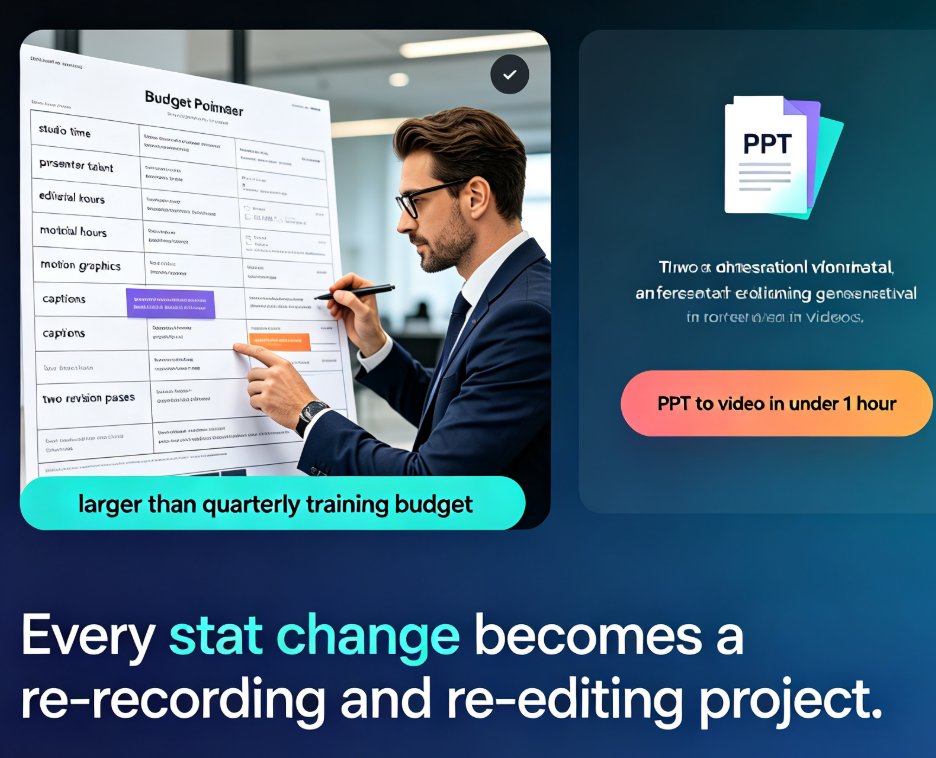
Let me walk you through the typical math. A 30-minute micro-course traditionally requires: redesigning 20-30 slides (6-8 hours), writing a narration script (3-4 hours), recording and re-recording audio (4-6 hours), editing out mistakes (3-5 hours), and exporting to a usable format (1-2 hours).
That's roughly 18 to 25 hours for a single 30-minute course. Most teams simply don't have that time.
So the deck sits in the archive. Meanwhile, the learners are stuck with a PDF that nobody opens.
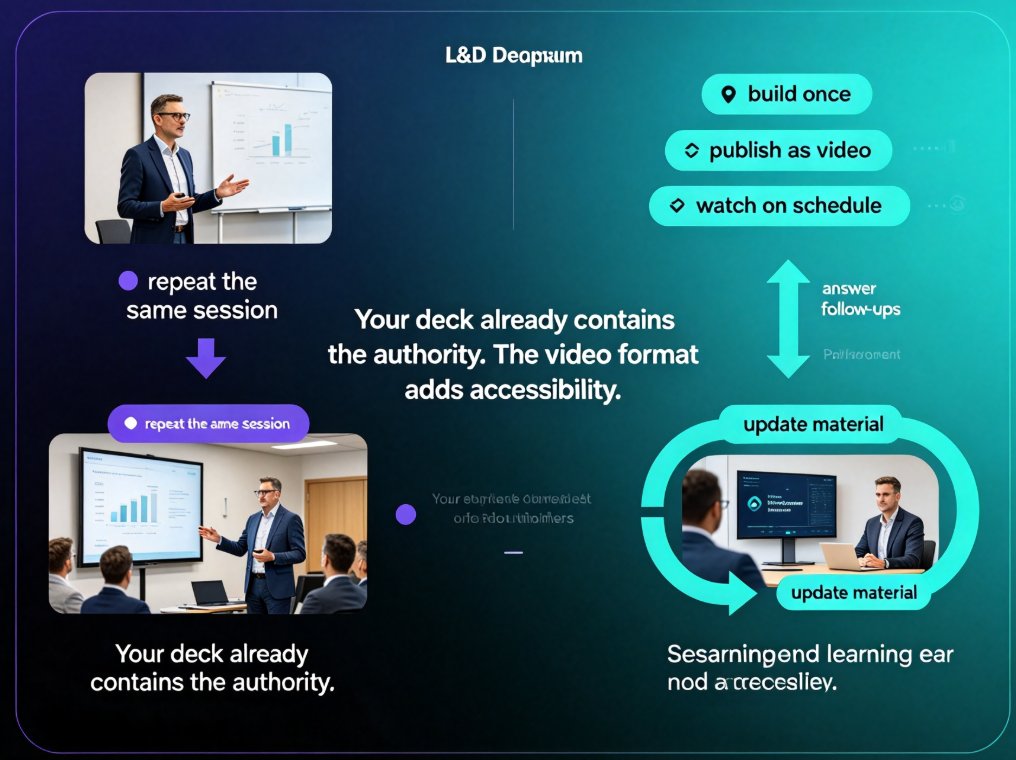
The alternative? Convert what you already have. A PPT-to-video pipeline turns that same 20-slide deck into a narrated course in minutes, not days.
02 · The Before/After Workflow: From Static Slides to Narrated Courses
Let's break down what actually happens when you convert a deck into a micro-course. It's not magic—it's an automated production pipeline. But understanding the steps helps you use it intelligently.
Step 1: Import your existing deck
Everything starts with your existing file. Zendeck reads your Word outline, Markdown, TXT, or PPT file and preserves the logical structure of your lesson. The page order stays intact, and your charts, graphs, photos, and captions automatically flow into the right video scenes. No manual reassembly.
This is the step most people fear, and it's the one they should worry least about. Modern conversion tools are built to respect your source material.
Step 2: Let the AI structure and narrate your content
The AI analyzes your slides, generates a natural narration script, and matches it to each scene. You pick a voice, choose your pacing, and decide on the duration. It's like having a personal editor who works at machine speed.
Step 3: Polish in the scene editor
The draft is ready in moments. From there, you're in control—rearrange scenes, add callouts, swap visuals, or regenerate the audio if the pacing feels off. If you prefer your own voice, you can record it and let the AI sync it to the slides.
Step 4: Export and distribute
Once you're happy, export the video and drop it into your learning platform. What was a static, ignored PPT is now a rewatchable, searchable, mobile-friendly lesson.
The entire conversion—import to export—typically takes less than an hour, versus the three days a traditional rebuild demands.
03 · How Zendeck's PPT-to-Video Pipeline Does the Heavy Lifting
If the workflow above sounds like the one Visla or HeyGen markets, that's because the category is growing fast. But Zendeck differentiates itself by being built specifically for educators, trainers, and knowledge workers who don't want to become video editors.
Here's where Zendeck earns its keep:
Automatic narration and voiceover
The narration engine reads your slides and generates professional voiceover. You can choose voices, adjust pacing, and regenerate in seconds. No microphone. No quiet room. No retakes.
Subtitles that just appear
Accessibility isn't a nice-to-have anymore—it's becoming a compliance requirement. Zendeck auto-generates subtitles from your PPT, which boosts comprehension and makes your courses WCAG-friendlier without extra work.
Brand consistency without effort
Your old decks probably have inconsistent fonts and colors from years of teaching. Zendeck's smart layout engine unifies everything—fonts, colors, and spacing—so your converted course looks like it was professionally designed, not assembled over a decade.
Interactive potential beyond video
Here's the part trainers love: a video course doesn't have to end at playback. You can layer in interactive quizzes to turn passive watching into active learning. That's a huge retention win.
The workflow extends to your whole library
This isn't a one-deck trick. As the 2026 corporate training standard shifts toward video-based delivery, the ability to convert old assets at scale becomes a strategic advantage.
04 · Which Decks to Repurpose First: A Scoring System
Not every deck deserves a video resurrection. Some are genuinely outdated. Others are too thin to justify a conversion. Let's be real—if it's a 4-slide placeholder, skip it. If it's a 40-slide foundational lesson, convert it now.
Use this scoring system:
| Criterion | High priority (3 pts) | Medium priority (2 pts) | Low priority (1 pt) |
|---|---|---|---|
| Learner demand | Students/trainees ask about it repeatedly | Occasionally referenced | Never mentioned |
| Content permanence | Evergreen concepts (core theory, methods) | Semi-timeless (updates every 2-3 years) | Rapidly outdated (tech specifics) |
| Visual condition | Text-heavy, ugly but solid content | Acceptable but dated | Already visually polished |
| Reuse potential | Needed across multiple courses | Useful for one cohort | One-off workshop |
Score every deck. Convert anything above 8 points first. That's where your return on time is highest.
A quick tip from someone who's burned too many weekends: don't try to repurpose everything in one sitting. Pick your top three decks, convert them, ship them, and let learner feedback guide the next batch. The archive will still be there—but now it's working for you.
05 · The Time Math: Why Traditional Rebuilds Lose
Let's put some numbers on this. The chart below shows typical hours a trainer spends producing a 30-minute micro-course using three different approaches.
The typical rebuild path consumes 22 hours. A Zendeck conversion takes under 2 hours for the same learning outcome. That's an 11x efficiency gain—and it's why forward-thinking L&D teams are treating their archives as assets, not liabilities.
06 · Production Tips That Separate Polished Courses from Rushed Ones
Converting is one thing. Converting well is another. Here are the habits I've seen separate great repurposed courses from mediocre ones.
Cut the clutter, keep the core
When you convert a deck, you'll immediately see every tangent and filler slide. A micro-course should be 10-15 minutes max. If your deck drags past 25 slides, split it into a series. Two tight videos outperform one bloated one every time.
Use your existing structure as a script skeleton
The slide titles and bullet points you wrote years ago are your outline. Let Zendeck generate a first-pass narration from them, then read it out loud. You'll catch clunky phrasing and naturally reword it for the ear, not the page. This is where AI-generated speaker notes and rehearsal flows can help you sound human.
Add interactivity where it matters
Don't let your micro-course be a passive lecture in video form. Add an interactive poll or quiz after a key concept to force retrieval practice. Learners remember more when they're asked to recall, and it breaks up the monotony.
Make it accessible from day one
Turn on auto-subtitles, check contrast, and don't rely on color alone to convey meaning. Accessible courses get watched more, and they future-proof your content as WCAG compliance becomes the new baseline.
Keep your brand in the frame
If your organization has brand colors and fonts, set them once in Zendeck's custom brand kit so every converted course looks like it belongs to the same family. Consistency builds trust, and trust boosts completion rates.
07 · Measuring Whether Repurposing Actually Works
The final question: does converting old PPTs to video courses actually improve learning outcomes?
Based on how trainers across the industry measure this, the answer is clearly yes—when you track the right metrics.
| Metric | Static PPT | Narrated Micro-Course (Converted) |
|---|---|---|
| Rewatch rate | Near zero | High—learners replay key scenes |
| Mobile access | Painful | Smooth, native video playback |
| Searchability | None | Searchable via subtitles and transcripts |
| Completion rate | Low—decks get skimmed | Higher—video holds attention longer |
| Accessibility | Poor | Strong with auto-subtitles and alt text |
| Maintenance | Manual updates each time | Edit one scene, re-render in minutes |
None of this requires you to be a video editor or a designer. It requires you to stop believing your old work is wasted. It isn't. The knowledge is still there—it just needs a modern delivery system.
If you haven't touched your archive in years, start this weekend. Pick one deck. Convert it. Ship it. See what happens.
The barrier between your existing courseware and a modern video curriculum is lower than you think—and it's measured in hours, not months.
FAQ
Will my charts, images, and captions survive the PPT-to-video conversion?
Yes. Modern PPT-to-video tools like Zendeck automatically preserve images, charts, graphs, and captions, placing them into the right video scenes. Page order stays intact, and any element can still be fine-tuned in the editor. Nothing gets left behind.
Can I make multiple video versions from one slide deck?
Absolutely. Duplicate the project or run a new generation with a different length, voice, or aspect ratio to create variants. This is especially useful for multi-language or multi-channel distribution, and each version remains editable.
How do I add narration to my converted micro-course?
Zendeck's PPT-to-video pipeline generates AI narration from your slide content, or you can record your own voiceover and overlay it. You can also auto-generate subtitles for accessibility, which is a growing requirement in education.
Which old decks should I repurpose first?
Prioritize decks that teach evergreen concepts, are content-heavy but visually dated, and that students ask about repeatedly. Score your backlog by learner demand, update frequency, and how much the material still aligns with your current curriculum.
Do I need design skills to convert PPT to a professional video course?
No. The whole point of Zendeck's pipeline is removing the design burden. It auto-applies consistent layouts, fonts, and brand colors, so anyone—even a teacher with zero design background—can produce polished, on-brand micro-courses.