Rebrand an Entire Deck in Seconds: One-Click Reskin vs Manual Overhaul
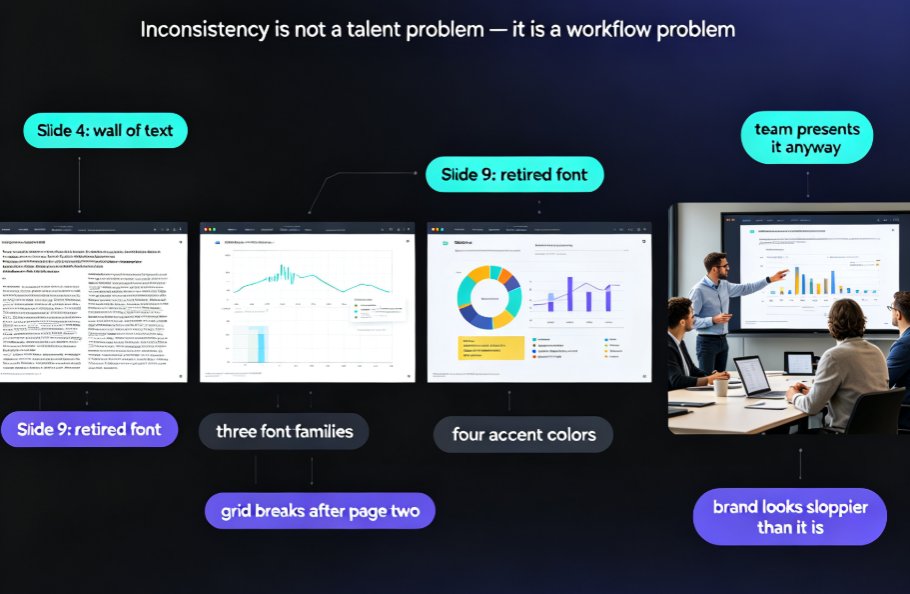
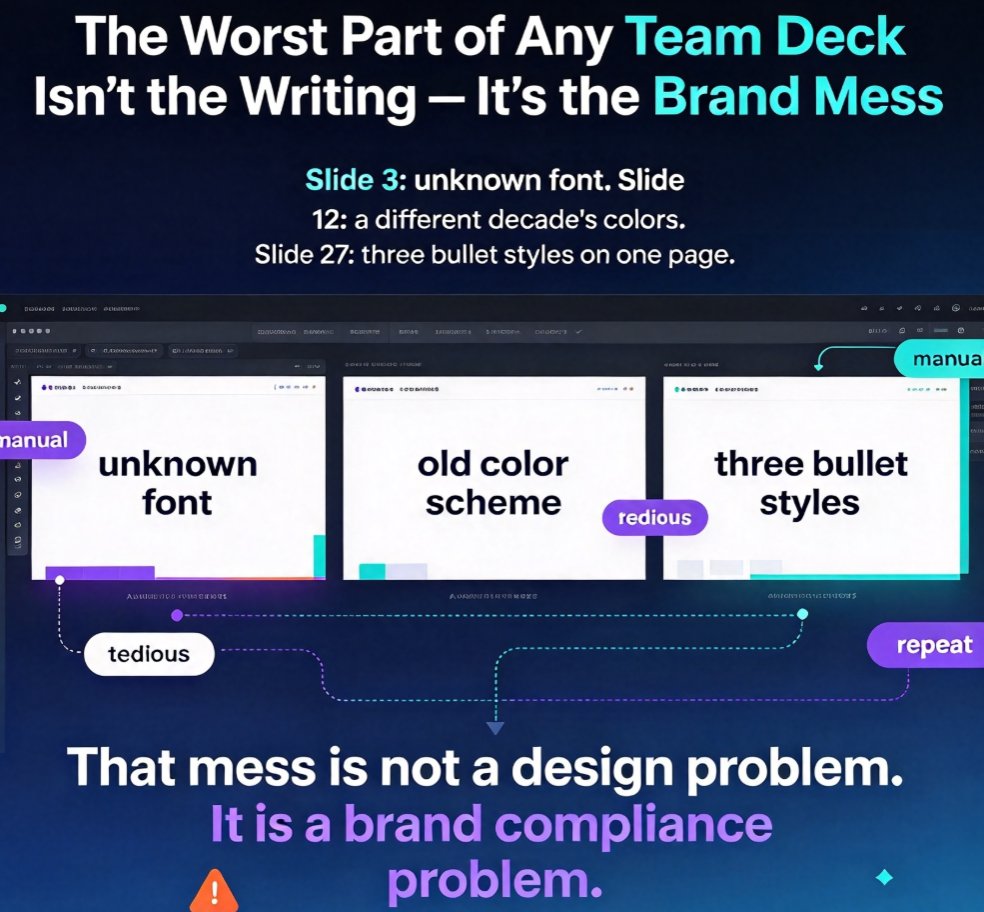
Let's be honest: the worst part of any team presentation is not the writing. It's the moment you open a shared deck and discover slide 3 is using a font you have never seen, slide 12 has a color scheme from a different decade, and slide 27 — somehow — has three different bullet styles in one page. Sound familiar?
That mess is not a design problem. It is a brand compliance problem, and it costs far more time than anyone admits. Every fix is manual. Every fix is tedious. And every fix seems to repeat itself with the next deck.
There has to be a better way. Spoiler: there is, and it takes about two seconds.
01 — Why "just use our template" fails in real teams
If you have ever tried to enforce a brand template across a team, you already know the drill. You send the official template. People download it. Then they paste in an old corporate deck that was built three rebrands ago, and suddenly the meeting is about formatting instead of strategy.
Here is the uncomfortable truth: templates only help when people start from them. They do absolutely nothing for the hundreds of existing decks floating around your organization. And even when people do start fresh, they will still import slides from a teammate, crop an image awkwardly, or "fix" the margins just a little bit.
That is why brand inconsistency keeps happening, no matter how many style guides you publish. The real fix is not prevention — it is retroactive enforcement. You need a way to take a messy, mixed-source deck and make it compliant after the fact, without a week of manual labor.
02 — What one-click reskin actually does
One-click reskin is exactly what it sounds like: you take an existing deck, pick a target theme or brand kit, and the AI restyles every slide in one pass. Fonts unify. Colors snap to the approved palette. Layouts reflow to match the template's structure. Your content stays exactly where it should — text, data, and charts are preserved — but the visual identity becomes consistent from the first slide to the last.
Think of it as a wardrobe makeover for your deck: same person inside, new look outside, no awkward tailoring needed.
This matters because most "rebranding" pain is actually restyling pain. You are not rewriting the content; you are re-skinning the visuals. And that is precisely the part that is mechanical, repetitive, and perfect for automation.
In Zendeck, the workflow is simple. Open your deck, choose the reskin option, and let the smart layout engine handle fonts, colors, spacing, and alignment. You can preview the result, tweak anything that looks off, and finalize in minutes. No design skills required — and honestly, that is the whole point.
03 — Where reskin saves you the most time
Not all decks benefit equally from reskin, and knowing where it shines saves you from expecting magic where it does not belong. In my experience, three scenarios stand out.
First: the merged team deck. Five people contribute five sections. Each section has its own aesthetic. Reskin unifies the whole thing in a minute, which is the difference between delivering a deck tomorrow and spending tomorrow night reformatting.
Second: the old-deck resurrection. That deck from last quarter that killed in the boardroom? It looks dated now. Reskin modernizes it instantly, so you can reuse the good stuff without apologizing for the visuals.
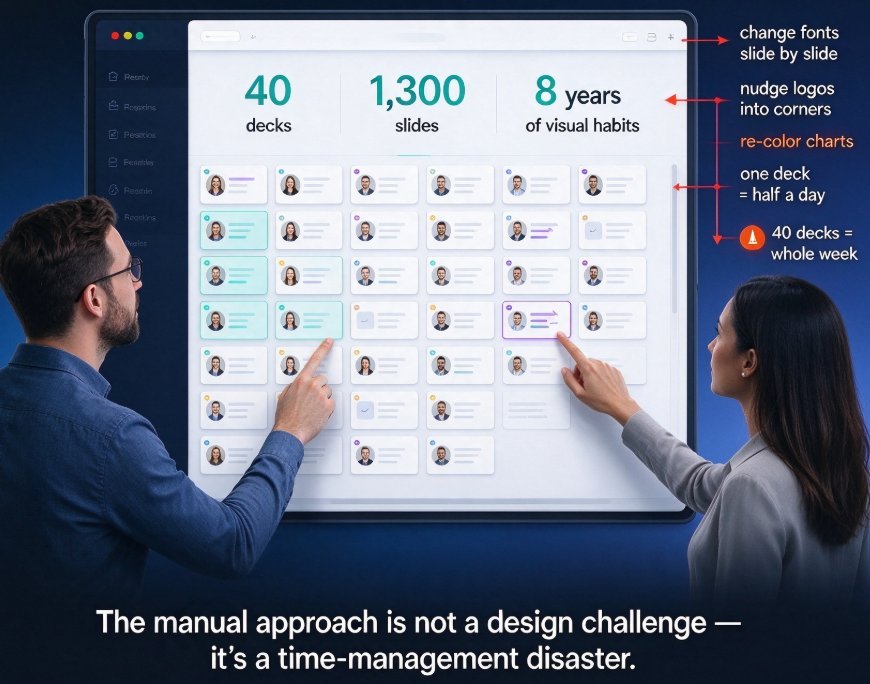
Third: the rebrand rollout. Your company just changed its color palette or logo. You have 60 decks across three departments. Manually updating all of them is a nightmare; reskin turns it into an afternoon.
| Scenario | Manual Approach | One-Click Reskin | Time Saved |
|---|---|---|---|
| Merged team deck (40 slides) | 3–5 hours of formatting | ~1 minute + 10 min review | ~90% |
| Old deck resurrection (25 slides) | 2–3 hours of restyling | ~1 minute + 5 min review | ~95% |
| Company-wide rebrand (60 decks) | 3–4 days of work | 1–2 hours total | ~90%+ |
| Last-minute client deck (15 slides) | 45–90 minutes of panic | 30 seconds + quick review | ~95% |
These numbers come from how teams actually work — the manual estimates are conservative, if anything. The pattern is consistent: once you remove the formatting bottleneck, the critical path of your deck becomes your content, not your styling. That is a win no amount of template policing can deliver.
If you want to go one step further, pair reskin with a custom brand kit so every new deck starts compliant in the first place — then reskin catches whatever slips through.
04 — Does reskin replace human judgment?
Short answer: no. Long answer: it should not.
Reskin is a force multiplier, not a substitute for taste. The AI makes everything consistent, but consistency is not the same as quality. A deck can be perfectly on-brand and still have a cluttered slide or a chart that makes no visual sense. That is where you come in.
Here is the workflow I recommend: run the reskin, then do a focused review pass. Check the slides that carry your key messages, the ones with complex charts, and the ones where the original author did something genuinely creative. Everything else — the standard content slides, the agenda, the section dividers — trust the AI. You are not losing control; you are choosing where to spend it.
The best teams treat reskin as a starting point, not the finish line. It gets you 95% of the way there, and you spend your energy on the remaining 5% that actually matters. That is a much better use of a senior designer's time than fixing bullet indentations.
05 — How reskin plays with shared decks and collaboration
This is where the feature quietly becomes a team superpower. In collaborative environments — and I mean the real ones, where five people edit a deck across three time zones — consistency is the first casualty.
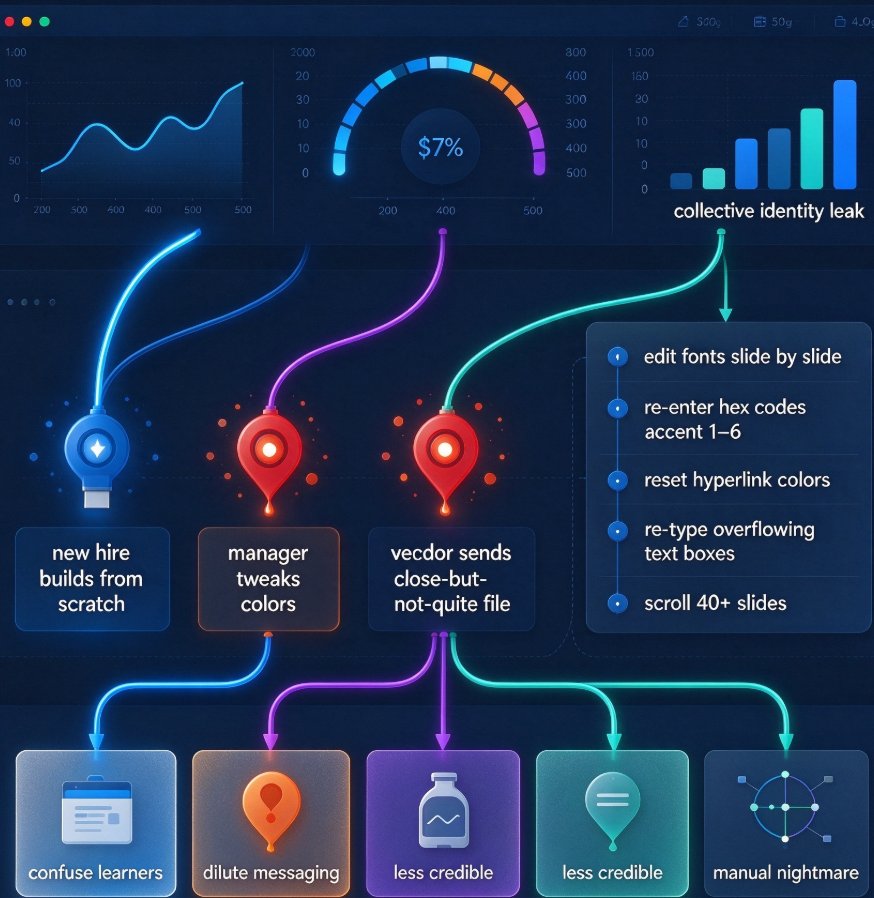
Every edit introduces drift. People add slides with their own fonts, paste content from different decks, and adjust layouts to fit their own sense of order. By the time the deck reaches the final reviewer, it looks like a Frankenstein project.
Reskin fixes this at two levels. First, it is a cleanup tool: when the deck is done, run reskin and every contributor's style drift disappears. Second, it is a guardrail tool: if your team knows reskin exists, they stop agonizing over the fine details while editing. They write, they paste, they move on — and the deck gets unified at the end.
This is the shift that AI-governed brand consistency is driving across organizations. Instead of making every person a brand enforcer, you make the tool the enforcer. People just do their best work.
I have seen teams adopt this rhythm and permanently stop arguing about fonts. It does not sound glamorous, but for anyone who has ever sat through a fifteen-minute debate about Helvetica versus Arial, it is life-changing.
06 — Does reskin belong in your workflow?
Let's get practical. If any of the following apply to you, reskin is worth putting in your toolkit:
- You frequently merge slides from multiple sources into one deck.
- Your team struggles to follow the official brand guide consistently.
- You reuse and update older decks instead of building from scratch every time.
- You have ever spent more time formatting a slide than writing its content.
- You need a polished, on-brand deck under a tight deadline.
If you recognize yourself in more than one of those, that is your answer. The feature costs almost nothing to try, and the first time it rescues a deck you will wonder how you managed without it.
The broader trend is clear: as AI deck generation continues to replace traditional PPT workflows, tools that simplify post-hoc branding are becoming table stakes. One-click reskin is not a luxury feature; it is quickly becoming the standard way teams keep their decks looking sharp.
FAQ
What exactly does one-click reskin do in an AI presentation tool?
One-click reskin applies a unified theme — fonts, colors, layouts, and visual hierarchy — across every slide in a deck at once. Instead of manually reformatting each slide to match brand guidelines, the AI reviews the existing content and re-skins it to the chosen template or brand kit in seconds. You can apply the change to the whole deck or review it slide by slide.
How much time does one-click reskin actually save compared to manual rebranding?
In most workflows, the difference is dramatic. A manual rebrand of a 40-slide deck — adjusting fonts, colors, spacing, and images — can take three to five hours of hands-on work. With a one-click reskin, the same deck is re-skinned in under a minute, with a short review pass afterward. Teams consistently report cutting 80% or more of the formatting effort out of the process.
Will one-click reskin change my content or break my layout?
No. Reskin focuses on visual styling — typography, color palette, layout templates, and spacing — not on your wording or data. The AI preserves your text and charts while re-fitting them into the new theme. If anything looks off, you can review changes slide by slide before finalizing, so you always keep control.
Can one-click reskin help enforce brand compliance across multiple teams?
Yes, that is its biggest use case. When several people contribute slides to a shared deck, inconsistency creeps in fast. Reskin acts as a brand guardrail: you unify everything with one click, then use a brand kit to ensure future decks start compliant. It is far more effective than asking people to follow a style guide manually.
What is the difference between one-click reskin and starting with a template?
A template helps you start clean, but it does nothing for the decks you already have, especially ones assembled by multiple people. Reskin is a retrofit: it takes existing slides from anywhere and restyles them to one consistent theme. Combined with templates, you get full coverage — clean starts and clean overhauls.