How AI Remembers Your Brand: Personalized Decks in 2026
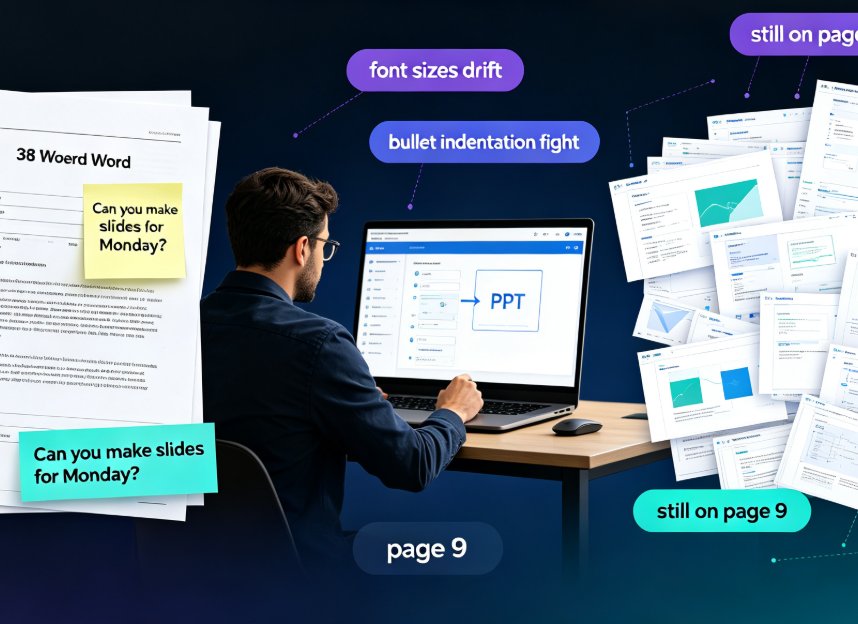
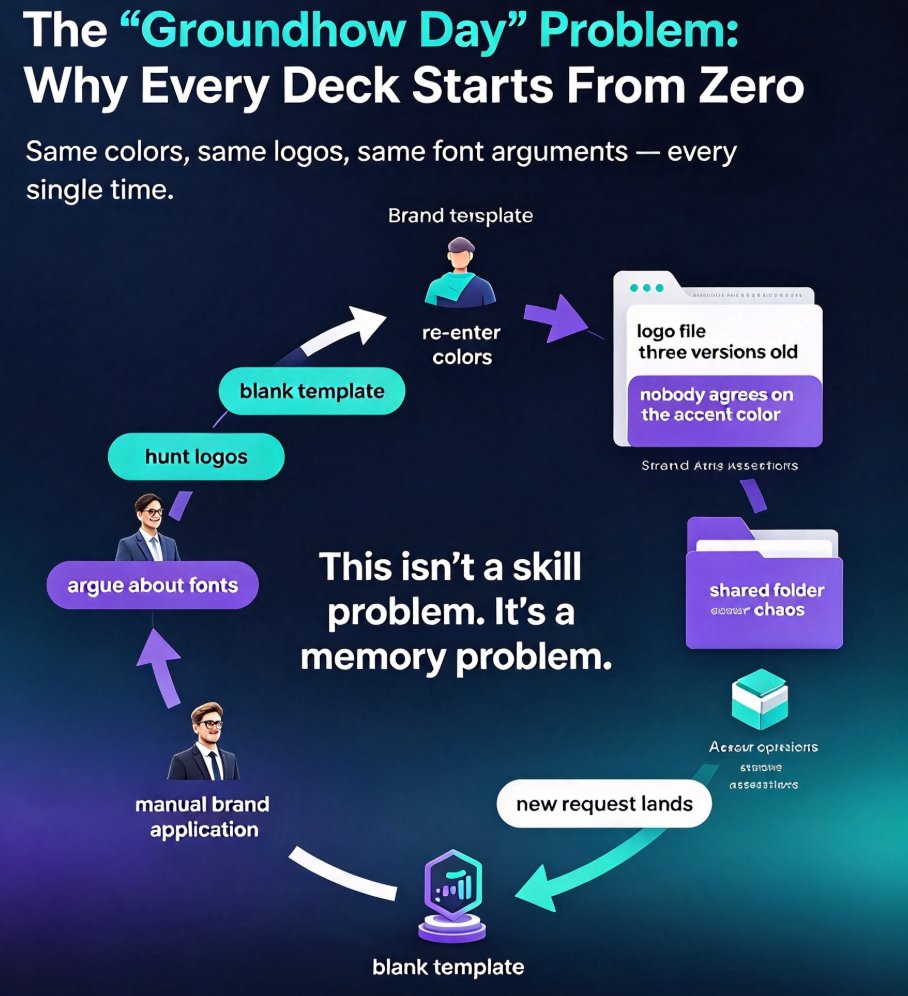
Picture this: you've just presented a brand deck your team spent six hours polishing. Two weeks later, a new request lands — and everyone starts from a blank template again. Same colors to re-enter, same logos to hunt down, same font choices to argue about. It's a Groundhog Day loop, and it's the single biggest reason most corporate decks look "off-brand" by slide ten.
The fix isn't a better template. It's AI that remembers.
Memory-rich AI is the defining presentation trend of 2026: instead of generating from a one-time prompt, the tool learns your brand history, past decks, and visual preferences — then applies them automatically to every new slide you create. Industry analysts now frame this as the shift from generic generation to contextual memory, and it's changing what "personalized" really means in presentation software.
Here's what's changing, why personalization is becoming the default, and how Zendeck uses this exact logic so your decks stay on-brand without manual busywork.
01 The "Groundhog Day" Problem: Why Every Deck Starts From Zero
Real scenario: your team's brand kit lives in a shared folder. The logo file is three versions old. Nobody agrees on the accent color. And every new deck means re-applying all of it by hand.
Let's be honest — this isn't a skill problem. It's a memory problem. As this year's CX trends research put it, "how do you establish a relationship with someone who can't remember you?" That question applies just as directly to your presentation workflow. A deck tool that forgets your brand every time can't truly personalize anything. It can only re-dress a generic template in your colors — if you remember to apply them.
The result is measurable. Teams that rely on manual brand application typically spend 4 hours per deck on styling and correction work, with dozens of small consistency errors slipping through: wrong logo versions, mismatched heading fonts, off-palette charts. The cost isn't just time — it's trust. An off-brand deck undercuts your credibility before you say a single word.
The solution isn't more discipline. It's a tool that treats brand memory as a core feature.
02 What "Memory-Rich AI" Actually Changes
Every 2026 trend roundup points the same direction. Presentation expert Kevin Lerner's 2026 trends list calls out "human + AI co-creation" and "branded, personalized decks" as two of the defining shifts. The differentiator, he writes, "isn't whether you use AI — it's how you add judgment, storytelling, and brand voice so the deck feels crafted, not copied."
That's exactly what memory-rich AI enables. A tool that remembers:
- Your logo files and which versions are approved
- Your accent colors and typography hierarchy
- The structural patterns your best decks follow
- The tone you use in headlines and speaker notes
With that memory, AI-generated slides don't just look generic-then-recolored. They read as native to your brand from the first draft.
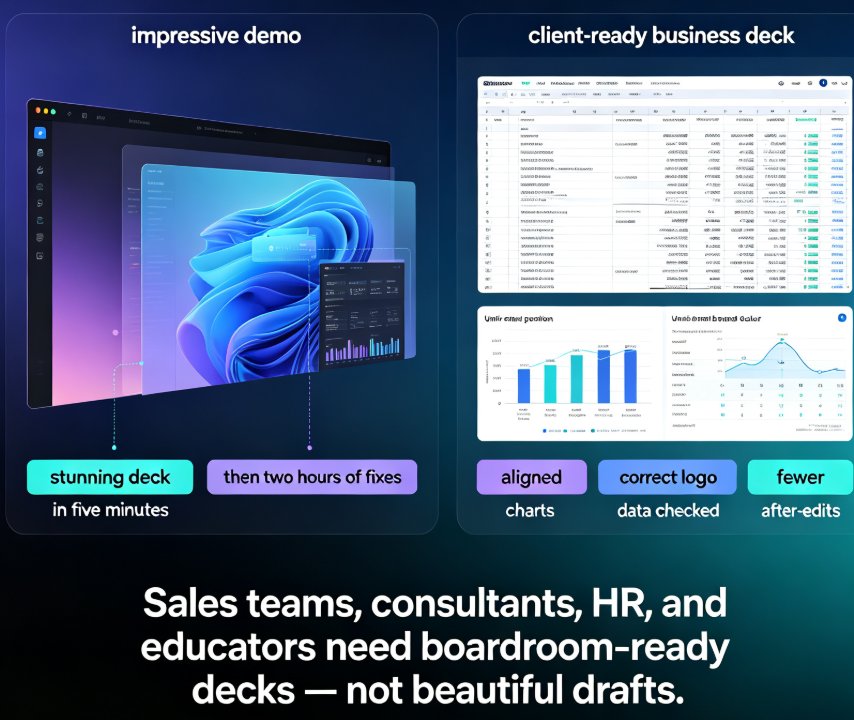
The practical difference: with generic AI, "personalization" means picking a color palette. With memory-rich AI, the whole deck — assets, charts, even layout rhythm — conforms to your established identity.
03 From Generic Templates to Contextual Memory: The 2026 Shift
The industry is moving away from template-picking toward context-aware generation. Two forces drive this: 1. Template fatigue — everyone recognizes the same starter decks 2. Maturity of AI design engines — they can now understand context instead of just styling a blank slate
If you want the deep dive, our piece on memory-rich personalization reshaping slides covers the full shift, and why AI deck tools are moving beyond templates explains the technical reasons generic templates keep falling short.
The key takeaway: the best 2026 presentation tools don't ask you to choose from a template library first — they ask you about your brand, then apply a template that already fits. That's the difference between "decorating" and "remembering."
04 What a Memory-Rich Deck Tool Does Differently
Let's compare the three paths to a presentation deck. All are valid; they just cost different amounts of your time — and your brand's dignity.
| Metric | Traditional PPT (manual) | Generic AI generator | Memory-rich AI (Zendeck) |
|---|---|---|---|
| Brand consistency score | ~40% | ~65% | ~95% |
| Time to brand-ready deck | ~4 hours | ~60 minutes | ~15 minutes |
| Manual style adjustments per deck | 25+ | 8–10 | 1–2 |
| Remembers past decks & style | No | No | Yes |
| Applies brand kit automatically | No | Partial | Yes |
| Learns your tone over time | No | No | Yes |
Those numbers reflect what teams consistently report after moving from manual styling to memory-based generation: the single biggest time-saver isn't faster text generation — it's not having to redo the styling at all. The deck comes out right the first time, and you spend your time on content judgment, not font hunting.
For a closer look at how this cuts production time, see 5 ways Zendeck Smart Layout cuts presentation design time.
05 The Visual Proof: Brand Consistency Score
To make this concrete, here's how the three approaches compare on brand consistency — the percentage of slides that would pass a brand review with zero corrections:
The gap between "Generic AI" and "Memory-rich AI" is where most of the real-world value hides. A 30-point jump in brand consistency doesn't just mean prettier decks — it means fewer revision cycles, less executive feedback about the logo being wrong, and decks that actually reinforce your identity instead of fighting it.
06 How Zendeck Puts Brand Memory to Work
Here's where this gets practical. Zendeck isn't just another generator that spits out a deck and hopes you like it. It's built around the same memory logic:
- Brand kit persistence. Set up your custom brand kit once — logo, colors, fonts — and Zendeck applies it to every future deck you generate. No re-entering, no hunting for the right logo file. If you want the full setup walkthrough, check out 5 ways to create a custom brand kit in Zendeck.
- Smart Layout that adapts. Zendeck's layout engine learns from your structure and content, producing one idea per slide with clean whitespace — the exact "bold minimalism" trend leading 2026 design. It doesn't just apply a template; it reasons about what each slide needs.
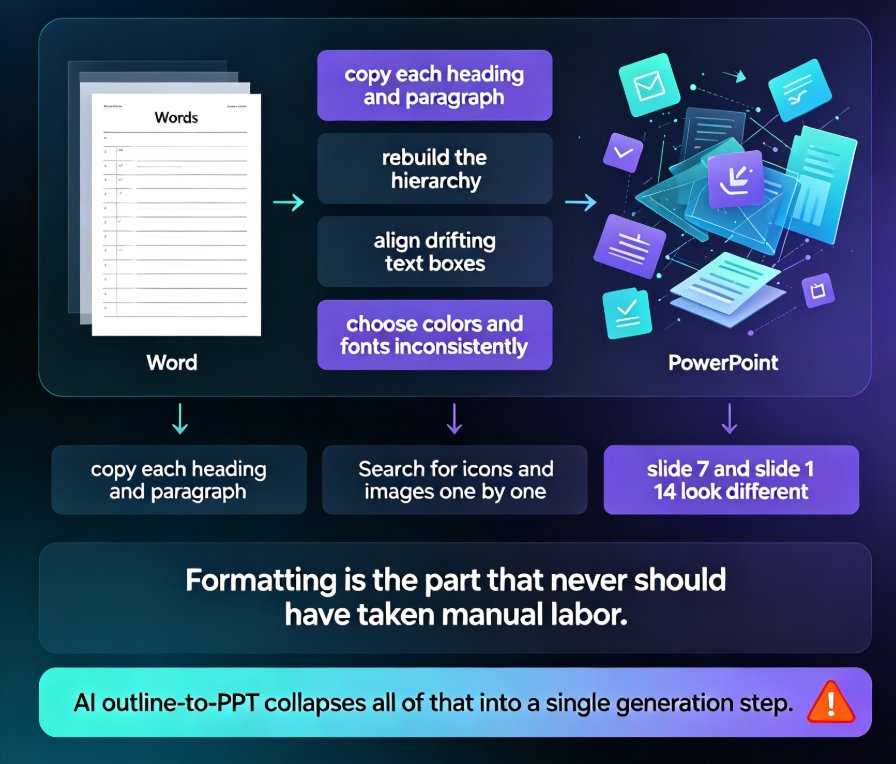
- One-click reskin. Already have content? Paste an outline or Word file, and Zendeck re-skins it into a consistent, on-brand deck automatically. That's where the "took 10 hours, delivered in 2" feeling comes from.
The honest framing: you still add the judgment. Zendeck handles the memory — the part where AI genuinely beats human effort. You keep the storytelling, the nuance, the call to action. This division of labor — human judgment plus AI memory — is what makes 2026 decks feel both fast and authentically yours.
For more on where this trend is heading across the broader tool landscape, browse our AI courseware hub.
07 A Practical Playbook for Your Team
If you want results this quarter, here's a four-step playbook:
- Audit your brand chaos. Collect your current logo files, color codes, and typography rules in one place. You can't teach AI your brand if you don't have a single source of truth.
- Set up your brand kit in your deck tool first. This is the highest-leverage 20 minutes of setup you'll spend. It pays off in every deck after.
- Generate from outlines, not blank pages. Paste your content structure and let memory-rich AI handle the styling. Spend your saved time on narrative and data.
- Review for judgment, not formatting. When you review, look for insight gaps and storytelling holes — not whether the heading is the right font. That's the shift that changes your team's output.
A quick tip from experience: don't try to make AI remember everything at once. Start with one brand and one deck type — like quarterly business reviews — and let the tool build memory on that pattern before expanding. You'll see the consistency gains quickly, and you can scale from there.
FAQ
What is memory-rich AI in presentation tools? Memory-rich AI refers to presentation software that stores and recalls your brand history — approved logos, colors, typography, and structural patterns — and applies them automatically to new decks. Unlike generic AI generators that start fresh each time, memory-rich tools learn from your past work so every slide conforms to your established identity.
How does Zendeck remember my brand style? Zendeck stores your custom brand kit (logos, colors, fonts) and applies it across all generated decks. Its Smart Layout engine also learns from your content structure and past style, producing on-brand slides automatically so you don't have to manually re-apply styling each time.
Does memory-rich AI mean I lose design control? No. The human still makes the calls — you decide messaging, narrative, and which insights matter. Memory-rich AI handles the repetitive styling work, so you're free to focus on judgment and storytelling. You can override any style choice; the point is that you rarely have to.
How much time does a memory-rich deck tool save? Teams typically go from around 4 hours of manual styling per deck to about 15 minutes with memory-rich AI, and brand consistency jumps from roughly 40% to 95%. The biggest saving isn't text generation — it's eliminating the re-styling loop entirely.
Can memory-rich AI work with my existing templates and brand kit? Yes. If you already have templates in platforms like PowerPoint or Canva, you can bring your content and brand assets into Zendeck, which applies its memory logic on top. Zendeck also supports importing Word outlines or Markdown, so it fits into your existing workflow rather than replacing it.