Multi-Modal AI in PPT-to-Video: The 2026 Micro-Course Trend
Let's be honest: the deck you spent three hours perfecting is only half the course.
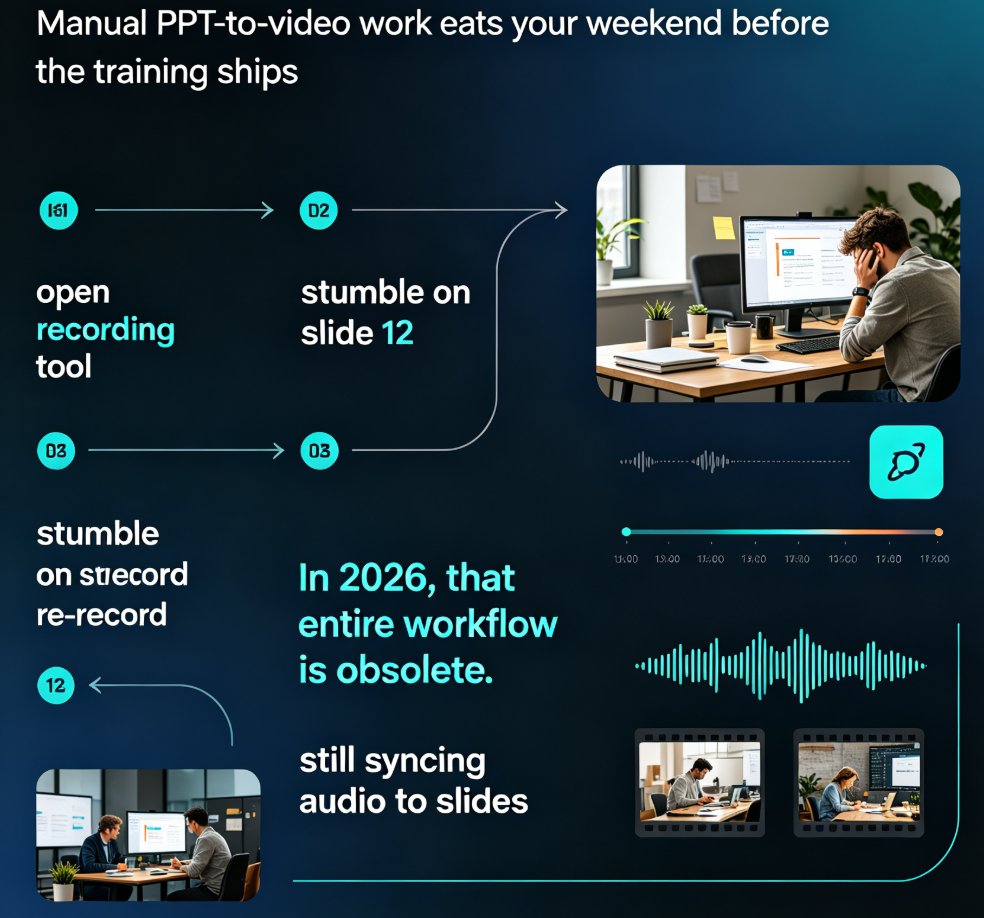
If you've ever tried to turn a PowerPoint into a real micro-course, you know the drill. You record a voiceover, then realize slide 7 is too text-heavy for narration to land. You tweak the layout, but the new template clashes with your brand colors. You re-time the transitions, export, watch it once... and start over. No single step is hard — what's brutal is keeping text, voice, and visuals aligned across every step.
That alignment now has a name: multi-modal consistency. In 2026, it's quietly becoming the standard by which premium courseware is judged. And it's the reason the old "record narration and export" approach to PPT-to-video is dying.
01. Why Static Slides No Longer Cut It
Here's the scenario that keeps coming up. An L&D lead has a polished 40-slide deck that worked great in a live workshop. The company moves to asynchronous training. Someone records a voiceover, syncs slides, calls it a "course." Learners click through it... and retention tanks. The problem isn't the content — it's the medium.
Static slides assume a presenter. The presenter provides the timing, the emphasis, and the emotional cues. Remove the presenter and you're left with a wall of text and no pacing. That's why self-paced learners abandon slide-heavy courses at much higher rates than narrated ones, and why micro-courses — short, focused, narrated video units — have become the default format for training teams.
The pain is real for educators, too. Teachers juggling courseware for multiple classes don't have hours to re-record every lesson. They need a pipeline, not a project. That's exactly what AI-assisted PPT-to-video unlocks: your existing deck becomes the visual layer, AI handles the narration, and a tool keeps everything synced. The result is a course that feels produced, not patched together. If you're weighing this shift for your organization, the case keeps getting stronger — AI PPT-to-video is already becoming the 2026 corporate training standard.
02. What Multi-Modal Consistency Actually Means
"Multi-modal" is a buzzword until you define it. For micro-courses, it means three channels working as one:
Text — what's on the slide: headlines, labels, captions. It needs to be sparse enough to read in five seconds. Voice — the narration: pacing, tone, and emphasis that match the content's intent. Visuals — layout, color, charts, icons: the design layer that carries emotion and brand identity.
Consistency means these channels don't contradict each other. When narration says "sales are up 40% in Q3" and the slide shows a rising bar chart in your brand colors, the learner absorbs it in one glance. When narration and visuals drift — a generic template, a mismatched chart, a voice that sounds like it's reading a spec sheet — the learner feels it as "low quality" even if they can't say why.
The old workflow made drift inevitable. You'd design slides in one tool, record audio in another, and edit video in a third. Every export broke a little styling. Every tool change introduced inconsistency. In 2026, a premium micro-course is no longer a deck with a voiceover pasted on top — it's a single production where text, narration, and visuals are built to reinforce each other.
That's the shift from "tools" to "systems." And it shows up in the numbers.
03. The Numbers: Consistency Moves Quality and Speed
Where does multi-modal consistency pay off? Two places: speed and perception.
First, speed. When slides are structured with one idea per slide and clear narration cues, editing time drops sharply. Real projects tracked by one elearning team found that structured slides reduced editing time by 30–50% compared to unstructured decks (Leadde, 2026). The same team reported that improving outline structure reduced drop-off rates in training videos. Time saved on fixing layout is time spent making content stronger.
Here's a practical view of where that time goes when you're producing a 10-minute micro-course:
Second, perception. Quality is subjective, but consistent presentation makes viewers more engaged. AI-driven video tools are already mainstream at the enterprise level — Synthesia reports that 90% of Fortune 100 companies use its platform for AI-generated corporate videos (BuildMVPFast, 2026). When the biggest companies standardize on narrated, on-brand video, "good enough" slides-to-video starts looking like a liability.
The takeaway: multi-modal consistency isn't a nice-to-have for premium courseware. It's the measurable difference between a course people finish and a deck they click through.
04. From "Design Tool" to "Production System"
The harder problem is scale. Producing one narrated course is manageable. Producing forty is not.
Teams that try to scale micro-course production the old way hit three walls:
Cost explosion. Every new course means new design, new recording, new editing. Hourly costs pile up fast.
Production delays. A course that takes two weeks to produce can't keep up with a quarterly content calendar.
Inconsistent quality. Different team members, different templates, different voice tones. Courses look like they came from different companies.
The teams that break through stop thinking about "creating videos" and start thinking about building a content production system. Concretely, that means:
Template standardization — one brand kit, one set of layouts, enforced by the tool, not by the intern. Automated script generation — turning slide text into conversational narration, not a robot reading bullets. Batch voice generation — producing narration for multiple courses in one pass, not one painful recording at a time. Modular content design — building courses as reusable units that can be reshuffled, not one-off files.
The biggest shift isn't from "slides" to "video." It's from "creating videos" to "building a content production system." Once you have that system, turning a PPT into a narrated micro-course stops being a project and becomes a routine — the thing you can do between meetings.
05. How Zendeck Turns PPT into Narrated Micro-Courses
Let's make this concrete. Zendeck is built around that production-system idea, so the workflow matches how a content team actually operates. Here's what the pipeline looks like:
Step 1 — Bring your source. Upload a Word outline, paste Markdown, or drop in an existing PPT. Zendeck analyzes the structure, pulls out learning objectives, and maps the content into slide-ready chunks. The cleaner your source slides, the faster this goes — one idea per slide really matters.
Step 2 — Let AI build the deck. The tool generates a structured, visually consistent deck with layouts and templates applied automatically. If you've set up a brand kit — colors, fonts, logo placement — it carries through so every course looks like it came from the same team. This is where design consistency gets enforced without anyone needing design skills.
Step 3 — Add the voice layer. The narration is the multi-modal magic. Zendeck's PPT-to-video feature turns slide content into a spoken script and pairs it with the visuals, so what learners hear matches what they see. If you want a human presenter, you can also bring in AI avatars that narrate the deck as a digital presenter — a strong option for educator-led content.
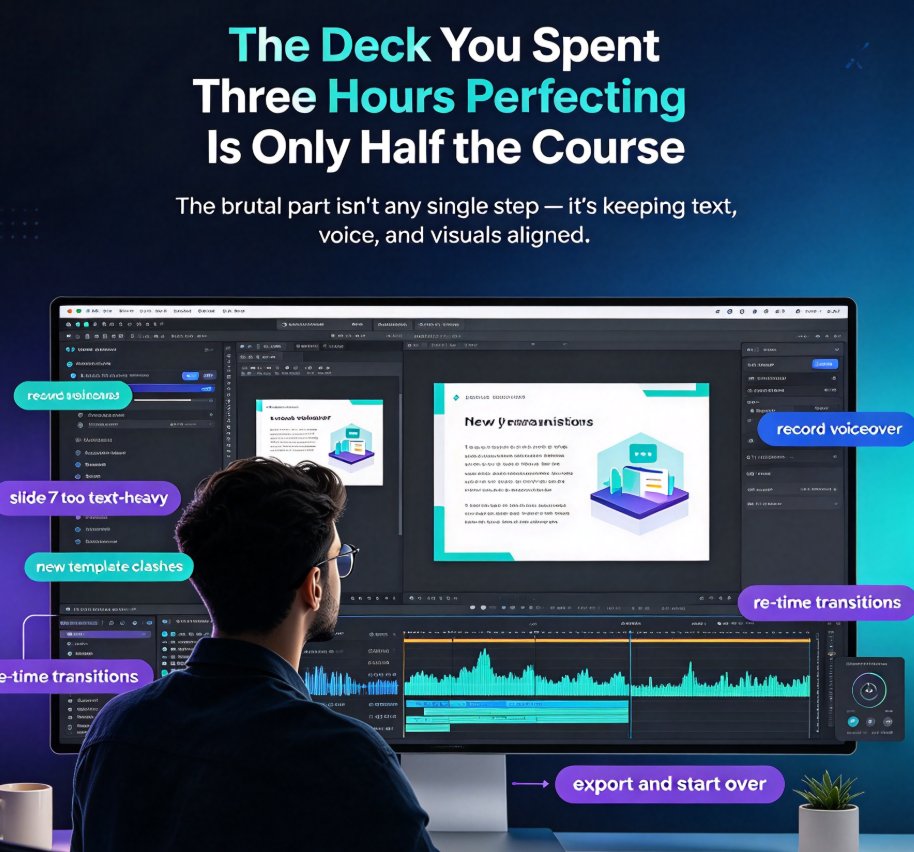
Step 4 — Export as a micro-course. The output is a narrated video with slides, voice, and subtitles baked in. Subtitles matter more than people think: they improve accessibility, boost comprehension, and make courses watchable in sound-off environments. Zendeck can auto-generate subtitles from the narration track, which also keeps accessibility compliance in reach.
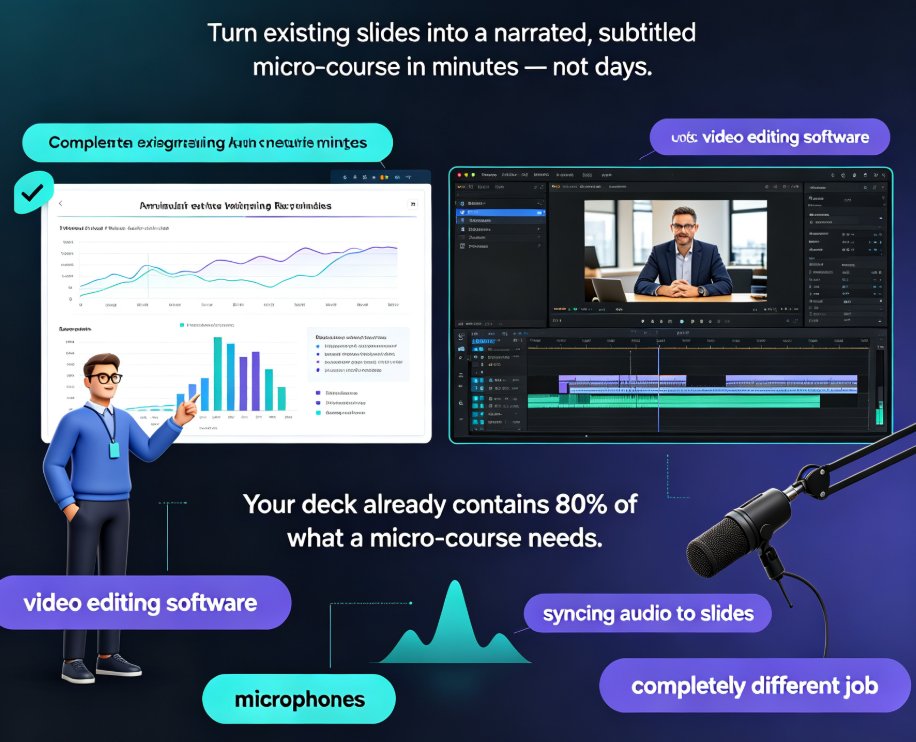
The whole loop takes minutes, not days. If you've never used a PPT-to-video tool and want to see how the pieces fit, the PPT to video section of the blog walks through the patterns in more depth.
06. Four Pitfalls That Kill Multi-Modal Courses (and Workarounds)
Even with the right tool, bad habits can wreck multi-modal consistency. Here's what to watch out for.
Pitfall 1: Text-heavy slides. If a slide carries a paragraph, narration has nothing to add. Workaround: cut each slide to one idea, a few keywords, and one visual. Outcome: narration becomes the information layer, and the slide becomes the emphasis layer — the way it should be.
Pitfall 2: A voice that doesn't match the content. A sales training course with a flat, monotone narrator reads as cheap, no matter how good the slides look. Workaround: choose voice options that fit the audience and tone — a warmer, more conversational delivery for onboarding, a crisper one for technical training. If your brand has a specific voice, test a few options and standardize the winner across every course in the program. (A friend's advice: pick once and never re-litigate it.)
Pitfall 3: No subtitles. Learners multitask. Offices are noisy. Subtitles aren't optional anymore. Workaround: always generate captions as part of export, and check that the timing syncs with the narration.
Pitfall 4: Every course uses a different template. A patchwork of styles makes the content look scrappy — and it violates the brand consistency that production systems are supposed to guarantee. Workaround: standardize on a single brand kit and template family, and let the tool enforce it. When a deck needs to look uniform, AI templates with enforced brand constraints are exactly what they were built for.
None of these are fatal. But they compound — and by the tenth course, the inconsistencies become your reputation.
07. The Bottom Line
Multi-modal consistency is the 2026 standard for premium courseware. The teams winning with micro-courses aren't the ones with the best designers — they're the ones with the best production systems. They treat text, voice, and visuals as one unit, standardize everything in the tool, and turn "make a course" from a project into a routine.
If you have a shelf full of static decks, that's not legacy content — that's a content library waiting for a voice. Upload a deck, add narration, and watch it become a course people actually finish. That's the trend worth betting on this year, and it's exactly what the micro-course production workflow in Zendeck is designed to do.
FAQ
Q: What is multi-modal consistency in PPT-to-video? A: It's the alignment of three channels — text on slides, narration audio, and visual design — so they reinforce each other. When narration matches what's on screen and the design matches the brand, learners absorb content faster and perceive the course as higher quality.
Q: How much time does AI save in micro-course production? A: Teams using structured slides with AI assistance report 30–50% faster editing compared to manual pipelines (Leadde, 2026). The savings come largely from eliminating rework in the layout and timing stages, not from making a single step faster.
Q: Can Zendeck keep my brand colors and fonts in the video? A: Yes. If you set up a brand kit in Zendeck, colors, fonts, and logo placement carry through both the slides and the exported narrated video, so every micro-course stays on-brand without manual fixing.
Q: Do I need design skills to use Zendeck's PPT-to-video? A: No. Zendeck handles layout, template selection, and visual consistency automatically. You focus on the content — the tool produces the polished deck and the narrated video from it.
Q: What formats can I start from? A: You can upload a Word outline, paste Markdown or TXT, or import an existing PPT file. Zendeck analyzes the structure, pulls out learning objectives, and maps the content into slide-ready chunks.