Turn a Research Abstract into a Conference Slide Deck with Zendeck AI
You've spent months on the research. Maybe years. The experiment is done, the data is clean, and your abstract got accepted. Now comes the part nobody warns you about: building the conference deck.
If you've ever stared at a blindingly white slide at 11 PM, trying to compress your methodology into three bullet points without losing the essential nuance, you know exactly what I'm describing.
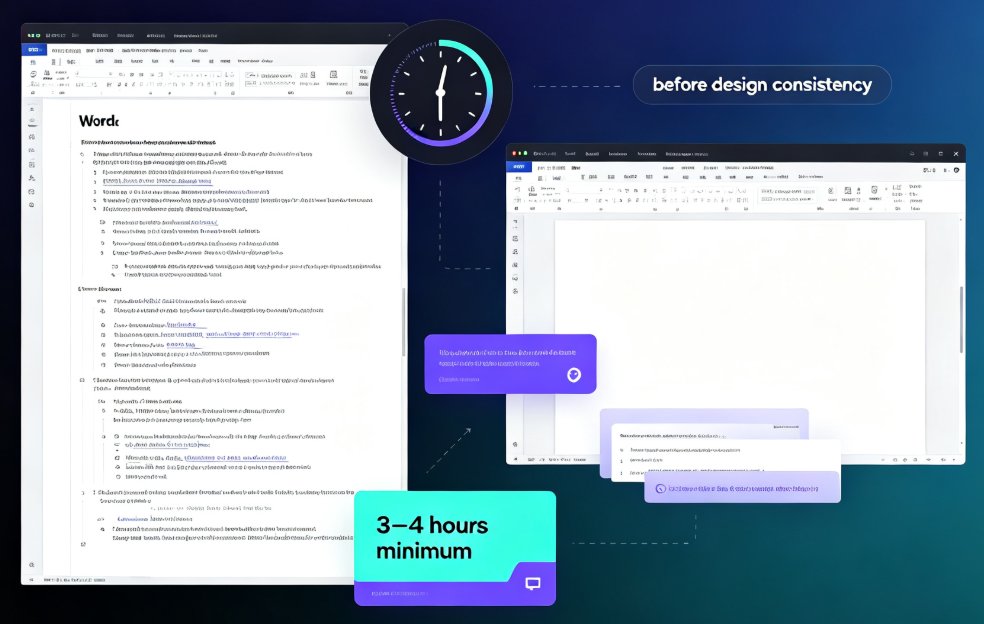
The average researcher spends 8 to 12 hours building a conference presentation from an abstract. With Zendeck, that drops to roughly 15 minutes from paste to presentable deck. That's not marketing math — it reflects the exact workflow I'll walk through below, where Zendeck's AI converts a dense abstract into a structured, visually consistent set of slides.
Let's be real: researchers are rarely hired for their deck-building skills. You're hired for ideas, rigor, and results. The slide deck is infrastructure — necessary, but not where your genius lives. So why pour your precious pre-conference hours into font sizes and footer alignment?
01 Why Turning a Research Abstract into Slides Is So Painful
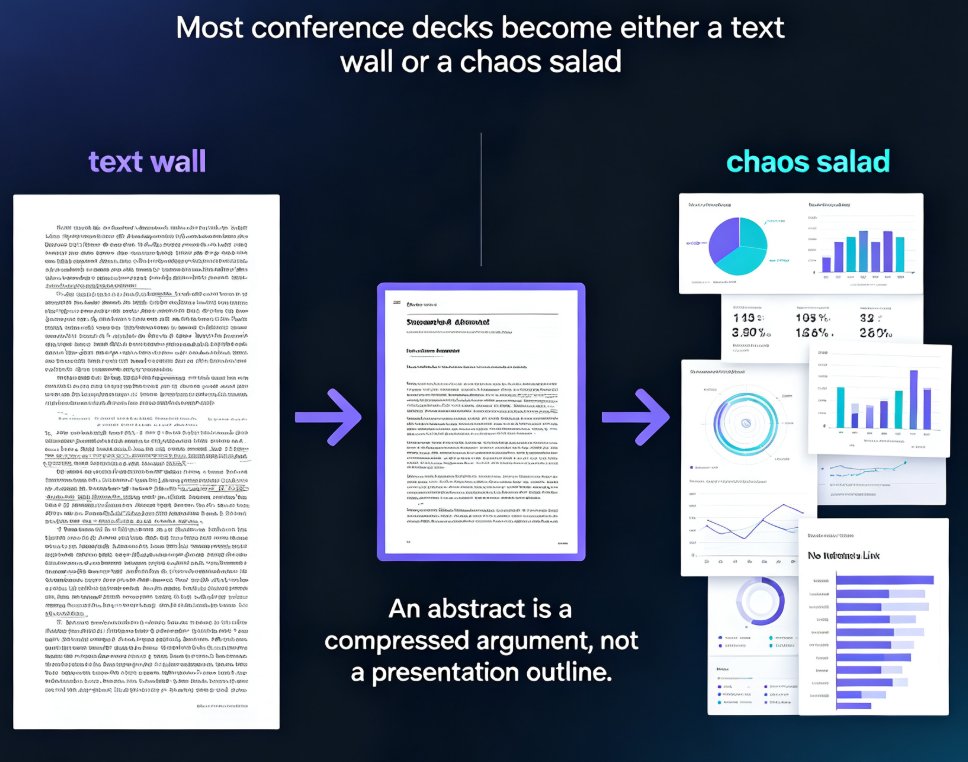
There's a reason most conference decks fall into two camps: the "text wall" and the "chaos salad."
The text wall deck happens when you copy paragraphs from your paper straight onto slides. Every slide becomes a dense block in 12-point font. The audience isn't reading; they're squinting. The chaos salad happens when you try to fix that by stripping everything down, but you end up with disconnected fragments — a figure here, a statistic there, no narrative thread.
The core problem is that an abstract is a compressed argument, not a presentation outline. It packs the question, method, findings, and implications into roughly 250 words. To build a good deck, you need to unpack that argument across 10–15 slides, decide what deserves visual treatment, and sequence the content for an audience hearing it for the first time.
Most researchers do this by hand. They open PowerPoint, paste the abstract, and manually reorganize everything. If you're a PhD candidate with two weeks until the conference and an experiment that's still running, that's not just tedious — it's genuinely stressful.
A couple of years back, I watched a postdoc friend spend a full weekend rearranging slides for a talk she was giving on Tuesday. She had the research nailed. What ate her weekend was deciding which of her three bar charts belonged on which slide and how to phrase the transition between methods and results. None of that work made her research better. It just made her tired.
02 The Paste-to-Podium Workflow: Abstract to Deck in 15 Minutes
The good news: turning an abstract into a slide deck doesn't have to be a manual labor of love. Here's the exact workflow that takes you from abstract to conference-ready in about 15 minutes, using Zendeck's AI prompt-to-deck workflow.
Step 1: Paste your abstract into Zendeck
Open Zendeck, create a new deck, and paste your abstract into the text input area. Zendeck accepts plain text, Markdown, TXT, and Word documents, so whatever format your abstract lives in, it'll work. If your abstract has section headings — abstract, methodology, results, conclusion — keep them. That structure gives the AI a much clearer map of your argument.
Step 2: Let the AI unpack the argument
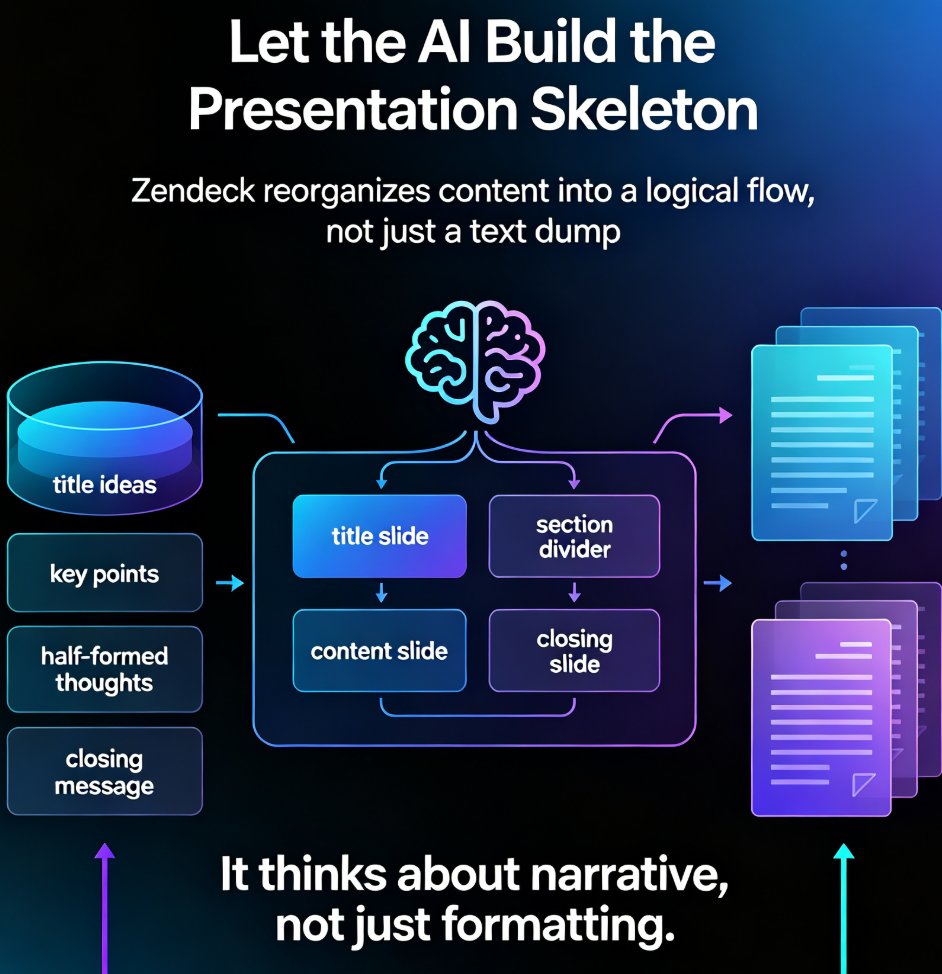
Here's where Zendeck does the part that used to take hours. Zendeck analyzes the abstract and automatically unpacks it into a logical slide structure — one idea per slide, in a sequence that flows for an audience. It doesn't just split text into chunks; it identifies the research question, the methods, the key findings, and the broader implications, then builds the narrative arc across your slides.
If your abstract is a single block of text without any headers, Zendeck still handles it — the AI recognizes paragraph boundaries and topic shifts. But if you can prefix even rough markers like "BACKGROUND:" and "RESULTS:" before pasting, the segmentation gets noticeably sharper.
Step 3: Choose an academic-friendly template
Zendeck's template library includes clean, academic-minded layouts with proper space for graphs, data tables, and detailed annotations. Pick one that matches your field's conventions — data-heavy for quantitative research, more open for qualitative work. If you're not sure which template fits, Zendeck's AI-powered template selection can suggest one based on your content type. And since the reskin feature reformats everything in one click, you can try a few looks without rebuilding a single slide.
Step 4: Review, refine, and add your visuals
AI does the heavy lifting, but you still own the message. Go through the generated slides, verify numbers against your paper, and adjust wording where the AI may have over-simplified a nuance. Then pull in your own figures, tables, or charts.
Zendeck's asset library lets you add data visualizations without leaving the tool — including interactive chart options if your conference supports digital projection. Dragging in a chart beats rebuilding one in PowerPoint any day.
Step 5: Polish and practice
Once the deck looks right, use Zendeck's generated speaker notes or narration features to rehearse. You can add voiceover to slides, generate subtitles for a recorded practice run, and time yourself against the deck's pacing. The goal is to walk into that conference room knowing the deck is solid and your energy is saved for the actual presentation.
03 Manual vs. AI: The Real Difference on the Timeline
To make the difference concrete, here's what the abstract-to-deck journey looks like on each path, based on the workflows I've watched researchers follow over the years:
| Step | Manual (PowerPoint) | Zendeck AI |
|---|---|---|
| Parsing the abstract into slide structure | 1–2 hours of copying, pasting, reordering | Instant — AI unpacks the narrative |
| Deciding what content goes on each slide | 2–3 hours, subjective and iterative | ~1 minute — follows academic conventions |
| Formatting, fonts, layout consistency | 1–3 hours of ongoing tweaks | Automatic via smart layouts and reskin |
| Adding data visualizations | 1–2 hours per chart (if you know the tools) | Drag-and-drop from the asset library |
| Total time | 8–12 hours | 15–30 minutes |
| Design skill required | Moderate to high | None |
The pattern is unambiguous: the manual route consumes your most creative hours on mechanical work, while the AI route frees them for content quality and delivery practice. That's not a matter of taste — it's just math.
And before you think "but I'm fast at PowerPoint," consider what those 8 hours are worth. At the rate most institutions bill faculty time, you're not saving money by doing it yourself — you're spending it. Worse, you're spending the one resource you can't buy back: attention.
04 Pro Tips for Turning a Strong Abstract into a Stronger Deck
A few things I've learned from watching researchers use AI presentation tools that make the output dramatically better:
Write a mini-outline alongside your abstract. If your abstract is a single block of text, Zendeck will still handle it, but providing even rough section markers — "BACKGROUND:", "METHOD:", "RESULTS:" — gives the AI a clearer map. This takes 30 seconds and noticeably improves slide segmentation. It also helps you catch structural gaps in the abstract itself.
Check every number twice. AI tools are excellent at restructuring, but they work with what you give them. If there's a typo in your abstract's statistics, that typo is now in your deck. A 60-second sweep for data accuracy beats an embarrassing correction during Q&A.
Use the reskin feature before you finalize. Once the content is locked, you can try different templates or color schemes in one click. This is where Zendeck shines — you can test an understated academic blue theme against a higher-contrast conference theme without rebuilding anything. If you're presenting in a room with poor projection, go higher contrast. Future you will be grateful.
Don't skip the rehearsal pass. Use the generated speaker notes and practice mode to time yourself. The best conference talks fail less from content quality than from pacing and delivery. A 15-minute deck with 45 seconds of awkward silence in the middle feels a lot longer than it is.
05 The Time-Saving Math, Visualized
If those hours don't feel real, here's the comparison on a timeline. One bar is the typical manual route; the other is the Zendeck workflow:
The difference is the difference between "I should have started this last week" and "I'm done — let me review my actual data again."
06 Beyond the Abstract: Scaling to a Full Paper Deck
Once your abstract is structured into a solid deck, a natural question follows: what about the full paper? The same Zendeck workflow scales from abstract to full manuscript. Paste your introduction, methods, results, and discussion sections into the same project or expand the outline — the AI keeps the visual style consistent, so your conference slides, supplementary material, and any handout versions share one coherent look.
If you're preparing an academic presentation for a training session or a departmental seminar rather than a full conference, the same approach works just as well. The AI courseware category covers more of these scenarios, including how to adapt the same deck into a micro-course or narrated video for remote audiences.
And if data privacy is a concern — which it legitimately is when your abstract contains unpublished findings — Zendeck offers deployment options that keep your research inside controlled environments. You can read more about data security in AI presentation tools before you upload anything sensitive.
FAQ
Can Zendeck handle complex or technical research abstracts?
Yes. Zendeck parses dense academic text — including methodology-heavy and quantitative abstracts — and reorganizes it into a logical slide narrative. The AI identifies the core components (background, methods, results, discussion) and structures them into slides. For highly technical data, you can refine the output manually and add charts or tables from the asset library.
What formats can I use to import my research content into Zendeck?
Zendeck accepts plain text, Markdown, TXT, and Word documents. You can paste your abstract directly into the text input area or upload a Word file. Adding rough section markers (like BACKGROUND, METHOD, RESULTS) before pasting helps the AI segment the deck even more accurately.
How long does it take to generate a conference deck from an abstract?
The initial AI generation takes about a minute or two. The full workflow — pasting your abstract, generating slides, choosing a template, and reviewing content — typically takes 15 to 30 minutes, compared to the 8 to 12 hours most researchers spend building a deck manually.
Can I edit the slides after Zendeck generates them?
Absolutely. The generated deck is fully editable. You can adjust wording, reorganize slides, swap templates with the one-click reskin feature, and add your own figures, charts, or data visualizations before finalizing.
Does Zendeck support collaboration for co-authored conference talks?
Yes, Zendeck supports online editing and link sharing, so co-authors can review, comment on, and polish the deck together. This is especially useful when multiple researchers are contributing to a single conference presentation.