Brand-Consistent Training Decks: Zendeck's Template and Asset Library Explained
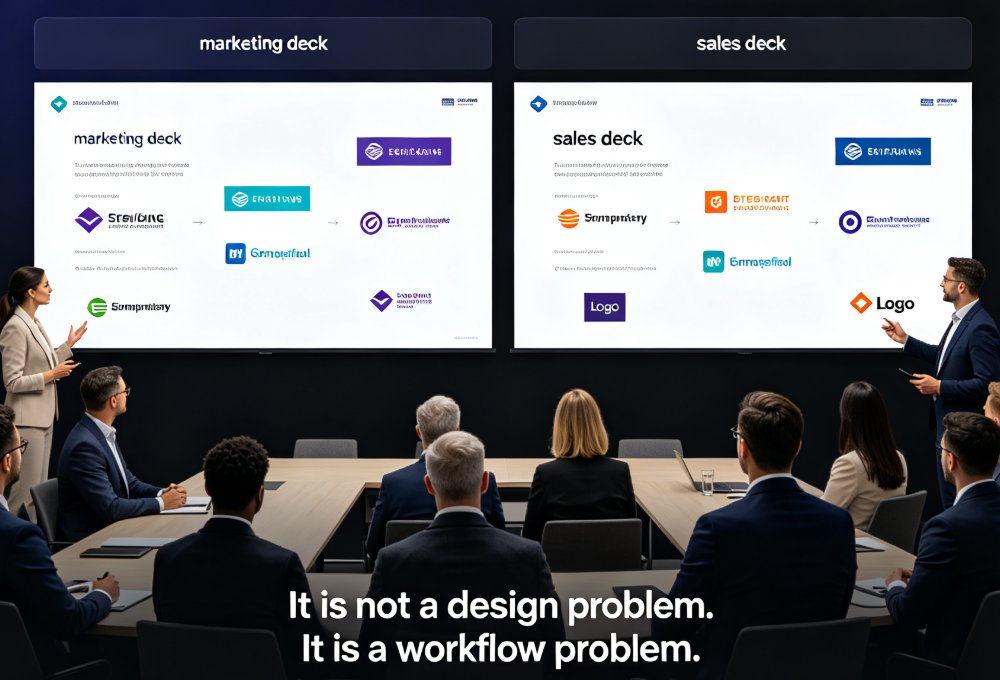
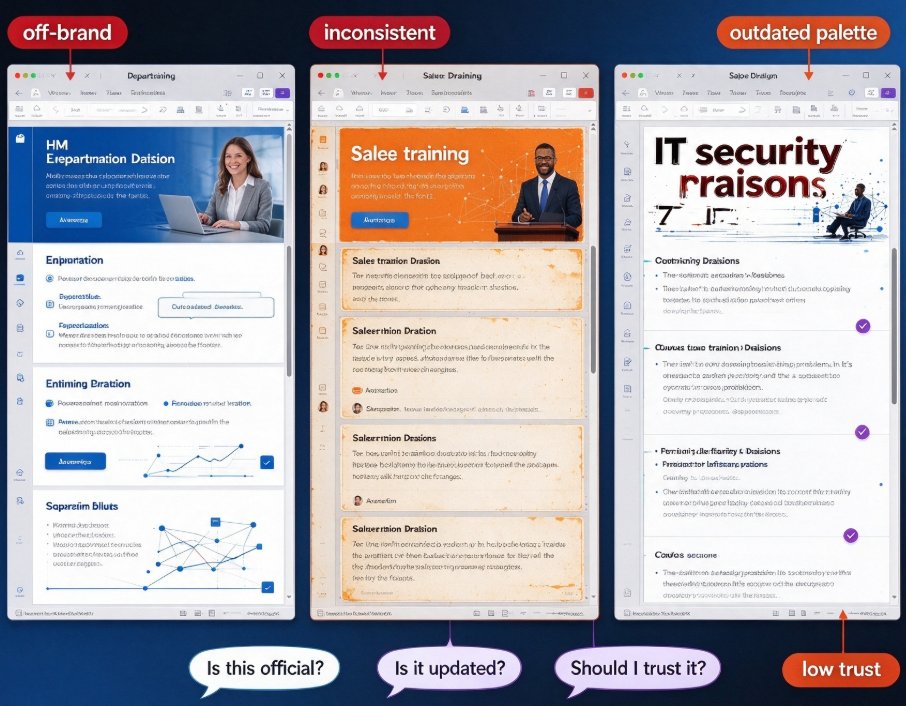
Let's be honest: you've probably seen this scene. Three departments, three training decks, and they look like they were made by three different companies. HR's onboarding deck uses your new brand blue. Sales training somehow slipped back to the old orange. And IT's security course? Let's not talk about the fonts.
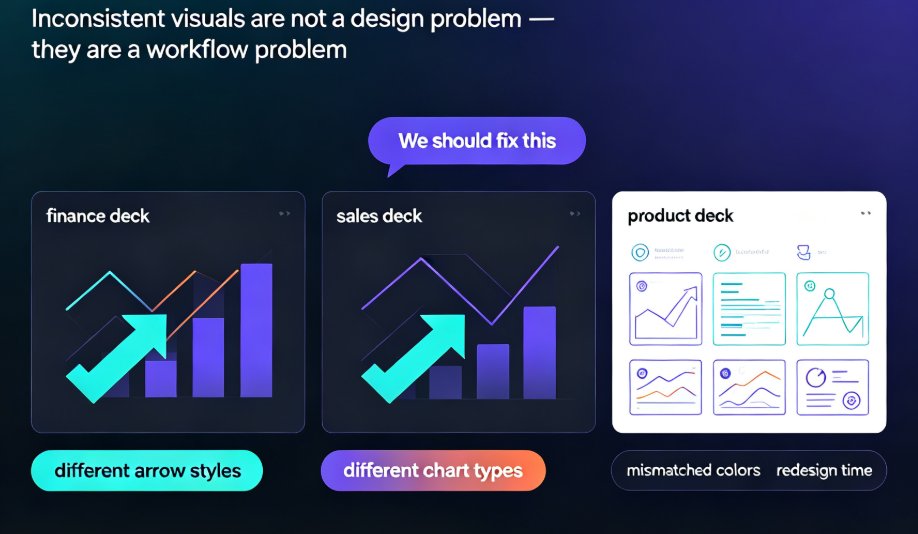
If that sounds familiar, you're not alone — and this isn't a design problem. It's a systems problem.
A training deck that looks off-brand quietly undermines the message you're trying to teach. Employees notice inconsistency even when they can't articulate it. They wonder, "Is this official? Is it updated? Should I trust it?" That's the worst possible reaction to a course your team spent hours building.
Here's the good news: the fix doesn't require hiring a designer or teaching everyone InDesign. The template library and built-in asset library inside an AI presentation tool like Zendeck give your team a repeatable, governed path from blank slide to finished, on-brand deck. In this article, I'll walk through how that works, why it beats the old "share a PowerPoint file and hope" approach, and what actually changes when you get it right.
01 The Brand Consistency Problem Nobody Wants to Admit
Let's be real: most L&D and HR teams don't set out to produce inconsistent training materials. It happens incrementally.
Someone in marketing makes a polished deck for a product launch. Someone in HR copies it but tweaks the colors "just slightly." A contractor builds a compliance course and picks a random template from a free site. Before you know it, your training library looks like a garage sale of brand styles.
The pain points pile up fast:
- Every new course starts from a blank slide or a borrowed file, so nobody builds on past polish.
- Brand guidelines sit in a PDF that nobody opens mid-project.
- Icons, charts, and illustrations get pulled from random free sites that clash with your palette.
One of the smartest principles I've seen in template strategy comes from help-center operations: templates let you create polished, professional content "without starting from zero every time." If you drop your content into pre-defined sections, you're done. That idea translates perfectly to training decks. The structure is repeatable, the design is locked, and your team's time goes into the content — not the formatting.
02 Why Template Libraries Beat the "Blank Slide" Trap
A template library isn't just a folder full of pretty designs. It's a governance layer.
When you pick a template in Zendeck, you're not choosing a background — you're choosing a structural system for your course. Heading sizes are preset, spacing is consistent, and slide layouts for title, content, and summary are pre-built. That means your deck stays organized even when three different people work on three different sections.
The outcome is a repeatable structure — and repeatable structure is what saves your team's time month after month.
Think about what happens without it. Every designer-adjacent person on your team spends their first hour deciding margins, fonts, and how to lay out a comparison slide. That's not creative work; that's re-inventing wheels your brand already owns.
The smart play is to pick one or two base templates for training content, then let everyone build from there. If you want to go deeper on choosing the right look, Zendeck's deck template selection logic actually recommends layouts based on your content type — a separate guide breaks down how that works.
03 The Asset Library: Icons, Charts, and Illustrations That Stay On-Brand
Here's the hidden trap most teams miss: you can lock your template, but if people still pull icons and graphics from random sources, your decks still go off-brand.
A bright red icon from a free stock site sitting next to your brand's muted navy palette? It screams "cobbled together," even if your title slide is perfect.
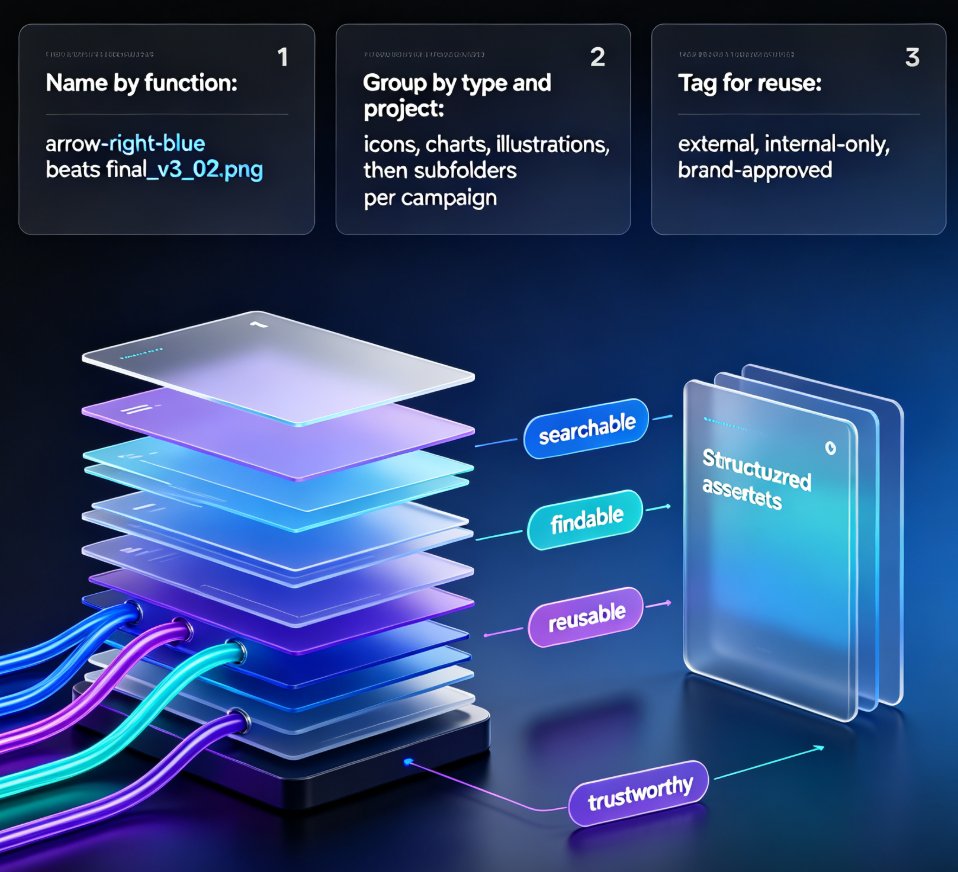
That's where an asset library earns its keep. In Zendeck, the built-in library serves up icons, charts, and illustrations that live inside the same design system as your templates. They share the same visual DNA — line weights, color tendencies, and styling. Drop them into a slide and they just fit.
This is the part that makes corporate brand consistency actually achievable. When your tooling controls both the skeleton (the template) and the organs (the assets), you stop relying on everyone's personal taste.
If you want the full argument, there's a good piece on how AI asset libraries are changing corporate brand consistency — worth a read when you have a minute.
04 A Workflow That Actually Works: Building a Branded Training Deck in Zendeck
Okay, enough theory. Here's the practical workflow that works when you need an on-brand training deck fast.
Step 1: Start with your brand kit, not a blank file. Zendeck lets you define your company's colors, fonts, and logo once, then apply them across any deck. If you haven't set this up yet, there's a step-by-step guide to creating a custom brand kit that walks through the whole process.
Step 2: Pick a base template for training content. Choose a layout that matches the course type — onboarding, compliance, soft skills, product training. Resist the urge to browse endlessly; the template's job is to give you structure, not to be a work of art.
Step 3: Pull assets from the library, not from the web. Need a comparison chart? Use the chart options in the asset library. Need an icon for "security"? Find it in the same library. Everything matches by default.
Step 4: Let smart layout handle the reskin. If a colleague sends you an old off-brand deck, don't rebuild it slide by slide. Zendeck's smart layout can unify fonts, colors, and layout in one pass — a huge time-saver that deserves its own guide.
Step 5: Ship, share, and let the system do the governance. When templates and assets are the default, "brand consistency" stops being a review step and becomes a side effect.
The outcome of this workflow: a deck that takes minutes instead of hours, and one that looks like it came from a single designer — even though your team has zero designers.
05 What Changes When You Get This Right
Let me put this in a table, because the before-and-after is stark.
| Aspect | The Old Way (blank slides + random assets) | Library-Driven Way (Zendeck templates + assets) |
|---|---|---|
| Starting point | Blank slide or borrowed file | Governed template with brand kit applied |
| Design decisions per deck | Every person re-decides fonts, colors, layout | Zero — locked by template and brand kit |
| Asset sourcing | Random free icons from the web | Brand-aligned icons, charts, illustrations from library |
| Consistency across departments | Inconsistent by default | Consistent by default |
| People with design skills needed | Yes, or lots of review time | No — the tool handles the design |
| Time to produce a deck | Hours to days | Minutes, if content is ready |
| Brand guideline compliance | Requires manual policing | Enforced by the tooling |
The pattern here mirrors what template-strategy experts have been saying for a while: publishing dozens of on-brand materials need not take as much time as you might think. The bottleneck was never your team's effort — it was the lack of a system.
Template and asset libraries aren't about making slides prettier — they're about making your team faster and your brand more trustworthy.
06 Putting It All Together
If you take one thing from this article, let it be this: brand consistency on training decks is not a talent problem. It's a toolchain problem.
Stop expecting people to remember brand guidelines. Stop policing decks in review meetings. Instead, put your brand into the tooling — the template library, the asset library, and the brand kit — and let the software do the governance.
For training teams that produce content across HR, sales, IT, and operations, this is genuinely the difference between a chaotic course catalog and a professional learning brand. And if you want to future-proof it, the industry is already moving toward AI-governed brand consistency through smart templates, which builds on exactly this foundation.
Start small: set up your brand kit, pick one training template, and build your next onboarding deck with assets from the library. Your team — and your learners — will notice the difference.
FAQ
Q: How do I keep training decks on-brand without any design skills?
A: Set up a brand kit in Zendeck with your company's colors, fonts, and logo, then choose a template and pull icons and charts from the built-in asset library. Since every element shares the same design system, your deck stays consistent automatically — you never have to make a design decision.
Q: What's the difference between a template library and an asset library?
A: A template library gives you the page structure — title slides, content layouts, section dividers — so your deck stays organized. An asset library gives you the visual building blocks — icons, charts, illustrations — that match your brand. Together they lock both the skeleton and the style of your training materials.
Q: Can I apply my company's colors and fonts automatically in Zendeck?
A: Yes. Zendeck's brand kit stores your colors, fonts, and logo and applies them across every deck. If you receive an old off-brand deck, the smart layout feature can unify fonts, colors, and layout in one pass.
Q: How fast can I actually produce a branded training deck?
A: If your content is ready, you can go from a Word outline or Markdown to a finished, on-brand deck in minutes — versus hours or days with the traditional blank-slide approach. Most of your time goes into the content, not the formatting.
Q: Will the consistency hold up across different departments?
A: That's the whole point. When templates, brand kits, and asset libraries are the default tooling, every department produces decks that look like they came from one designer. You don't have to police it in review meetings — the tool enforces it.