Tags:Word to PPT conversion

8 articles

Turn Word Outlines into Polished Decks with Zendeck's AI Import

AI Courseware 2026-10-30 1518

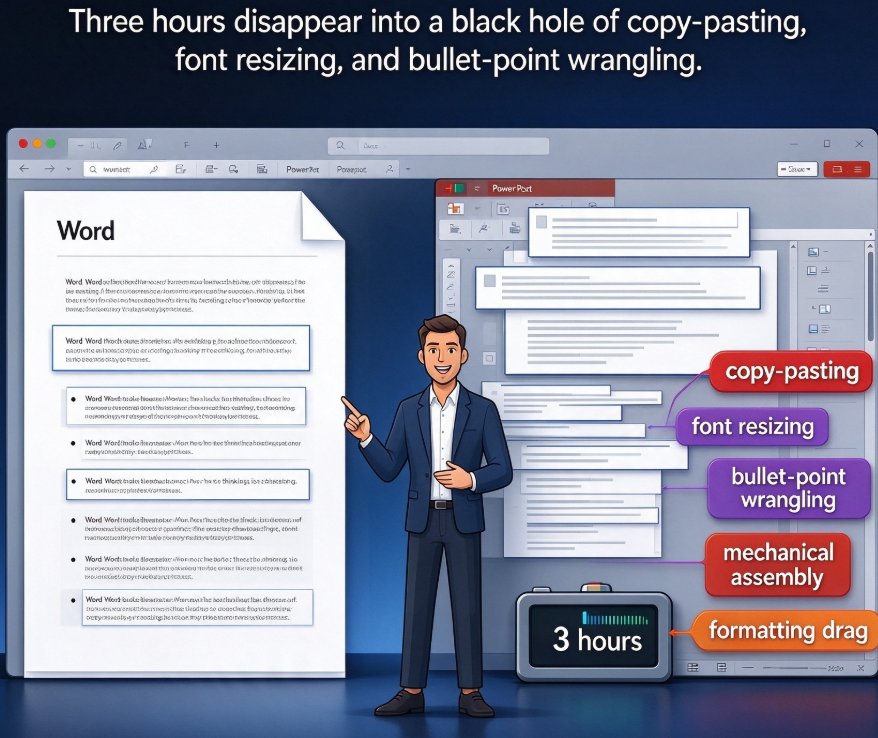
Turn Word outlines into polished presentations with Zendeck's AI import. Upload a Word, Markdown, or TXT file and the AI segments it into structured slides with consistent design — so you never touch a design tool again. Perfect for educators, trainers, and busy professionals who write content in Word but lack time for layout work. This practical guide walks through the five-step workflow: outline preparation, document import, template choice, AI generation, and final export. You'll also see a realistic comparison of manual vs. AI-driven deck building, common mistakes to avoid, and answers to frequently asked questions about Word-to-PPT conversion. Go from a rough draft to a presentation-ready deck in about 30 minutes, instead of a three-hour formatting marathon.
Convert a Word Outline into a Polished PPT Using Zendeck in 5 Steps

AI Courseware 2026-10-21 1109

Learn how to convert a Word outline into a polished PPT using Zendeck in five simple steps. Zendeck's AI-powered import feature turns raw text documents into professionally formatted slides with consistent design, saving educators and professionals hours of manual layout work. This step-by-step guide covers outline preparation, document import, template selection, AI generation, and final export, so you can go from a rough Word draft to a presentation-ready deck in minutes. No design skills required. Discover how Zendeck bridges the gap between content creation and visual design, and get practical tips on structuring your outline for the best AI results. Whether you're preparing courseware, corporate training, or a client pitch, the workflow outlined here will help you produce clean, consistent, and engaging presentations faster.

Word Outline to PPT: Convert Without Redoing Formatting

Office Efficiency 2026-09-21 2753

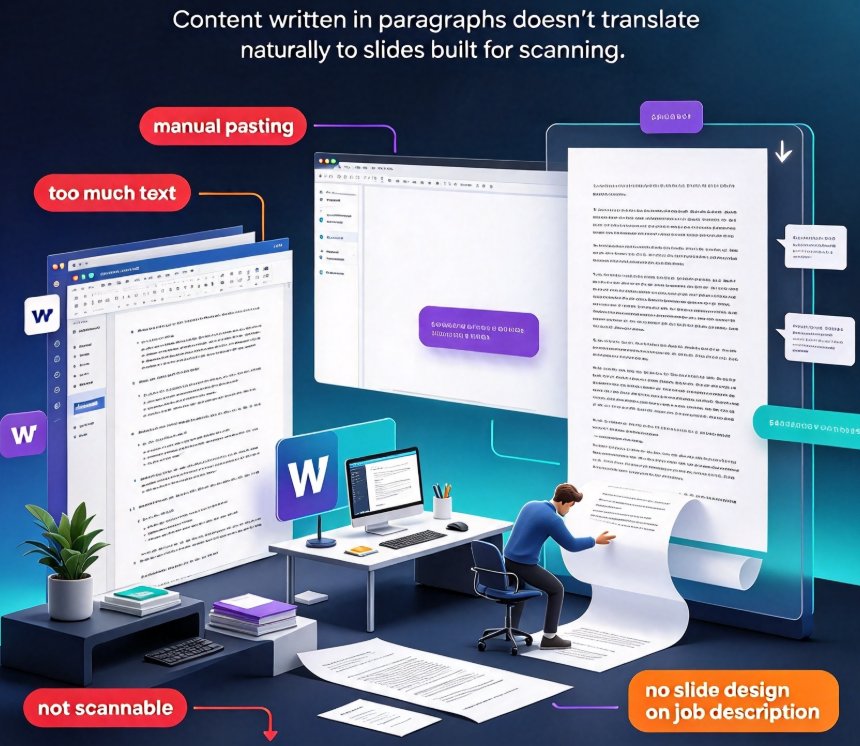
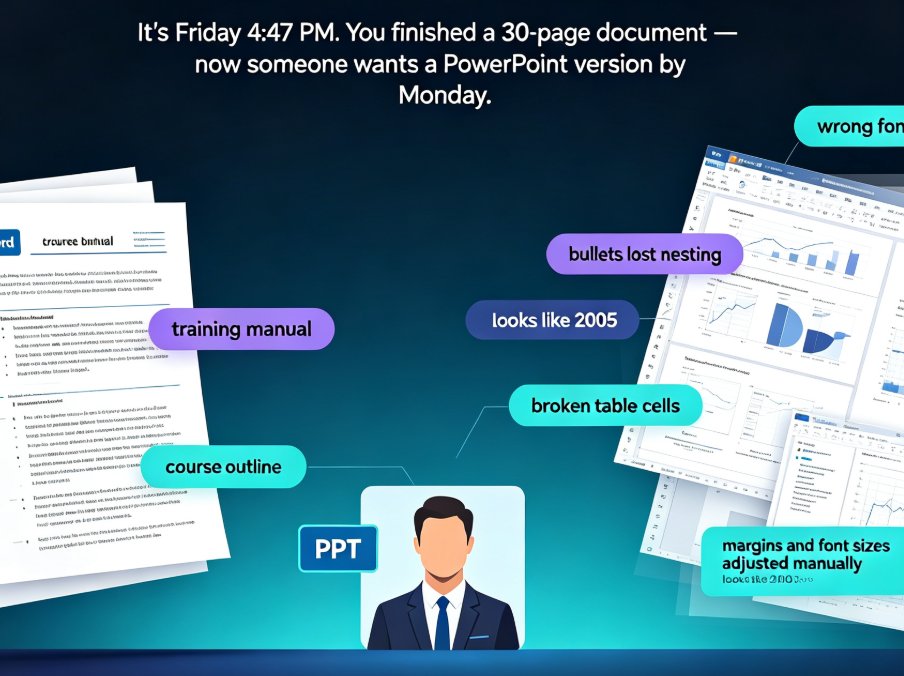
Tired of watching your Word outline lose every heading, bullet, and style the moment you import it into PowerPoint? You're not alone. Converting a Word outline to a polished PPT used to mean hours of manual rework — copying text, re-mapping headings, fixing broken bullets, and re-sizing tables. Zendeck's outline-to-PPT feature changes that. It maps your Heading 1s to slide titles, condenses paragraphs into scannable bullets, and preserves tables, images, and structure — automatically. This guide walks through the exact conversion workflow, shows you what formatting actually carries over, and breaks down the time you can reclaim on every deck. If you're an educator, trainer, or team lead who needs a clean presentation without design skills — or the hours to spare — here's how to turn your existing document into a polished deck in minutes.

Word Outlines to Business Decks: Zendeck AI Automates Reports

AI Courseware 2026-09-04 2176

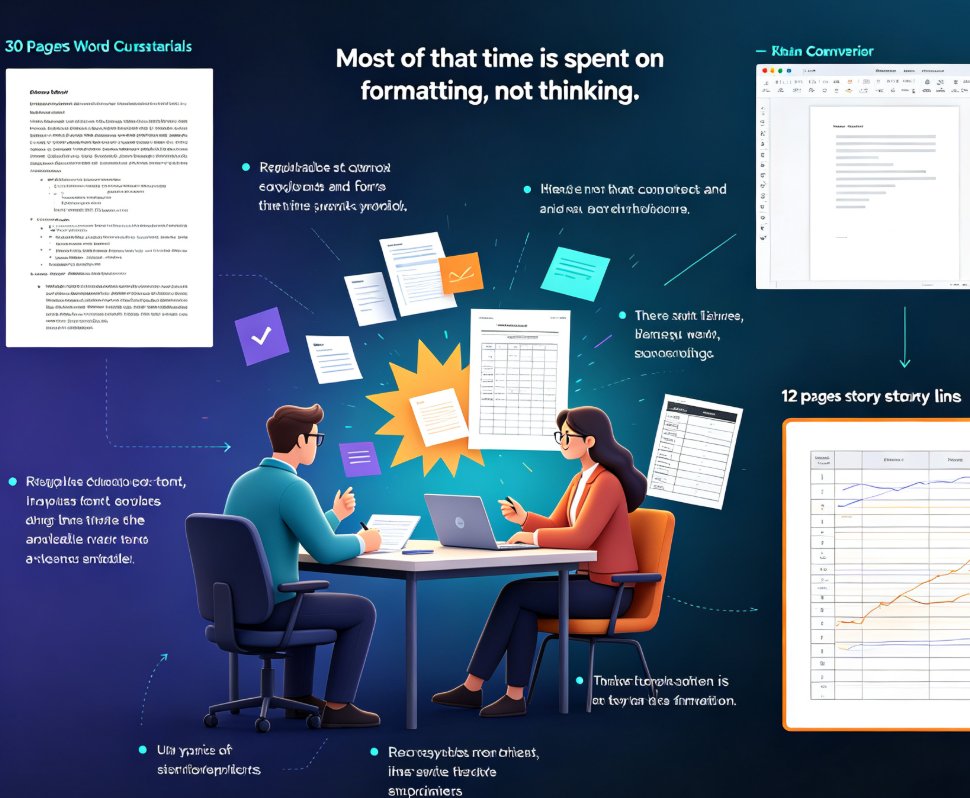
Stop spending 3-4 hours manually converting Word outlines into business decks. Zendeck AI turns your existing reports, memos, and documents into professionally formatted presentations in under a minute. This guide covers the document-to-deck pipeline for analysts, consultants, and managers — how the AI extracts narrative structure, surfaces supporting data, and applies context-aware design automatically. Learn what file formats work, how long conversion takes, and how to get the best results from your outlines. Whether you're preparing a quarterly business review, a consulting engagement report, or a training program, Zendeck eliminates the manual formatting grind so you can focus on the message. Includes a time comparison chart and practical tips for optimizing your source documents.

From Word to Wow: One-Click Document Conversion into Presentations

PPT Tutorial 2026-09-02 1848

One-click document conversion turns your Word outline, Markdown notes, or rough draft into a fully designed presentation in minutes — not hours. Zendeck's outline-to-PPT workflow reads your existing content, structures it into clean slides, applies smart layouts, and enforces brand consistency without manual formatting. Whether you're repurposing a training manual, meeting notes, or a research brief, you skip the copy-paste grind entirely. This guide breaks down how the one-click import works, which input formats are supported, how brand consistency is enforced, and why the manual Word-to-PowerPoint path costs you four to seven hours per deck. If you build presentations from existing documents, this is the shortcut you've been looking for.

Word to PPT in One Click: Why Document-to-Deck Automation Is Trending

Office Efficiency 2026-08-25 3460

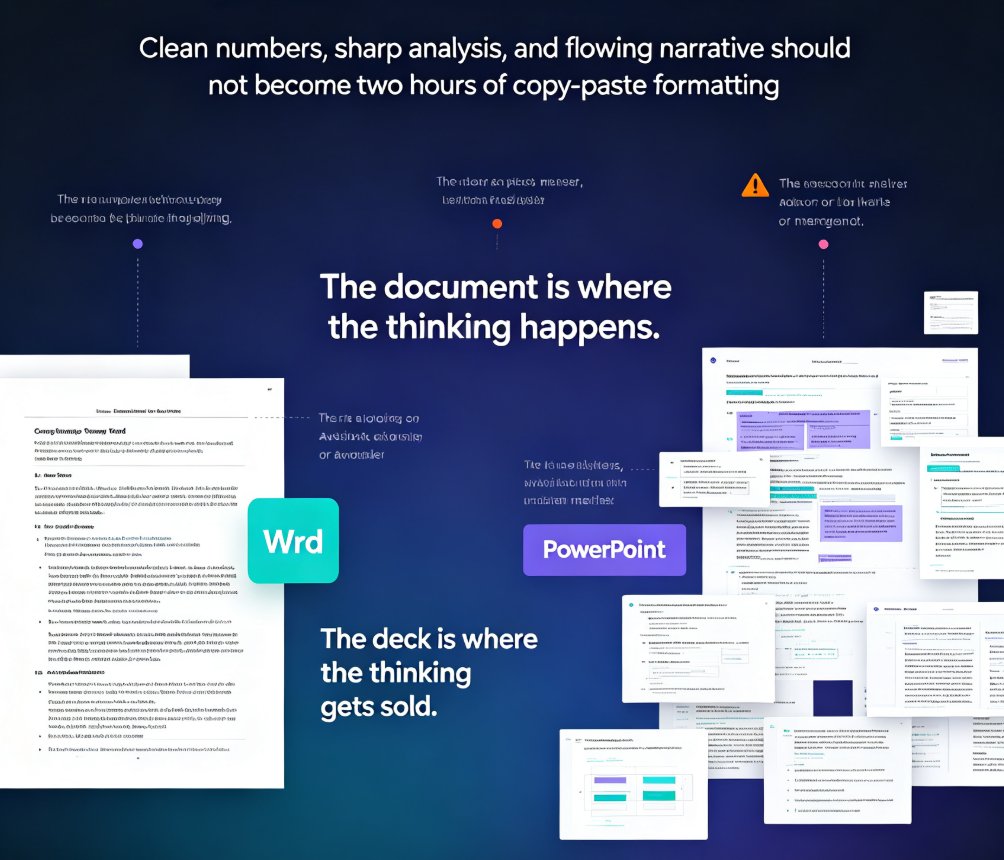
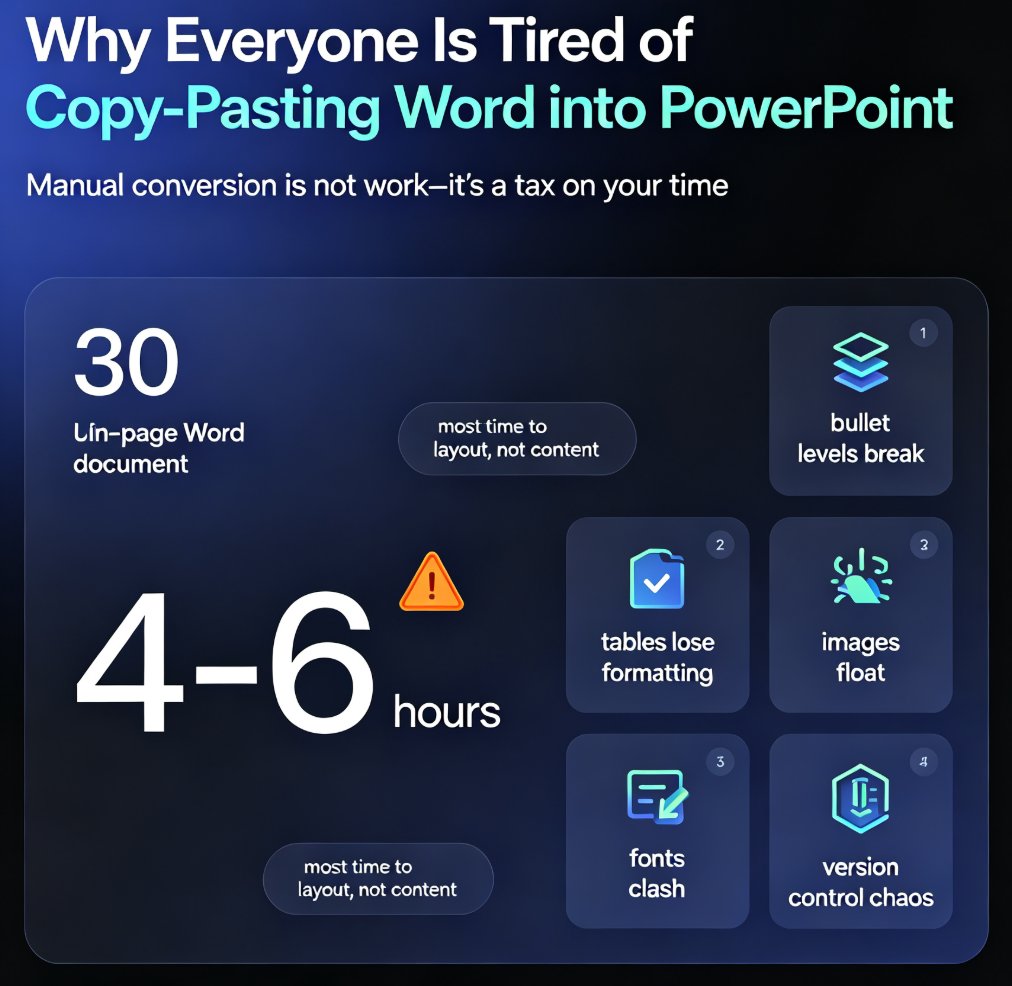
Zendeck's Word import feature turns document-to-deck automation into a one-click workflow: upload a Word outline and get a polished, on-brand presentation in seconds. Converting Word documents into PowerPoint slides is one of the biggest productivity trends of 2026, replacing the 4-6 hours teams used to spend on manual reformatting. This article breaks down the hidden costs of manual conversion, who benefits most (educators, trainers, HR, consultants), and practical tips for clean results. If you're still copy-pasting documents into slides, this guide shows the faster path — and why the deck is becoming a derived format of the document, not a separate deliverable. Learn how to turn your existing document library into presentation-ready decks without design skills.

▲