
Tags:document-to-deck workflow

3 articles

Turn Word Outlines into Polished Decks with Zendeck's AI Import

AI Courseware 2026-10-30 1518

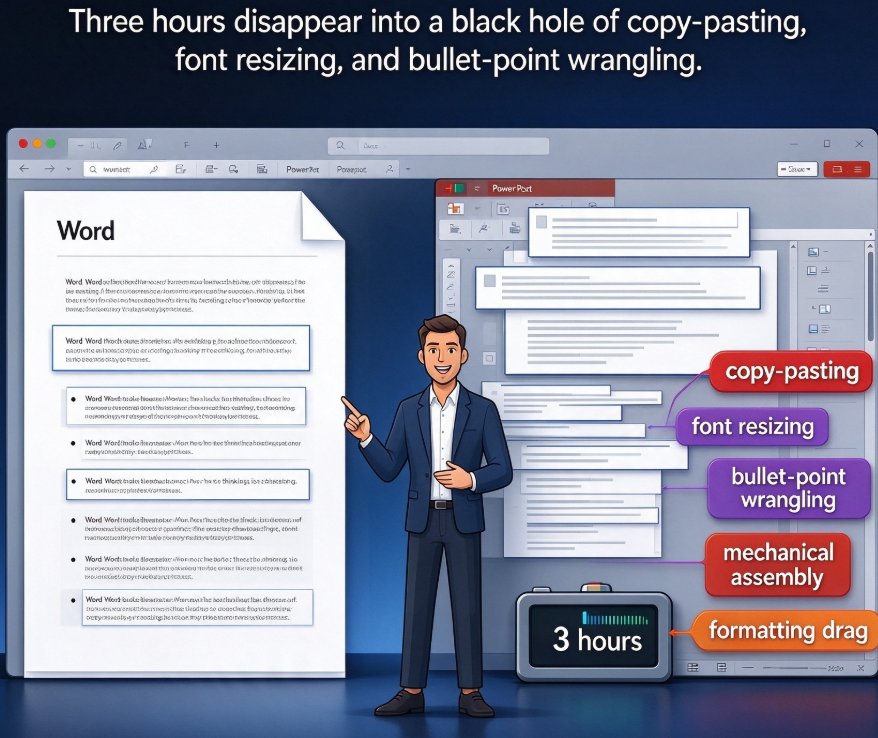
Turn Word outlines into polished presentations with Zendeck's AI import. Upload a Word, Markdown, or TXT file and the AI segments it into structured slides with consistent design — so you never touch a design tool again. Perfect for educators, trainers, and busy professionals who write content in Word but lack time for layout work. This practical guide walks through the five-step workflow: outline preparation, document import, template choice, AI generation, and final export. You'll also see a realistic comparison of manual vs. AI-driven deck building, common mistakes to avoid, and answers to frequently asked questions about Word-to-PPT conversion. Go from a rough draft to a presentation-ready deck in about 30 minutes, instead of a three-hour formatting marathon.
Word to PPT Import Ruins Formatting? AI Keeps Outline Structure Intact

Office Efficiency 2026-10-19 1514

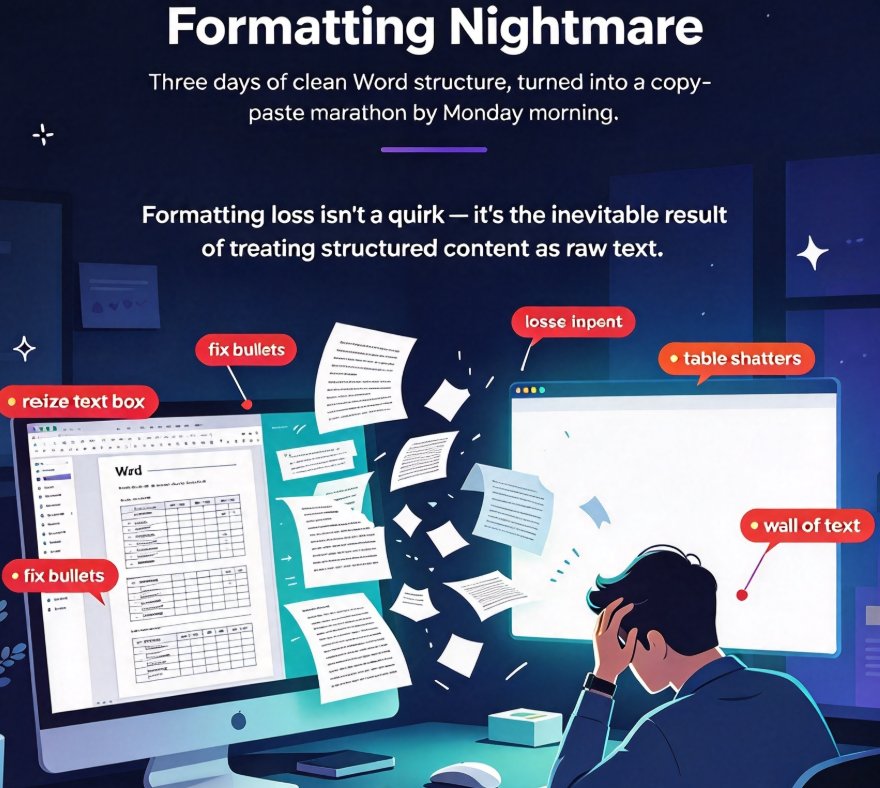
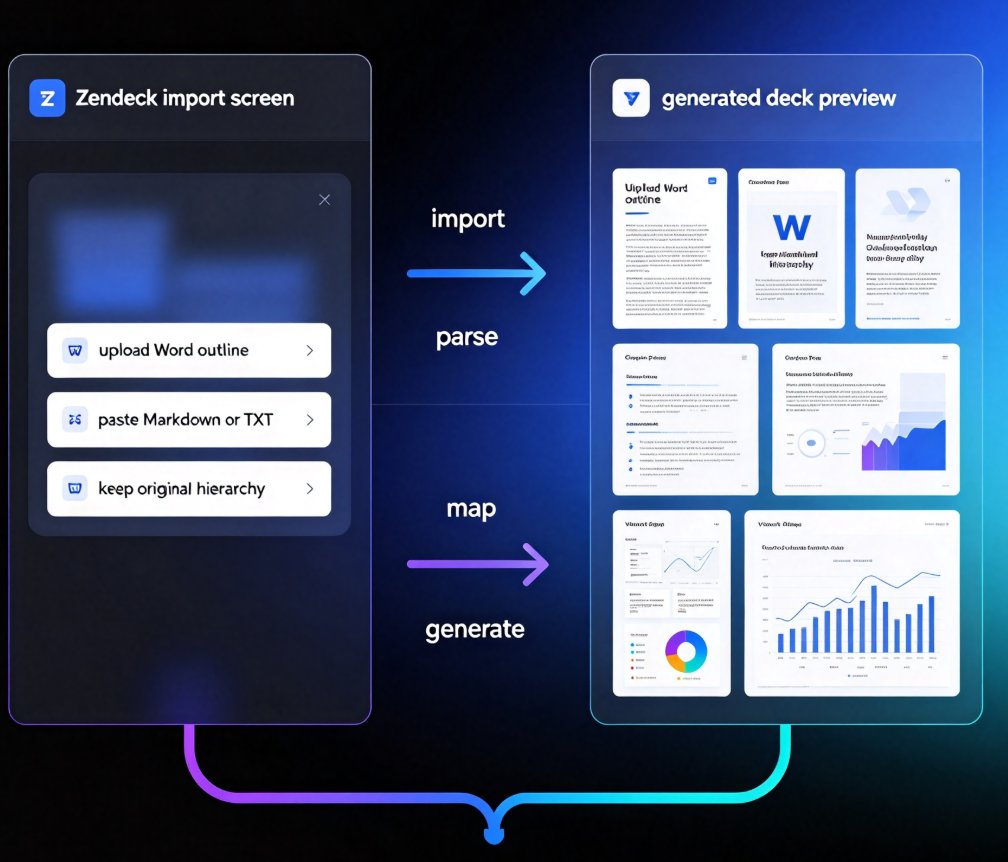
Formatting loss is the top pain point when importing Word documents into PowerPoint — most converters flatten your heading hierarchy into an unstructured wall of text that takes hours to repair. Zendeck's outline-aware AI Word-to-PPT import reads your document's heading structure and styles, so every Heading 1 becomes a slide title, tables stay tables, and bullet lists keep their nesting hierarchy. This guide breaks down exactly why formatting breaks in document-to-deck workflows, how outline-aware import fixes it at the root, and a practical 3-step workflow that turns a 40-page Word manual into a presentable deck in under 10 minutes — no manual reformatting. Written for educators, trainers, HR teams, and content operators who convert documents into decks on a regular basis, with a time comparison across manual, converter, and Zendeck workflows, plus an FAQ covering file formats, editability, and table preservation.

How to Turn a Word Outline into a Professional PPT with Zendeck

AI Courseware 2026-08-26 1629

Turn a Word outline into a professional PPT with Zendeck in minutes. This step-by-step guide walks through Zendeck's document-to-deck workflow: upload a Word file or paste Markdown, let smart layouts preserve your content structure, and generate a visually consistent presentation without touching manual slide design. You'll learn how to prepare your outline with proper heading styles, choose the right template, review and refine the generated deck, apply a one-click reskin for brand consistency, and even convert the finished deck into a narrated video for training or courseware. Whether you're an educator, trainer, consultant, or content operator, this workflow cuts the time spent reformatting documents from hours to minutes. Stop copying bullet points one by one — let Zendeck handle the layout while you focus on the message.

▲