
Tags:Zendeck smart layouts

3 articles

One-Click Re-Skin: AI Unifies Fonts, Colors & Layout in PPT

PPT Tutorial 2026-09-08 2187

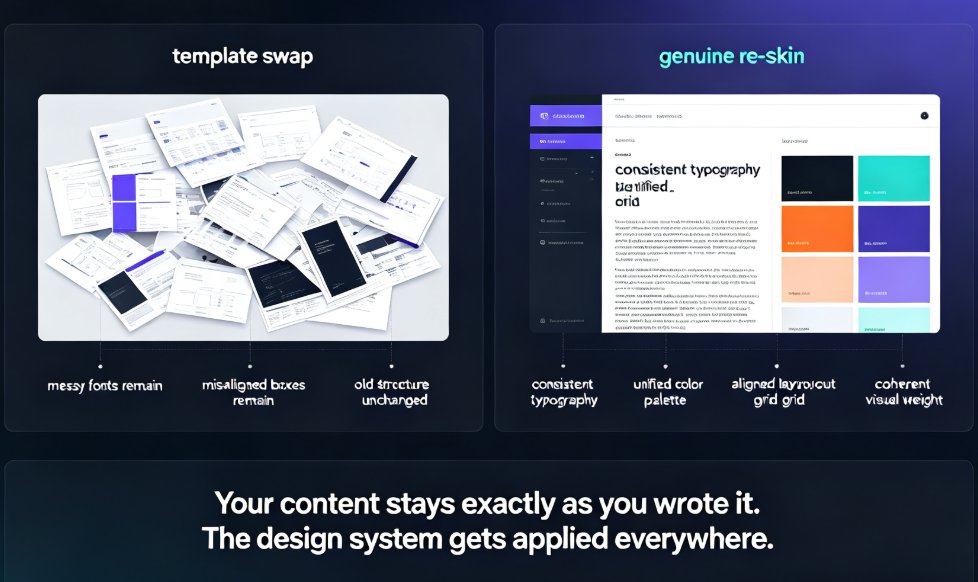
A one-click AI re-skin unifies fonts, colors, and layout across your entire PPT in 15–30 minutes instead of 6–8 hours of manual slide-by-slide editing. Zendeck's smart-layout engine diagnoses the common design sins — font chaos, clashing palettes, stretched visuals — then repairs every slide with consistent typography, a unified brand palette, and aligned grids, all while preserving your content. This guide breaks down what one-click re-skinning actually means, the three-stage diagnostic process that powers it, a workflow you can copy, and the mistakes to avoid. If you have ever spent a Thursday night re-picking hex codes across 40 slides, this is the piece that shows you there is a faster way — and why it beats both manual editing and old-school template swaps.
How to Turn a Word Outline into a Professional PPT with Zendeck

AI Courseware 2026-08-26 1629

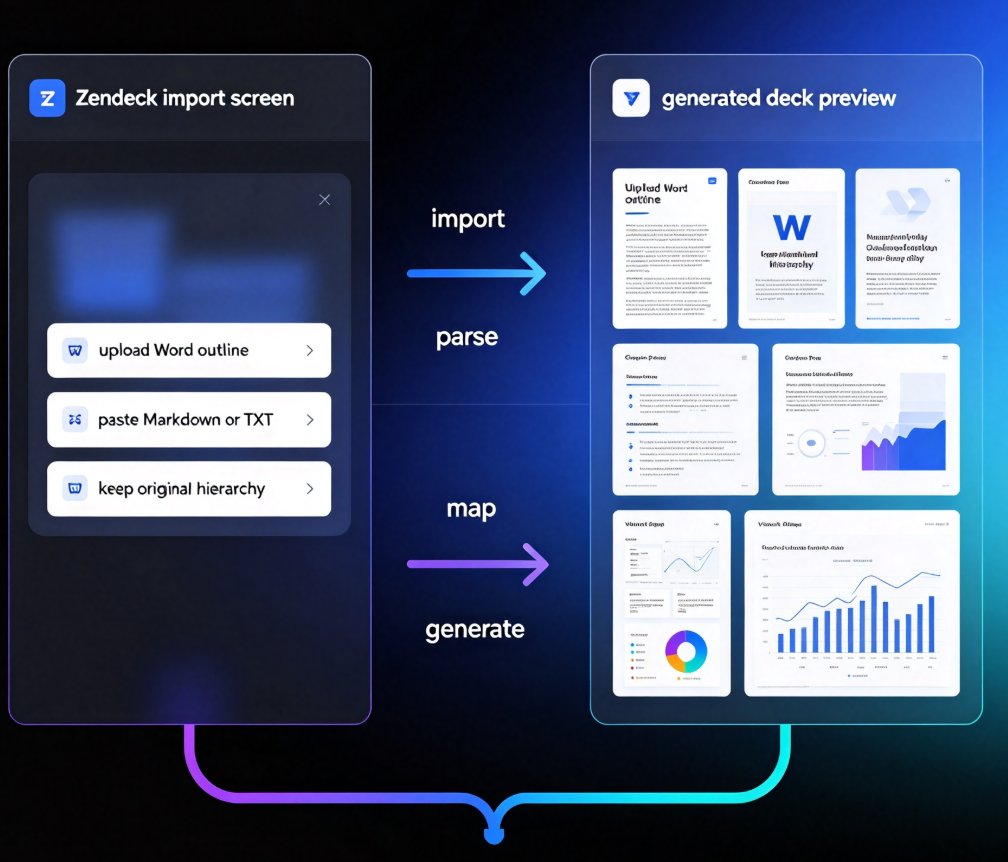
Turn a Word outline into a professional PPT with Zendeck in minutes. This step-by-step guide walks through Zendeck's document-to-deck workflow: upload a Word file or paste Markdown, let smart layouts preserve your content structure, and generate a visually consistent presentation without touching manual slide design. You'll learn how to prepare your outline with proper heading styles, choose the right template, review and refine the generated deck, apply a one-click reskin for brand consistency, and even convert the finished deck into a narrated video for training or courseware. Whether you're an educator, trainer, consultant, or content operator, this workflow cuts the time spent reformatting documents from hours to minutes. Stop copying bullet points one by one — let Zendeck handle the layout while you focus on the message.

Accessibility Gaps in Courseware? Zendeck Auto-Adds Alt Text for You

Courseware Design 2026-08-25 967

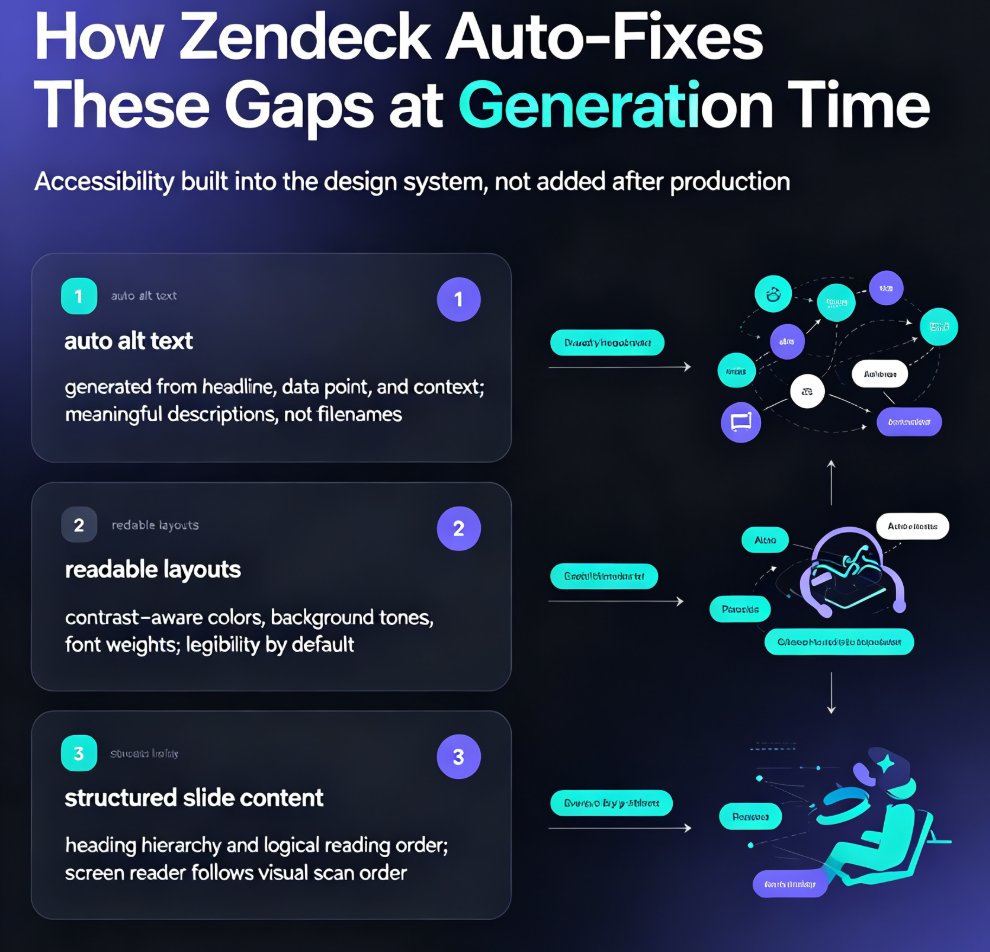
Accessible courseware doesn't have to mean weekend cleanup sessions. Zendeck auto-generates alt text, enforces readable contrast, and structures slide content so screen readers follow the logic — helping educators meet WCAG and ADA requirements without extra effort. This guide breaks down the three biggest accessibility gaps in AI-generated courseware, shows how Zendeck fixes them at generation time, and walks through a practical workflow for building accessible decks in minutes. You'll also see why accessible design improves learning outcomes for every student, not just those using assistive tech, and how to turn an accessible deck into a narrated micro-course with captions. If you're tired of fixing slides after the audit email, this is the workflow you've been missing.