
Tags:Word to PPT import

3 articles

Word to PPT Import Ruins Formatting? AI Keeps Outline Structure Intact

Office Efficiency 2026-10-19 1514

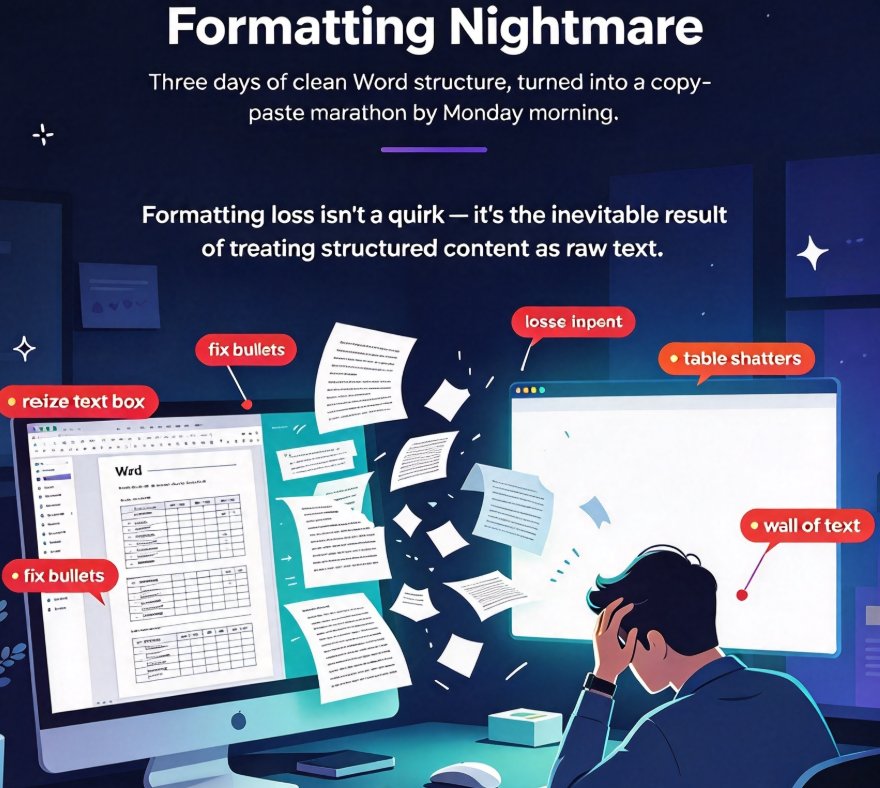
Formatting loss is the top pain point when importing Word documents into PowerPoint — most converters flatten your heading hierarchy into an unstructured wall of text that takes hours to repair. Zendeck's outline-aware AI Word-to-PPT import reads your document's heading structure and styles, so every Heading 1 becomes a slide title, tables stay tables, and bullet lists keep their nesting hierarchy. This guide breaks down exactly why formatting breaks in document-to-deck workflows, how outline-aware import fixes it at the root, and a practical 3-step workflow that turns a 40-page Word manual into a presentable deck in under 10 minutes — no manual reformatting. Written for educators, trainers, HR teams, and content operators who convert documents into decks on a regular basis, with a time comparison across manual, converter, and Zendeck workflows, plus an FAQ covering file formats, editability, and table preservation.
Word Report to Professional PPT in Minutes: The 2026 AI Workflow

Office Efficiency 2026-10-08 3441

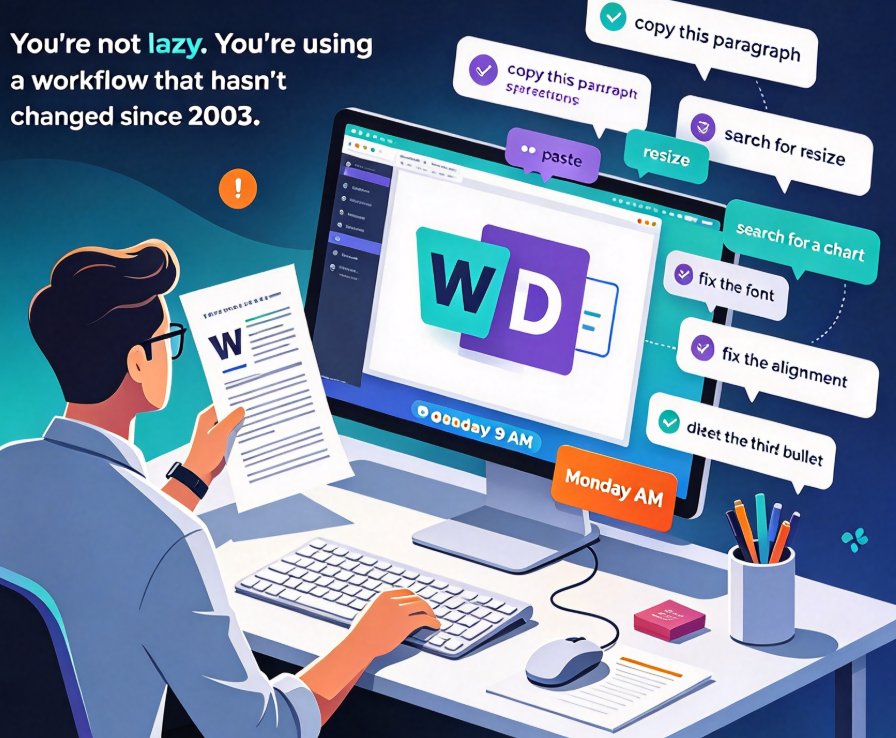
Stop copy-pasting. If you have a finished Word report, Zendeck's Word-to-PPT import turns it into a structured, design-consistent deck in minutes — no manual formatting, no re-typing. This guide walks through a four-step workflow: cleaning up heading styles, importing the file, letting AI map content to slides, and one-click reskinning for brand consistency. You'll see a realistic time comparison against manual copy-paste and generic AI tools, plus the scenarios where this pipeline saves the most hours. If you've ever lost a weekend to formatting slides, this is the workflow that gets your evenings back. Design skills optional — a clean Word outline and a coffee break are all you need.

From Word Outline to Polished PPT: Zendeck AI Workflow Guide

AI Courseware 2026-09-04 1727

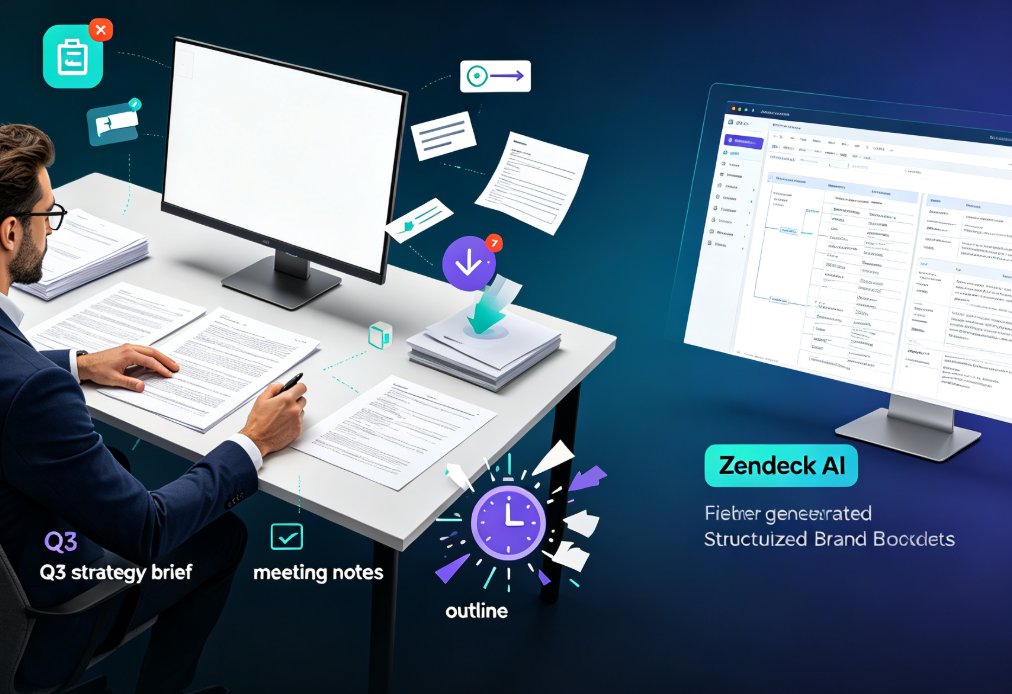
Turn Word outlines, reports, and meeting notes into polished, on-brand slide decks with Zendeck's AI Word-to-PPT import. This workflow guide shows business professionals how to convert existing documents into structured presentations in minutes — not hours. Learn the step-by-step process, the time math behind a 9x productivity gain, and the five mistakes that sabotage Word-to-PPT conversions. Whether you're turning a strategy brief into a boardroom deck or a research report into a client presentation, Zendeck's AI reads your document's structure, extracts core messages, and applies consistent branding automatically. Stop copy-pasting and start presenting. This guide covers the full pipeline: preparing your source, importing, setting parameters, generating, refining, and exporting — so you can ship presentation-ready decks before your next stand-up.

▲