
Tags:AI presentation workflow

2 articles

From PDF to Polished Deck: Zendeck OCR Document Import Workflow

PPT Tutorial 2026-08-18 809

Turn a PDF into a polished presentation in minutes with Zendeck's OCR document import workflow. Learn how Zendeck extracts text, preserves structure, and generates AI-designed slides from any document. Save hours of manual copy-paste and formatting. This guide covers the step-by-step process, behind-the-scenes OCR features, and tips for best results. Whether you're converting reports, whitepapers, or meeting notes, Zendeck transforms raw PDFs into presentation-ready decks with minimal effort. Discover why OCR is the missing link in modern presentation creation and how Zendeck makes it effortless.
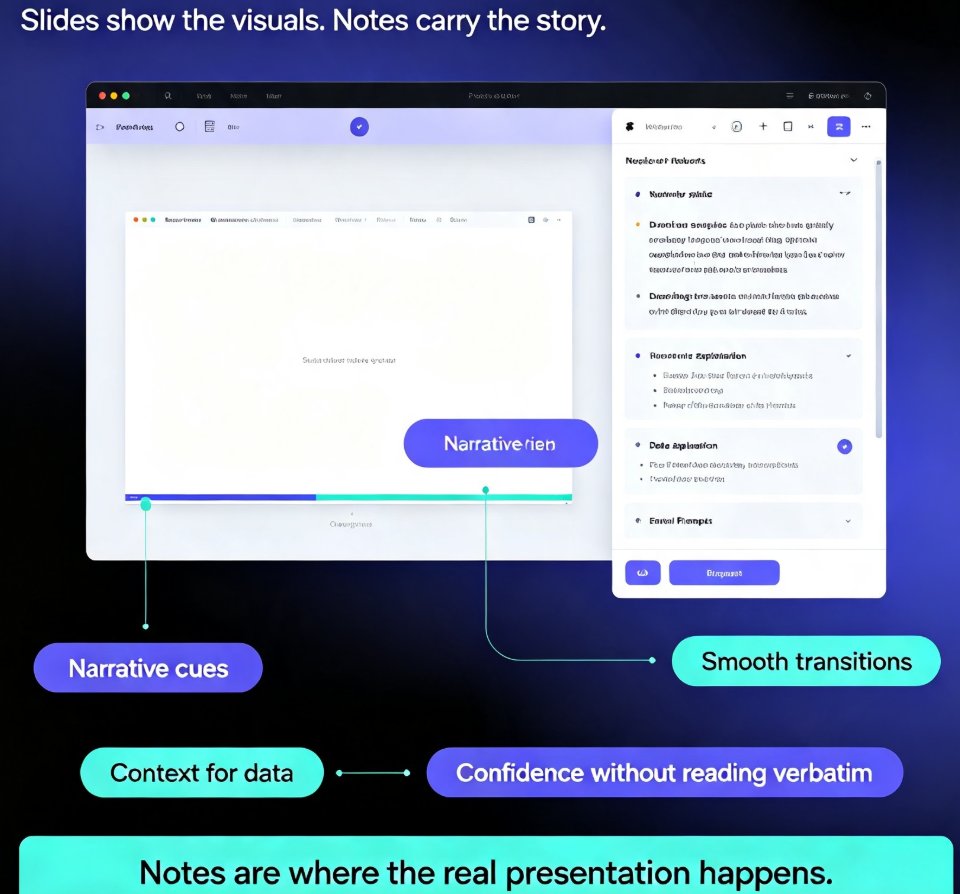
How to Auto-Generate Speaker Notes for AI Decks in Zendeck

PPT Tutorial 2026-08-11 2407

Learn how to auto-generate speaker notes for AI decks in Zendeck and cut your presentation prep time by more than 85%. This step-by-step guide shows you how to turn any slide deck into a complete presentation package — with speaker notes, talking points, and printable handouts generated automatically by AI. Stop writing notes by hand and start delivering with confidence. We cover the full workflow: building your deck, generating notes, refining them to sound like you, and exporting with notes intact. You'll also learn when auto-generated notes save the most time, how to make AI notes sound natural, and why speaker notes are the most underrated part of any deck. Perfect for educators, trainers, HR teams, and content professionals who build presentations regularly. Includes a time comparison chart, practical refinement tips, and answers to common questions about AI-generated speaker notes.