
Tags:outline to slides workflow

2 articles

Word Outline to PPT: Convert Without Redoing Formatting

Office Efficiency 2026-09-21 2753

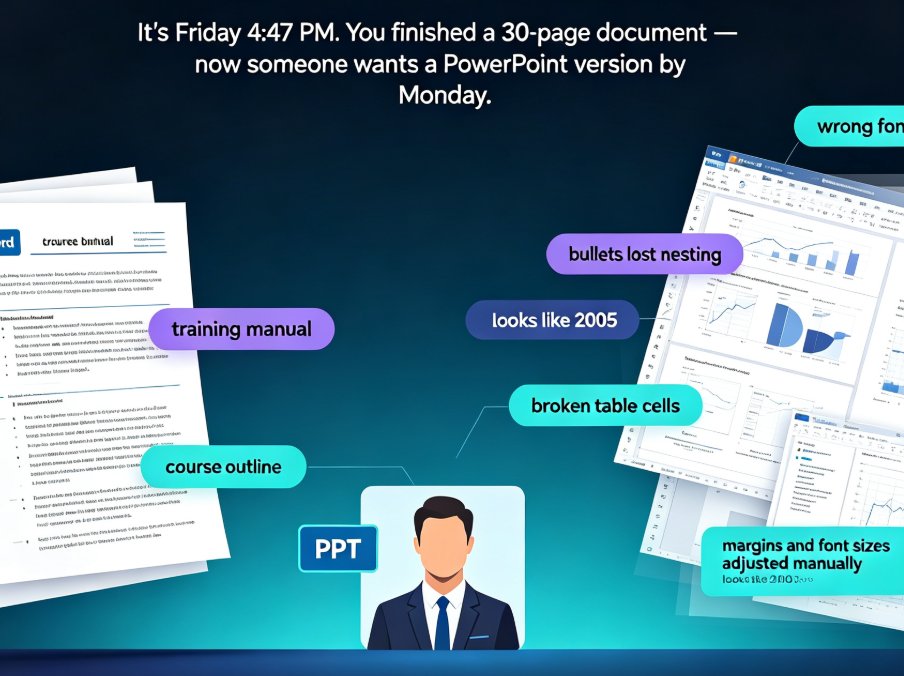
Tired of watching your Word outline lose every heading, bullet, and style the moment you import it into PowerPoint? You're not alone. Converting a Word outline to a polished PPT used to mean hours of manual rework — copying text, re-mapping headings, fixing broken bullets, and re-sizing tables. Zendeck's outline-to-PPT feature changes that. It maps your Heading 1s to slide titles, condenses paragraphs into scannable bullets, and preserves tables, images, and structure — automatically. This guide walks through the exact conversion workflow, shows you what formatting actually carries over, and breaks down the time you can reclaim on every deck. If you're an educator, trainer, or team lead who needs a clean presentation without design skills — or the hours to spare — here's how to turn your existing document into a polished deck in minutes.
Word to PPT: How Zendeck Automates Outline-to-Slides Conversion

AI Courseware 2026-08-21 2549

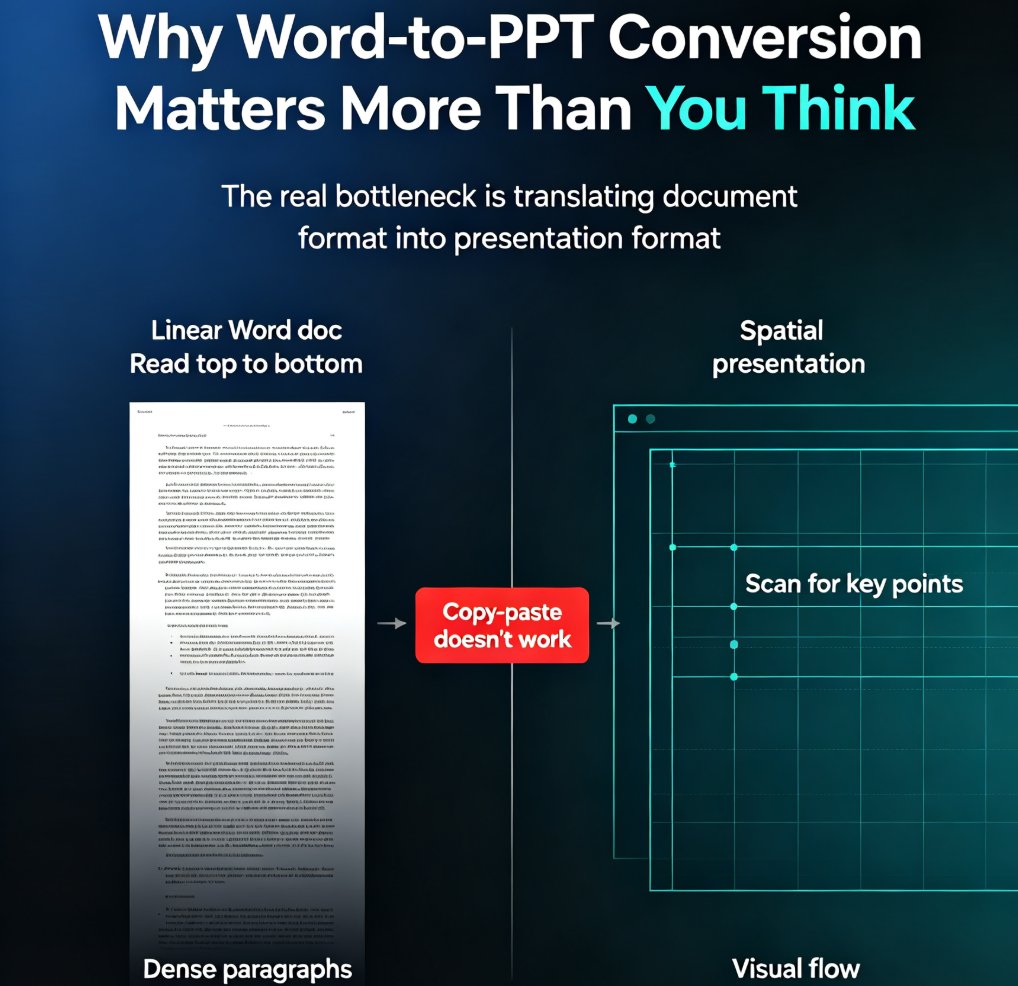
Learn how Zendeck's Word-to-PPT feature converts your outline or document into a polished presentation in minutes. Skip manual formatting, keep your structure, and let AI handle the design. This guide covers the full workflow, time savings, and best practices for educators and professionals who need slides fast. Discover how to structure your Word document for optimal AI conversion, what to expect from the generated deck, and how to refine the results. Whether you're turning a course outline into lecture slides or a business report into a client deck, this step-by-step guide shows you how to go from document to presentation without the design drudgery. Includes a time comparison chart, common mistakes to avoid, and answers to frequently asked questions about Word-to-PPT conversion.