
Word Outline to PPT: Convert Without Redoing Formatting
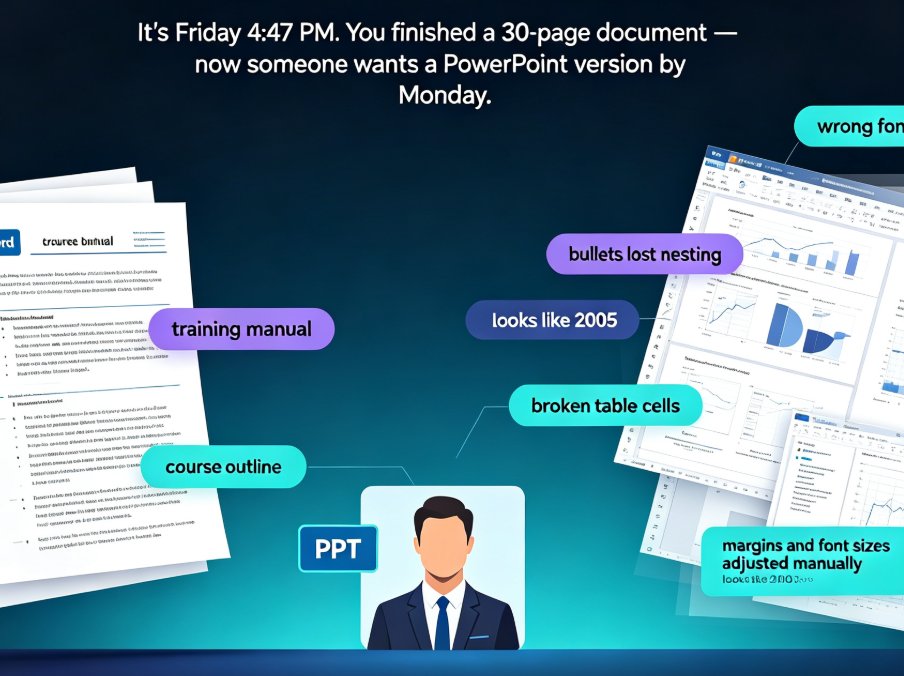
Tired of watching your Word outline lose every heading, bullet, and style the moment you import it into PowerPoint? You're not alone. Converting a Word outline to a polished PPT used to mean hours of manual rework — copying text, re-mapping headings, fixing broken bullets, and re-sizing tables. Zendeck's outline-to-PPT feature changes that. It maps your Heading 1s to slide titles, condenses paragraphs into scannable bullets, and preserves tables, images, and structure — automatically. This guide walks through the exact conversion workflow, shows you what formatting actually carries over, and breaks down the time you can reclaim on every deck. If you're an educator, trainer, or team lead who needs a clean presentation without design skills — or the hours to spare — here's how to turn your existing document into a polished deck in minutes.
![Zendeck Smart Layout: One-Click Uniform Fonts, Colors, and Alignment [2026 Guide]](../static/gallery/20260828-135649-ff666b67.jpg)