
Tags:AI presentation tool

4 articles

Thesis to Slides: Turning a Research Outline into a Defense Deck

AI Courseware 2026-09-09 3752

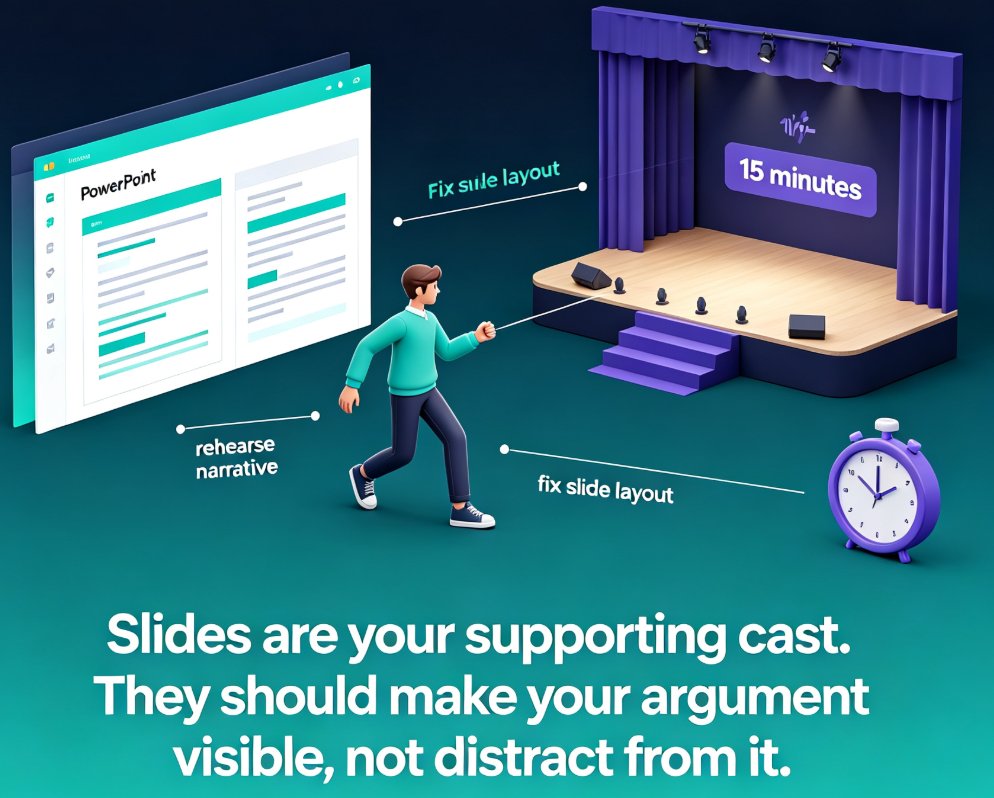
Turning a Word thesis outline into a defense-ready deck is a common pain point for graduate students. This guide walks you through a step-by-step workflow using Zendeck, an AI presentation tool that imports your outline, generates structured slides, and applies academic templates in minutes. Save hours of manual formatting and focus on rehearsing your argument. Learn how to prepare your outline, choose the right template, add visuals, and avoid common mistakes. Perfect for thesis defenses, conference talks, and research presentations.
Instant Resolution in Education: AI PPT Course Decks in Seconds

Office Efficiency 2026-09-01 1838

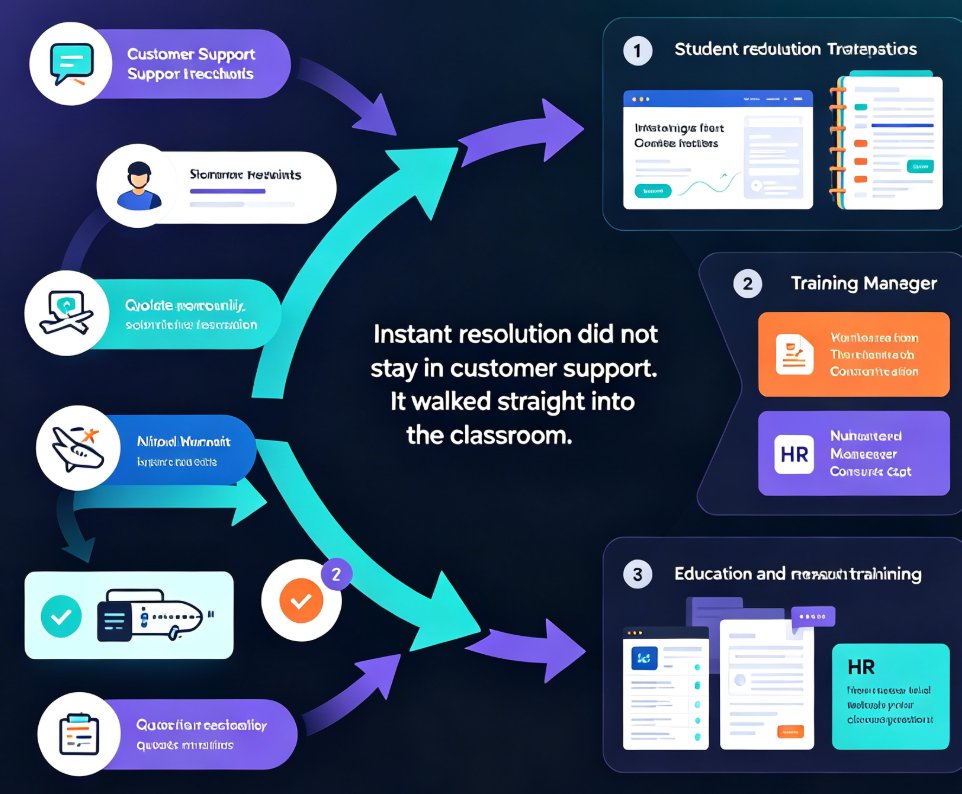
The instant-resolution trend from customer service has reached education: students and managers expect course decks on demand. Zendeck turns a rough Word outline or pasted text into a full, polished AI PPT course deck in under a minute, so educators, trainers, and HR teams stop losing evenings to manual formatting. This guide maps the pain points behind slow deck building, walks through the outline-to-deck workflow, compares manual vs. AI generation times, and shares best practices for keeping generated slides structured and on-brand. Learn how instant deck generation frees up prep time for what actually matters: rehearsing, teaching, and engaging your audience. Read on to see how AI course deck tools are replacing the template-grinding ritual, and why speed without structure fails — context-aware design makes the difference.

One-Click Design Consistency: How Zendeck's Smart Layout Unifies Decks

Presentation Skills 2026-08-19 1201

Struggling with decks that look like three different teams built them? Zendeck's smart layout unifies fonts, colors, and alignment in one click, turning messy presentations into polished, professional decks. This guide explains how one-click design consistency saves hours of manual fixing, protects your brand's credibility, and makes every slide look like a single designer created it — even when five people touched the content. You'll get a practical walkthrough of the smart layout feature, an honest comparison of manual vs. automated design fixes, and the common mistakes to avoid so your decks stay clean. Whether you're an educator, trainer, HR manager, or content operator, Zendeck's smart layout removes the design skill barrier and delivers consistent, on-brand presentations every time. If you've ever wasted an afternoon aligning boxes and matching hex codes, this is the workflow upgrade you've been waiting for.

How to Set Up and Use Brand Kits in Zendeck for Consistent Presentations

Courseware Design 2026-08-06 3871

Learn how to set up and use brand kits in Zendeck to ensure every AI-generated presentation aligns with your corporate identity. This step-by-step guide covers defining colors, fonts, and logos, applying them automatically, and saving hours of manual formatting. Perfect for marketing, HR, and training teams who need consistent, on-brand slides across all their decks. Stop fighting with slide masters and let Zendeck handle your brand consistency from day one.