
Tags:brand kit

5 articles

How to Use Zendeck's AI to Automatically Rebrand Your Entire Deck

AI Courseware 2026-08-28 696

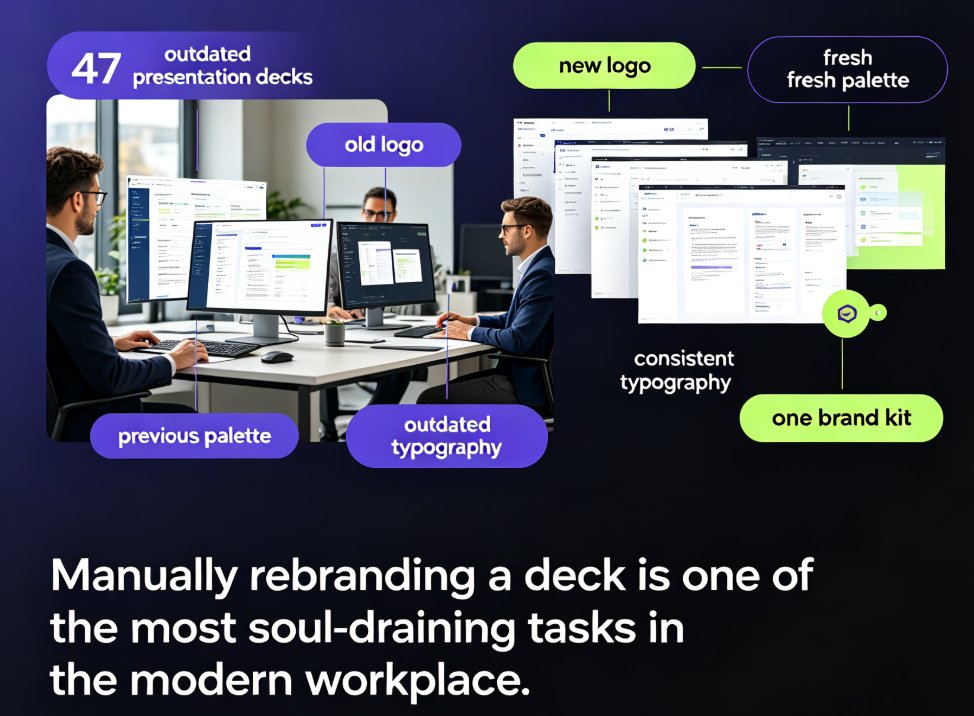
Zendeck's one-click reskin lets you automatically rebrand an entire presentation — applying brand colors, fonts, and layouts across every slide in seconds. This guide explains what reskinning actually does, why manual rebranding is a productivity trap, and a step-by-step workflow to convert a legacy deck into an on-brand, professional presentation in under five minutes. We break down who benefits most (corporate teams, educators, agencies, startups), include real time-saving data showing an 80% reduction in manual work, and highlight common mistakes to avoid. You'll also learn how to combine reskin with a custom brand kit for long-term brand governance. If you're refreshing outdated decks or aligning with new brand guidelines after a company rebrand, Zendeck's one-click reskin is the fastest path from outdated to on-brand.

Zendeck One-Click Reskin: Fix Inconsistent Branding in Decks

Presentation Skills 2026-08-18 2730

Inconsistent branding across decks erodes trust and wastes hours. Zendeck's one-click reskin automatically unifies fonts, colors, and layout across your entire presentation in seconds. Learn how to fix off-brand slides, apply your brand kit instantly, and keep every deck on-message. This guide covers the reskin workflow, common mistakes, and why AI-driven brand governance is the new baseline for teams. Stop manual fixing and start presenting with confidence.

How to Create a Branded Onboarding Deck in 5 Steps with Zendeck

PPT Tutorial 2026-08-12 2313

Creating a branded onboarding deck used to take days. With Zendeck, you can assemble a polished, on-brand presentation in under 30 minutes. This step-by-step guide walks you through 5 steps: setting up your brand kit, choosing a template, adding assets, customizing with AI, and collaborating with your team. Learn how Zendeck's brand kits, template library, and asset library ensure consistency across every slide. Whether you're an HR professional or a team lead, this tutorial shows you how to turn a chaotic manual process into a streamlined workflow. Save time, maintain brand standards, and impress new hires from day one. Start with Zendeck today.

How to Set Up and Use Brand Kits in Zendeck for Consistent Presentations

Courseware Design 2026-08-06 3871

Learn how to set up and use brand kits in Zendeck to ensure every AI-generated presentation aligns with your corporate identity. This step-by-step guide covers defining colors, fonts, and logos, applying them automatically, and saving hours of manual formatting. Perfect for marketing, HR, and training teams who need consistent, on-brand slides across all their decks. Stop fighting with slide masters and let Zendeck handle your brand consistency from day one.