Tags:AI presentation

12 articles

How to Turn a Blog Post into a Slide Deck with Zendeck's AI

Presentation Skills 2026-08-12 1927

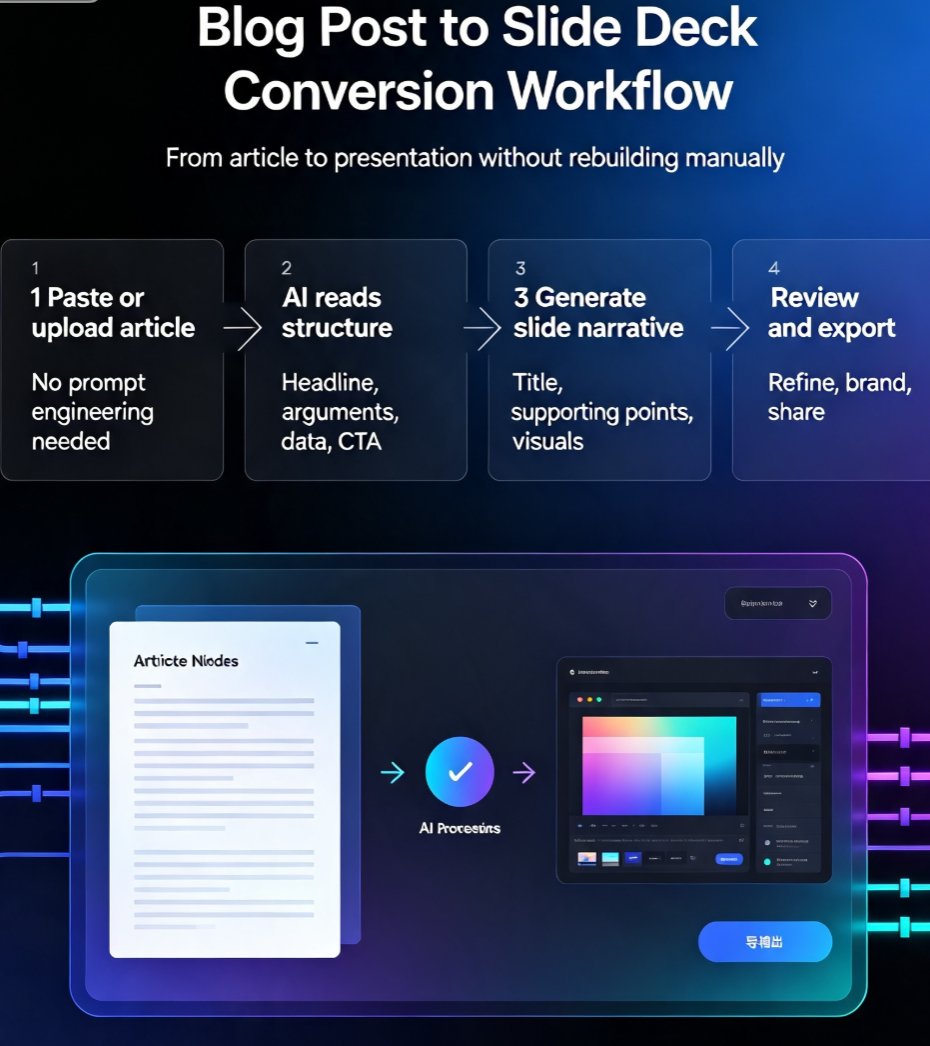
Turning a blog post into a slide deck doesn't have to be a manual slog. Zendeck's AI converts your article into a polished, on-brand presentation in minutes. This guide walks you through the exact workflow, compares Zendeck with other AI presentation tools, and shares practical tips for repurposing content effectively. Whether you're a marketer, educator, or consultant, you'll learn how to transform written content into engaging slides without design skills. Stop copy-pasting and start converting—discover how Zendeck turns your blog posts into decks that impress audiences and save hours of work.

How to Create a Branded Onboarding Deck in 5 Steps with Zendeck

PPT Tutorial 2026-08-12 2313

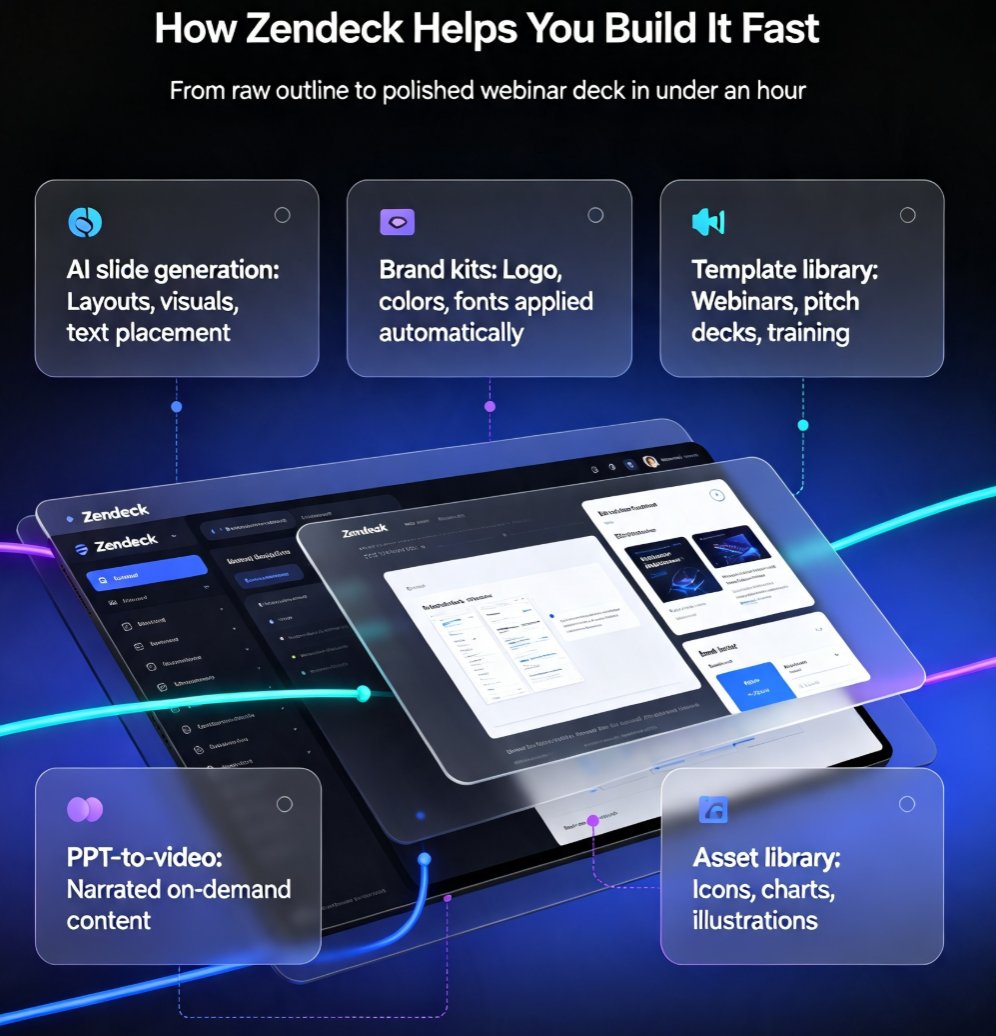
Creating a branded onboarding deck used to take days. With Zendeck, you can assemble a polished, on-brand presentation in under 30 minutes. This step-by-step guide walks you through 5 steps: setting up your brand kit, choosing a template, adding assets, customizing with AI, and collaborating with your team. Learn how Zendeck's brand kits, template library, and asset library ensure consistency across every slide. Whether you're an HR professional or a team lead, this tutorial shows you how to turn a chaotic manual process into a streamlined workflow. Save time, maintain brand standards, and impress new hires from day one. Start with Zendeck today.

How to Create a Webinar Deck with Zendeck's AI and Export to Video

PPT to Video 2026-08-12 1979

Learn how to create a professional webinar deck with Zendeck's AI and export it to video in minutes. Discover the workflow from outline to narrated video, with tips on design, branding, and audience engagement. Zendeck's PPT-to-video feature turns your slides into a polished webinar replay, saving hours of manual work. Perfect for educators, marketers, and trainers.

Does Zendeck Work Offline? Connectivity and Cloud Sync FAQ

Office Efficiency 2026-08-12 3257

Does Zendeck work offline? Zendeck is a cloud-based AI presentation platform, so most features require an internet connection. While you can't generate AI slides or collaborate in real time without connectivity, you can prepare content offline and sync later. This FAQ explains what works offline, how cloud sync protects your work, and best practices for flights, remote areas, and unstable networks. Learn how to keep your deck workflow smooth even when the Wi-Fi drops, and discover workarounds for Zendeck's connectivity requirements.

Markdown to Slides: Create Developer-Ready Decks with Zendeck AI

AI Courseware 2026-08-11 2672

Learn how to turn Markdown into polished, developer-ready slides with Zendeck AI. This guide covers the markdown-to-slides workflow, best practices, and how Zendeck's AI-powered import turns your .md files into structured, on-brand presentations in minutes. Perfect for developers, technical writers, and teams who live in plain text. We'll compare Zendeck with other tools, show you how to automate recurring decks, and share tips for keeping your slides consistent with your brand. By the end, you'll have a repeatable process for generating decks from Markdown that look like a designer made them—without leaving your terminal.