Instant Resolution in Education: AI PPT Course Decks in Seconds
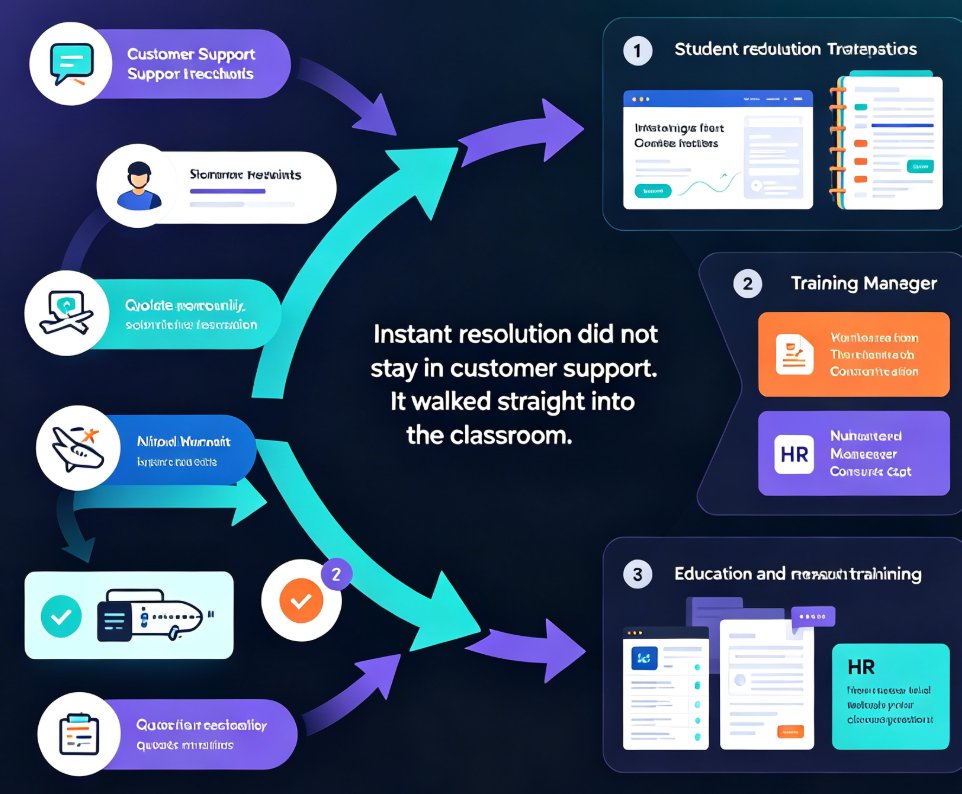
We've all seen the shift. You fire off a customer service question and get an answer in seconds. Book a flight, confirm a reservation, get a quote — all instant. That "instant resolution" expectation didn't stay in customer support. It walked straight into the classroom.
Here's the reality most educators are living: students expect slides before the session ends. Your training manager wants a course deck by noon. HR needs a compliance module for a deadline that's basically tomorrow. And you're sitting there with a rough Word outline and a sinking feeling.
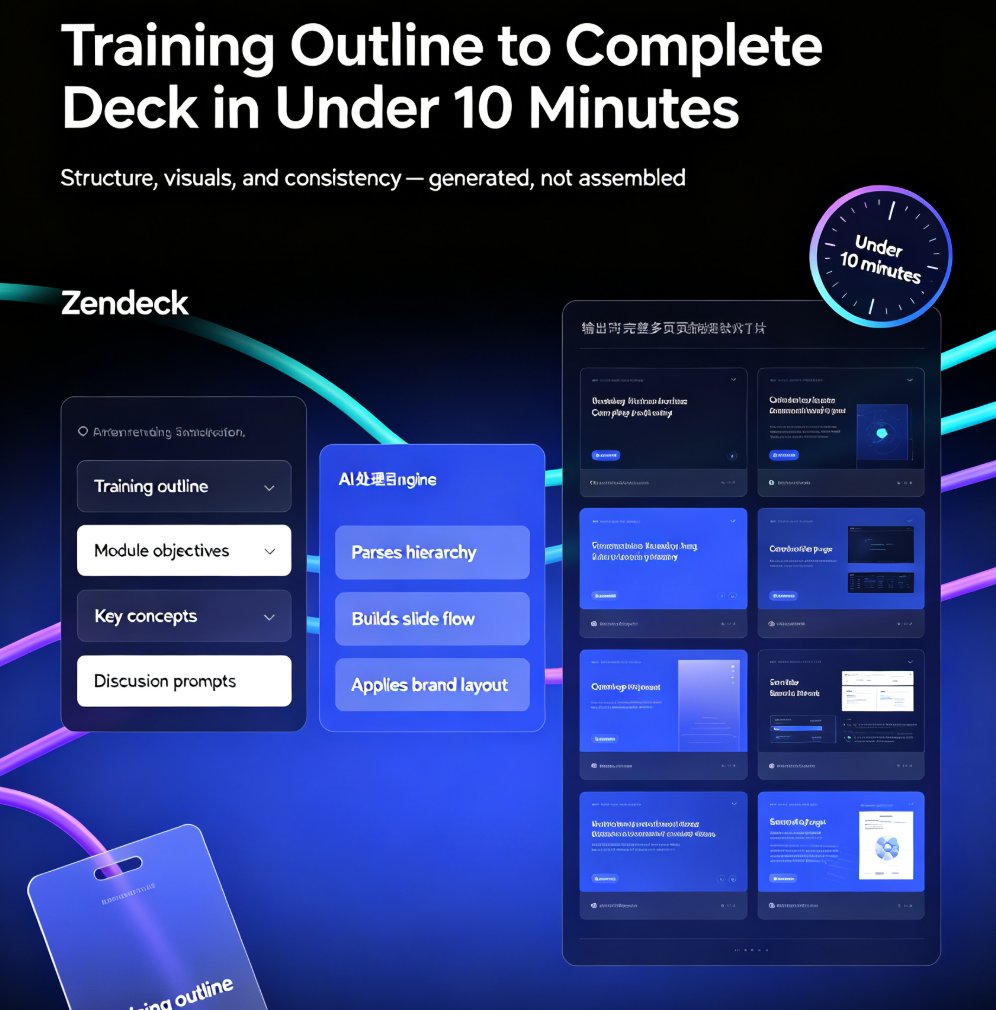
The same instant-resolution logic that powers CX now applies to course creation: a rough outline should become a full, polished deck in under a minute. That's not hype — it's what AI presentation tools like Zendeck do right now.
01 | The instant-resolution mindset has reached the classroom
For years, building a course deck followed an exhausting ritual: open PowerPoint, create a title slide, add fourteen more, wrestle with bullet points, hunt for icons, re-align images because one is three pixels off. Three hours later you have something that sort of works — and your prep time for the actual lesson is gone. Reusing an old deck saves time but goes stale: data changes, examples age, policies get updated. So you're back to square one, every time.
Now think about how customer support guarantees instant answers. A good chatbot doesn't make you wait; it parses the question, pulls the relevant answer, and presents it in seconds. AI presentation tools apply the same principle to slides. You paste a topic or upload a Word outline; the AI parses the structure, builds a narrative, applies a consistent design, and hands you a finished first draft. Done.
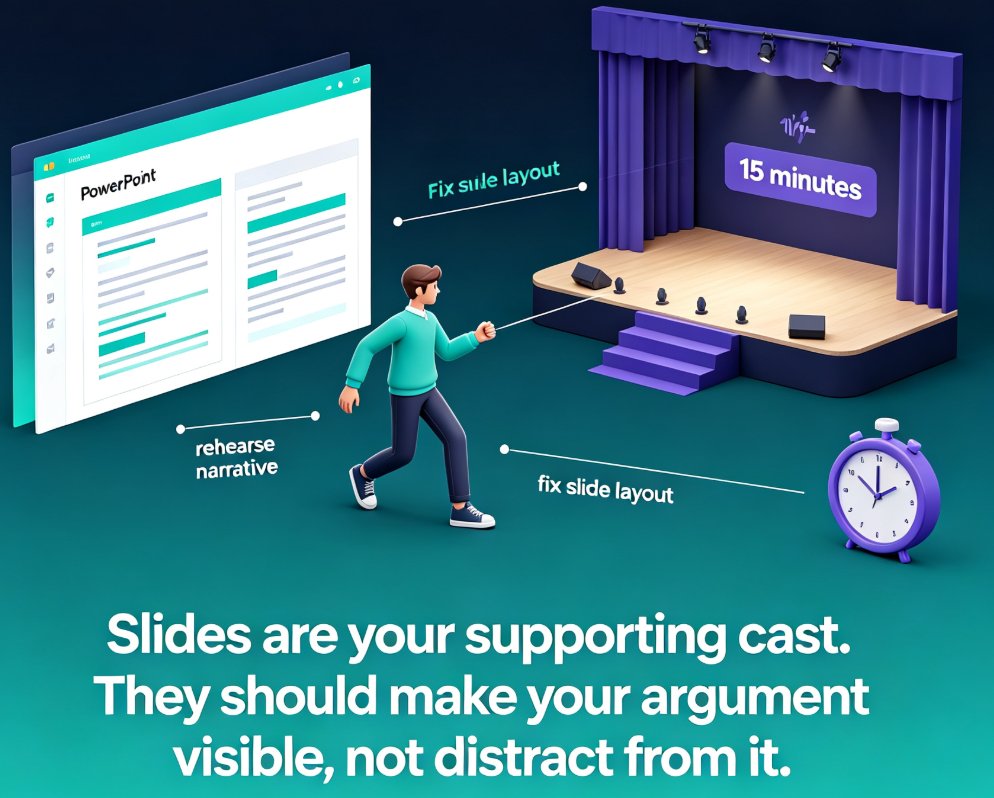
The numbers behind this are not subtle. An educator who builds three decks a week manually is spending a chunk of their working life on layout, not teaching. Cut that to under a minute per deck and the time returns to what actually matters: understanding the material, rehearsing the delivery, answering student questions.
Educators who adopt AI deck generation routinely cut lesson prep from hours to minutes — and use the reclaimed time to actually rehearse their delivery.
02 | Why speed matters more than you think
Let's be honest about attention. Students today are trained on instant answers — short-form video, one-tap ordering, chatbots that reply in milliseconds. A deck that takes you three hours to build isn't impressive to them; it's just a delay. What they notice is whether the content is ready when they need it.
The same pressure hits trainers and HR teams. Picture this: a client calls on Wednesday and needs a workshop deck by Friday. Manual build means two late nights. With AI generation, you spend Wednesday afternoon on the outline, let the tool produce the deck in minutes, and Thursday morning is reserved for edits and a clear-headed run-through. You walk into the workshop rested, not running on coffee and resentment.
Speed is not a luxury metric in education anymore — it's part of the service you deliver. When materials arrive instantly, you build trust with your audience before you've even started speaking.
And there's a quieter benefit: confidence. The teacher who knows they can produce a solid deck on demand stops dreading prep. The fear of "I don't have time to make this good" disappears, and with it, the urge to reuse outdated material just because it's already formatted.
03 | From rough outline to full course deck: the workflow
Here's what an instant-resolution workflow actually looks like with Zendeck:
- Drop in what you have. Paste raw text, a Markdown outline, or upload a Word document. Zendeck reads the structure — headings, bullet levels, sections — and understands the logic of your content. No manual formatting, no copy-paste into dozens of text boxes.
- Let AI structure the narrative. The engine turns headings into slide titles, bullets into concise talking points, and long passages into digestible segments. This is where most of the thinking happens automatically: what goes on which slide, what sequence tells the story best, where a visual carries more weight than text.
- Pick a template or let AI choose. Zendeck matches your content with a suitable template, keeping colors, fonts, and spacing consistent across every slide.
- Edit what matters. Tweak wording, swap an example, reorder a section. The design holds while you adjust the content — you're no longer fighting layout, you're improving substance.
- Share or export. Download as PPT or share a link for collaboration in seconds.
The whole loop — from rough outline to review-ready deck — lands in under a minute. If you're importing from Word or Google Docs, the integration flow removes even more friction: no copy-paste gymnastics, no lost formatting, no fighting with heading styles that arrive as random fonts.
04 | Speed without structure fails — design has to follow content
Here's the catch with "fast" tools: if they just dump text onto slides, you've saved time but produced something soulless. That's why context-aware design matters. Zendeck doesn't blindly apply a template — it analyzes your content and picks layouts that match the type of information: a comparison becomes a table, a sequence becomes a timeline, a quote becomes a highlight.
This connects to a bigger 2026 trend: AI deck tools are moving beyond templates into context-aware design. The result is a deck that looks like a human designed it with intent, not a machine that auto-filled a theme.
A fast deck only helps you if the audience can actually follow it. Structure beats decoration every time — and AI handles the structure so you can focus on the story.
The moment this clicked for me was watching a colleague generate a compliance deck. The tool turned her policy bullet list into a proper flow: definition, scenario, consequence, checklist. Nothing fancy, but the logic was right, and she spent her ten minutes of editing on wording instead of rearranging text boxes. That's the difference between a shortcut and a system.
05 | Who benefits: it's not just teachers
If you think instant deck generation is only for K-12 teachers, think again. The same workflow serves trainers, HR professionals, and content operators — anyone who has to turn information into a structured, presentable format on a deadline. The scenario changes, the pain is identical.
| Scenario | Manual build | AI-generated with Zendeck |
|---|---|---|
| Teacher building a lesson deck | 3–6 hours, evenings lost | Under 1 minute, then light edits |
| Trainer prepping a client workshop | 1–2 days of fiddling | First draft in minutes |
| HR rolling out a compliance module | Rush job, generic template | Consistent, on-brand deck fast |
| Content operator repurposing material | Rebuild slides by hand | Outline to deck in seconds |
The chart below shows the typical time difference across those scenarios in minutes.
06 | Make it feel human: voiceover, subtitles, and small edits
Instant generation shouldn't mean robotic output. The best workflows treat AI as the first draft, then add the human layer. With Zendeck, that's built in: add narration to slides, turn a deck into a narrated micro-course, or auto-generate subtitles for learners who prefer watching over reading.
If your learners are scattered across time zones, an AI-generated narrated deck means they can absorb the material on their own schedule. That's instant resolution for your audience, not just for you.
07 | Best practices for instant deck generation
A few hard-won lessons from people who actually do this daily:
- Feed AI good structure, not a wall of text. Headings, short bullets, and clear sections produce dramatically better slides than one giant paragraph. If your outline is messy, spend two minutes tidying it before pasting.
- Review the outline before editing the design. If the narrative is wrong, no template will save it. Check the slide sequence first — that's where the real quality lives.
- Keep your edits short. Swap a word, change an example, move a section. Don't hand-redesign slides the AI already laid out well.
- Reuse what works. Save your on-brand templates so the next deck starts even closer to done. Consistency across decks builds recognition, and it's zero extra effort.
One last thing, just as a friend: don't fall into the trap of polishing a generated deck for two more hours. The point of instant generation is to reclaim prep time — so cap your edits, rehearse your delivery, and go teach. That's the actual win.
FAQ
How fast can Zendeck turn an outline into a course deck? Zendeck can generate a complete, review-ready deck from a rough Word outline, Markdown, or pasted text in under a minute. The AI structures the narrative, applies consistent design, and produces slides you can edit immediately, so "I need a presentation right now" stops being a crisis.
Do AI-generated decks look generic? Not with context-aware design. Zendeck analyzes your content type — comparisons, timelines, quotes, data — and matches layouts that suit the information. Combined with your brand kit or a curated template choice, the result looks intentionally designed, not auto-filled.
Can I edit a deck after Zendeck generates it? Yes. Editing is a first-class feature, not an afterthought. The design stays consistent while you tweak wording, reorder sections, or replace examples. You can also use one-click reskin to unify fonts and colors if you decide to switch the template later.
Can an AI-generated deck become a video or micro-course? Absolutely. Zendeck's PPT-to-video feature lets you add narration and auto-generate subtitles, turning a static deck into a narrated micro-course learners can watch on demand. That is instant resolution for your audience, not just for you.
Is there a learning curve for educators who aren't tech-savvy? Minimal. If you can paste text into a box, you can generate a deck. Import from Word or Google Docs, let AI structure it, pick a template, and you are done. Educators who have never touched an AI tool typically produce their first usable deck within minutes.