Unify Fonts and Colors in One Click: Zendeck Smart Layout Guide
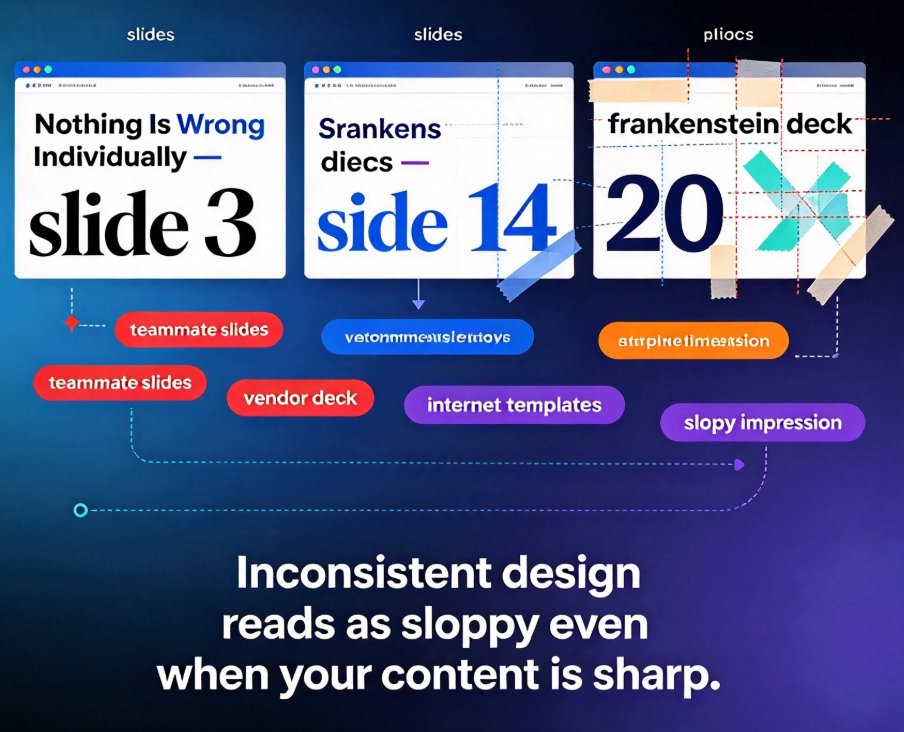
Does your deck look like three different people made it? Design inconsistency is subtle but deadly — slide 3 uses one font, slide 14 has a different blue, and slide 20's bullets are a completely different size. Zendeck Smart Layout fixes all of it in one click. This step-by-step tutorial explains how Zendeck unifies fonts, colors, and layouts across every slide in seconds, using its one-click reskin feature. You'll see the exact workflow, learn what happens under the hood, and compare it against manual PowerPoint formatting to understand the real time savings. Ideal for educators, HR teams, and anyone without design skills who needs a professional, consistent deck fast. We'll also cover how to pair Smart Layout with Zendeck's brand kit and template library for repeatable consistency, plus a comparison table showing how Zendeck beats manual formatting and generic AI tools on speed and accuracy.